7 Travel Visa Documents Travelers Forget Most Often
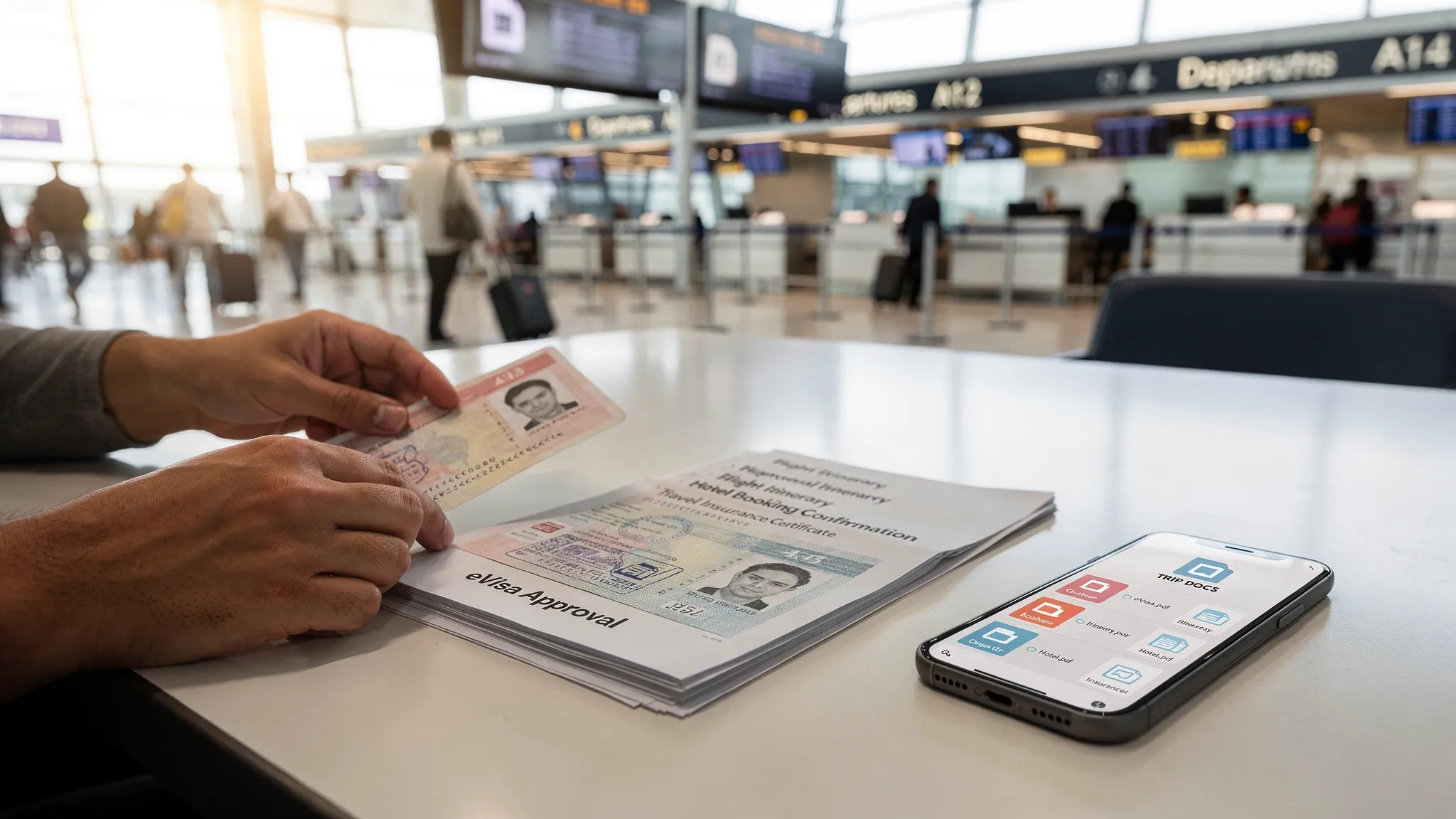
Airports and border checkpoints are designed for speed. The problem is that visa and entry rules are not. A traveler can have a valid passport and even an approved electronic visa (eVisa), yet still get delayed, denied boarding, or refused entry because a supporting document is missing or can’t be produced on demand.
This checklist focuses on the travel visa documents travelers forget most often, plus practical ways to carry them so you can prove eligibility quickly (even when Wi‑Fi is down).
Requirements vary by nationality, destination, and trip purpose. Always confirm the latest rules using official government sources, or a trusted requirements tool, before departure.
Why “forgotten documents” cause real travel disruptions
Airlines are responsible for verifying that passengers meet entry requirements before boarding. If documentation is incomplete, they may refuse boarding to avoid fines and return-transport costs. Border officers can also ask for supporting evidence even if your eVisa or authorization is approved.
A good rule of thumb: If a document helped you qualify for the visa or entry permission, be prepared to show it again while traveling.
1) Your eVisa or travel authorization approval (and an offline backup)
This is the most common failure point with modern digital travel.
Travelers often assume an eVisa, ETA, ESTA, or other digital authorization is “in the system,” so they don’t save the approval notice. In reality, you may be asked for:
- An approval PDF
- A confirmation email
- An application reference number
- A QR code or barcode (where applicable)
What to do:
Save an offline copy on your phone (files app, not just email), and bring a printed copy when advised. If you’re unsure whether printing matters for your destination, see Do you need to print an electronic visa?.
2) The exact passport tied to the application (and sometimes the old passport)
Many electronic visas and authorizations are linked to your passport number. Problems happen when:
- You travel with a different passport than the one used in the application (common for dual citizens).
- You renewed your passport after approval, but your authorization is still tied to the old one.
- Your destination expects you to carry the old passport that contains prior visas or evidence of status.
What to do:
Before you leave, confirm which passport number is associated with your eVisa or authorization. If you changed passports, review your destination’s rules and consider guidance like How to Transfer Your Electronic Visa to a New Passport.
3) Proof of onward or return travel
Even with a valid visa, many destinations expect travelers to show they will leave within the permitted stay. Border officers and airlines may ask for:
- A return flight booking
- An onward ticket to a third country
- A cruise or rail itinerary showing departure
This often surprises travelers on one-way tickets, long-term trips, or open-ended itineraries.
What to do:
Carry a PDF of your itinerary (not just an app confirmation). If your plans change frequently, keep at least one bookable, verifiable proof of onward travel that matches your allowed stay.
4) Proof of accommodation (or a host invitation with contact details)
A frequent question at immigration is: “Where are you staying?” If you can’t answer clearly, it can trigger extra screening.
What typically works:
- Hotel booking confirmation
- Rental reservation with address
- A host invitation letter (where applicable)
- A written address and local contact number
What to do:
Save a single-page document containing the first night’s address, plus any host details. For some authorizations (such as the UK ETA process), supporting documentation expectations can still vary by traveler profile and border officer discretion. For a deeper document view, see What Documents Do You Need for a UK ETA?.
5) Proof of funds (and, for some trips, proof of ties)
“Do you have enough money for your stay?” is a common border question, particularly when:
- Your trip is long
- You have limited accommodation bookings
- Your travel purpose is ambiguous
Examples of acceptable proof (varies by country):
- Recent bank statements
- Payslips or employment letter
- Credit card(s) and reasonable access to funds
- Sponsor letter (if someone else pays)
What to do:
Bring a digital PDF of a recent statement and store it securely. Make sure names match your passport and visa application details.
6) Travel medical insurance documentation (certificate, not just a policy email)
Some destinations require travel medical insurance for entry or for specific visa types. Travelers often buy insurance but fail to carry:
- A certificate showing coverage dates
- Coverage limits
- Destination validity
- The insurer’s emergency contact information
What to do:
Download the insurance certificate PDF and keep it available offline. If you’re applying for visas online, you may also find it helpful to review broader preparation guidance like Checklist: Everything You Need Before Submitting an Online Visa Application.
7) Health entry documents (vaccination certificates and required declarations)
Even in 2026, health-related entry requirements remain a moving target. Depending on where you’re going (and where you’ve been), you might need:
- Proof of vaccination (destination-specific)
- A completed health declaration
- Yellow fever vaccination proof when arriving from certain countries
What to do:
Keep a digital copy and, when relevant, a physical vaccination booklet/card. For authoritative guidance on yellow fever requirements, consult the CDC yellow fever travel information.
Quick reference: the 7 documents and what they “solve” at the border
| Document travelers forget | When it’s checked | Why it matters | Best way to carry it |
|---|---|---|---|
| eVisa/ETA/ESTA approval | Airline check-in, boarding, immigration | Proves you have permission to travel | Offline PDF + (sometimes) print |
| Passport tied to the application (and old passport if applicable) | Airline, immigration | Authorization is linked to passport number | Carry correct passport + backup plan |
| Onward/return ticket | Airline, immigration | Shows intent to depart within allowed stay | PDF itinerary offline |
| Accommodation proof / invitation | Immigration | Confirms address and travel plan credibility | One-page proof with address + contacts |
| Proof of funds (and sometimes ties) | Immigration | Shows you can support yourself and comply | Secure PDF statement |
| Travel medical insurance certificate | Immigration, visa checks | Meets entry/visa conditions | Certificate PDF offline |
| Health docs and declarations | Airline, immigration | Meets public health and entry rules | Digital + physical backup if advised |
A practical “Border Folder” system that actually works
A simple setup prevents 90% of document panic:
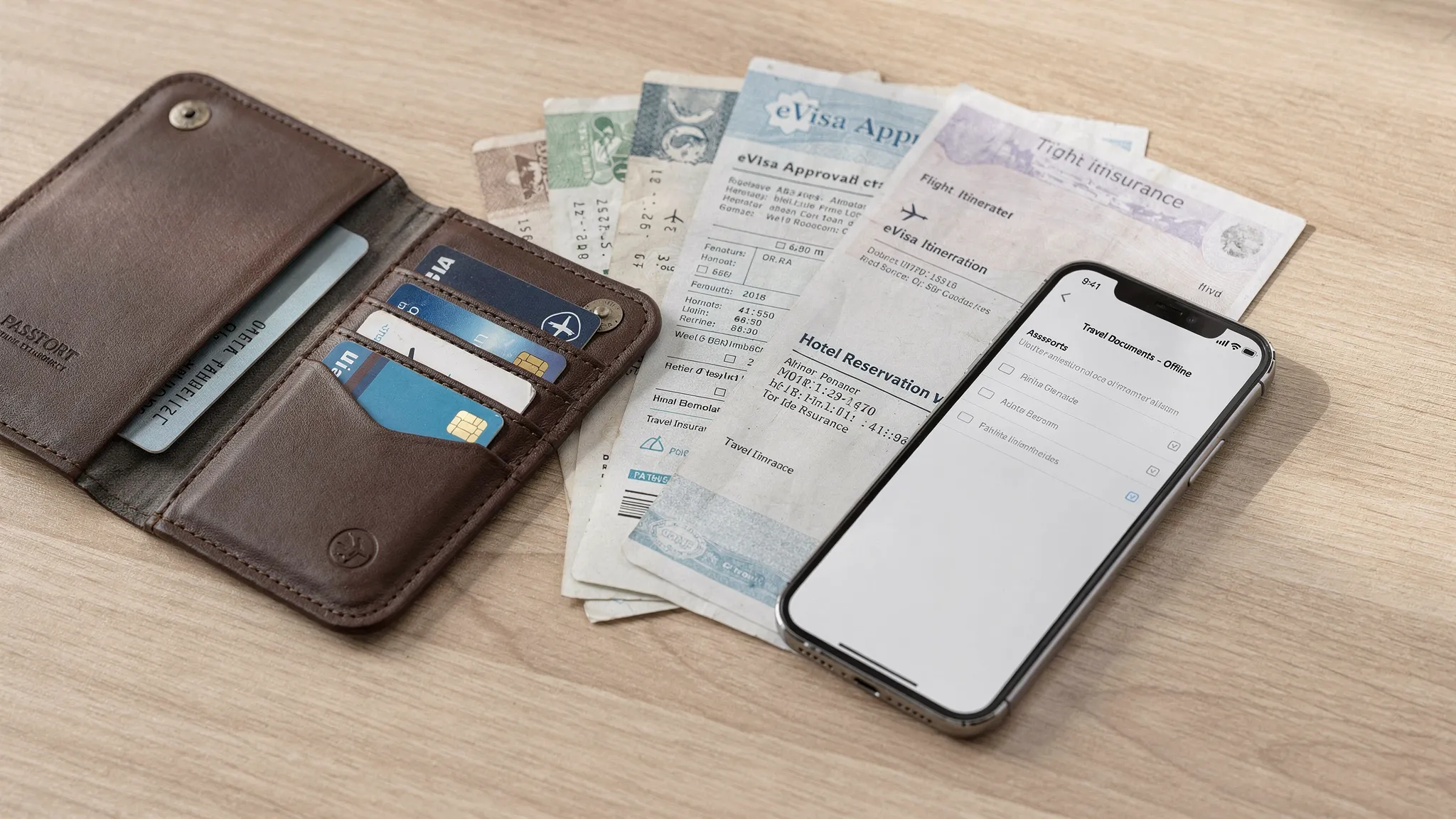
- One offline folder on your phone named “TRIP DOCS” with PDFs (visa approval, insurance, itinerary, hotel, proof of funds).
- One cloud backup (Drive/iCloud) in case your phone is lost.
- One printed page with your key references (visa approval number, booking locator, first-night address, emergency contacts).
If you travel often, refresh this folder for each trip, and remove old documents to reduce confusion at check-in.
For travel brands: why these “forgotten documents” become a support and revenue issue
When travelers don’t know what to carry, the burden shifts to airlines, agencies, cruise lines, and tour operators:
- More pre-departure support tickets and airport-day escalations
- Higher risk of denied boarding and disrupted itineraries
- Lost upsell opportunities when visa help is offered too late
Solutions like SimpleVisa help travel businesses guide customers through border requirements and complete online visa processing through an integration model that fits their stack (API, white-label app, or no-code options). If you want to reduce friction and monetize visa assistance as ancillary revenue, explore SimpleVisa.
Frequently Asked Questions
Do I need to print my eVisa if it’s electronic? Not always. Some destinations accept digital presentation, but others may recommend or require a printed copy, or travelers may need paper as a backup if systems are unavailable. When in doubt, carry both.
Can an airline deny boarding even if my eVisa is approved? Yes. If you cannot prove entry eligibility (for example, missing onward travel or mismatched passport details), an airline may refuse boarding to comply with destination requirements.
What’s the easiest way to avoid forgetting visa-related documents? Build a “Border Folder” with offline PDFs on your phone, a cloud backup, and a one-page printed summary. Refresh it for each trip.
What if I renewed my passport after getting an eVisa or travel authorization? Check whether your authorization can be updated, transferred, or must be re-applied for. In some cases you may need to carry both old and new passports, depending on the destination’s rules.
Are these documents required for every country? No. Requirements vary by destination, citizenship, travel history, and trip purpose. Use official sources or a trusted visa requirements tool to confirm.
Make border crossings simpler (for you or your customers)
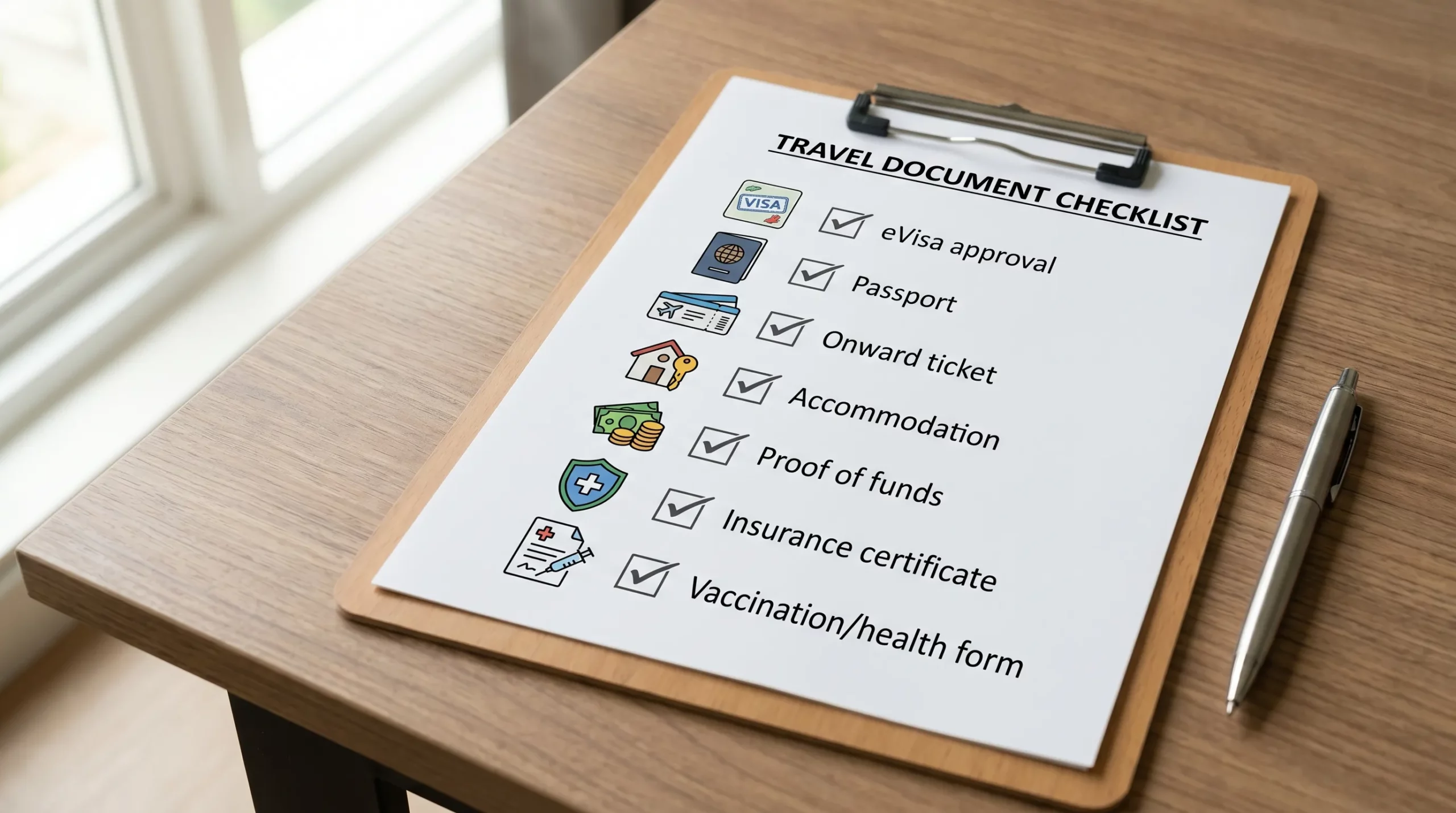
If you’re a traveler, treat this list as your pre-airport checklist: approvals, passport match, onward travel, accommodation, funds, insurance, and health documents.
If you’re a travel company, the opportunity is bigger: clear guidance and embedded visa flows reduce last-minute issues and can unlock new ancillary revenue. Learn how SimpleVisa supports visa processing automation and integration options at simplevisa.com.