Online Visa Online: Safe Ways to Apply and Track

Applying for a visa on the internet is now normal for many destinations, but the experience can still feel risky. Scammers copy government websites, “agents” overcharge, and even legitimate applications can get stressful when the status sits in limbo.
This guide is your practical playbook for online visa online applications: how to choose a legitimate channel, protect your data and money, and reliably apply and track your application from submission to approval.
First, what counts as an “online visa” (and why it matters)
People search “online visa” to describe several different things, and mixing them up is one of the easiest ways to end up on the wrong site.
The most common online entry document types
- eVisa: A visa application completed online, with an electronic approval you receive digitally.
- eTA/ETA/ESTA-style travel authorization: A lighter pre-travel authorization (not a visa) that is still mandatory for some travelers.
- Traditional (consular) visa with online steps: Many countries require online forms and payment, but still need biometrics or an interview.
Why this matters: the “right” tracking method depends on the document type and channel. Some systems give real-time status updates, others only confirm submission, and some require tracking via a separate contractor portal.
Safe ways to apply: pick the right channel before you upload anything
A secure application starts with using a legitimate channel. In practice, most travelers apply through one of these.
| Application channel | Best for | Pros | Watch-outs |
|---|---|---|---|
| Official government portal | Direct applications | Usually the most authoritative source, fees are typically transparent | Portals can be confusing, support is limited, scammers often imitate these sites |
| Embassy/consulate contractor portal | Visas requiring appointments, biometrics, or document drop-off | Often the official route for scheduling and document handling | Verify you were redirected from an official government page, avoid “look-alike” sites |
| Travel provider or authorized partner embedded in booking flow | Travelers who want guided steps and fewer mistakes | More guided UX, fewer form errors, can centralize tracking and reminders | Confirm it is a legitimate partner and understand what fees are government vs service |
If you are booking through an airline, OTA, TMC, cruise line, or tour operator, the safest experience is typically when visa guidance is built into the booking journey (instead of forcing customers to search randomly online after purchase).
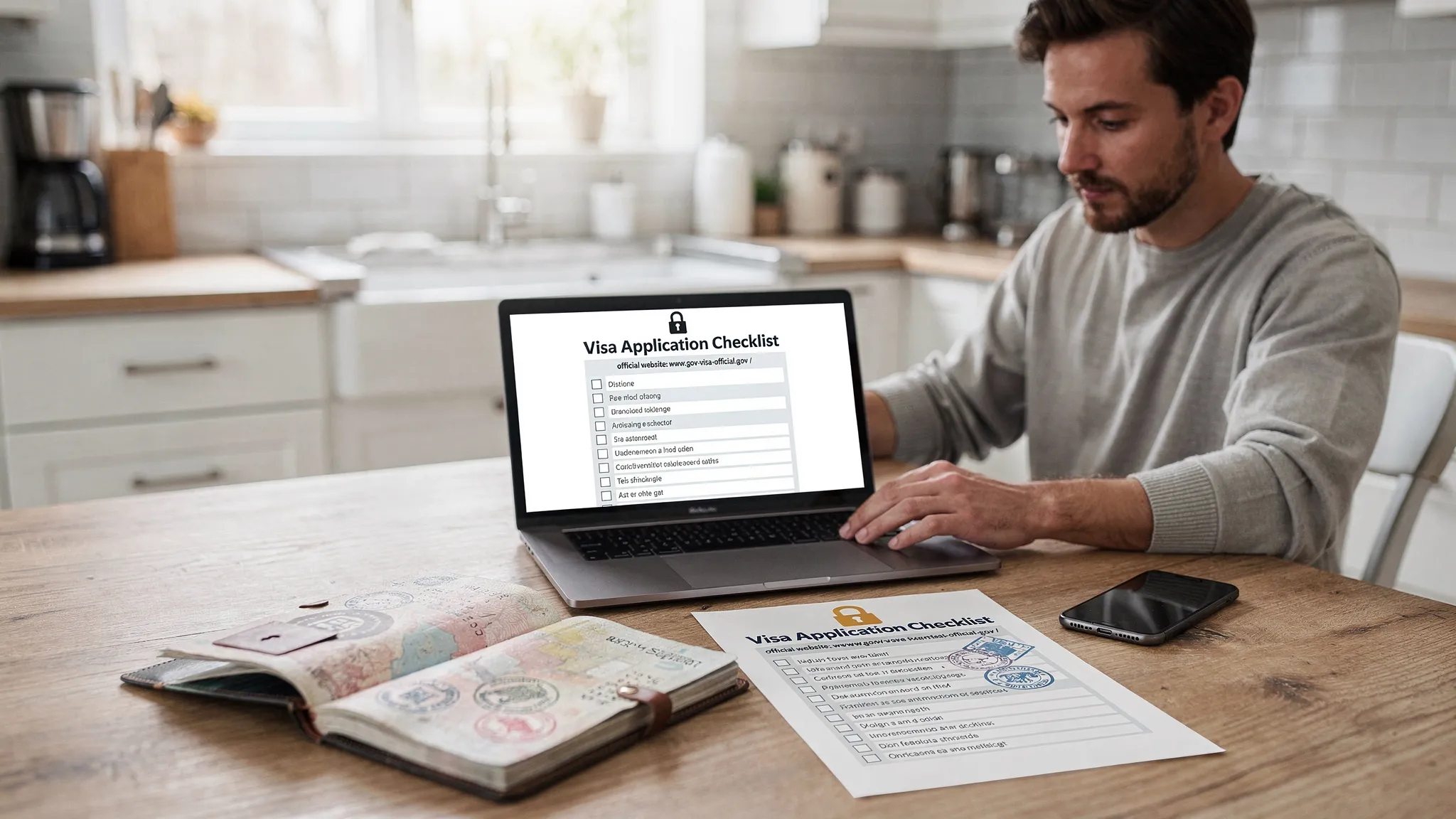
The safety checklist before you click “Pay”
Most online visa problems come from three root causes: wrong site, wrong data, or weak security on the applicant’s side.
Get your documents and data ready
Before you start, confirm you have (at minimum):
- A passport that meets the destination’s validity rules for your travel dates
- A clean digital passport scan (high resolution, no glare)
- A compliant photo (correct background, size, and framing per the destination rules)
- Your itinerary basics (arrival date, accommodation, onward travel if required)
- A payment method you can monitor (card alerts help)
Set up a secure application environment
Use these basic controls to reduce the chance of account takeover, phishing, or data leakage:
- Apply on a private network, not public Wi-Fi (or use a reputable VPN)
- Use a password manager and create a unique password for any account you must create
- Turn on multi-factor authentication when available
- Keep your browser and OS updated
How to spot a fake visa website in 60 seconds
Scam sites are getting better. Instead of relying on “how professional it looks,” use a quick verification routine.
1) Confirm the domain, not just the logo
- Prefer official government domains (often
.gov,.gouv, or country-specific equivalents). - Be cautious with domains that include extra words like “apply-now,” “fast-track,” or hyphen-heavy variations.
2) Check the page that explains fees and refunds
Legitimate portals usually separate:
- Government fee (mandatory)
- Optional service fees (if any)
If the site won’t clearly explain fees, or pressures you with countdown timers, treat it as high risk.
3) Validate contact and dispute paths
Real services typically provide:
- A physical address (even if you never visit)
- Support escalation steps
- Clear privacy and data processing terms
4) Cross-check via official sources
If you are unsure which site is official, use a government source to navigate there (rather than searching ads).
For example, the U.S. Department of State advises travelers to use official resources and stay alert to fraud patterns in visa processing: see Travel.State.Gov.
How to apply and track an online visa the right way
Tracking starts the moment you submit. If you cannot prove what you submitted, when you submitted it, and what the system returned, it is much harder to resolve issues.
Step 1: Capture your proof of submission
Immediately after you submit:
- Save the confirmation page as a PDF
- Record the application or reference number in two places
- Screenshot any payment confirmation and receipt number
- Store the confirmation email (and check spam)
Step 2: Use the portal’s official tracking method
Most legitimate systems use one (or more) of the following:
- A tracking page where you enter reference number + passport details
- Email updates (sometimes delayed)
- SMS updates (optional)
- A partner platform dashboard (when the application is guided through a travel provider)
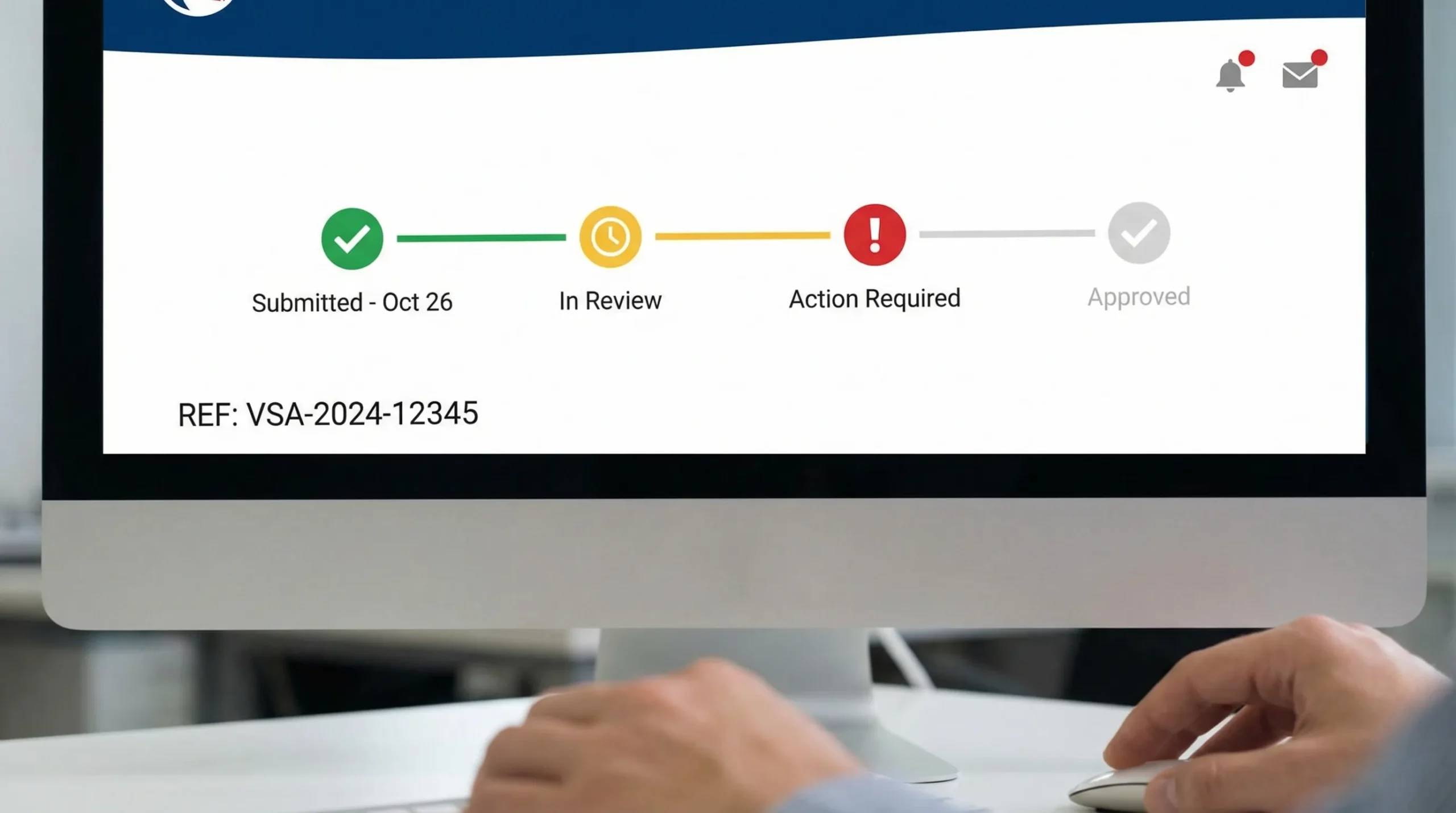
Step 3: Understand common online status messages
Exact wording varies by country, but these statuses are common across many eVisa and authorization systems.
| Status you might see | What it usually means | What to do next |
|---|---|---|
| Draft / Incomplete | You started but did not submit | Finish the form, upload documents, pay if required |
| Submitted / Received | The system accepted your application | Save proof, start checking processing times, avoid reapplying immediately |
| In review / Processing | Under review or automated checks running | Wait, monitor email for questions, keep travel plans flexible |
| Action required / Additional documents | The authority needs clarification or documents | Respond quickly, upload exactly what is requested, keep copies |
| Approved / Granted | Approved and issued electronically | Download/save copies, verify details match passport |
| Refused / Denied | Not approved | Read reason (if provided), check reapply rules, consider expert help |
If tracking stalls: practical troubleshooting that actually helps
A “stuck” status is often either a communication problem (email, spam filters), a document quality problem, or a timing mismatch (peak season, security checks). Try these in a calm, methodical way.
Confirm you’re checking the correct portal
Many countries have different portals for different visa types. Re-check that the tracking page matches your document type (eVisa vs appointment-based visa, for example).
Search your inbox like an investigator
Look for emails in:
- Spam/junk
- Promotions tabs
- “All Mail” (Gmail)
Also search by the subject line keywords the portal uses (often “application received,” “reference,” “additional documents,” “do not reply”).
Re-check file requirements and re-upload if allowed
If your photo or scan was low quality, some systems allow a re-upload after an “action required” notice. Do not upload “almost correct” files. Meet the exact format, size, and clarity rules.
Don’t submit duplicates unless the authority tells you to
Duplicate applications can create delays, payment confusion, or even automatic flags.
Use official escalation routes
If the portal provides a contact form or ticketing number, use it. Keep your message short and include:
- Full name (as in passport)
- Passport number
- Reference/application number
- Date of submission
- The status shown
Know when “processing time” has not actually passed
Many destinations quote processing in business days and exclude weekends or holidays. If you applied during a regional holiday period, build extra buffer.
If travel is imminent, plan for contingencies
Depending on destination rules, contingencies may include rebooking, changing routing, or delaying departure. Avoid showing up at the airport hoping it will resolve itself at check-in.
What travel brands can do to keep customers safe (and reduce support load)
If you run an OTA, airline, cruise line, tour operator, or travel agency, “visa confusion” is more than a traveler inconvenience. It can cause:
- Booking abandonment
- High support volume
- Denied boarding risk
- Refund and chargeback disputes
Embed visa guidance and tracking where customers already are
SimpleVisa is designed to streamline visa applications for travel businesses by integrating into booking flows or via a white-label app or data service. That matters because it keeps customers in a guided, consistent path instead of sending them into search results where scam sites compete for clicks.
For partners, SimpleVisa supports:
- Visa processing automation
- API integration for travel sites
- A white-label visa application app
- Custom data services
- No-code implementation options
Keep your visa help content accurate and discoverable
Many travel brands publish “How to apply” pages, but struggle to keep them current as requirements change. If your team is trying to scale content production and updates, an SEO automation platform like BlogSEO for automated SEO content publishing can help operationalize that process while maintaining a consistent brand voice.
A simple timeline template for safer online visa planning
This timeline reduces both fraud risk (fewer rushed decisions) and tracking stress.
| When | What to do | Why it helps |
|---|---|---|
| 6 to 8 weeks before travel | Confirm entry requirement type (eVisa, eTA, consular visa) and correct portal | Prevents applying for the wrong document |
| 4 to 6 weeks before travel | Apply online (or schedule appointment if required) | Avoids peak-season bottlenecks |
| 2 to 4 weeks before travel | Track status weekly, respond to document requests within 24 to 48 hours | Keeps your application moving |
| 7 to 10 days before travel | Download approvals, print backup copies if recommended, verify details | Reduces airport and border issues |
| 48 hours before travel | Re-check passport, approval, and any updates to entry rules | Catches last-minute changes |
Frequently Asked Questions
Is it safe to apply for a visa online? Yes, it can be safe when you use official government portals or verified partners, apply on a secure network, and protect your personal data.
How do I know if an online visa site is official? Start from a government source, verify the domain carefully, review fee transparency, and confirm legitimate contact and privacy information.
Why does my online visa status say “processing” for so long? Processing times vary by destination, season, and security checks. Delays are also common if documents are unclear or additional verification is needed.
Should I reapply if I don’t hear back? Usually no. Duplicate applications can cause confusion or delays. First confirm processing times, check for “action required” messages, and use official escalation channels.
What should I save after I submit an online visa application? Save your reference number, confirmation page (PDF), payment receipt, and copies of every document you uploaded.
Can I track my visa application without my reference number? Often not. Most systems require a reference number plus passport details, so storing that number safely is essential.
Make online visa applications easier for your customers
If you are a travel company looking to reduce visa-related support tickets and help customers apply and track safely, SimpleVisa provides guided online visa workflows that can be integrated via API, delivered through a white-label app, or launched with a no-code option.
Explore SimpleVisa at simplevisa.com to see how visa automation can fit into your booking flow.