Need Visa Help Fast? Start With This Simple Checklist
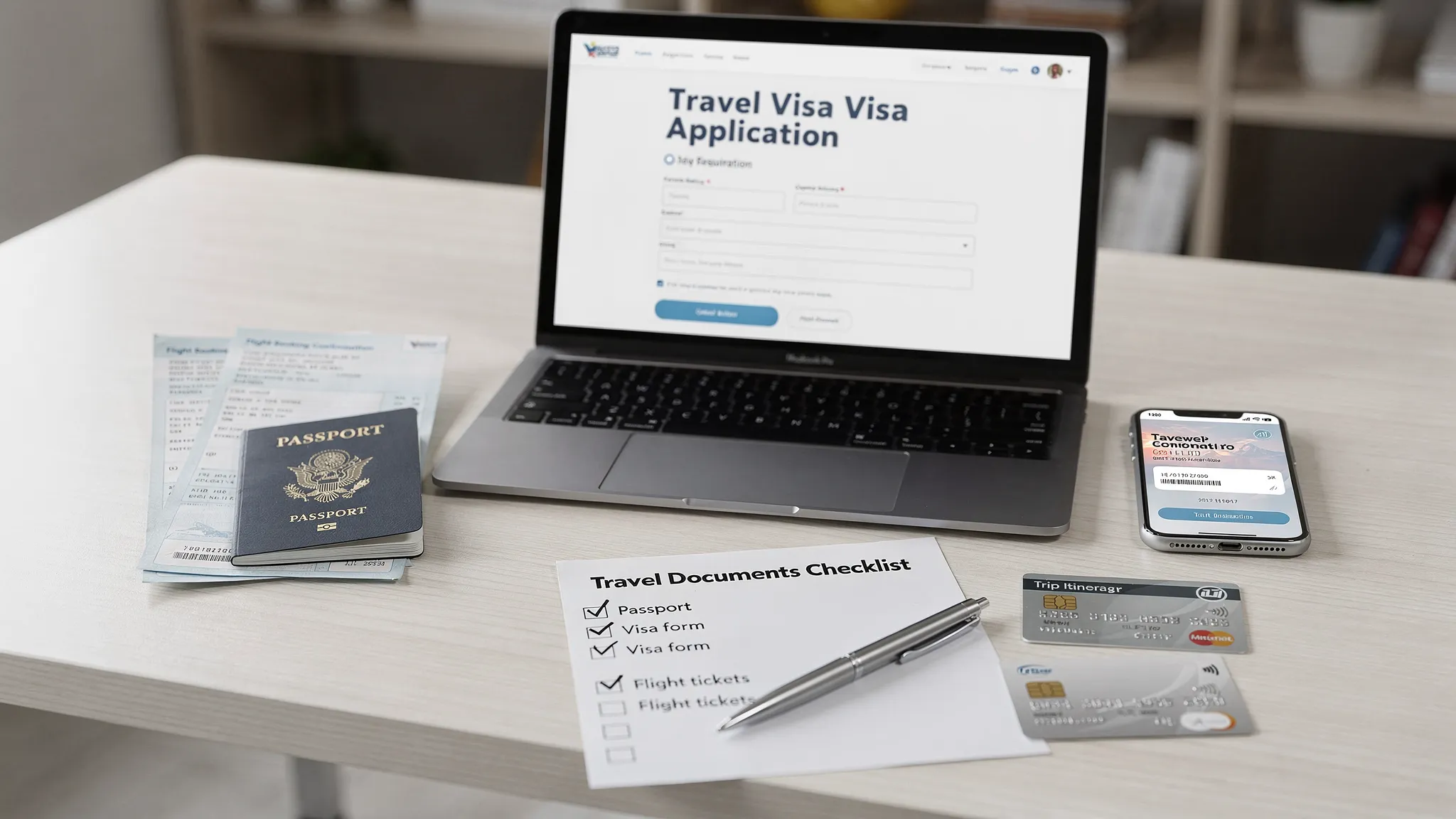
Visa rules can turn from “I’ll deal with it later” to “I need an answer right now” the moment you spot a check-in warning, a last-minute fare deal, or a multi-country itinerary with a surprise transit rule.
This checklist is designed for speed. It helps you confirm what you actually need (eVisa, ETA/eTA, or a consular visa), gather the minimum required items, avoid the most common errors, and know exactly when to escalate.
Step 1: Do a 2-minute “what do I need?” triage
Before you upload anything, confirm the type of permission required. Many travelers lose time by applying for the wrong thing.
Check these four inputs first:
- Passport nationality (and which passport you will travel on)
- Destination country
- Purpose of trip (tourism, business, study, work, transit)
- Length of stay and number of entries
Here is a quick way to think about the most common outcomes:
| What you might need | What it is (in plain English) | Typical experience | Common gotcha |
|---|---|---|---|
| Visa-free entry | No pre-approval needed | You still need a valid passport and may need proof of onward travel | Transit rules can still apply even if the final destination is visa-free |
| eTA / ETA / ESTA-style authorization | Pre-travel authorization (not always called a visa) | Often fast, but not “guaranteed instant” in every case | Name/passport-number mismatches cause avoidable delays |
| eVisa (electronic visa) | A visa application completed online | Requires document uploads more often than an eTA | Wrong visa category (tourist vs business) is a top rejection driver |
| Consular/embassy visa | Traditional visa process (online plus in-person steps sometimes) | Slowest, may involve biometrics/interview | Appointments can be the true bottleneck |
If you are unsure whether you’re dealing with an eVisa versus an eTA, SimpleVisa has a dedicated explainer: 5 key differences between electronic visas and eTAs.
Step 2: Validate your passport details (this prevents the most painful mistakes)
Most “urgent visa problems” are not truly urgent. They are data quality issues discovered late.
Do these checks now:
- Passport expiration: Many countries require your passport to be valid for months beyond arrival or departure.
- Passport number and issuing country: Copy directly from the passport, not from saved notes.
- Name format: Use the spelling and order exactly as on the passport’s machine-readable zone (MRZ).
- Date of birth: Double-check day/month confusion if you are used to different date formats.
- Recent passport change: If you renewed your passport, some approvals are tied to the old number.
If your flight ticket name differs from your passport, fix that before submitting anything. This guide helps you resolve the common edge cases: Handling name mismatches on tickets, passports, and eVisas.
Step 3: Confirm trip facts that affect eligibility
A “simple tourist trip” can become a different legal category based on small details.
Sanity-check these items:
- Entry and exit dates: Some systems calculate eligibility based on your planned duration.
- Port of entry: Certain authorizations are only valid for specific airports/land borders.
- Transit stops: Even a short connection can create an extra requirement.
- Purpose consistency: Your itinerary, any invitation letter, and your application answers must align.
- Accommodation plan: A hotel booking, an address, or a host invitation is often required.
If you are traveling for work-related reasons (meetings, conferences, client visits), make sure the visa category allows it. “Business” in normal conversation does not always match “business” in immigration terms.
Step 4: Gather the standard documents (and make them upload-ready)
When time is tight, the goal is not “collect everything imaginable.” The goal is “collect the most common requirements in the correct format.”
Prepare these files in advance:
- Passport bio page scan or photo (clear, no glare, all corners visible)
- Digital passport-style photo (correct size/background per destination)
- Travel itinerary (dates, flight references if available)
- Accommodation details (booking or address)
- Payment method that supports online international transactions
Depending on destination and purpose, you may also need proof of funds, insurance, or an invitation letter.
Fast quality checklist (what gets applications flagged)
| Item | What “good” looks like | What slows approval | Quick fix |
|---|---|---|---|
| Passport scan | Sharp, readable MRZ, no cut-off edges | Blur, glare, cropped lines | Retake in daylight, place passport on dark matte surface |
| Photo | Neutral background, correct dimensions | Shadows, filters, wrong aspect ratio | Use a passport photo tool or retake against a plain wall |
| Dates | Same everywhere | Entry/exit dates differ between itinerary and form | Decide exact dates, then update every field to match |
| Purpose | Clear and consistent | Saying “work” on a tourist category | Choose the correct category before paying |
| Contact info | Email/phone you actively monitor | Typos, inaccessible inbox | Use one primary email and check spam/filters |
If your visa type requires employment proof, financial stability evidence, or professional history, keep those records consistent and defensible. In practice, having verifiable documentation and a clear profile of your background can reduce back-and-forth, especially for longer-stay or work-adjacent permits. Tools like TalentTrust’s verified professional profiles can be useful for organizing credible career information when documentation quality matters.
Step 5: Choose a safe place to apply (avoid scams and “fake urgency”)
When you need visa help fast, scammers rely on panic. A legitimate process still requires you to verify where you are submitting your personal data.
Use this quick screen:
- Is it an official government portal or a clearly authorized channel?
- Are fees transparent before you enter personal data?
- Is the website domain and branding consistent (no lookalike spellings)?
- Do you get a confirmation number and a way to track status?
If you want a practical walkthrough of safe online application habits, see: Travel visa online: how to apply safely.
Step 6: Match your next action to your departure date
Time pressure changes what “smart” looks like. The checklist below prevents you from wasting your last 24 hours on low-impact tasks.
| If you depart in… | Prioritize this | Avoid this |
|---|---|---|
| 0 to 72 hours | Confirm requirement type, correct category, and whether expedited processing exists; fix passport/name mismatches immediately | Submitting multiple duplicate applications “to be safe” |
| 4 to 14 days | Gather documents in correct formats; apply early in the window; set reminders to check status | Waiting for the perfect itinerary if a rough plan is acceptable |
| 15+ days | Apply as soon as you meet requirements; plan for contingencies (extra document requests, manual review) | Assuming “it’s plenty of time” during peak travel periods |
For certain authorizations, approvals can be fast, but “fast” is not the same as “instant in all cases.” Build a buffer whenever you can.
Step 7: After you submit, do these 5 things immediately
The submission is not the finish line. Most avoidable disruptions happen after approval or during “pending” status.
- Save proof of submission: confirmation email, reference number, and payment receipt.
- Track status on a schedule: check daily (or as recommended), not every 10 minutes.
- Watch for document requests: they can land in spam or be blocked by corporate filters.
- Create backups: download a PDF, store it offline, and consider printing if the destination or airline is known to request paper.
- Recheck the issued document: name, passport number, validity dates, number of entries.
If you’re unsure about printing rules, this is a practical country-by-country way to think about it: Do you need to print an electronic visa?
Step 8: Know when to escalate (and who to contact)
When something goes wrong, escalating to the right entity saves days.
Use this matrix:
| Problem | Fastest first contact | What to prepare |
|---|---|---|
| You cannot tell what you need | Official destination guidance, or your travel provider’s requirements tool | Passport nationality, travel dates, transit stops |
| Application stuck “pending” past normal time | The issuing authority’s tracking/help channel | Reference number, submission date, screenshots |
| You made an error after submission | Issuing authority rules on corrections, or your application platform support | Exact incorrect field, correct value, passport scan |
| You got a denial/refusal | Issuing authority instructions, sometimes a new application is required | Refusal reason, prior application details |
| Airline says you are not cleared to board | Airline check-in support plus proof of status | eVisa/eTA PDF, tracking page, passport |
If you are applying via a travel provider that embeds a guided flow (common with airlines, OTAs, and travel agencies), use the support channel within that flow first. They can often see the same reference context your confirmation email shows.
A note for travel companies: turn “visa panic” into a better customer experience
If you run a travel website, agency, airline, or tour operation, urgent visa help requests are usually a symptom of one thing: border requirements are not surfaced early enough, and customers only discover them at checkout or check-in.
A visa management platform can reduce that friction by making requirements visible at the right moment and guiding travelers through an online visa processing flow.
SimpleVisa supports travel businesses with options that fit different implementation realities:
- Visa processing automation
- API integration for travel sites
- White-label visa application app
- Custom data services
- No-code implementation option
Done well, this also creates ancillary revenue opportunities because customers are more likely to purchase compliant travel documentation when it is presented clearly and early.
If you are evaluating solutions, you may also like: What is travel document automation? Definitions, benefits, and myths.
Frequently Asked Questions
What’s the fastest way to figure out if I need a visa or an eVisa? Start with passport nationality, destination, travel dates, and transit points. Then verify whether the destination requires a visa, an eVisa, or an eTA-style authorization for your specific passport.
Is an eVisa the same thing as an eTA/ETA? Not always. An eTA/ETA is typically a travel authorization with lighter document requirements, while an eVisa is a visa issued through an online application process that often requires uploads and more detailed screening.
I’m traveling in 48 hours. Should I submit an application twice if I’m not sure it worked? No. Duplicate submissions can create confusion or additional screening. Instead, confirm you received a reference number and use the official tracking method or support channel.
Do I need to print my electronic visa? It depends on the destination and sometimes the airline’s check-in practices. Even if digital is accepted, having a printed copy is a low-effort backup for battery or connectivity issues.
What’s the most common mistake that causes delays? Mismatched identity details (name, passport number, date of birth) between your passport and the application. Copy directly from the passport and double-check before paying.
What should I do if my passport was renewed after I got an approval? Many approvals are linked to a passport number. Check the issuing authority’s rules for updates or reapplication and carry both passports if the country allows it while you transition.
Need a smoother visa journey for your travelers?
If you’re a travel business trying to reduce last-minute document problems (and capture more ancillary revenue), SimpleVisa helps you embed guided visa applications into your booking flow, launch a white-label visa application app, or connect via API and data services.
Explore options at SimpleVisa and choose the integration model that fits your team’s timeline and technical capacity.