Digital Travel Visa Documents: What to Save and Print
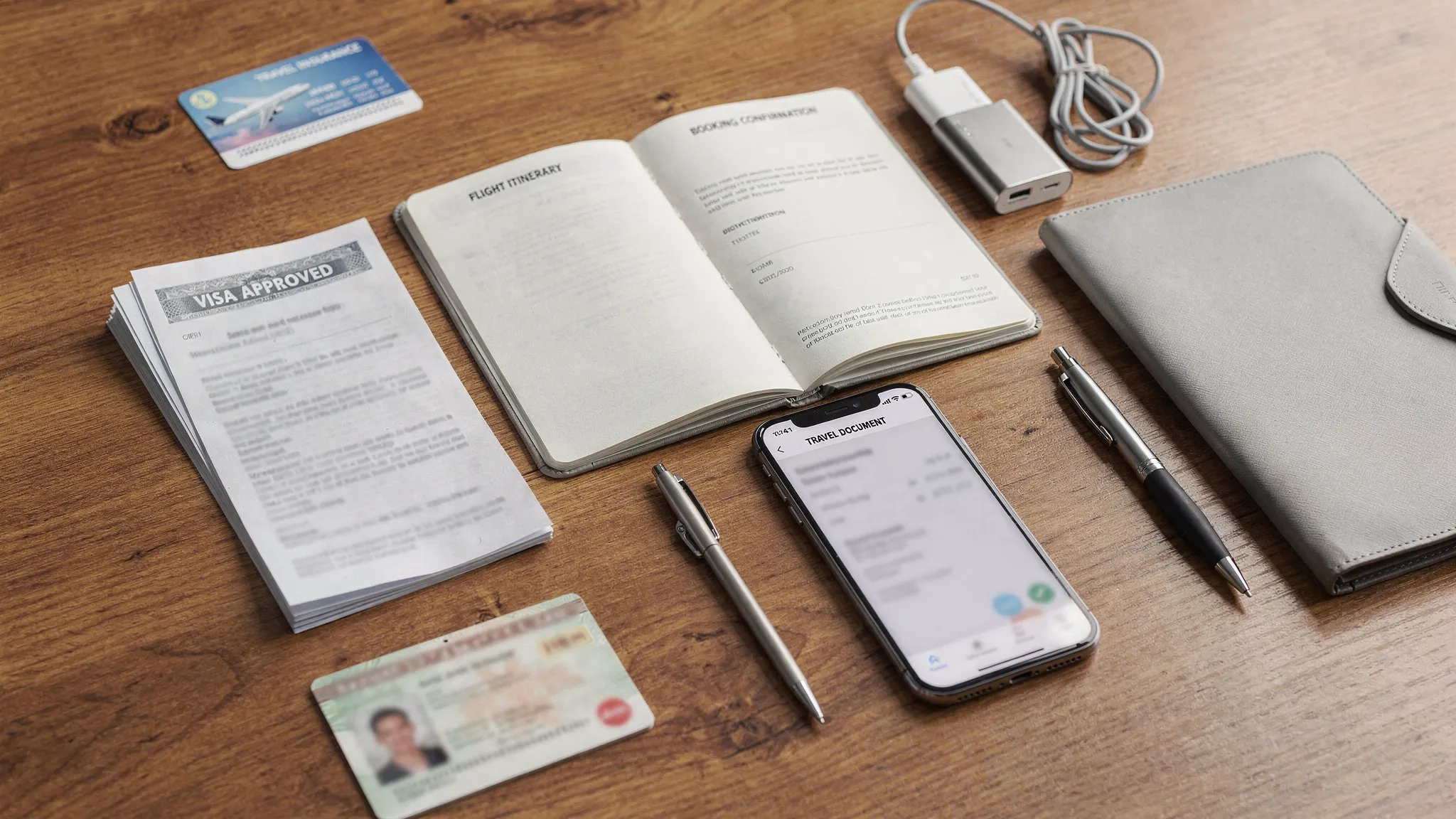
Digital visas make international travel faster, but they do not remove one simple responsibility: you still need to prove that your travel authorization exists, matches your passport, and covers your trip. In 2026, many eVisas, ETAs, and other digital permits are linked electronically to your passport, yet airlines, border officers, ferry operators, cruise staff, and hotel check-in teams may still ask to see supporting proof.
The safest approach is not to print everything you own. It is to build a small, organized visa document pack with the right files saved offline and the most important pages printed as a backup.
The short answer: save digitally, print selectively
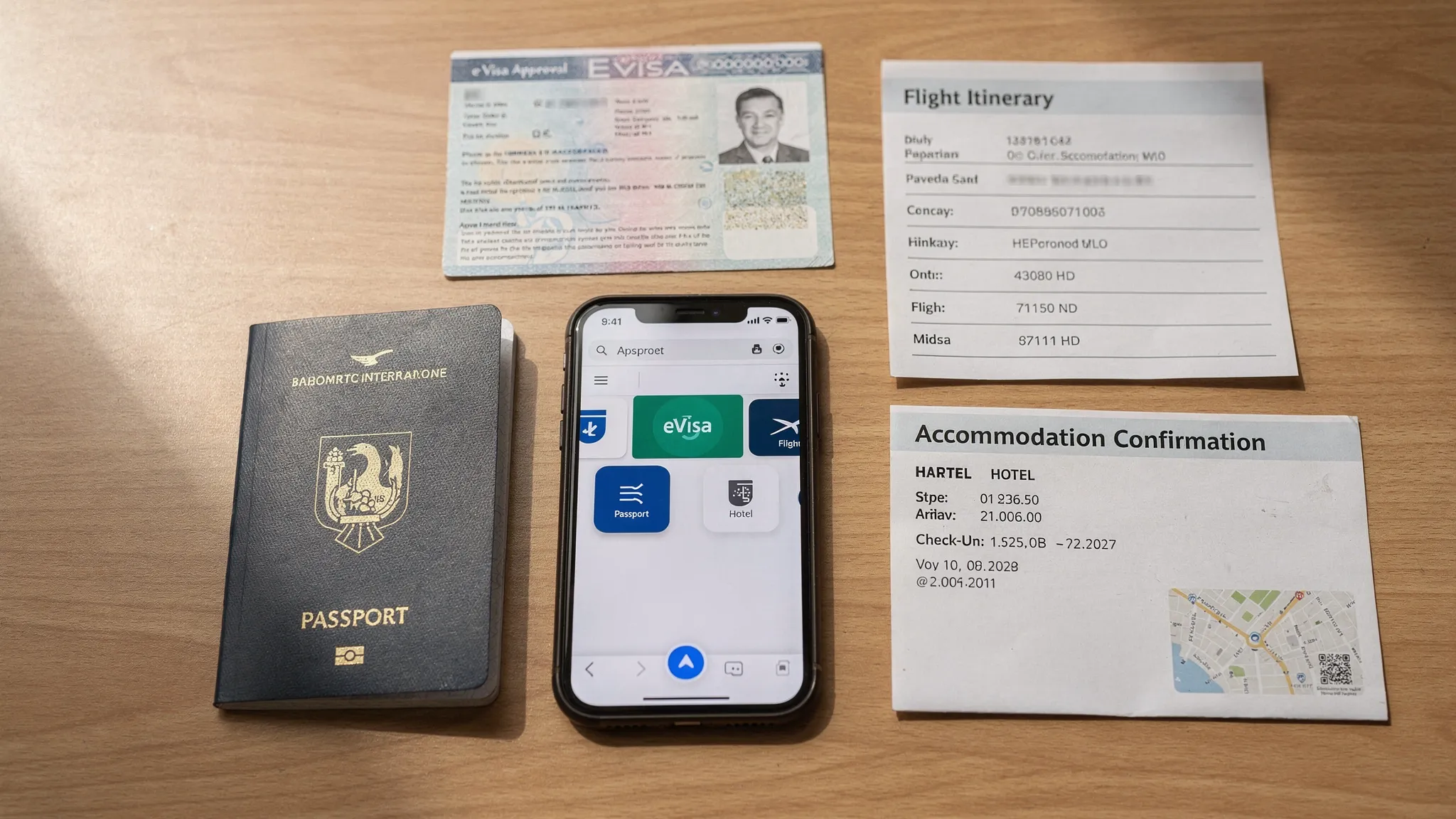
For most trips, you should save every visa-related document digitally and print the documents that prove your right to travel or support your entry conditions. That usually means printing your approved eVisa or travel authorization confirmation, plus any documents the destination specifically requires, such as return flight proof, accommodation details, invitation letters, insurance certificates, or minor travel consent forms.
A digital visa is often linked to the passport you used during the visa application. However, a printed copy can still help when there is no internet, your phone battery dies, an airline agent cannot immediately verify your status, or a border officer asks for additional confirmation.
Before departure, always check the latest entry rules through an official government source, your airline, or a trusted visa provider. The IATA Travel Centre and official country information pages, such as the U.S. Department of State travel pages, can also help you confirm country-specific requirements.
Why digital travel visa documents still matter
Electronic visa systems have reduced paper applications, embassy visits, and physical visa labels. Still, the travel journey includes more than the government approval database. Your documents may be reviewed at several points before you reach the immigration counter.
Airlines commonly check travel authorization before boarding because they may be responsible for transporting passengers who do not meet entry requirements. Cruise lines and tour operators may also verify documents before embarkation or before a shore visit. In some destinations, accommodation providers or local officials may request proof of lawful entry during your stay.
That is why the goal is redundancy. You want your documents available in three ways: linked electronically to your passport, saved offline on your devices, and backed up with a small printed set.
What digital travel visa documents to save and print
Use the table below as a practical starting point. Requirements vary by destination, visa type, nationality, and purpose of travel, so treat this as a general checklist rather than legal advice.
| Document | Save digitally? | Print it? | Why it matters |
|---|---|---|---|
| Approved eVisa, ETA, ESTA, or travel authorization notice | Yes, always | Yes, at least one copy is wise | This is your primary proof of approval if electronic verification is delayed or unavailable. |
| Approval email with reference or application number | Yes | Optional, but helpful for complex trips | The reference number can help airline staff or support teams locate your application. |
| Passport bio page used in the application | Yes, in a secure location | Optional photocopy, stored separately from your passport | Helps with emergency replacement, identity checks, and support requests if your passport is lost. |
| Payment receipt or government fee confirmation | Yes | Usually not necessary | Useful if payment status is disputed or your application record needs to be traced. |
| Flight itinerary and return or onward ticket | Yes | Print if the destination requires onward travel proof | Many countries can ask how and when you plan to leave. |
| Accommodation booking or host address | Yes | Print the first-night address or host letter | Border officers may ask where you will stay, especially for tourist visas. |
| Invitation letter or business meeting proof | Yes | Yes, for business or private visits | Supports the purpose of travel stated in your visa application. |
| Travel insurance certificate | Yes | Print if required by destination or tour operator | Some visas require medical or travel insurance evidence. |
| Vaccination or health certificate, if applicable | Yes | Print if required by current rules | Some countries or transit points may request health-related documentation. |
| Documents for minors, such as consent letters or birth certificates | Yes | Yes, when a child travels with one parent, another adult, or alone | Helps prove guardianship, consent, and family relationship. |
| Previous visas or entry stamps, if relevant | Yes | Optional | May support future applications or clarify travel history. |
If you want a pre-submission checklist for the application stage, SimpleVisa also provides a detailed guide on everything you need before submitting an online visa application.
What to print before you travel
A printed travel document pack should be short enough to carry easily, but complete enough to answer the most likely questions at check-in or immigration.
For most international trips, print these items:
- Your approved eVisa or electronic travel authorization confirmation.
- The approval email or page showing your application reference number.
- Your return or onward flight itinerary, if required or strongly recommended.
- Your accommodation confirmation or host address for at least the first night.
- Your invitation letter, business meeting confirmation, enrollment letter, or event registration, if it supports your visa purpose.
- Your travel insurance certificate, if required by the destination or your visa conditions.
- Minor consent documents, if traveling with children in a situation where parental consent may be questioned.
You do not usually need to print every page of a hotel booking, every bank statement, or every document you uploaded during the application. Focus on documents that prove approval, identity, purpose, funds or support, and planned exit, depending on your destination’s rules.
How many copies should you carry?
One printed copy is better than none. Two is better for longer or higher-risk trips.
A simple system works well: keep one copy with your passport in your carry-on, and store another copy separately in a backpack, document pouch, or with a travel companion. Do not place your only printed visa copy in checked luggage, since you may need it before baggage claim.
For family travel, create one packet per traveler. For group travel, especially school trips, corporate travel, sports teams, or cruises, the trip leader should not be the only person with everyone’s documents. Each traveler should have access to their own approval and passport-linked information.
How to save digital visa documents securely
Saving a visa PDF in your email is useful, but it should not be your only backup. Airports, border crossings, and remote destinations can have weak Wi-Fi, roaming issues, or app login problems.
A stronger setup includes offline and cloud access. Download the visa approval PDF to your phone before leaving home, save a copy in a secure cloud folder, and email it to yourself using a clear subject line. If you use a password manager or encrypted document vault, store the most sensitive files there. For families or business trips, share copies only with trusted travelers or authorized coordinators.
Good file names make documents easier to find under pressure. Instead of leaving files named download.pdf, use names such as:
2026-06-15_Japan_eVisa_Alex-Morgan_Passport1234.pdf
2026-06-15_Japan_Hotel-Confirmation_Alex-Morgan.pdf
Avoid storing passport scans and visa files in public shared folders or unsecured messaging threads. If you print documents at a hotel, library, or business center, delete downloaded files from the computer and printer queue when possible.
For more security-focused advice, see SimpleVisa’s guide on how to apply for a travel visa online safely.
The best formats for visa documents
PDF is usually the best format for approved eVisas, confirmation letters, itineraries, and insurance certificates because it preserves layout and is easy to print. JPEG or PNG files are useful for passport scans and photos, but they can become blurry if compressed by messaging apps.
When saving files, check that:
- Your full name is visible and matches your passport.
- Your passport number is complete and correct.
- The visa validity dates are readable.
- The entry type, such as single-entry or multiple-entry, is visible.
- The destination country and visa category are clearly shown.
- Any QR code, barcode, or reference number is not cropped or blurred.
Screenshots can be useful as an emergency backup, especially if an app or website is hard to access offline. However, a screenshot should not replace the official approval PDF or email unless the issuing authority provides no other format.
eVisa, ETA, ESTA, and ETIAS: does the document type change what you carry?
Yes, slightly. Many travelers use the word “visa” for several different digital authorizations, but each system works differently. The document type affects how much printed proof you should carry.
| Document type | How it is usually stored | What to carry |
|---|---|---|
| eVisa | Linked to passport and issued as a digital approval notice or PDF | Passport plus saved and printed approval notice. |
| ETA or eTA | Usually linked electronically to passport | Passport plus saved confirmation and reference number. Printing is still useful as a backup. |
| ESTA | Electronic authorization for eligible Visa Waiver Program travelers to the U.S. | Passport plus saved ESTA confirmation or application number. The official ESTA portal can be used to check status. |
| ETIAS | Planned electronic travel authorization for visa-exempt travelers to many European countries | Passport used for the application plus digital confirmation when available. Check the official ETIAS site for current rollout details. |
| Visa on arrival pre-approval | Often issued as a letter or online pre-approval | Printed pre-approval, passport, photos or payment method if required. |
| Traditional sticker visa | Physical label inside your passport | Passport with the visa sticker plus digital backups of supporting documents. |
The key rule is simple: carry the same passport you used for the application. If you receive a new passport after your eVisa is issued, do not assume the authorization automatically transfers. Check the destination’s rules before traveling.
A 10-minute pre-departure document audit
Do this audit the day before you leave, then again before going to the airport.
- Confirm that the name on your visa approval matches your passport, including middle names if required.
- Check that the passport number on the approval matches the physical passport you will carry.
- Verify the visa validity dates and the latest permitted entry date.
- Confirm whether the visa allows single or multiple entries, especially for multi-country itineraries.
- Review the permitted purpose of travel, such as tourism, business, study, or transit.
- Save all essential documents offline on your phone, not only inside email or a website account.
- Print your core document pack and keep it in your carry-on.
- Charge your phone and carry a power bank if you rely heavily on digital documents.
- Make sure your cloud storage or email account does not require a text message code you cannot receive abroad.
- Recheck official entry rules if your trip includes last-minute route changes or transit stops.
This quick review catches many of the issues that cause airport stress, including old passport numbers, expired approvals, and missing onward travel proof.
What if an airline or border officer cannot verify your digital visa?
Stay calm and present documents in order. Start with your passport, then show the printed visa approval, then provide the reference number or approval email if requested. If the issue is at airline check-in, ask whether the agent can verify the authorization through their document-check system or escalate to a supervisor.
Do not rely on saying, “It is electronic,” as your only response. Electronic systems still depend on accurate passport data, current databases, and staff familiarity with the destination’s rules. A clear printed approval often helps resolve confusion faster.
If your visa details are wrong, such as an incorrect passport number or date of birth, do not travel until you confirm whether the document can be corrected or whether a new application is required. Name and passport mismatches can lead to denied boarding or refusal of entry.
For travel businesses: make the document handoff part of the journey
For airlines, OTAs, tour operators, TMCs, and cruise lines, the question “What should I save or print?” is more than a traveler convenience issue. It affects support volume, denied boarding risk, customer confidence, and ancillary revenue.
A better post-booking visa journey gives travelers clear, destination-specific instructions after approval. That may include what to download, what to print, when to recheck validity, and which documents to carry for children, business travel, or multi-country trips.
SimpleVisa helps travel businesses streamline visa application and border requirement workflows through solutions such as API integration, white-label visa application apps, custom data services, and no-code implementation options. If your team wants to reduce manual visa support while adding a useful ancillary service, learn more about travel document automation and how it fits into the booking flow.
Frequently Asked Questions
Do I need to print an electronic visa? Not always, but it is usually smart to print at least one copy of your eVisa or travel authorization confirmation. Some systems are fully electronic, yet airlines or border officials may still ask for proof if verification is delayed.
Can I show my eVisa on my phone? In many cases, yes. You should still save the document offline and carry a printed backup. A phone-only plan can fail if your battery dies, your screen breaks, or you cannot access mobile data.
Is a screenshot enough for a digital visa? A screenshot is helpful as a backup, but the official PDF, approval email, or government confirmation page is better. Make sure any QR code, barcode, passport number, and validity dates are readable.
Should I print my passport scan? A passport photocopy can help if your passport is lost or stolen, but it does not replace your physical passport for international travel. Store the copy separately from the original and keep digital scans secure.
What if my eVisa is linked to an old passport? Check the issuing country’s rules before travel. Some destinations require you to carry both passports, while others require a transfer or a new application. Do not assume the authorization remains valid with a new passport.
Should travel companies tell customers what to print after visa approval? Yes. Clear post-approval instructions reduce confusion and support requests. Travel businesses can use automated visa workflows to provide personalized save-and-print guidance based on destination, passport, and trip type.
Make visa documents easier to manage
Digital travel documents are only useful when travelers can find them at the moment they are needed. Saving the right files, printing the right proof, and checking details before departure can prevent avoidable delays at check-in and the border.
If you are a travel business looking to simplify visa requirements for your customers, SimpleVisa can help you integrate guided visa applications, eVisa management, and border crossing solutions into your customer journey. Visit SimpleVisa to explore integration options and make travel documentation simpler from booking to arrival.