Common Travel Visa Documents Errors That Cause Delays
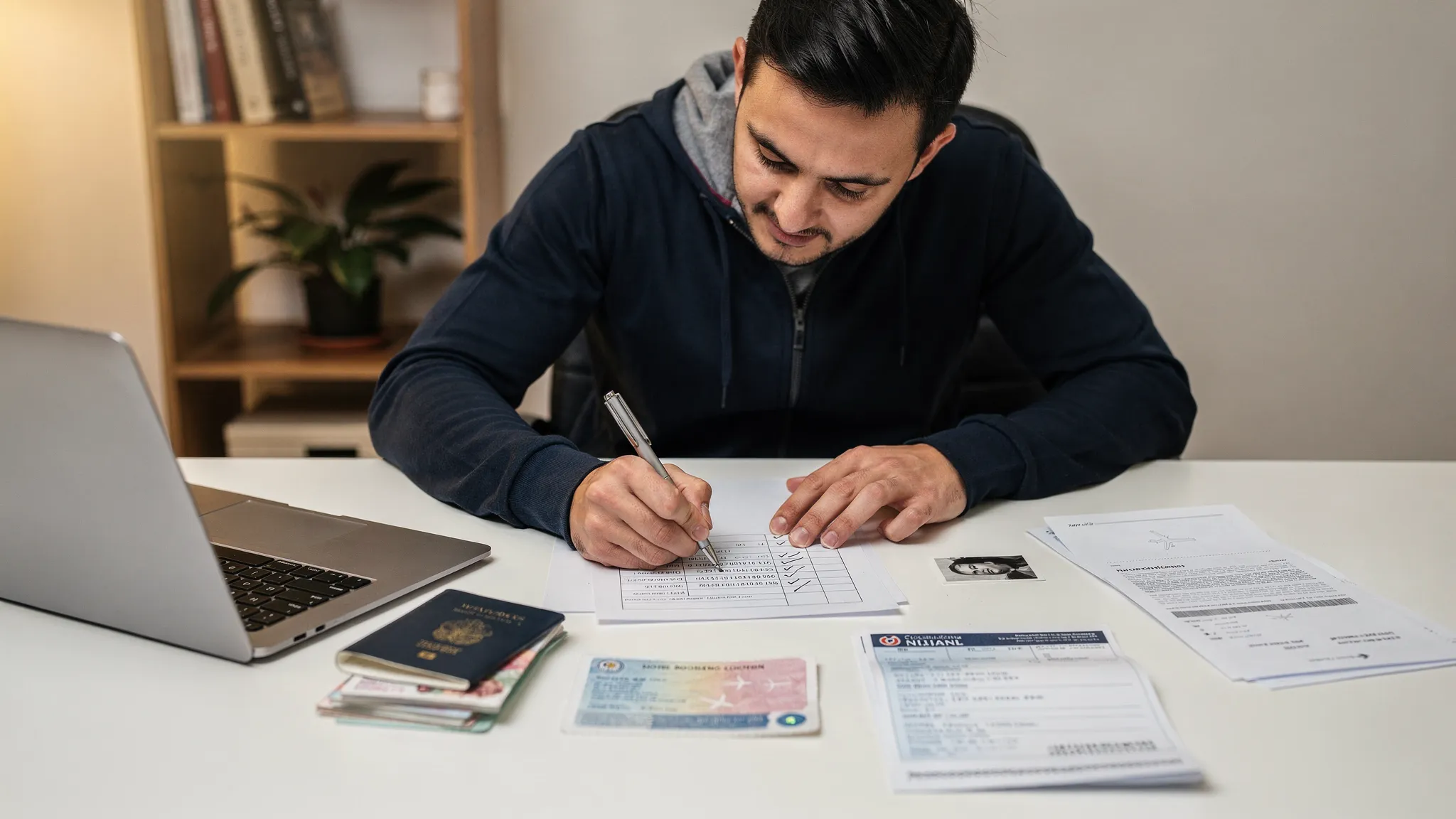
A delayed visa application rarely comes down to one dramatic mistake. More often, it starts with something small: a cropped passport scan, a missing middle name, an old bank statement, or a hotel booking that does not match the travel dates on the form.
For travelers, these errors can create stress, missed flights, extra fees, or denied boarding. For airlines, online travel agencies, tour operators, and travel management companies, they create support tickets, abandoned bookings, and lost ancillary revenue. As electronic visa and eVisa systems become more common, document accuracy is no longer a back-office detail. It is part of the customer journey.
Below are the most common travel visa document errors that cause delays, why they matter, and how travelers and travel businesses can prevent them before submission.
Why small visa document errors cause big delays
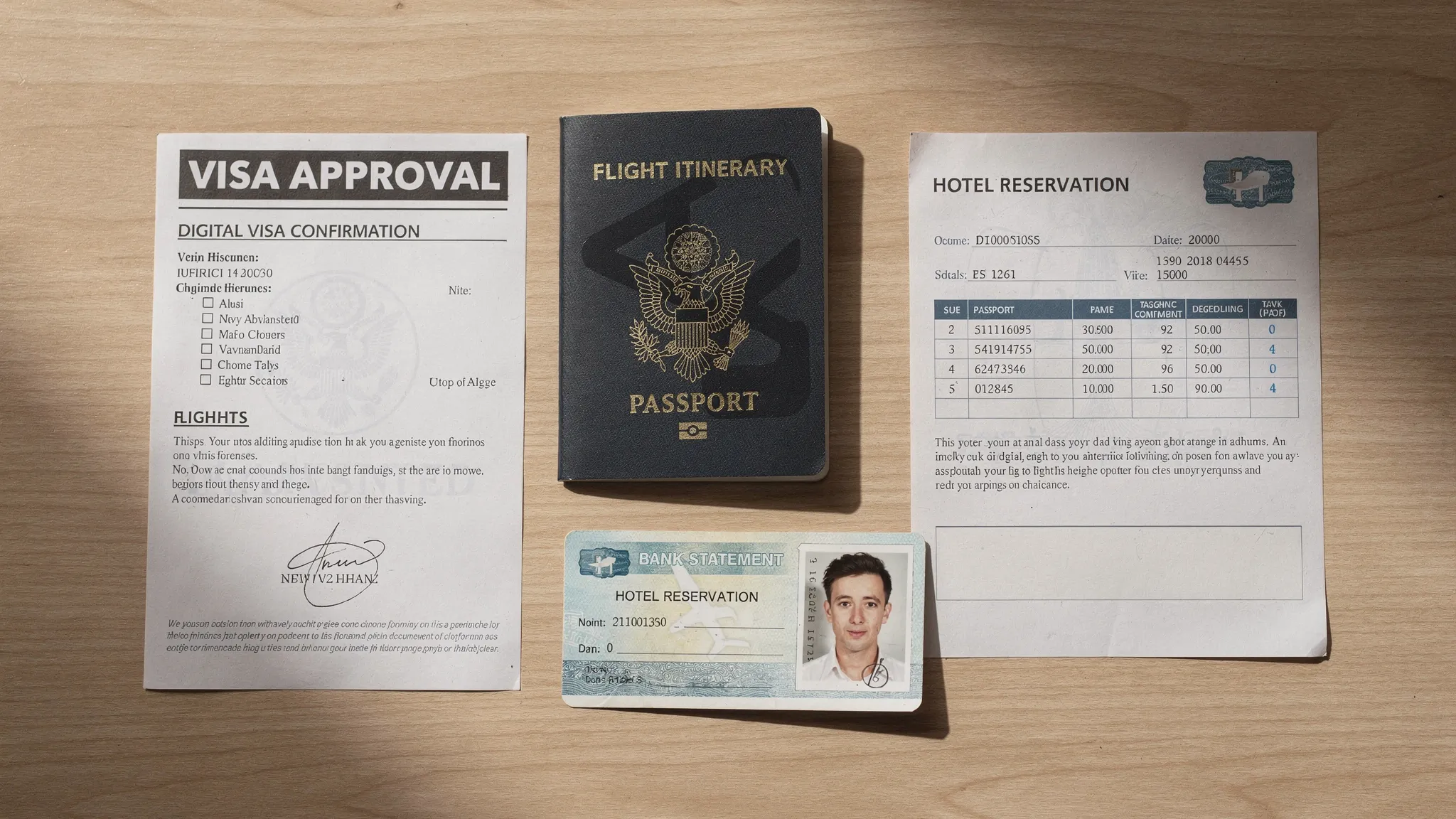
Visa officers and automated visa management platforms compare multiple data points across the application: passport information, travel dates, accommodation, purpose of travel, financial evidence, invitation letters, and sometimes previous travel history. If one document contradicts another, the application may be routed for manual review.
That does not always mean rejection. It often means the applicant must upload a corrected file, answer a request for more information, or wait while an officer verifies the discrepancy. In a time-sensitive itinerary, even a minor correction can become a serious delay.
The risk is higher with online visa processing because applications move quickly when documents are complete, but they can stall just as quickly when uploaded files are unclear, incomplete, or inconsistent. The goal is not just to submit documents. The goal is to submit documents that are readable, current, consistent, and aligned with the destination's rules.
| Common document error | Why it causes delays | How to prevent it |
|---|---|---|
| Name does not match passport | Identity verification fails or requires manual review | Copy the name exactly as shown in the passport |
| Blurry passport scan | Officers or systems cannot verify biographic data | Use a high-resolution color scan with all edges visible |
| Expired or near-expiry passport | Destination may require minimum passport validity | Check validity before booking and before applying |
| Wrong visa document for purpose of travel | Tourist, business, transit, and study rules differ | Match documents to the actual trip purpose |
| Missing proof of accommodation | Application lacks evidence of where the traveler will stay | Upload hotel booking, host letter, or approved alternative |
| Financial proof is outdated | Funds cannot be verified for the travel period | Use recent statements that meet destination rules |
| File format or size issue | Portal may reject or compress the upload | Follow the required format, size, and resolution |
| Inconsistent itinerary | Flights, hotels, and form dates do not align | Review all dates across every document before submission |
1. Passport details that do not exactly match the application
The passport is the anchor document for almost every visa application. If the application form says “Jon Smith” but the passport says “Jonathan Michael Smith,” the difference may trigger a manual check. The same applies to missing middle names, reversed first and last names, hyphenated surnames, special characters, and spelling variations.
Passport number errors are especially common when travelers type quickly or rely on memory. The letter “O” can be confused with zero, and “I” can be confused with one. Dates can also be entered in the wrong format, especially when moving between U.S. month-day-year formats and international day-month-year formats.
A safer method is to copy details directly from the passport's biographic page, then compare them against the machine readable zone, or MRZ, at the bottom of the page. The MRZ follows international standards for machine readable travel documents described by the International Civil Aviation Organization, which is why many travel document automation tools use it to reduce manual entry errors.
If the traveler has dual citizenship, the risk increases. The passport used for the visa application should generally be the same passport used for flight booking and border crossing, unless the destination has a specific rule requiring otherwise. Using one passport for the eVisa and another for the airline ticket can create confusion at check-in.
For a deeper look at this issue, SimpleVisa has a dedicated guide on handling name mismatches on tickets, passports, and eVisas.
2. Passport scans that are cropped, blurred, or incomplete
A passport scan must do more than show a traveler's name. It needs to show the full identity page clearly, including the photo, passport number, nationality, date of birth, issue date, expiry date, signature area if relevant, and all four edges of the page.
Common scan problems include shadows across the page, glare from laminated surfaces, fingers covering information, low-light photos, tilted images, and cropped corners. Some travelers upload a screenshot from a messaging app or a compressed copy saved from email. These versions may look acceptable on a phone, but they can fail quality checks when reviewed on a visa portal.
The best practice is to use a fresh color scan or high-quality mobile capture against a plain background. The document should be flat, fully visible, and readable when zoomed in. If the visa portal allows PDF uploads, travelers should avoid combining multiple unrelated documents into one file unless specifically instructed.
For travel companies, this is where guided upload flows can make a measurable difference. A simple instruction such as “show all four corners of the passport page” is useful, but real-time validation is better. Document automation can flag unreadable files before the traveler reaches the payment or submission step.
3. Passport photos that do not meet official specifications
Digital photo errors are among the most frustrating visa application delays because they are easy to avoid, but rules vary by country. A photo that works for one eVisa may not work for another.
Typical problems include using an old photo, smiling too broadly, wearing tinted glasses, submitting a selfie, using a busy background, applying heavy filters, cropping too close to the face, or uploading the wrong dimensions. Some countries require a white or light background. Others specify exact pixel dimensions, head size, file type, or maximum file size.
The U.S. Department of State passport photo guidance is a useful example of how strict official photo standards can be: the image must be recent, clear, front-facing, properly lit, and unaltered. Visa photo requirements may differ by destination, but the principle is the same. The photo must support reliable identity verification.
Travelers should not reuse a cropped social media profile photo, a work badge image, or a scan of a printed photo unless the destination explicitly accepts it. When in doubt, take a new digital photo that follows the exact specifications listed for that visa application.
4. Missing supporting documents for the purpose of travel
A visa application is not just about identity. It must also prove that the traveler qualifies for the specific category requested. Missing purpose-specific documents can delay an otherwise accurate application.
A tourist visa may require accommodation proof, return or onward travel, and evidence of sufficient funds. A business eVisa may require an invitation letter, conference registration, employer letter, or proof of meetings. A student visa may require an acceptance letter, proof of tuition payment, or evidence of housing. A transit visa may require onward tickets and proof of entry permission for the final destination.
Problems happen when travelers select a visa type first and gather documents later. The better approach is to confirm the correct visa type before preparing files. If the purpose is mixed, for example sightseeing plus client meetings, travelers should check whether the destination allows that combination under one category.
SimpleVisa's online visa application checklist is a helpful starting point for organizing documents before submission.
5. Inconsistent travel dates across flights, hotels, and forms
Date inconsistency is one of the clearest signals that an application needs closer review. If the form says the traveler will arrive on June 10, the flight itinerary says June 12, and the hotel booking starts June 11, the visa officer may need clarification.
This does not always mean the application is suspicious. It may simply reflect a time zone change, an overnight flight, or a booking that was modified after the visa form was started. But unless the documents explain the difference, the application can be delayed.
The same issue appears in multi-country trips. A traveler may apply for a visa to one destination while their accommodation proof is in another country, or they may enter through one airport and spend most of the trip elsewhere. For regions with shared border rules, such as the Schengen Area, itinerary logic matters.
Before submission, travelers should compare arrival date, departure date, hotel check-in, hotel check-out, invitation letter dates, event dates, and insurance coverage dates. The story should make sense from beginning to end.
6. Financial documents that are incomplete, old, or unclear
Many visa applications require proof that the traveler can support themselves during the stay. This can include bank statements, payslips, tax records, sponsorship letters, business registration documents, scholarship letters, or proof of prepaid travel arrangements.
Delays often occur when financial documents are too old, show only partial account details, are missing the account holder's name, or are uploaded as screenshots with no official branding. Another common issue is inconsistency between the applicant and the account holder. If someone else is paying for the trip, the application may require a sponsorship letter and proof of the relationship.
Travelers should check whether the destination requires statements from a specific time period, such as the last three or six months. If a document is password-protected, it may not open in the visa portal. If it is in another language, the destination may require a certified translation.
The goal is not to overshare unnecessary financial data. It is to provide the exact evidence requested, in a format that can be verified.
7. Invitation letters and employer letters with missing details
Business, study, family visit, and event-based visas often depend on third-party letters. These letters can cause delays when they are too vague or when they omit basic information.
An invitation letter should usually identify who is inviting the traveler, why the traveler is visiting, where they will stay or attend meetings, and what dates are involved. For business travel, it may need company letterhead, a contact person, registration details, and a signature. For employment-related proof, the employer letter may need to confirm job title, leave approval, salary, and expected return to work.
The most common problem is a letter that says the traveler is “invited to visit” without explaining the purpose, dates, relationship, or financial responsibility. Another common issue is mismatch: the letter says the event is in September, but the visa application says August.
Travelers should request these letters early because corrections can take time, especially when they involve a university, employer, host company, or government institution.
8. Translations, notarizations, and certifications that do not meet the rules
Some destinations accept documents in English. Others require documents in the official language of the destination, a certified translation, notarization, apostille, or legalization. Delays happen when applicants upload the original document but forget the translation, or when the translation is informal and not accepted.
This is especially important for birth certificates, marriage certificates, custody documents for minors, business registration documents, and education records. If a minor is traveling with one parent or without parents, missing consent documents can create significant delays at both the visa and border stages.
Do not assume that a translation accepted for one country will be accepted for another. Requirements may differ depending on visa type, nationality, and issuing authority.
9. Uploading the wrong version of a document
Many applicants prepare documents over several days or weeks. During that time, flights change, hotels are rebooked, passports are renewed, and bank statements are updated. The result is a folder full of similar files: passport-final.pdf, passport-new.pdf, hotel2.pdf, bankstatement-updated.pdf.
Uploading the wrong version is easy. A traveler might submit a canceled hotel reservation, an old passport scan, an outdated itinerary, or a draft invitation letter. In some cases, the file name does not match the file content, making review harder for both the applicant and the officer.
A simple prevention step is to create one final application folder and move only the approved versions into it. Use clear file names such as “Passport_Jane_Smith_Expires_2029.pdf” or “Hotel_Tokyo_June10_June18.pdf.” Then open every file before uploading, not just after saving.
10. Technical and payment errors that leave applications incomplete
Not every delay is caused by the document itself. Some delays happen because the application was never fully submitted. Payment may fail, the confirmation email may go to spam, a file may time out during upload, or the browser may not save the final page.
Travelers should keep proof of payment, save the application reference number, and download or screenshot the confirmation page where allowed. They should also use a stable internet connection and avoid submitting from public Wi-Fi when sensitive personal documents are involved.
For travel businesses, technical reliability matters at scale. If a booking flow sends travelers to a confusing or unsupported visa process, some will drop out. A secure, guided, and trackable visa journey protects both the traveler experience and the commercial opportunity.
What to do if you notice a document error after submission
The right response depends on the destination's rules and the status of the application. Some systems allow applicants to edit information before review. Others require a support request, a document update, or a new application.
As a general approach, travelers should avoid submitting duplicate applications unless the official guidance says to do so. Duplicate submissions can create confusion, extra fees, or inconsistent records. Instead, check the application portal, look for a correction or contact option, and prepare the corrected document in the required format.
If travel is urgent, applicants should still be careful. Paying for priority processing does not fix an inaccurate document. Expedited review can speed up a complete application, but it cannot remove the need for accurate identity, eligibility, and supporting evidence.
A quick pre-submission audit for travelers
Before submitting a visa application, take five minutes to review the full document set as if you were the officer reading it for the first time.
- Confirm that the passport name, passport number, nationality, date of birth, and expiry date match the form exactly.
- Open every uploaded file and check that it is readable, complete, current, and not password-protected.
- Compare travel dates across flights, accommodation, invitation letters, insurance, and the application form.
- Make sure the visa type matches the actual purpose of travel.
- Check that financial, employment, student, or sponsor documents meet the destination's recency and format rules.
- Save the application reference number, payment receipt, and confirmation email.
This audit cannot guarantee approval, because immigration authorities make the final decision. But it significantly reduces avoidable friction.
How travel businesses can reduce visa document delays
For travel brands, visa document errors are not just an individual traveler problem. They are a repeatable workflow problem. If customers regularly upload unclear passports, choose the wrong visa type, or miss supporting files, the business sees more support requests, more post-booking anxiety, and more risk of disruption.
A stronger process starts with showing the right requirement at the right moment. Instead of sending every customer a generic visa checklist, travel businesses can use a travel API or visa management platform to personalize requirements by nationality, destination, travel dates, and purpose of travel.
Document automation can also reduce errors before they reach an authority. Useful controls include guided customer visa applications, upload validation, clear document prompts, status tracking, and structured escalation when a traveler needs help. The broader technology trend is toward governed, auditable workflows rather than unmanaged tools. In a different AI context, platforms like Virtuall’s operating layer for creative AI reflect the same shift: teams want control, visibility, and consistency when complex processes move into production.
SimpleVisa helps travel businesses streamline visa application workflows through automation, API integration, white-label visa application options, custom data services, and no-code implementation paths. For airlines, OTAs, tour operators, and travel management companies, that means fewer manual checks, a smoother customer experience, and a clearer path to ancillary revenue from online visa processing.
To understand how automation fits into a broader travel stack, see SimpleVisa's guide to travel document automation.
Frequently Asked Questions
What is the most common visa document error? The most common issues are inaccurate passport details, unclear passport scans, non-compliant photos, and inconsistent travel dates. These errors are simple but can trigger manual review.
Can a small typo delay an eVisa application? Yes. A typo in a name, passport number, date of birth, or passport expiry date can delay an electronic visa application because the information must match official identity documents.
Will a visa be rejected if one document is missing? Not always. Some authorities request additional information, while others may refuse incomplete applications. The outcome depends on the destination, visa type, and missing document.
Should I submit a new application if I made a mistake? Not immediately. First check the official portal or application guidance. Some systems allow corrections, while others require contacting support or submitting a new application.
Do travel businesses need visa document automation? Travel businesses that handle international bookings can benefit from automation because it reduces repetitive document errors, improves customer guidance, and creates opportunities for compliant visa-related ancillary revenue.
Make visa document errors easier to prevent
Travel visa document delays are usually preventable when requirements are clear, files are validated early, and travelers are guided through each step. The challenge is doing that consistently across destinations, visa types, and customer profiles.
SimpleVisa helps travel businesses simplify border crossing administration with visa processing automation, API integration, white-label applications, and custom data services. If your customers need a smoother way to understand, prepare, and submit visa documents, SimpleVisa can help you build that journey into your booking flow or post-booking experience.