Where to Upload Travel Visa Documents Securely
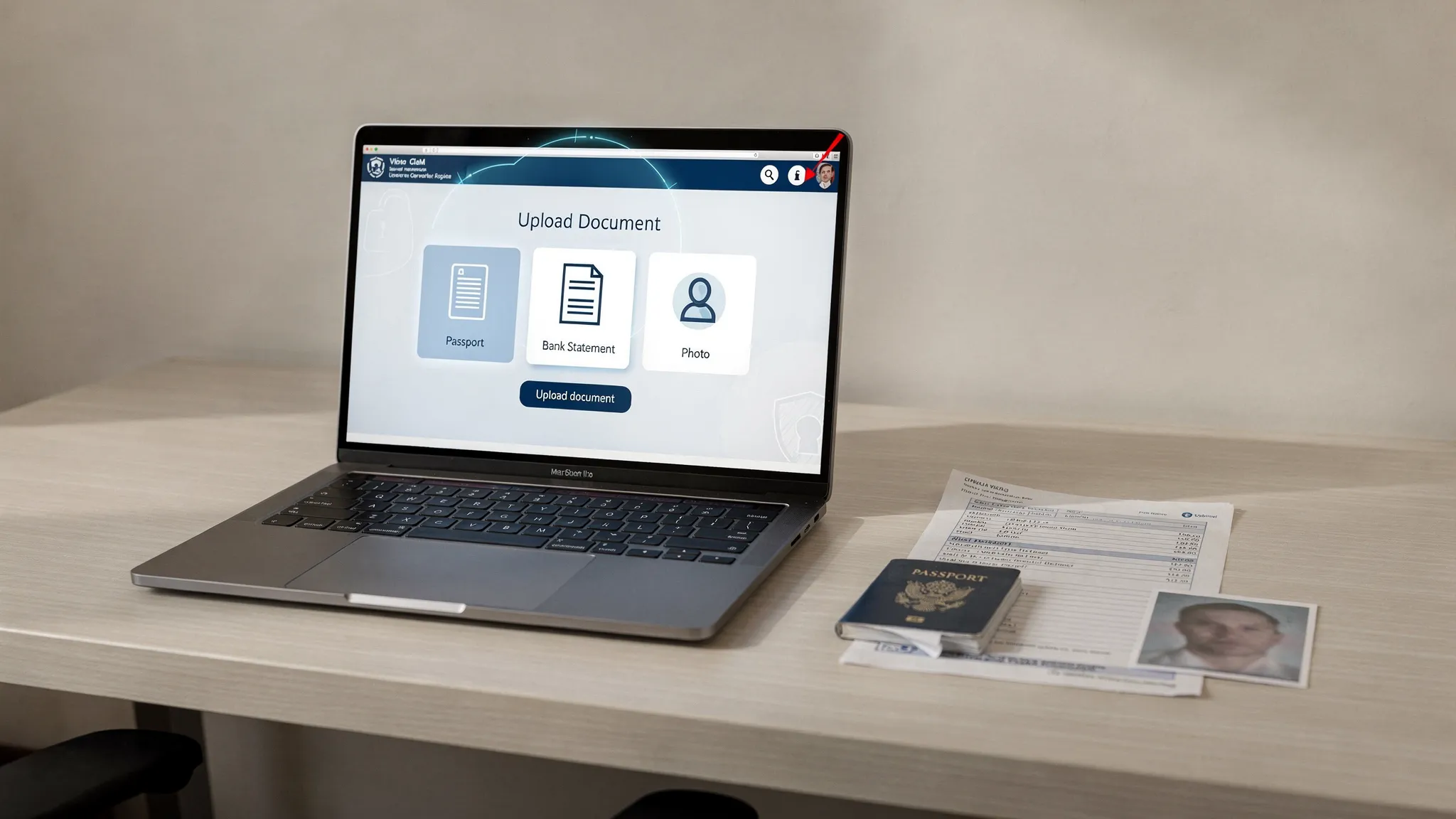
Uploading passport scans, bank statements, invitation letters, and passport photos is now a normal part of the travel visa process. It is also one of the highest-risk moments in a visa application because these documents can expose identity, financial, and travel data if they are sent to the wrong place.
So, where should you upload travel visa documents securely? The short answer is: use official government visa portals, verified embassy systems, or trusted visa management platforms integrated into a recognized travel provider’s booking flow. Avoid sending sensitive documents through ordinary email, chat apps, unsecured cloud folders, or links from unknown agents.
The safest places to upload travel visa documents
Not every upload page is equal. A legitimate visa upload channel should clearly identify who operates it, why each document is required, how your information will be used, and how you can track the application after submission.
| Upload location | Best for | Why it is usually safer | What to verify first |
|---|---|---|---|
| Official government eVisa or ETA portal | Direct applications for electronic visas and travel authorizations | Operated by the issuing authority and connected to official visa processing | Correct government domain, HTTPS, official fee information, privacy notice |
| Embassy or consulate appointment portal | Traditional visas, interviews, biometrics, or document-heavy applications | Often linked directly from the embassy or foreign affairs website | That the portal is named on the embassy website and uses secure login |
| Authorized visa service provider | Travelers who want guided support or a simplified application flow | Can reduce form errors and document mistakes when properly vetted | Authorization, transparent fees, support channels, secure payment methods |
| Airline, OTA, or travel agency visa flow | Post-booking visa applications and ancillary visa services | Convenient because visa requirements can be matched to itinerary and passport data | The travel brand is known, the upload is encrypted, and consent is clear |
| Employer, university, or travel management portal | Business travel, student travel, group travel, and mobility programs | Centralizes document requests and reduces scattered email attachments | Role-based access, retention policy, and clear ownership of the application |
For most travelers, the best option is the official portal for the destination country or a trusted visa application platform linked from a travel provider you already use. For travel businesses, the best option is an embedded, secure upload flow that keeps travelers inside a controlled experience instead of pushing them to email documents to support teams.
What makes a visa document upload secure?
A secure upload page does more than show a lock icon in the browser. It combines technical protection, clear data handling, and a user experience that reduces mistakes.
At minimum, look for these signs before uploading travel visa documents:
- The page uses HTTPS and the address bar shows the correct domain.
- The site explains who operates the service and provides contact information.
- The form requests only documents that are relevant to the visa type.
- The platform has a privacy notice or data protection policy.
- You can create an account, receive a reference number, or track your application.
- Payments are processed through a recognized payment system.
- The upload flow does not ask you to share passwords, one-time codes, or unrelated financial credentials.
The U.S. Federal Trade Commission warns that phishing scams often imitate trusted organizations and push users to click links, open attachments, or provide sensitive information. Its guidance on recognizing and avoiding phishing scams is especially relevant when dealing with visa-related emails, which scammers frequently use to create urgency.
Official government portals: often the first place to check
If your destination offers an electronic visa, eTA, ESTA, ETA, or another digital travel authorization, the government portal is usually the most direct place to upload documents. These systems typically ask for passport information, a digital photo, travel details, and sometimes proof of funds, accommodation, insurance, or an invitation letter.
The challenge is that official portals are not always easy to find. Search results can include ads, copycat pages, and private providers. Before uploading anything, confirm the portal from a reliable source such as the destination country’s embassy website, foreign affairs ministry, or immigration authority.
Be extra careful with domains that look official but are not. A government site may use a country-specific domain, a .gov-style address, or a named immigration authority domain, but formats vary by country. If the page is full of spelling errors, vague promises, or pressure-based language such as “guaranteed approval today,” stop and verify.
Authorized visa platforms and travel provider upload flows
Many travelers do not apply directly through government portals. They use an airline, online travel agency, tour operator, corporate travel tool, or authorized visa support platform. This can be a good option when the provider offers guided document collection, requirement matching, and application tracking.
A secure visa management platform should help travelers understand what they need to upload, not just provide a blank file field. For example, if a traveler is applying for a tourist eVisa, the platform might request a passport scan, compliant photo, accommodation confirmation, return ticket, and payment details only when those documents are relevant to that destination and traveler profile.
This is where travel document automation becomes valuable. Instead of forcing travelers to research rules manually, a platform can surface requirements based on passport, destination, trip dates, and travel purpose. If you are preparing documents now, SimpleVisa’s online visa application checklist can help you understand what may be requested before you reach the upload step.
For travel businesses, secure upload is also a customer experience issue. When visa documents are collected inside a booking flow or post-booking journey, customers are less likely to abandon the process or send sensitive documents through unsafe channels. SimpleVisa supports guided visa applications through integrations such as API flows, white-label apps, no-code options, and data services for travel companies that want to simplify border crossing administration while creating ancillary revenue.
When not to upload: unsafe channels to avoid
Some channels are convenient, but not appropriate for travel visa documents. Passport scans and financial proof should not be treated like ordinary travel notes.
Avoid uploading or sending visa documents through:
- Plain email threads with unknown agents or multiple recipients.
- Messaging apps where the recipient’s identity is unclear.
- Public cloud folders with open sharing links.
- Social media pages offering “fast visa approval.”
- Public computers in hotel lobbies, airports, or internet cafes.
- Pop-up links sent after you ask a visa question in a forum or comment section.
Email is especially risky because attachments can be forwarded, stored indefinitely, or accessed if an inbox is compromised. If a legitimate embassy, school, employer, or travel provider asks for documents by email, ask whether they have a secure upload portal instead. If email is the only option, confirm the address from an official source and avoid sending more information than requested.
How to verify an upload portal before submitting documents
A secure upload decision should take less than two minutes if you know what to check. Use this quick review before adding your passport, bank statement, or photo.
| Check | What good looks like | Warning sign |
|---|---|---|
| Website identity | The domain matches the government, embassy, airline, agency, or known provider | Misspelled domain, random subdomain, or URL shortener |
| Connection security | HTTPS is active and the browser does not show warnings | “Not secure” warning or certificate mismatch |
| Fee transparency | Government fee and service fee are clearly separated | Surprise payment request after document upload |
| Privacy information | The site explains data use, retention, and sharing | No privacy policy or vague data language |
| Support | Real contact channels and application reference numbers | Only a personal WhatsApp number or social profile |
| Approval claims | Realistic processing language | Guaranteed approval or threats that you must pay immediately |
Multi-factor authentication is another strong trust signal. The Cybersecurity and Infrastructure Security Agency recommends MFA because it adds protection beyond passwords. If a visa portal or travel platform lets you enable MFA, use it.
How to prepare files for a secure visa upload
Security is not only about where you upload. It also depends on how you prepare and store documents before and after submission.
Start by scanning documents clearly. Blurry passport pages, cropped photos, and unreadable bank statements can delay processing or trigger requests for new uploads. Use the file format requested by the portal, commonly PDF, JPG, or PNG. Do not password-protect files unless the portal specifically asks for it because locked documents may be unreadable to the reviewing authority.
Name files clearly but avoid exposing excessive personal data in the filename. A simple format such as Passport_JSmith_May2026.pdf is better than a filename containing a full passport number, date of birth, and destination. If a document contains information that is not relevant, do not redact it unless the visa instructions allow redaction. Some authorities may reject altered bank statements or employment letters.
After submitting, save your confirmation receipt, application number, and any status page link in a secure password manager or encrypted folder. Delete duplicate copies from shared computers, downloads folders, and unsecured cloud locations. If you used a mobile phone to photograph documents, review whether those images were automatically backed up to a shared photo account.
A secure step-by-step upload workflow for travelers
Use this workflow whenever a visa application asks you to upload documents online.
- Confirm the visa requirement from an official source or trusted travel provider.
- Gather only the documents required for your visa type and travel purpose.
- Use a private device with updated software and antivirus protection.
- Connect through a trusted network, not public Wi-Fi without protection.
- Navigate to the portal directly from the official website or a verified partner link.
- Review each file preview before submitting to ensure it is clear and complete.
- Save the confirmation page, application number, and payment receipt.
- Remove unnecessary local copies and monitor official status updates.
This process reduces both security risk and visa application errors. It also makes it easier to respond quickly if the authority requests an additional document.
What travel businesses should provide to customers
For airlines, OTAs, cruise lines, tour operators, and travel management companies, the best answer to “where should customers upload visa documents?” should never be “send them to support.” Sensitive document collection belongs in a secure, structured workflow.
A strong travel visa document upload experience should include dynamic document requirements, encrypted file transfer, clear consent language, role-based access for staff, and status tracking. It should also minimize data collection. If a traveler does not need to submit proof of funds for a specific eVisa, the system should not ask for it “just in case.”
Travel companies also need to think beyond the upload button. Secure storage, access logging, retention rules, vendor due diligence, incident response, and staff training all matter. For regional travel operators that do not have a large internal security team, working with a managed IT and cybersecurity partner such as MDSI can help strengthen the infrastructure around customer document handling.
SimpleVisa helps travel businesses move visa document collection into guided digital flows, whether through a travel API, white-label visa application app, custom data service, or no-code implementation. This improves the traveler experience while helping partners generate ancillary revenue from online visa processing.
Red flags that should make you stop immediately
If you notice any of the following, do not upload your visa documents until you have verified the channel.
| Red flag | Why it matters |
|---|---|
| The site promises guaranteed visa approval | No legitimate platform can guarantee a government decision |
| The portal asks for unrelated data | Excessive data collection can indicate fraud or poor privacy practices |
| The fee is unclear or much higher than expected | Scammers often hide service fees or create fake urgency |
| The link came from an unsolicited message | Phishing attempts often start with unexpected emails or texts |
| The site has no privacy policy or company details | You cannot assess how your data will be handled |
| Support refuses to provide written confirmation | Legitimate providers should be able to document requests and receipts |
When in doubt, pause. A short verification step is far better than exposing passport and financial data to a fraudulent operator.
Frequently Asked Questions
Where should I upload my travel visa documents? Upload them through the official government visa portal, an embassy-approved system, or a trusted visa management platform connected to a recognized travel provider. Avoid ordinary email, social media messages, and unknown third-party links.
Is it safe to upload a passport scan online? It can be safe if you use a verified portal with HTTPS, clear ownership, privacy information, secure login, and a legitimate visa purpose. It is not safe to upload passport scans to random websites, open cloud folders, or links from unknown agents.
Can I email visa documents to an embassy or visa agent? Only do so if the embassy or verified provider explicitly instructs you to use that email address. Whenever possible, ask for a secure upload portal instead because email attachments are easier to forward, misplace, or expose.
Should I use a VPN when uploading visa documents? A VPN can help protect traffic on untrusted networks, but some government portals may block VPN connections or flag unusual locations. The safest approach is to use a trusted private network and follow the portal’s access instructions.
What should I do if I uploaded documents to a suspicious site? Stop further communication, save evidence, contact your bank if you paid, monitor your identity and accounts, and report the incident to the relevant consumer protection or cybercrime authority. You may also need to contact your passport office if your passport data was exposed.
How can travel businesses let customers upload visa documents securely? Travel businesses can use an embedded visa application flow, a white-label app, or a travel API that supports guided document collection, secure submission, and status tracking instead of collecting attachments manually through email.
Make secure visa uploads part of the travel experience
Travel visa documents contain some of the most sensitive information a traveler can share. The safest place to upload them is a verified, encrypted, purpose-built visa application flow, not an inbox or a random file-sharing link.
If your travel business wants to simplify visa applications, reduce document errors, and offer online visa processing as a secure ancillary service, SimpleVisa can help. Explore SimpleVisa’s border crossing solutions at simplevisa.com and see how guided visa document automation can fit into your booking or post-booking journey.