Visa Help for Name Mismatches and Passport Updates
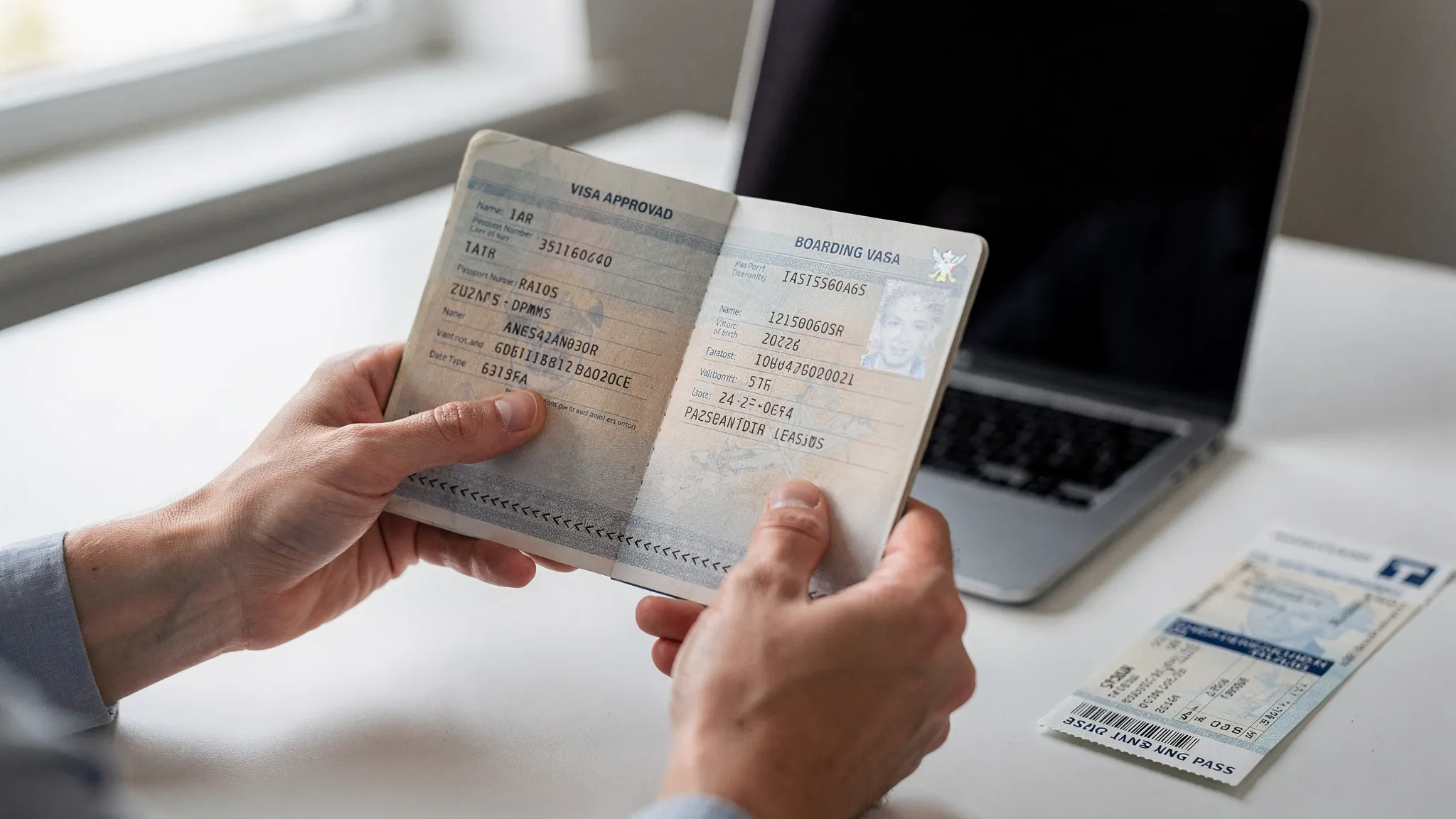
A visa name mismatch or passport update can turn a simple trip into a stressful support case. The good news is that many issues can be fixed if you catch them early, gather the right documents, and understand whether the problem belongs with the airline, the visa authority, or your visa application provider.
In 2026, more travel authorizations are digital and linked directly to the passport used in the application. That makes accuracy more important than ever. A one-letter typo, a reversed surname, or a new passport number can affect an eVisa, an eTA, a boarding check, or the final border decision.
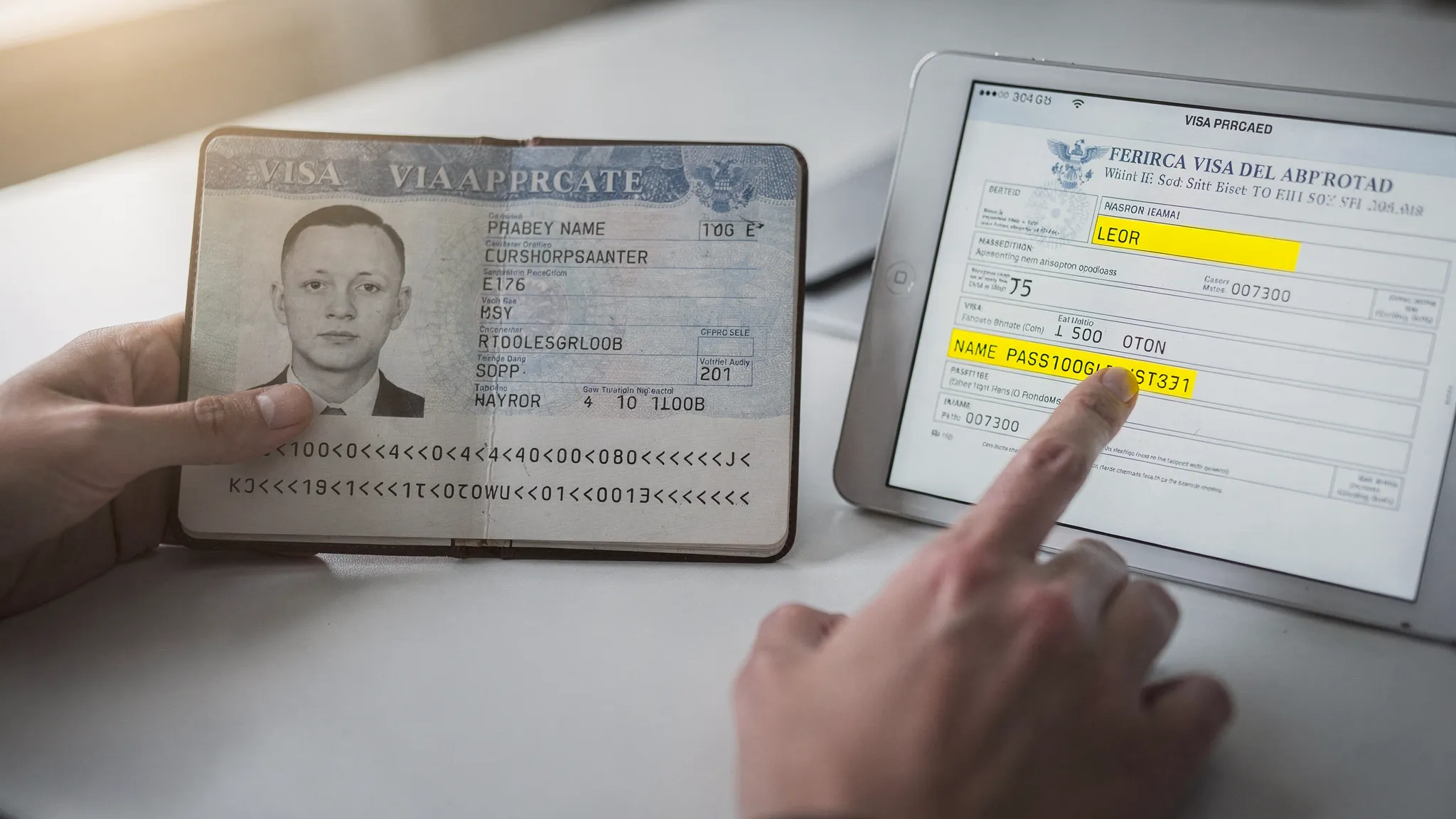
Why name and passport details matter so much
Most electronic visa and travel authorization systems do not simply approve a person in the abstract. They approve a specific traveler identity based on data fields such as full name, date of birth, nationality, passport number, issuing country, and passport expiration date.
That information is then checked at several points in the trip:
- During airline check-in or online document verification
- When Advance Passenger Information is transmitted to authorities
- At immigration control on arrival
- In some cases, during transit or onward travel checks
Because many eVisas are electronically linked to a passport, a mismatch can create confusion even if the traveler is clearly the same person. Border and airline systems often rely on automated comparisons. If the data does not align, the traveler may be asked to correct the issue, reapply, or provide additional proof.
The machine-readable zone (MRZ) on a passport is especially important. The MRZ follows international standards set out by the International Civil Aviation Organization, and many systems use it as a reliable source for transliterated names, passport numbers, and nationality codes.
Quick triage: how serious is your visa issue?
Not every mismatch has the same level of risk. A missing accent may be harmless in one system, while a wrong passport number can make an approved eVisa unusable. Use this table as a first-pass guide, then verify the destination’s official rules.
| Situation | Risk level | First action |
|---|---|---|
| You found a typo before submitting the visa application | Low | Correct the form before payment or submission |
| You submitted the application, but it is still pending | Medium | Contact the application provider or issuing authority immediately |
| The approved eVisa has a spelling error | Medium to high | Request a correction or confirm whether a new application is required |
| Your passport was renewed after visa approval | High | Check whether the visa can be transferred or whether you must reapply |
| Your legal name changed after approval | High | Update your passport first, then verify whether a new visa is required |
| Your passport was lost, stolen, or damaged | High | Report it, replace the passport, and update or reapply for the visa |
| Your ticket name differs from your passport or eVisa | High | Contact the airline or travel seller before check-in |
If you are traveling within a few days, do not wait for the airport to resolve the issue. Airlines may be unable to board passengers whose documents do not match destination requirements.
Common name mismatch scenarios and what to do
Name fields are one of the most common sources of visa application errors. The challenge is that passports, airline tickets, and visa portals do not always display names in the same way.
Spelling mistakes in first name or surname
A spelling mistake is the clearest mismatch. If your passport says Jonathan but the application says Jonathon, treat it as a correction issue. If the application has not been submitted, fix it before proceeding. If it has already been submitted, contact the issuing authority or your application provider with your reference number and passport scan.
If the visa has already been approved, do not assume the error is acceptable. Some authorities allow corrections. Others require a new application and fee.
Missing middle names
Middle names are handled differently by different systems. Some visa forms ask for given names exactly as shown on the passport. In that case, middle names may need to be included if they appear in the passport’s given-name field.
If the form has separate fields for first name and middle name, follow the portal instructions. If there is only one given-name field, use the passport as the source of truth. When in doubt, compare the biographic page and the MRZ.
Reversed first name and surname
This happens often when travelers come from countries where family name order differs from Western form layouts. It can also happen when a portal uses labels such as surname, last name, family name, given name, or first name inconsistently.
A reversed name can create a serious issue because systems may treat the traveler as a different person. If you notice this after submission, request help immediately. If you notice it after approval, check whether correction or reapplication is required before you travel.
Accents, apostrophes, hyphens, and special characters
Many digital visa systems do not accept all special characters. A passport may show José, François, O’Connor, or Anne-Marie, while the MRZ may display JOSE, FRANCOIS, OCONNOR, or ANNE MARIE.
If the application form blocks accents or punctuation, use the format accepted by the form, usually the MRZ-style transliteration. This is not the same as inventing a new spelling. It is a standardized conversion used in machine-readable documents.
Married names, maiden names, and legal name changes
If your passport has been updated to a new legal name, use the new passport name for new visa applications. If you already have a visa under a previous name, check the destination’s rules before traveling.
You may need one or more of the following:
- A new visa application under the updated passport name
- A visa transfer or update request
- Marriage certificate, divorce decree, or legal name-change document
- Old and new passports for identity continuity
Do not rely on carrying a marriage certificate alone unless the destination authority specifically says that is acceptable.
What to do when you discover a visa name mismatch
The best fix depends on where you are in the application lifecycle. The earlier you catch the problem, the easier it usually is to resolve.
If the application has not been submitted
Pause before payment and submission. Open the passport biographic page and enter the details directly from the document, not from memory, loyalty profiles, email signatures, or previous bookings.
Check these fields carefully:
- Surname or family name
- Given names, including middle names when required
- Date of birth
- Passport number
- Nationality
- Passport issue and expiry dates
- Gender marker, if requested
If you are applying through a travel brand or booking flow, confirm that the visa application uses the same passport that will be used for the flight and border crossing.
If the application is submitted but still pending
Contact the support channel listed in your confirmation email or application portal. Provide your application reference number, the exact incorrect field, the correct value, and a clear scan of your passport.
Avoid submitting a duplicate application unless the official guidance tells you to do so. Duplicate applications can create confusion, duplicate fees, or delays in some systems.
If the visa or authorization is already approved
Review the approval document immediately. If the name, passport number, or date of birth is wrong, look for an official correction process. Some systems allow updates to limited fields. Others require a new application.
For example, the U.S. ESTA guidance explains that travelers generally need a new authorization after receiving a new passport or changing name, gender, or citizenship. You can review the official information through the U.S. ESTA FAQ. Other countries have different rules, so do not assume the same process applies everywhere.
If you used a visa application provider, contact support with the approved visa and passport scan attached. Ask whether the destination permits amendment, transfer, or reapplication.
If you notice the issue at check-in
At the airport, options are limited. Airline staff may be required to follow document-checking rules, and they may not have authority to interpret a mismatch in your favor.
If the trip is urgent, ask the airline whether you can correct the ticket name, reapply for the travel authorization, or delay the journey. For electronic authorizations with fast processing, a new application may be possible, but it is not guaranteed. For complex visas, airport fixes are rarely realistic.
Passport updates: when a new passport affects your visa
Passport updates are just as important as name mismatches because electronic visas are often tied to a passport number. Once that passport number changes, the authorization may no longer match the document presented at check-in or the border.
| Passport update scenario | Why it matters | Typical next step |
|---|---|---|
| Passport renewed before travel | Passport number and expiry date change | Check whether the visa must be transferred or reissued |
| Passport expired but visa is still valid | The visa may be valid, but the passport is not | Verify whether you can carry old and new passports together |
| Passport lost or stolen | The original document may be invalidated | Replace passport, report loss, then update or reapply |
| Passport damaged | Border officers may refuse a damaged passport | Replace passport and confirm visa validity on the new document |
| Legal name changed | Identity data no longer matches | Apply using the updated passport and name |
| Dual citizen using another passport | Visa may be linked to the first passport | Travel with the passport used for the visa or reapply if needed |
Traditional sticker visas and electronic visas can behave differently. A valid sticker visa in an expired passport may sometimes be used with a new passport, but that depends on the destination and visa category. Some countries require a formal visa transfer. Others require a new visa.
Electronic authorizations are often stricter because there may be no physical sticker to carry. If the passport number changes, the system may no longer recognize the approval. For deeper guidance, see SimpleVisa’s guide on how to transfer your electronic visa to a new passport.
What documents to prepare before asking for visa help
When you contact support, speed matters. A vague message such as my name is wrong usually leads to follow-up questions. A complete support request gives the team enough information to identify the issue and advise on next steps.
Prepare the following before contacting the airline, travel agency, visa provider, embassy, or issuing authority:
- Application reference number or booking reference
- Clear scan or photo of the passport biographic page
- Copy of the submitted application, if available
- Approved eVisa or travel authorization, if already issued
- Flight date, destination, and transit points
- Old passport and new passport scans, if a passport was updated
- Legal name-change proof, if relevant
- Police report or loss report, if the passport was stolen
- Email address and phone number used in the application
Keep the explanation short and factual. State the incorrect value, the correct value, and your travel date. For example: The approved eVisa shows passport number X1234567, but my valid passport number is X1234568. I travel on June 12 and need to know whether this can be corrected or whether I must reapply.
Who can actually fix the problem?
It is important to contact the right party. Visa help can come from different sources, but each source has different authority.
| Issue | Best contact | What they can usually do |
|---|---|---|
| Airline ticket name mismatch | Airline or travel seller | Correct ticket name when fare rules allow |
| Pending visa application typo | Visa provider or government portal support | Advise on correction before decision |
| Approved eVisa error | Issuing authority or authorized provider | Confirm amendment, transfer, or reapplication rules |
| Passport renewed after approval | Issuing authority or visa provider | Confirm if the visa remains valid or must be updated |
| Border entry concern | Embassy, consulate, or official border authority | Provide country-specific guidance |
| Booking-flow visa requirement issue | Travel agency, OTA, airline, or platform support | Confirm document requirements and escalation paths |
A travel provider can help guide the process, but the final decision belongs to the government authority and, at the border, the immigration officer. Even an approved visa does not guarantee entry if the traveler does not meet entry conditions.
For a broader starting point, read Need Help With a Visa Application? Start Here.
How travel businesses can reduce name mismatch and passport-update support cases
For airlines, OTAs, tour operators, cruise lines, and travel management companies, document errors are not just traveler mistakes. They create support tickets, last-minute stress, potential denied boarding cases, and lost ancillary revenue.
A better process starts before the traveler reaches the visa form. Travel businesses can reduce errors by making the visa journey part of the booking or post-booking experience rather than leaving customers to search for requirements later.
Helpful improvements include:
- Prompting customers to enter names exactly as shown on the passport
- Making surname and given-name fields clear, with examples
- Asking for passport details before recommending visa products
- Warning travelers when passport validity may be too short
- Keeping the same passport identity across booking, visa, and check-in flows
- Sending post-approval reminders to verify the eVisa immediately
- Offering a clear support path for corrections and passport updates
This is where travel document automation can help. SimpleVisa supports travel businesses with visa processing automation, API integration for travel sites, white-label visa application flows, custom data services, and no-code implementation options. That allows partners to guide customers through border requirements while adding visa services to the booking journey in a more controlled way.
If your team is evaluating a more automated approach, SimpleVisa’s overview of travel document automation explains the core components and business benefits.
A 60-second traveler check before submitting any visa application
Before you click submit, take one minute to verify the application against the passport you will use for travel.
Check the passport number character by character. Pay attention to zero and the letter O, one and the letter I, and any spaces that may not appear in the MRZ.
Then check the full name. Make sure the family name and given names are in the correct fields. If the form does not accept accents or punctuation, use the form’s required transliteration rather than adding symbols manually.
Finally, check the travel plan. The visa type, entry date, length of stay, and purpose of travel should match what you intend to do. A perfectly spelled name will not help if the visa category is wrong.
For a full preparation list, use this visa application checklist for documents, photos, and timing.
Frequently Asked Questions
Is a missing middle name on an eVisa a serious problem? It depends on the destination and how the form defines given names. If your passport includes the middle name under given names and the visa form asks for full given names, it may matter. Check official guidance or contact support before travel.
Can I change the passport number on an approved eVisa? Sometimes, but not always. Many electronic authorizations are linked to the passport used in the application. If the passport number changes, you may need a new authorization or a formal transfer.
Do I need a new visa if I renewed my passport? Often, yes for eVisas and eTAs, but rules vary. For some sticker visas, you may be allowed to carry the old passport with the valid visa and the new passport. Always verify with the destination authority.
What if my airline ticket name does not match my passport? Contact the airline or travel seller immediately. Ticket name corrections are handled under airline and fare rules, not visa rules. The ticket, passport, and visa should align before check-in.
Can I travel with my old passport if it contains a valid visa? In some cases, yes, if the old passport has not been canceled in a way that invalidates the visa and the destination allows it. Other countries require a transfer or new visa. Confirm before traveling.
How quickly can a visa name mismatch be corrected? Timelines vary widely. Some electronic systems can resolve simple corrections quickly, while others require manual review or a new application. If travel is close, contact support immediately and ask about urgent options.
Make visa corrections easier for your customers
Name mismatches and passport updates are preventable when travelers receive the right guidance at the right time. For travel businesses, that means fewer support escalations, smoother check-in experiences, and a stronger visa ancillary offering.
SimpleVisa helps travel companies add guided visa applications, eVisa management, API connectivity, white-label flows, and no-code options to their customer journey. If your team wants to reduce document errors and simplify border crossing administration, visit SimpleVisa to explore integration options.