How to Use the Turkey eVisa Site Safely
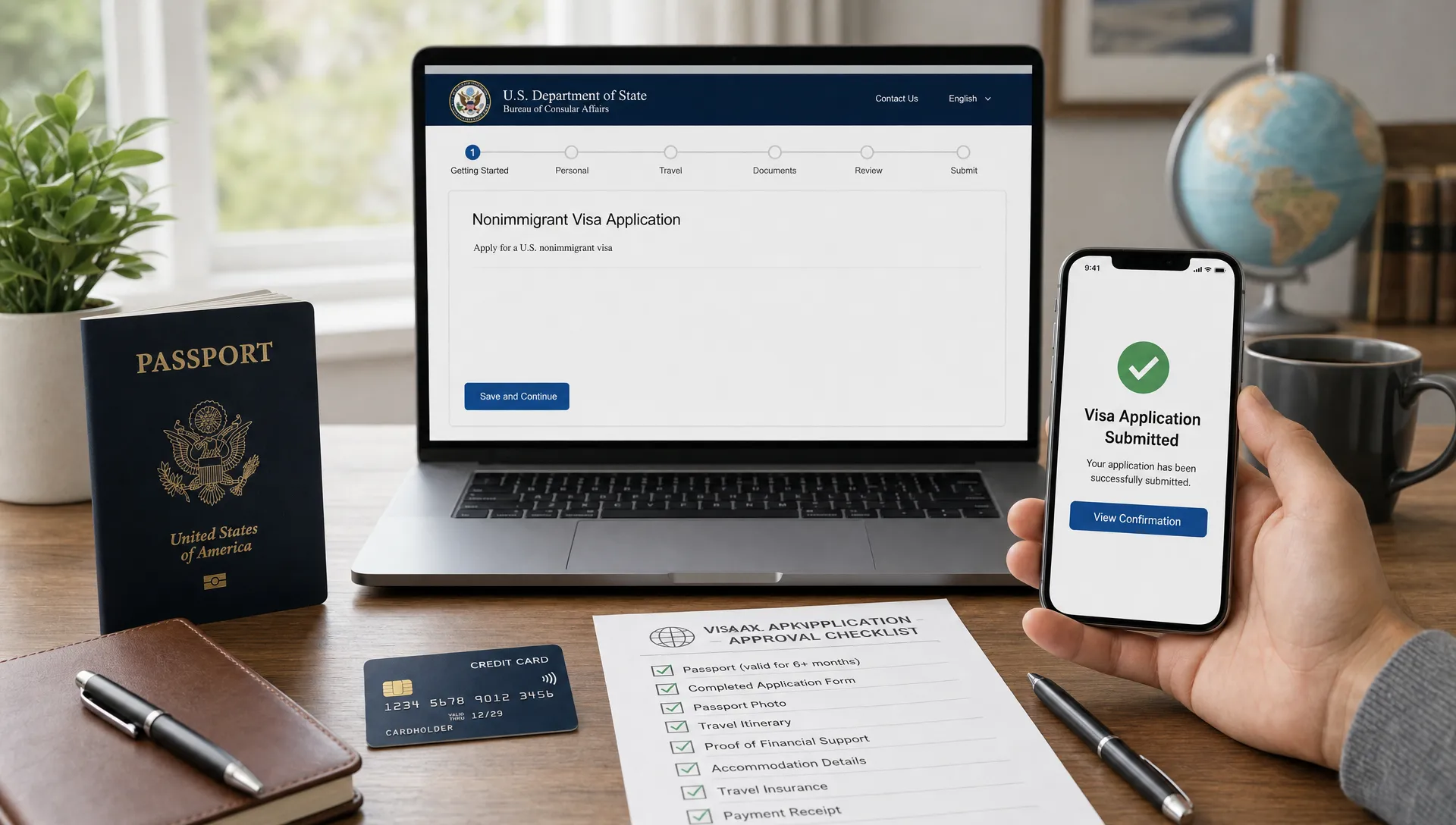
If you are planning a trip to Turkey, applying for an eVisa online can be quick and convenient, but only if you use the right site and handle your personal data carefully. The phrase many travelers search for, "www evisa gov tr apply," points to the core issue: you want the official Turkey eVisa process, not a lookalike page, paid ad, or form designed to collect unnecessary fees.
The safest starting point is the official Türkiye e-Visa portal, which is operated on the government domain evisa.gov.tr. From there, your goal is simple: confirm eligibility, enter your details exactly as they appear in your passport, pay securely, download the approved eVisa, and keep a copy with your travel documents.
Below is a practical, Turkey-specific safety checklist you can use before, during, and after the application.
First, confirm you are on the official Turkey eVisa site
The official Turkey eVisa site uses the gov.tr government domain. Before entering your passport number, date of birth, or payment card details, look carefully at the address bar.
A safe visit should start with these checks:
- The domain is
evisa.gov.tr, not a variation with extra words, misspellings, or unusual endings. - The page uses HTTPS and your browser shows a secure connection indicator.
- The site does not redirect you through unrelated domains before payment.
- The content is consistent, professional, and focused only on the Turkey eVisa process.
- You typed the address yourself or used a trusted saved bookmark, rather than clicking an ad or a random social media link.
Lookalike domains are one of the most common risks. A fake or misleading site may use phrases like “official Turkey visa,” “government approved,” or “instant guaranteed visa” while sending you to a non-government application form. Some third-party services are legitimate, but they should clearly disclose that they are not the government portal and explain any service fee separately from the official visa fee.
If you want a broader checklist for spotting legitimate visa sites, SimpleVisa has a useful guide on how to verify the authenticity of an electronic visa website.
Check eligibility before you apply
A Turkey eVisa is not available to every traveler in every situation. Eligibility depends on factors such as nationality, passport type, purpose of travel, and sometimes supporting documents. For example, some travelers may qualify for tourism or business visits, while others may need to apply through a Turkish embassy or consulate.
Before you fill out the application, confirm:
- Your nationality is eligible for an eVisa.
- Your passport type is accepted by the online system.
- Your trip purpose fits the eVisa category offered.
- Your passport will remain valid for the required period.
- Any supporting document requirement shown by the official system applies to you.
Do not assume that a friend’s approval means you qualify too. Turkey eVisa rules can differ by nationality, and requirements may change. The official site’s eligibility questions are there to prevent travelers from paying for a visa type they cannot use.
Prepare the right information before starting
A safe application is also an accurate application. Most eVisa problems come from mismatched names, wrong passport numbers, incorrect dates, or using an email address you cannot access.
Have these items ready before you begin:
- Your passport, not a photocopy or memory of the details.
- Your travel dates or intended arrival date.
- An email address you can access immediately.
- A valid payment card accepted by the portal.
- Any supporting visa or residence permit information if the official site asks for it.
Enter names exactly as they appear in the passport’s machine-readable and identity sections. If your passport includes middle names, multiple surnames, accents, or special characters, follow the official form instructions carefully. Even small differences can create airline check-in or border issues.
It is also worth applying from a private, secure internet connection. Avoid public Wi-Fi in airports, cafes, or hotels when entering passport and payment details. If you must use shared internet, use your own device and a trusted VPN, and do not save card details in a public browser.
How to use the Turkey eVisa application safely
Once you are confident you are on the correct site, proceed slowly. The official process is designed to be straightforward, but speed is not your friend when dealing with passport data.
Select your country and travel document type
The site will ask for your nationality and travel document type. Choose what is printed in your passport, not your place of residence or where your flight departs from.
If you hold more than one passport, apply with the same passport you will use for airline check-in and entry into Turkey. Your eVisa is linked to that passport. If the passport number changes, the visa generally cannot simply be transferred.
Review the conditions shown on screen
After your nationality and document type are selected, the site may show conditions for entry. Read them carefully. This is where travelers sometimes miss important requirements, such as needing a valid supporting visa or residence permit from an eligible country.
If you do not meet a displayed condition, do not proceed just to “try it.” Paying for an eVisa you cannot legally use can lead to denied boarding or refusal at the border.
Enter personal details exactly
Passport number, date of birth, nationality, and name fields must match your passport. Take an extra minute to compare each field before moving forward.
Common mistakes include transposed passport digits, using a nickname instead of the legal name, selecting the wrong birth month, and entering the passport issue date where the expiry date belongs. These errors can be difficult to fix after payment.
Use a reliable email address
The confirmation and eVisa download link are usually sent by email. Use an address you control, and check that it is typed correctly. Avoid temporary inboxes, work accounts you may lose access to, or shared travel group email accounts unless you trust everyone who can access them.
After submitting, check your inbox and spam folder. Save the confirmation email, but do not forward it widely because it may contain personal information.
Pay securely and avoid fee traps
The Turkey eVisa fee can vary by nationality and visa conditions, so avoid relying on outdated fee tables from blogs or forums. The amount shown on the official portal during your application is the relevant figure for that application.
Before payment, confirm that:
- The payment page still belongs to the official flow.
- The fee is shown clearly before you authorize the transaction.
- Your browser connection is secure.
- You are not being asked for unrelated information such as online banking passwords, social media credentials, or unnecessary identity documents.
Use a card with fraud alerts enabled if possible. Many banks allow you to receive real-time notifications for online purchases, which can help you detect unauthorized charges quickly.
Be cautious with pages that advertise unusually cheap “Turkey eVisa deals,” especially if they pressure you with countdown timers or claim guaranteed approval. Government visa decisions are never something a private website can honestly guarantee.
| Safety check | Good sign | Warning sign |
|---|---|---|
| Website domain | Uses evisa.gov.tr |
Uses misspellings, extra words, or unfamiliar domains |
| Fee display | Clear payment amount before checkout | Hidden service fees or surprise add-ons |
| Data requested | Passport, travel, email, and payment details relevant to the visa | Bank login, unrelated IDs, or excessive personal data |
| Approval claims | Explains eligibility and processing steps | Promises guaranteed approval |
| Communication | Professional confirmation and downloadable eVisa | Urgent messages asking you to pay again through a new link |
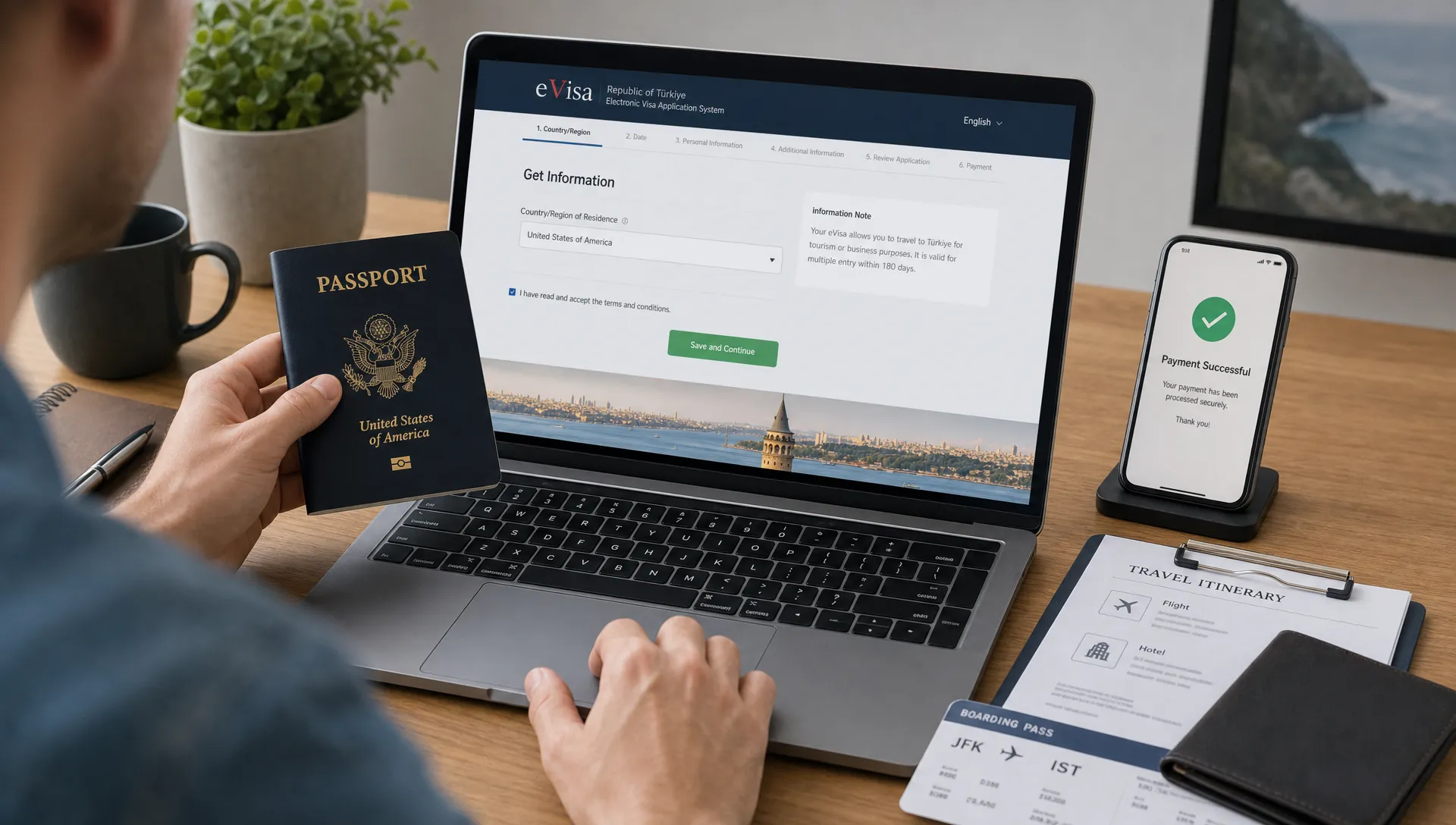
The same caution applies to other travel-related online purchases. If you are traveling to Turkey for a conference, concert, or sports event, use a dedicated and trustworthy checkout for tickets, such as a secure event ticketing platform, but keep visa applications separate and submit passport data only through the appropriate visa channel.
Download, verify, and store your approved eVisa
After approval, download the eVisa as soon as it is available. Do not rely only on the email link, because inbox access can fail when you are traveling.
Check the approved eVisa against your passport before your trip. Pay close attention to:
- Full name
- Passport number
- Nationality
- Date of birth
- Visa validity dates
- Entry conditions shown on the document
If something is wrong, do not edit the PDF yourself. Altering a visa document can create serious travel problems. Instead, follow the official site’s instructions for correcting errors or submitting a new application if required.
Keep both a digital and printed copy. Many travelers can present digital documents, but a printed backup is useful if your phone battery dies, your email is inaccessible, or an airline agent asks for a paper copy.
Know what the eVisa does and does not guarantee
An approved Turkey eVisa allows an eligible traveler to request entry under the conditions stated on the visa. It does not override all other border requirements, and it does not guarantee entry if your passport, purpose of travel, or supporting documents do not meet the rules.
Before departure, confirm that your passport is valid, your airline information matches your travel documents, and your trip purpose aligns with the visa type. If your travel plans change significantly, review whether the existing eVisa still covers the new dates and conditions.
For more general online application safety habits, see SimpleVisa’s guide to how to apply for a travel visa online safely. If you are concerned that you may have used a fake site, review the warning signs in this article on electronic visa scams.
Special notes for travel businesses
For travel agencies, airlines, tour operators, OTAs, and event travel organizers, the main challenge is not only helping customers find the Turkey eVisa site. It is helping them understand requirements at the right moment in the booking journey.
A traveler who discovers a visa issue at airport check-in is frustrated, and the business that sold the trip often receives the complaint even if the visa was the traveler’s responsibility. Clear visa guidance, country-specific prompts, and safe application pathways reduce avoidable support tickets and improve the overall customer experience.
SimpleVisa helps travel businesses streamline visa guidance and application support through options such as API integration, white-label application flows, no-code implementation, and custom data services. If your customers regularly travel to destinations with eVisa requirements, including Turkey, integrating visa support into your booking flow can also create a relevant ancillary revenue opportunity.
Frequently Asked Questions
What is the official Turkey eVisa website? The official portal is on the evisa.gov.tr government domain. Always check the browser address bar before entering passport or payment details, and avoid lookalike sites with extra words, misspellings, or misleading claims.
Is it safe to search “www evisa gov tr apply” on Google? It can be a starting point, but search results may include ads, agencies, and lookalike pages. For safety, verify the domain carefully or type the official address directly into your browser.
Can I use a third-party visa service instead of the government site? Some third-party services can be legitimate if they clearly disclose who they are, what they charge, and what they do for you. Be cautious if a site pretends to be the government, hides fees, or promises guaranteed approval.
What should I do if I made a mistake on my Turkey eVisa application? Do not alter the approved eVisa file. Review the official portal’s guidance for corrections or reapplication, and make sure any new application uses passport details exactly as printed.
Do I need to print my Turkey eVisa? Keeping a digital copy is important, but printing a backup is a smart precaution. A paper copy can help if your phone is unavailable, your email cannot load, or an airline representative requests a printed document.
Make Turkey eVisa guidance easier for your travelers
Using the Turkey eVisa site safely comes down to three habits: verify the official domain, enter passport details carefully, and protect payment and personal information throughout the process.
If you run a travel business and want to reduce visa confusion for your customers, SimpleVisa can help you bring guided visa support into your booking flow, white-label experience, or data service, so travelers get clearer next steps before they reach the border.