eVisa Form Mistakes That Cause Delays
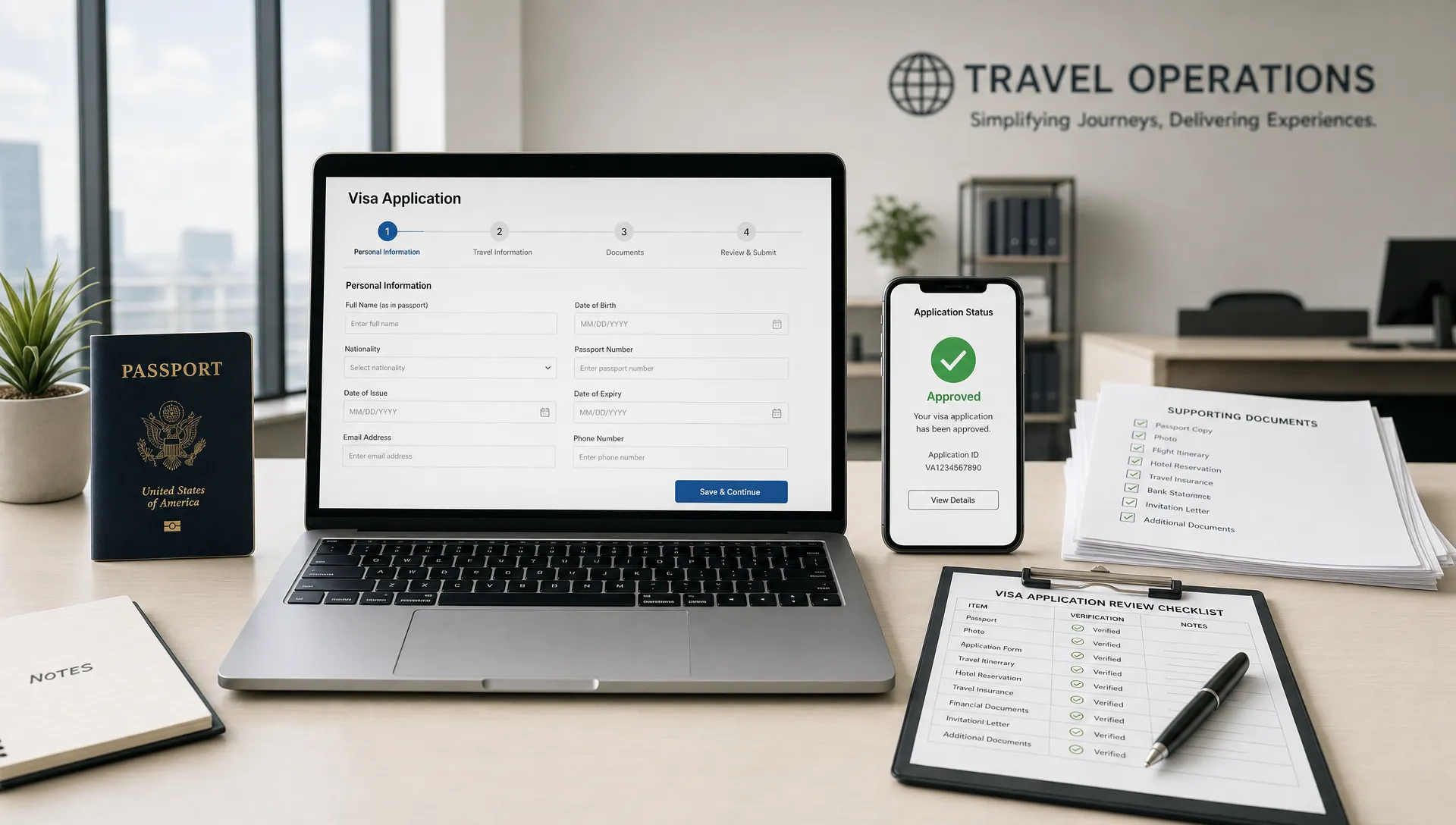
A delayed eVisa is often blamed on government processing times, seasonal demand, or “the system.” Those factors can matter, but many slowdowns begin much earlier, inside the eVisa form itself.
A missing middle name, the wrong passport issuing country, a tourism visa selected for a business visit, or a date entered in the wrong format can push an otherwise straightforward application into manual review. For travelers, that can mean anxiety before departure. For travel brands, it can mean support tickets, disrupted itineraries, and lost trust at the exact moment customers expect clarity.
The good news: most eVisa form mistakes are preventable. This guide focuses on the field-level errors that cause delays, how to catch them before submission, and how travel businesses can design better workflows so customers complete applications correctly the first time.
Why small eVisa form errors create big delays
An eVisa form is not just an online questionnaire. It becomes an official immigration record that is checked against the traveler’s passport, itinerary, eligibility answers, supporting documents, payment details, and sometimes airline or border systems.
When the information does not match, the application may not be automatically refused. Instead, it may be paused for clarification, routed to manual review, or returned for correction. That is where delays build up.
The most common delay triggers tend to fall into four categories:
- Identity mismatches between the form and passport
- Eligibility answers that are incomplete, inconsistent, or unclear
- Travel details that do not fit the visa type selected
- Administrative issues such as incorrect contact details, failed payments, or duplicate submissions
For travelers, the practical takeaway is simple: treat the eVisa form like a legal document, not like a hotel booking. For travel businesses, the opportunity is to build guidance and validation into the customer journey before mistakes reach the immigration authority.
Mistake 1: Entering names differently from the passport
Name errors are among the most common eVisa form mistakes because travelers often type their name the way they normally use it, not the way it appears in the passport.
A traveler may leave out a middle name, reverse given name and surname, simplify a hyphenated surname, or omit accents and special characters without checking the form instructions. Some passports show multiple given names, patronymics, or compound surnames. If the eVisa form asks for “full name as shown in passport,” every relevant part should be entered exactly according to the authority’s format rules.
Common name-related issues include:
- Typing a nickname instead of the legal given name
- Omitting a second or third given name shown in the passport
- Entering the married name when the passport still shows the maiden name
- Confusing surname and given name fields
- Adding punctuation that the form does not accept
The safest method is to compare the eVisa form against the passport’s identity page and machine-readable zone. If the form provides specific instructions for special characters, follow those instructions rather than guessing.
Mistake 2: Using the wrong passport information
Passport fields look simple, which is why applicants often rush through them. Unfortunately, a single wrong digit can cause a delay.
The most frequent passport data mistakes include confusing the letter O with the number 0, the letter I with the number 1, entering the wrong expiration date, or selecting nationality instead of passport issuing country. This matters because nationality, passport type, and issuing country can affect eligibility, permitted stay, fees, and processing steps.
Also check whether the traveler has more than one passport. Dual nationals and frequent travelers sometimes book a trip with one passport but complete the eVisa form using another. The passport used for the eVisa should generally be the same passport used for travel, check-in, and border crossing.
| eVisa form field | Common mistake | Why it causes delays | Quick check |
|---|---|---|---|
| Passport number | O typed as 0, or I typed as 1 | The number may not match the passport record | Compare character by character with the passport |
| Expiration date | Month and day reversed | The system may read the passport as expired or invalid | Confirm the required date format before entering |
| Issuing country | Nationality selected instead | Eligibility may be calculated incorrectly | Use the country that issued the passport |
| Passport type | Ordinary, diplomatic, or official selected incorrectly | Different rules may apply | Match the passport category shown on the document |
| Place of birth | City, province, or country entered inconsistently | Manual review may be required | Follow the form label exactly |
If supporting files are also required, make sure the information typed into the form matches the uploaded passport scan. SimpleVisa has a separate guide on common travel visa document errors if you want to check the document side of the application as well.
Mistake 3: Choosing the wrong visa type or purpose of travel
Many eVisa delays happen because the traveler selects the most familiar option instead of the most accurate one. “Tourism” may sound harmless, but it is not always correct.
A short trip can still be a business trip. A conference can have different requirements from paid work. A layover may require a transit authorization rather than a visitor visa. A family visit may be different from general tourism. Some countries also separate medical visits, study, religious travel, journalism, and crew travel into specific categories.
For example, a traveler going to Dubai to meet vendors, inspect facilities, or discuss hardware procurement with companies involved in crypto mining operations in the UAE should not automatically choose tourism just because the stay is brief. The right choice depends on the destination’s visa rules and what the traveler will actually do there.
This is especially important for travel sellers. If customers are asked about visa requirements too late in the booking journey, they may self-select the wrong purpose under time pressure. If your business offers international trips, tours, events, or corporate travel, reviewing the top mistakes in online visa processing for travel brands can help you identify where customers need clearer guidance.
Mistake 4: Travel dates that do not match the itinerary
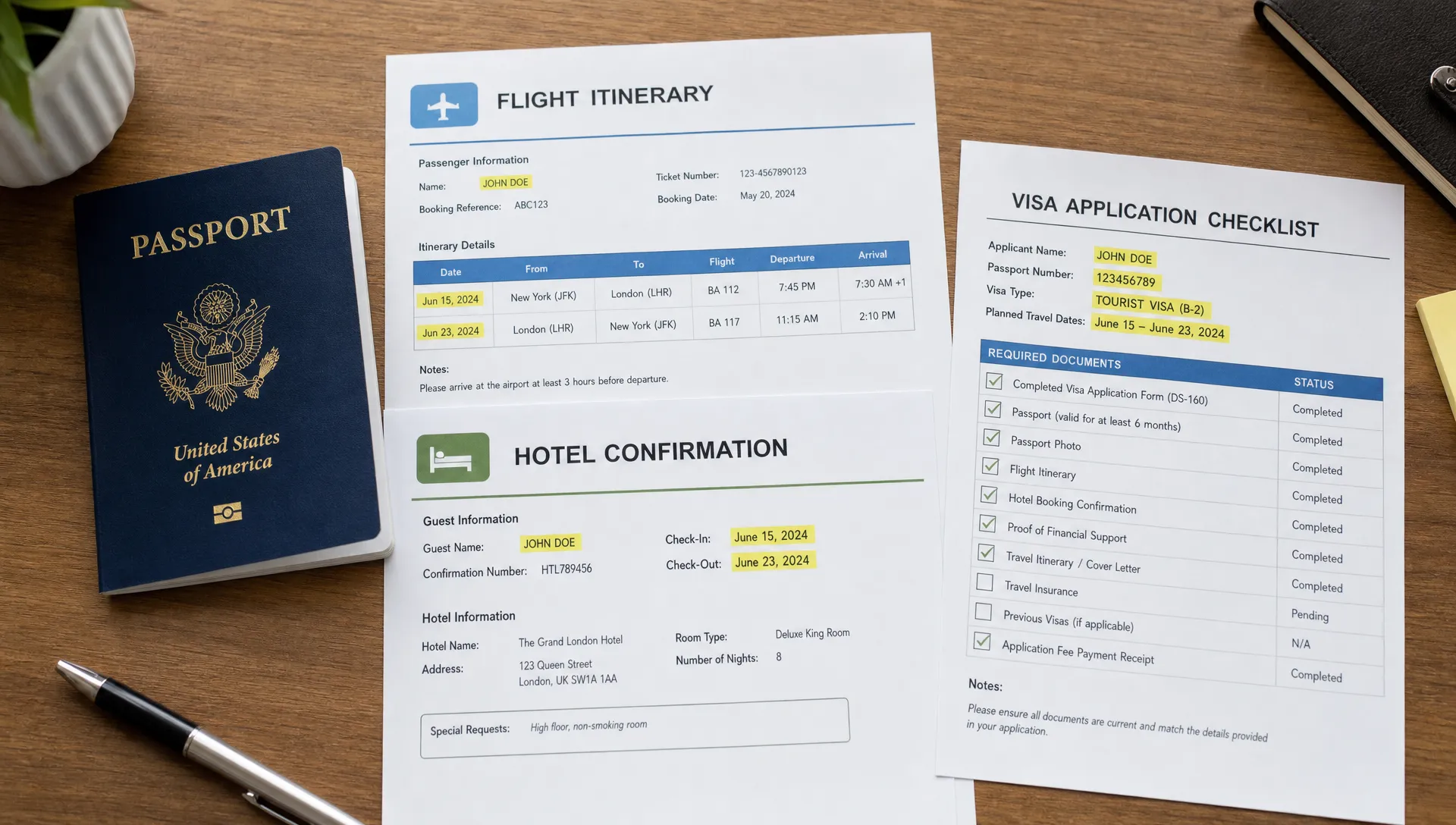
Travel date mistakes are easy to make because travelers may not know whether the form wants arrival date, departure date, flight departure date from origin, or date of entry at the destination.
This becomes a problem when the itinerary crosses time zones or includes overnight flights. A traveler may leave New York on July 10 and arrive in Istanbul on July 11. If the eVisa form asks for arrival date and the traveler enters the departure date, the application may conflict with flight or accommodation details.
Date issues can also affect visa validity. Some eVisas are valid from the date of approval, some from the intended arrival date, and some for a fixed window. Applying with incorrect dates can lead to a visa that does not cover the actual trip, or to a request for clarification.
Before submission, compare the eVisa form against:
- Flight arrival date at the destination
- Planned departure date from the destination
- Hotel or accommodation dates
- Cruise embarkation or port entry dates, if relevant
- Event, meeting, or tour start dates
If dates are not final, check whether the destination allows estimated travel dates or requires confirmed arrangements. Do not guess when the authority asks for confirmed information.
Mistake 5: Providing contact details that block follow-up
A perfectly prepared eVisa form can still be delayed if the applicant cannot receive status updates, correction requests, or approval notices.
Common contact mistakes include typing the email address incorrectly, using an inbox that the traveler does not check, entering an old phone number, or using a travel companion’s contact details without making sure they will monitor messages. Corporate travelers sometimes use an assistant’s email, while families may use one email for multiple applications. That can work, but only if someone is responsible for monitoring every update.
Travel businesses should pay special attention to this point. If your booking flow or support team collects customer details and then sends them into a visa process, define which email address is used for official communications. A missed correction request can turn a simple fix into a missed departure.
A strong process includes confirming the email address twice, warning customers to check spam folders, and making the application reference number easy to find after submission.
Mistake 6: Inconsistent employment, accommodation, or funding details
Many eVisa forms ask for employment status, employer name, accommodation address, host details, or proof of funds. These fields help the authority understand the traveler’s purpose and ability to comply with visa conditions.
Delays happen when these answers are vague or inconsistent. For example, a traveler selects “employed” but leaves employer fields blank. Another enters a hotel name on the form but uploads an invitation letter from a private host. A business traveler provides a personal travel purpose but lists a company address as the main destination.
The fix is not to over-explain. It is to make the answers consistent and truthful. If the traveler is staying at multiple hotels, use the address requested by the form, often the first accommodation. If the traveler is self-employed, use the format the form allows and prepare supporting evidence if required. If the trip is sponsored by an employer, ensure the funding answer matches any invitation letter or company documentation.
Mistake 7: Rushing eligibility and background questions
Eligibility questions are where applicants should slow down the most. These may cover prior visa refusals, overstays, criminal history, deportations, health declarations, previous names, or visits to certain countries.
A delay can occur when the applicant skips a required explanation, answers inconsistently with previous records, or selects “No” when the accurate answer is “Yes.” In some cases, an inaccurate answer can create more serious problems than the underlying issue itself.
If a question is unclear, do not guess based on what seems most favorable. Read the help text, check the official guidance, or seek qualified advice where needed. Prior visa refusals, for instance, often need to be disclosed even if they happened years ago or involved a different country.
For travel brands, this is one area where user experience must be careful. Help text should make questions easier to understand, but it should never encourage customers to minimize or hide relevant information.
Mistake 8: Submitting duplicate applications after a perceived error
When travelers do not receive an instant confirmation, some submit the eVisa form again. This can create duplicate records, conflicting application IDs, extra payments, and more manual review.
Before submitting a second application, check whether the first application was actually received. Look for a confirmation email, payment receipt, reference number, or dashboard status. If the authority provides instructions for correcting an application, follow those instructions rather than starting over.
If the mistake is material, such as the wrong passport number or nationality, contact the relevant support channel as soon as possible. If the mistake is minor, such as a formatting issue in an address, the authority’s rules will determine whether it must be corrected.
SimpleVisa’s guide to travel visa help for delays, errors, and rejections covers practical next steps when an application is already in progress.
Mistake 9: Ignoring payment and session errors
Payment issues can look separate from the eVisa form, but they often affect processing. If a payment fails, times out, or is flagged by the card issuer, the application may remain incomplete even if the traveler filled out every field correctly.
Common payment-related delay triggers include using a card that blocks international transactions, entering a billing address that does not match the card, closing the browser too soon, or assuming the application was submitted because the payment page appeared.
After payment, applicants should save the reference number, download or screenshot the confirmation if allowed, and verify that the application status has moved beyond draft or unpaid. Travel companies should make this confirmation step obvious, especially for customers applying on mobile devices.
A pre-submit checklist for the eVisa form
The best time to fix an eVisa form mistake is before payment and submission. Use this checklist as a final review, especially for travelers applying close to departure.
| Review area | What to verify | Best source to compare against |
|---|---|---|
| Legal name | Names are entered exactly as required | Passport identity page |
| Passport data | Number, issue date, expiration date, type, and issuing country are correct | Passport identity page and machine-readable zone |
| Visa type | Purpose matches the actual trip | Destination visa rules and itinerary |
| Travel dates | Arrival and departure dates match the trip | Flight, hotel, cruise, or tour records |
| Contact details | Email and phone can receive updates | Traveler’s active inbox and phone |
| Host or accommodation | Address matches the trip plan | Hotel booking, invitation letter, or host details |
| Eligibility answers | All background questions are answered truthfully | Traveler’s history and official guidance |
| Payment status | Application is submitted, not just saved | Confirmation page, receipt, or application portal |
For first-time applicants, a broader get-started guide to eVisa applications can help clarify the full process from eligibility checks to tracking approval.
How travel businesses can reduce eVisa form delays
For OTAs, airlines, tour operators, travel management companies, and booking platforms, eVisa form mistakes are not just an applicant problem. They are a customer experience problem.
Customers often discover visa requirements after they have already booked, paid, and started planning. At that point, they may rush. They may not understand the difference between passport nationality and issuing country. They may select the wrong visa purpose because the form language feels legal or unfamiliar. Every preventable error can become a support interaction.
Travel businesses can reduce these issues by moving visa guidance earlier in the journey and making the application process easier to follow. Useful improvements include clear eligibility prompts, field-level explanations, passport-based validation where possible, and reminders to review critical fields before submission.
This is where SimpleVisa fits into the travel workflow. SimpleVisa helps travel businesses streamline visa applications through processing automation, API integration for travel sites, white-label visa application options, custom data services, and guided customer applications. For teams that want a simpler implementation path, no-code options can also help bring visa support into the customer journey without building everything from scratch.
The goal is not to promise instant approval. No responsible visa solution can do that. The goal is to reduce avoidable errors, help travelers submit cleaner applications, and create a smoother path from booking to border crossing.
Frequently Asked Questions
What is the most common eVisa form mistake? Name and passport data mismatches are among the most common. The traveler’s full name, passport number, nationality, issuing country, and expiration date should be checked carefully against the passport before submission.
Can a small typo delay an eVisa? Yes. A small typo may trigger manual review if it affects identity, eligibility, passport matching, or travel details. Some minor formatting issues may not matter, but applicants should not assume that any error will be ignored.
Should I submit a new eVisa form if I made a mistake? Not automatically. First check the official correction process, application status, and support instructions. Duplicate applications can create confusion, extra charges, or additional delays.
Does the visa type really matter if the trip is short? Yes. The correct visa type depends on the purpose of travel, not only the length of stay. Business meetings, conferences, transit, study, medical visits, and tourism may have different requirements.
How can travel companies help customers avoid eVisa delays? Travel companies can provide visa guidance earlier, integrate eligibility checks into booking flows, use clearer field instructions, and support customers through guided application journeys.
Make eVisa forms easier for your travelers
Preventing eVisa form mistakes is one of the simplest ways to reduce avoidable delays. For travelers, that means reviewing every field against official documents before submitting. For travel businesses, it means giving customers the right guidance at the right moment.
SimpleVisa helps travel businesses simplify border-crossing administration with guided visa applications, automation, API integration, white-label options, and data services. If your customers travel internationally, building a smoother visa experience can reduce friction, protect itineraries, and create new ancillary revenue opportunities while helping travelers move with more confidence.