Get Online Visa Safely: Avoid Scams and Hidden Fees
If you plan to get an online visa this year, you will see a confusing mix of official portals, paid helpers, and look‑alike websites. Some are legitimate services that add convenience, others hide steep markups or, worse, try to steal your data. This guide shows you exactly how to apply safely, verify websites in under a minute, and avoid hidden fees so you pay only what you must.

First, know the official price
A simple way to avoid overpaying is to learn the government’s official fee before you start. A few well known examples for 2026:
- U.S. ESTA is 21 USD, according to U.S. CBP.
- EU ETIAS will cost 7 EUR for most travelers, per the European Commission.
- The UK ETA is 10 GBP, per GOV.UK.
Third‑party services may charge a separate service fee on top of the official fee. That can be fine if you want help and the provider is transparent. It becomes a problem when the total price is hard to find, currency is switched at checkout, or “expedited” add‑ons are pushed without clear benefit.
For a deeper breakdown of what goes into visa pricing and how to budget, see SimpleVisa’s guide on Fee for Visa: How Costs Are Calculated and Visa Processing Fee Explained.
A 60‑second authenticity check
Use this quick checklist before you enter personal data or card details.
- Start from the source, not ads. Find the country’s immigration or foreign ministry site and follow its links. Embassy pages and official tourism boards often point to the correct portal. SimpleVisa’s primer on Visa Online: Trusted Ways to Apply and Track explains safe channels.
- Inspect the URL and security. The site should use HTTPS. Government portals often use a recognizable domain pattern (examples include .gov, .gov.uk, .gob and .go plus country code), but many countries use different conventions, so always cross‑check from an official government page.
- Compare the fee with the official amount. If the price is far above the government fee and the site obscures the markup, reconsider.
- Look for plain disclaimers and support. Legitimate facilitators clearly state they are not the government, show full pricing, and provide reachable support with a physical address.
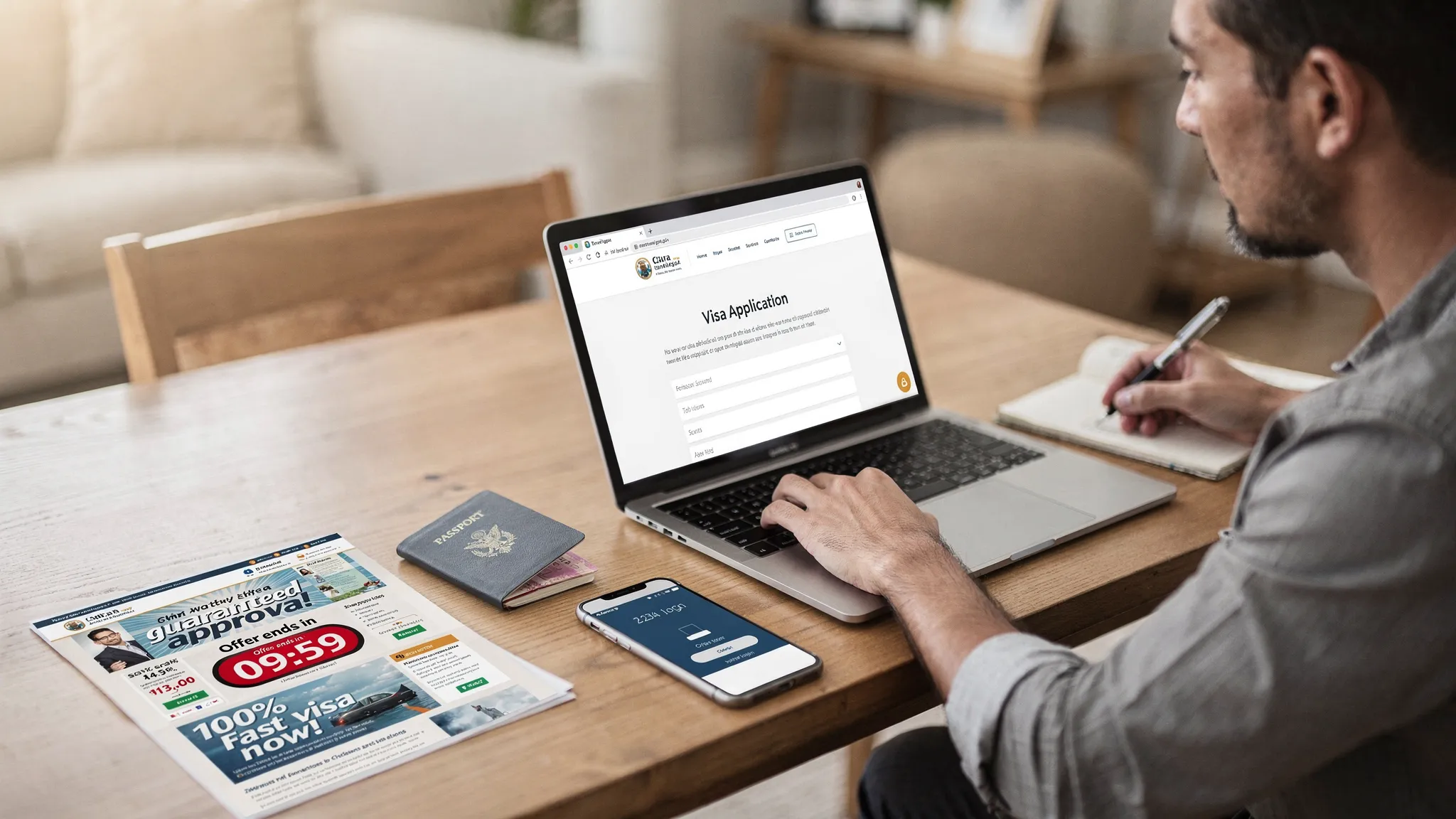
- Avoid “guaranteed approval” or countdown timers. No one can guarantee a visa decision, and artificial urgency is a classic pressure tactic.
For a more thorough website check, review SimpleVisa’s guide, How can I verify the authenticity of an electronic visa website?, and general scam‑avoidance tips from the U.S. Federal Trade Commission.
Hidden fees, decoded
Below are common add‑ons you might see. Not all are bad, but you should understand them before you pay.
| Fee category | What it usually covers | What to watch for |
|---|---|---|
| Government fee | The official filing fee charged by the destination government | Verify the exact amount on an official site first |
| Service fee | Convenience, form preparation, document checks, customer support | Make sure the total price is disclosed early and clearly |
| Payment processing | Card network and gateway costs | Surprise “handling” add‑ons at the last step |
| Priority or rush | Faster submission or concierge checks by a third party, not always faster government processing | Read what is actually expedited and any refund terms |
| Currency conversion | Converting to your local currency | Avoid dynamic currency conversion at checkout unless the rate is favorable |
| Taxes and VAT | Required sales taxes in certain jurisdictions | Taxes should be itemized, not bundled into vague fees |
| Delivery or print services | Optional printing, courier, or SMS alerts | These are rarely necessary for eVisas, which are digital |
SimpleVisa’s in‑depth articles on Travel Visa Online: How to Apply Safely and the Checklist: Everything You Need Before Submitting an Online Visa Application can help you prepare the right documents so you do not need last‑minute paid extras.
Payment safety and privacy best practices
- Apply on a secure connection. Use your home network or a trusted VPN. Avoid public Wi‑Fi for form filling and payments.
- Use a credit card with strong fraud protection. Prefer cards that support 3‑D Secure. Decline dynamic currency conversion unless the quoted rate is better than your bank’s rate.
- Create a strong, unique account password and enable two‑factor authentication if an account is required.
- Share only what is required. If a site demands unrelated data before revealing price or eligibility, stop.
- Save all records. Keep the payment receipt, confirmation email, and a PDF copy of your eVisa or authorization.
- Review the privacy policy. It should state what data is collected, how long it is stored, and how to request deletion.
Scam red flags you should never ignore
- Guaranteed approval claims, insider connections, or “special clearance.”
- Requests for payment via bank transfer, crypto, gift cards, or wire services.
- Typos, broken links, or mismatched branding and country names.
- A checkout that forces you to upload a passport before showing the price.
- New domains pretending to be official, with copied government logos.
- Social media DMs offering instant visas.
For a full playbook of threats and protection steps, read SimpleVisa’s Electronic Visa Scams: How to Protect Yourself from Fraud and 5 Common Electronic Visa Scams and How to Avoid Them.
If you already paid a suspicious site
Act quickly to limit damage.
- Contact your bank or card issuer and request a chargeback or transaction review.
- Change any passwords you shared or reused. Enable two‑factor authentication on email and financial accounts.
- Monitor statements and set up transaction alerts for the next few months.
- Report the site to your national consumer authority. In the United States, you can report at the FTC. Keep all emails and receipts as evidence.
- Reapply through an official portal or a transparent, reputable provider.
Build your total price before you pay
Before you click pay, write down these line items:
- Official government fee for your nationality and visa type.
- Any service fee and what it includes.
- Optional extras you actually want (SMS, printing, concierge). Most travelers can skip these.
- Currency and conversion rate at checkout.
- Taxes, if applicable.
If the total is unclear or keeps changing, do not proceed.

Safer ways to get your online visa
- Apply via the destination’s official portal when available.
- Use a trusted platform that clearly separates government fees from service fees, shows total price up front, and provides guided steps with status tracking. SimpleVisa explains safe channels in Visa Online: Trusted Ways to Apply and Track.
- For complex itineraries or multi‑country trips, consider a reputable helper that automates eligibility checks and document validation without hiding markups.
How SimpleVisa helps travelers and travel brands
SimpleVisa was built to make border compliance simple and transparent.
- Guided online applications with document checks and status tracking.
- Transparent pricing, with government fees and any optional services itemized.
- Multiple integration choices for travel brands, including an API integration for travel sites, a white‑label visa application app, and a no‑code option to go live quickly.
- Visa processing automation and premium eVisa management that improve approval outcomes for customers.
If you are a traveler, you can use SimpleVisa directly or through one of the 400 plus partner sites that embed our flows. If you are an airline, OTA, or tour operator, you can add a secure, revenue‑positive visa step inside your booking or post‑booking journey in days, not months.
Frequently Asked Questions
Are third‑party visa websites illegal? Many are legitimate facilitators that charge a service fee for guidance and support. They must be transparent about their total price and must not pretend to be the government. Avoid any site that hides fees or guarantees approval.
How do I find the official application site for my destination? Start from your destination’s immigration or foreign ministry site, or your local embassy or consulate page. Cross‑check links rather than relying on ads or search results. SimpleVisa’s guide on Travel Visa Requirements: How to Check and Prepare outlines reliable sources and steps.
Why do some sites charge more than the published government fee? They add a service fee for convenience features like form checks, customer support, or expedited submission. This can be useful if the total price is shown up front and the service is clear. Walk away if markups are hidden until the final click.
Does an online visa guarantee entry? No. An approved eVisa or travel authorization allows you to travel, but border officers can still deny entry. Bring supporting documents and ensure your details match your passport and tickets. See Border Crossing Made Easy: Documents, Forms, and Tips.
Should I print my eVisa? Many countries accept digital proof, but carrying a printed copy is still useful if devices fail. Check destination rules and read SimpleVisa’s guide, Do you need to print an electronic visa?.
What if a site offers “priority processing” or “guaranteed approval”? Priority processing can be legitimate if it refers to faster submission or support, not government decision speed. Guaranteed approval is a red flag and should be avoided.
How can I keep my data safe during an online visa application? Apply over a secure network, use strong unique passwords and 2FA, verify the site, and limit data to what is required. SimpleVisa’s 9 Essential Security Tips for Electronic Visa Applications has more detail.
Apply with confidence
When you know the official fee, do a quick authenticity check, and build your total cost before paying, getting an online visa becomes straightforward and safe.
- Travelers, start your secure application or eligibility check with SimpleVisa.
- Travel brands, add a compliant, conversion‑friendly visa step to your flow with SimpleVisa’s no‑code, white‑label, or API options. Book a demo to see how fast you can go live.