Get the Visa You Need: Avoid These Common Errors
Small mistakes sink more visa applications than tough eligibility rules. The good news is that most issues are preventable with a calm, methodical review before you hit submit. Use this guide to get the visa you need on time, with fewer surprises at the border.
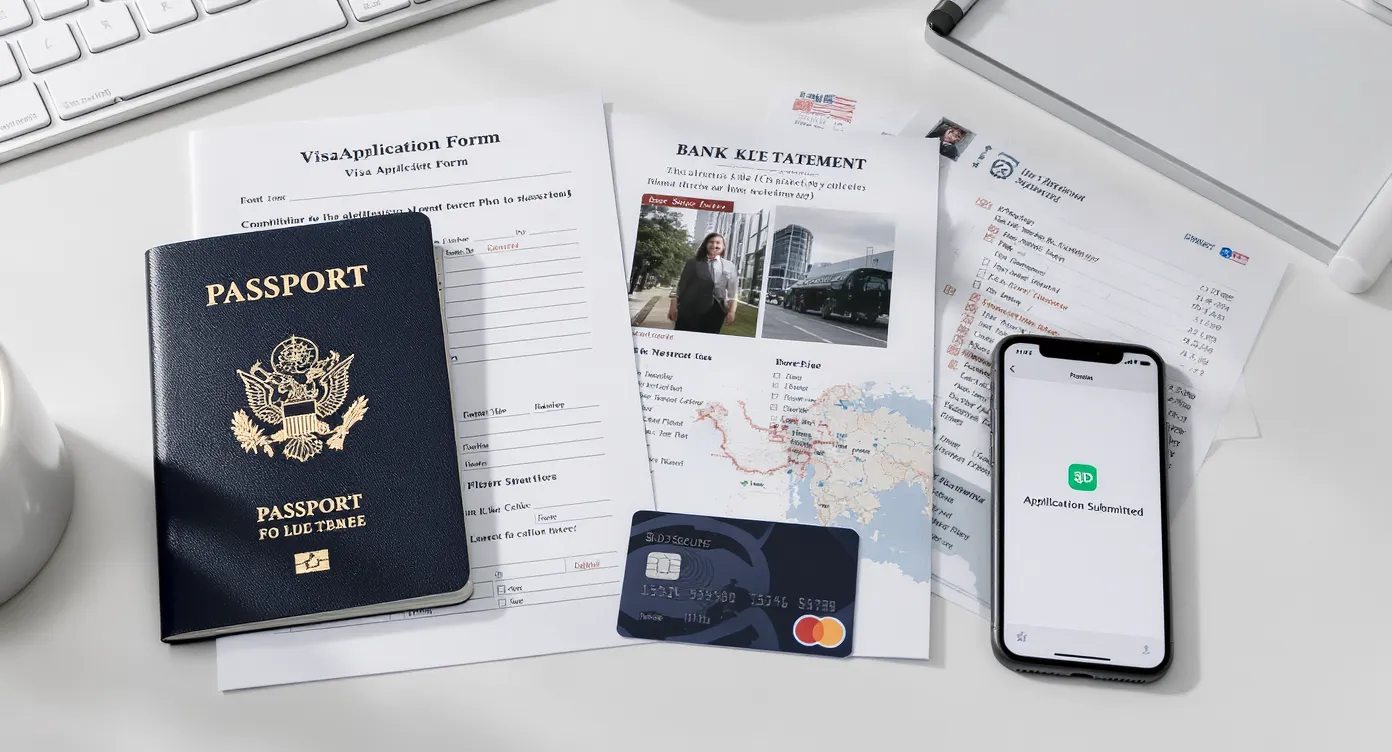
How visa decisions actually happen
Most digital visa systems run two filters. First, an automated check validates identity details, document formats, and risk rules. Second, a human officer can review edge cases or request clarifications. Errors that trip either layer include mismatched names, incorrect visa type, non‑compliant photo or scans, unclear travel purpose, and missing proofs. If you remove these from the start, your odds improve.
The 15 most common errors, ranked by risk
| Mistake | What it triggers | How to fix it |
|---|---|---|
| Choosing the wrong visa type or travel purpose | Immediate refusal or entry denial | Match the visa to your actual purpose, for example tourism, business meetings, study. Cross‑check permitted activities and stay limits. Start with this quick primer on types and use cases in Electronic Visa for Tourism: What You Should Know. |
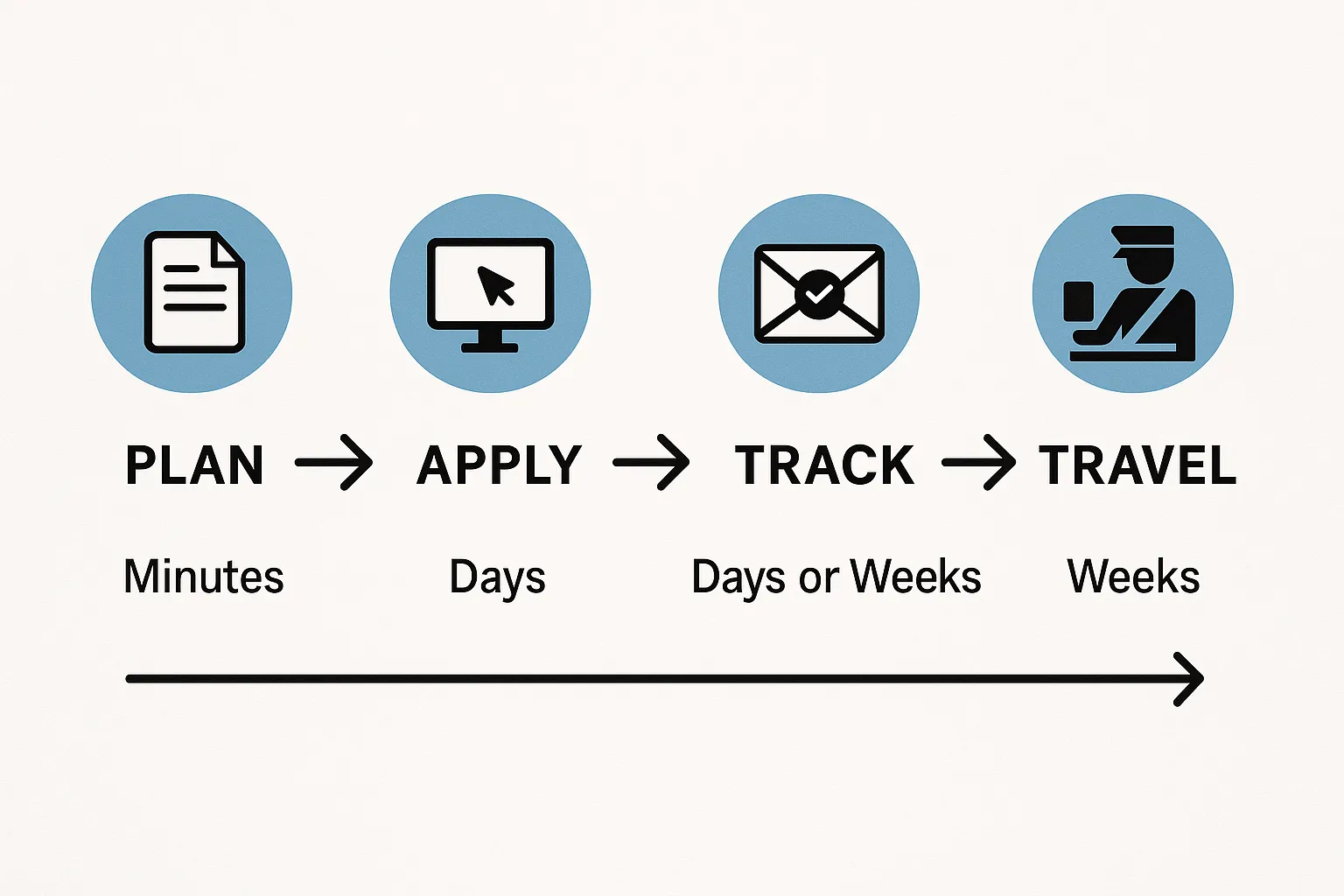
| Applying too late | Processing overlaps with departure, denied boarding risk | Apply early. Some countries decide in minutes, others take days or weeks. See When should I apply for an electronic visa. |
| Passport validity or blank pages insufficient | Refusal or denied boarding at check‑in | Many countries expect at least 3 to 6 months of validity beyond arrival and one or two blank pages. Confirm on official sources like the U.S. State Department guidance and your destination’s government site. |
| Name, date of birth or passport number inconsistency across documents | Data mismatch flags in automated screening | Enter details exactly as on your passport’s identity page. Avoid nicknames, match punctuation and order of names. |
| Photo not meeting specs | Auto rejection during upload or officer refusal | Follow the destination’s photo rules, background color, size, head position. If unsure, use the photo specs checklist in Checklist: Everything You Need Before Submitting an Online Visa Application. |
| Poor scan quality or wrong file format | System cannot read uploads | Provide color scans, sharp focus, no glare, accepted formats, typically JPEG or PDF within size limits. |
| Unclear or weak proof of funds | Officer doubts your ability to support your stay | Provide recent bank statements, pay slips, or sponsor letters that match your name and dates. Explain unusual deposits. |
| Weak ties to home country | Concerns about overstay | Include evidence like employment letters, school enrollment, property or family commitments. Keep it simple and verifiable. |
| Itinerary gaps or missing accommodation | Unclear intent | Share a dated flight booking or reservation and at least a first‑night lodging. If on a tour, include a confirmation letter. |
| Not disclosing past refusals, overstays, or relevant legal issues | Refusal due to non‑disclosure | Answer security questions truthfully. Omitting facts is worse than explaining them. |
| Payment failures or duplicate transactions | Application not submitted, or locked | Use a card with 3‑D Secure enabled, confirm international transactions are allowed, avoid multiple rapid retries. Keep your receipt. |
| Ignoring transit rules | Denied boarding mid‑journey | Check if an airside or landside transit visa is required for your nationality and route, especially with self‑transfers. |
| Not linking family or group applications | Child or partner flagged at the border | Submit linked applications where applicable and carry relationship evidence, birth or marriage certificates if requested. See How to Apply for an Electronic Visa for Family Travel. |
| Using unofficial or fraudulent websites | Loss of money or personal data | Verify URLs, use official government portals or trusted providers. Read Electronic Visa Scams: How to Protect Yourself from Fraud. |
| Failing to monitor requests for more information | Auto withdrawal or refusal | Check your email portal daily, including spam, and respond within the requested window. Save all correspondence. |
For a deeper dive into frequent pitfalls specific to online flows, read Electronic Visa, Common Mistakes to Avoid When Applying and 10 Tips for a Smooth Electronic Visa Application Process.
Your 10 minute pre‑submission audit
Run this quick check before you pay the fee.
- Identity details, exact match to passport, including middle names and punctuation
- Passport validity, enough blank pages, and clear color scan of the bio page
- The right visa category for your purpose and length of stay
- Photo meets destination specs, size, background, and recent enough
- Itinerary and first‑night stay confirmed and dates align with your visa window
- Proof of funds and ties to home country ready, bank statements and employer letter if needed
- Previous visas, refusals or overstays disclosed consistently
- File formats and sizes accepted by the portal
- Payment method ready, 3‑D Secure on, and billing address matches the card
- A safe email address you check daily, and spam filters set to allow official messages
If you are missing any of these, pause and complete them first. This saves days of back‑and‑forth later.
Rules that travelers often misunderstand
- Six month passport validity. Not universal but common. Many destinations require at least three months and some require six months beyond your arrival date. Always verify on official sites, for example the U.S. State Department’s country pages or the destination’s immigration authority.
- 90 days in any 180 days in the Schengen Area. This rolling limit applies to short stays for many nationalities. The European Commission explains the rule and how days are counted.
- Visa approved does not guarantee entry. Border officers can still refuse entry if your purpose or documents no longer match your visa conditions.
- Transit country rules still apply. Even if your final destination is visa free, a transfer airport can require a separate transit visa depending on nationality and whether you must pass immigration.
- Health documents. Some countries require a yellow fever certificate when arriving from or transiting through risk areas. Check the World Health Organization for current requirements and your destination’s official guidance.
If your departure is soon
- Choose a destination with eVisa or eTA for your nationality to shorten lead time. See 10 Countries with the Easiest Electronic Visa Processes and 10 Most Popular Destinations That Accept Electronic Visas.
- Check for priority processing on the official portal. If there is no official expedited option, be skeptical of third parties promising faster decisions.
- Verify every upload and payment on the first attempt. Most delays come from re‑submissions.
- Keep printed and digital copies of your approval and key documents. Some airlines or airports still ask to see them. See Do you need to print an electronic visa.
What to do after you receive approval
- Verify your name, passport number, visa type, validity dates, and number of entries the same day approval arrives.
- Store a PDF in at least two places, your phone and a cloud drive. Print a paper copy as backup.
- Align your itinerary with visa dates and entry limits. Adjust multi‑country plans to respect stay rules. See 8 Things to Do Immediately After Receiving Your Electronic Visa.
- If you renew or replace your passport, learn how to link or transfer your visa. Read How to Transfer Your Electronic Visa to a New Passport.
For travel businesses, stop errors at the source
If you are an airline, OTA, TMC, cruise line, or tour operator, the fastest path to fewer denied boardings is to surface visa requirements and a guided flow inside your booking journey.
- Integrate via API to automate eligibility checks and application submission, or launch a white‑label visa app with no code.
- Use guided customer applications to reduce form mistakes and incomplete files, improving approval rates and NPS while generating ancillary revenue.
- Learn more in API vs. White‑Label App, Which Visa Integration Model Suits You and Building a Seamless Post‑Booking Visa Journey.
SimpleVisa is available on 400 plus travel sites and offers visa processing automation, guided applications, and premium eVisa management. If you want to add a compliance layer that pays for itself, our team can help.
FAQs
Do I need six months left on my passport to get a visa? Many countries require three to six months of validity beyond your arrival date, but not all. Check your destination’s official rules and your airline’s guidance before you apply.
Can I apply with a passport that will be renewed soon? Renew first if timing allows. If you apply with the current passport, your visa will be tied to that number, which complicates travel once you renew. Some destinations allow transfer, others require a new application.
Do I need a return or onward ticket? Many countries ask for proof that you will leave on time. A dated return ticket is the simplest proof. Ensure your ticket aligns with the visa validity and stay limit.
How fast can an electronic visa be approved? It ranges from minutes to several business days depending on the country, nationality, and background checks. Avoid last minute applications during peak seasons and holidays. See How long does it take to get a US electronic visa and 10 Tips for a Smooth Electronic Visa Application Process.
My card was charged but the portal shows no submission. What now? Save the payment receipt, take screenshots, and contact the issuing authority or provider with your email, time of payment, and reference number. Do not resubmit immediately, wait for confirmation to avoid duplicates.
Does an approved visa guarantee entry? No. Final entry is always decided by the border officer. Carry your supporting documents and make sure your itinerary and story match your visa type.
Ready to remove the guesswork
- Travelers, check your requirements and start a guided application with SimpleVisa so you can get the visa you need without avoidable errors.
- Travel brands, add a compliant, revenue generating visa layer to your booking flow through our API, white‑label app, or no code tools. Request a demo to see it live.
Helpful resources on SimpleVisa:
- Electronic Visa, Common Mistakes to Avoid When Applying, https://simplevisa.com/mistakes-to-avoid-applying-electronic-visa/
- Checklist, Everything You Need Before Submitting an Online Visa Application, https://simplevisa.com/checklist-everything-you-need-before-submitting-an-online-visa-application/
- Electronic Visa Scams, How to Protect Yourself from Fraud, https://simplevisa.com/e-visa-scams-how-to-protect-yourself-from-fraud/
- How to Apply for an Electronic Visa, 3 Easy Steps, https://simplevisa.com/how-to-apply-for-an-electronic-visa/
Selected official references:
- U.S. State Department, Passport and Entry Requirements, https://travel.state.gov
- European Commission, Short stays in the Schengen Area, https://europa.eu
- World Health Organization, International travel and health, https://www.who.int