How to Contact Them Fast for Visa Help
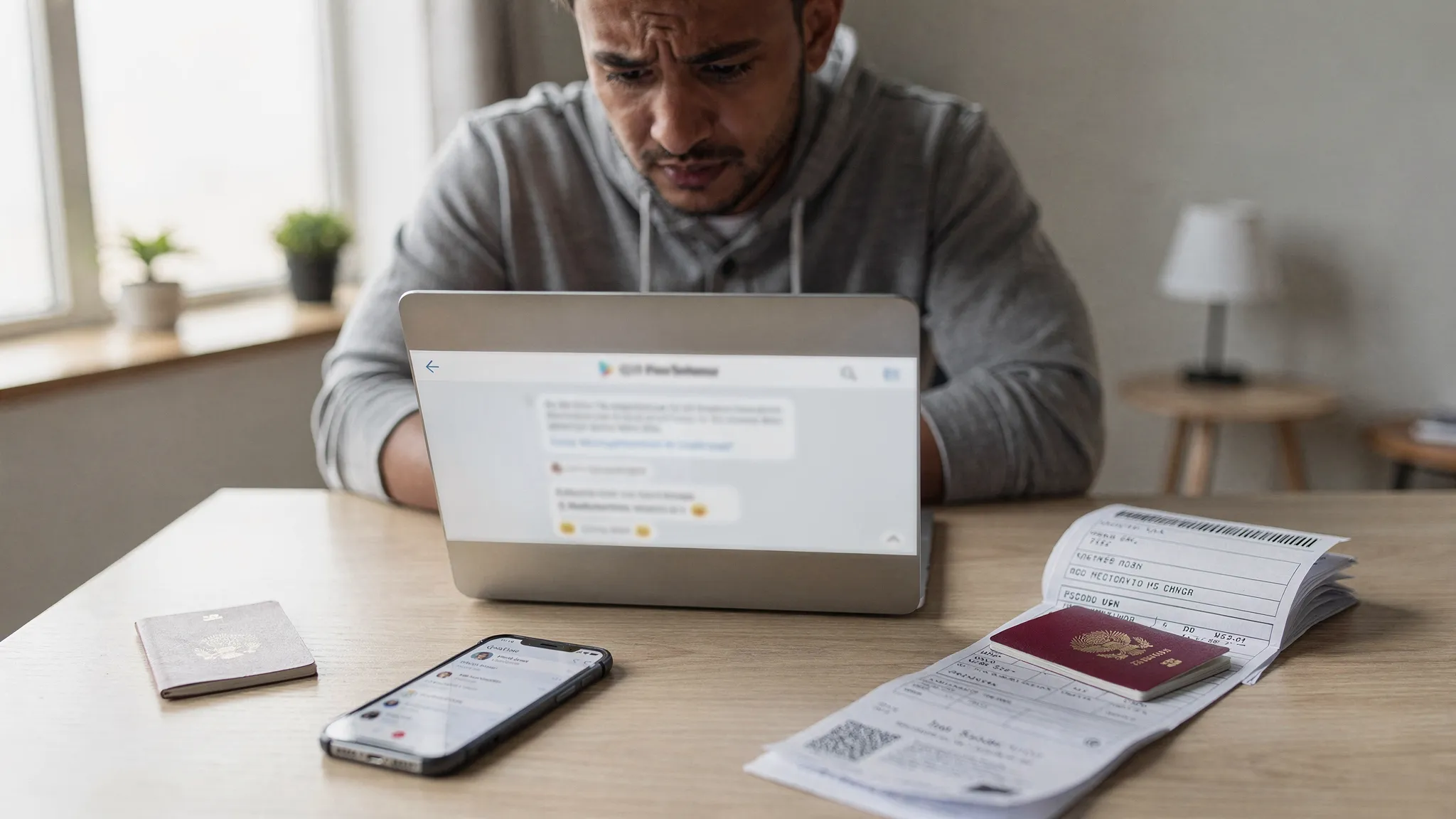
Visa questions rarely show up at a convenient time. They tend to hit when you have a flight in 48 hours, a passport photo that will not upload, or an eVisa approval email that never arrives. When that happens, getting help quickly is less about “finding a contact form” and more about using the right channel, with the right details, at the right moment.
This guide shows how to contact SimpleVisa fast for visa help, what information to prepare so your issue can be resolved in one touch, and when it is smarter to contact an airline or government authority instead.
Step 1: Confirm who actually controls your problem (so you do not lose time)
Before you reach out to anyone, do a quick triage. It prevents a common delay: contacting the wrong organization and waiting hours for an answer that cannot fix your situation.
Contact SimpleVisa when the issue is about the application journey
SimpleVisa can usually help when you are dealing with:
- The guided visa or authorization application flow (form questions, document upload requirements, validation errors)
- Application status visibility (for example, you cannot find the status page or confirmation)
- Technical problems inside a partner booking flow or a white-label experience
- Clarifying what data is needed to complete a submission (passport scan format, photo rules, missing fields)
Contact the government, consulate, or issuing authority when it is a decision or entry policy question
Some outcomes are controlled only by the issuing authority:
- Approval or refusal decisions
- Requests for interviews, biometrics, or additional checks
- Last-minute border officer questions at arrival
- Exceptions or waivers that are granted only by a government office
SimpleVisa can help you submit correctly and reduce avoidable errors, but no legitimate visa service should claim it can “guarantee” an outcome or override an authority’s decision.
Contact your airline or travel provider when boarding is at risk
If your flight is within 24 hours and you are unsure whether you can board, the fastest operational answer often comes from your airline (or the travel agency you booked with). Airlines are the ones who verify whether you can be carried, and they may request specific proof at check-in.
Step 2: Gather the information that speeds up support (most delays happen here)
The quickest way to get a resolution is to send one complete message the first time, rather than a back-and-forth thread where support has to request basics.
Use this checklist, then paste the key items into your first message.
| What to prepare | Why it matters | Where to find it |
|---|---|---|
| Full name (as in passport) | Matching the application record exactly | Passport bio page |
| Nationality and passport number (or last 4 digits if you prefer) | Identifies the correct traveler profile | Passport |
| Destination country and travel date | Determines which rules and deadlines apply | Your itinerary |
| Application reference or confirmation (if available) | Speeds up locating your case | Confirmation screen or email |
| Where you applied (partner site, white-label app, direct link) | Routes you to the right support workflow | Booking confirmation, app name, or URL context |
| Screenshots of the error (including the full page) | Reproduces the issue quickly | Your device |
| File details for uploads (size, format, dimensions) | Common cause of upload failures | Your file properties |
| What you already tried | Prevents repeated steps | Notes, browser history |
Time saver: If your problem is technical (upload not working, page stuck), include your device type and browser (for example, iPhone Safari, Windows Chrome). That can cut troubleshooting time significantly.

Step 3: Use the fastest channel based on how you started the application
SimpleVisa can be accessed in different ways depending on the travel brand you booked with, or the business integration in place. The fastest contact method is usually the one embedded closest to your application.
If you applied during booking on a travel site
Many travelers first encounter SimpleVisa inside a flight, hotel, cruise, or tour booking flow. In that scenario:
- Look for an in-flow chat or help link inside the same page where you started the visa or authorization step.
- If you can still access the booking confirmation page, start support from there, it usually passes context like destination and booking identifiers.
This is typically faster than starting from a generic “contact us” page because the request already contains the integration context.
If you used a white-label visa application app
Some travel providers offer a branded (white-label) visa application experience powered by SimpleVisa. In that case:
- Use the help or support entry point inside the app.
- Include the email address you used to start the application and the destination.
White-label environments can differ by partner, so starting inside the app helps route your request correctly.
If you are a travel business or developer integrating SimpleVisa
If you are contacting SimpleVisa as a partner (OTA, airline, tour operator, TMC, cruise line, travel platform), the fastest path is usually via partner channels designed for operational support, for example:
- A partner help center (for implementation, workflow questions, operational issues)
- Support through ticketing and webhooks for technical teams handling statuses and escalations programmatically
If your goal is to reduce “where is my visa?” contacts at scale, it can also be worth improving how and where support is offered in your booking journey. Many brands pair operational improvements with conversion and UX work. If you need help optimizing the customer journey around high-intent travel add-ons, working with a conversion-focused partner like the Realisma digital marketing agency can be a practical complement to your visa integration.
Step 4: Send a message that gets resolved in one response
Support teams move fastest when your message is structured, specific, and easy to route. Here are templates you can copy and paste.
Template: urgent, travel within 72 hours
Subject: Urgent visa help, travel on [DATE] to [DESTINATION]
Message:
- Name (passport): [FULL NAME]
- Nationality: [NATIONALITY]
- Destination: [COUNTRY]
- Departure date/time: [DATE + TIME + TIME ZONE]
- Applied via: [PARTNER SITE / APP NAME]
- Application reference (if any): [ID]
- Issue: [ONE SENTENCE SUMMARY]
- Screenshots attached: [YES/NO]
- What I have tried: [2 to 3 bullet points]
Template: upload or validation error
Subject: Document upload error on [STEP NAME]
Message:
- Page/step: [PHOTO UPLOAD / PASSPORT SCAN / PAYMENT]
- Error text (exact): “[…]”
- Device and browser: [EXAMPLE: Android Chrome]
- File details: [FORMAT, SIZE, DIMENSIONS]
- Time it occurred: [LOCAL TIME + TIME ZONE]
- Screenshot attached: [YES]
Template: status or confirmation not received
Subject: Cannot find confirmation/status for my application
Message:
- Name (passport): [FULL NAME]
- Destination: [COUNTRY]
- Travel date: [DATE]
- Email used: [EMAIL]
- Applied via: [PARTNER SITE / APP]
- Last action completed: [PAYMENT SUBMITTED / FORM SUBMITTED / UPLOAD COMPLETE]
- Confirmation email received: [YES/NO]
Step 5: Do these quick checks while you wait (they solve many “urgent” cases)
You can often resolve the issue in minutes, or at least gather better evidence for support.
If a page is stuck or an upload fails
- Try another browser (Chrome or Safari are a good baseline), or use a different device if possible.
- Switch networks (home Wi-Fi vs mobile data). Some corporate networks block uploads.
- Check file format and size. Many visa portals reject files that are too large, password-protected PDFs, or photos that do not meet aspect ratio rules.
If you cannot find your eVisa or authorization
- Search your email for terms like “visa,” “eVisa,” “authorization,” “ETA,” “ESTA,” and the destination country.
- Check spam and promotions tabs.
- If you used a corporate email, confirm it is not quarantining automated emails.
If you are worried about scams
If something feels off (unexpected fees, strange domain, pressure tactics), pause and verify before sharing any documents. SimpleVisa also publishes practical safety guidance for travelers in its resources, including tips on applying online safely.
Step 6: Know what “fast” can realistically mean (and how to plan around it)
A common frustration is expecting an answer in minutes for something that is not solvable instantly, such as a government review step. To reduce stress and make better decisions, treat your issue as one of these categories:
| Issue type | What you can usually solve quickly | What may take longer |
|---|---|---|
| Technical (upload, login, page errors) | Browser/device changes, file adjustments, support reproduction | Partner-side debugging for edge cases |
| Missing confirmation/status | Finding the right reference, verifying the email, locating the status page | Re-sending confirmations, deeper trace checks |
| Document requirements | Clarifying what is needed, correcting a mismatch | Obtaining new documents (bank letter, invitation) |
| Government decision delays | Ensuring the submission is complete and accurate | Authority processing time, additional screening |
Practical rule: If your departure is close, plan for a parallel path. While SimpleVisa helps you resolve application issues, also confirm with your airline what document proof (printed or digital) they require at check-in.
Step 7: If you are a travel business, make “contact them fast” part of the product
Many visa-related support requests are predictable: travelers ask the same questions at the same moment in the journey. If you are embedding SimpleVisa via API, a widget, or a white-label flow, you can reduce volume and speed up resolutions by designing support as a journey, not a mailbox.
Operational best practices that reduce escalations
- Place the support entry point next to the highest-friction steps (document upload, payment, submission confirmation).
- Pre-fill the support form with context (destination, booking ID, travel date) when possible.
- Show a clear “what happens next” message after submission, including where to check status.
- Define an internal escalation rule for departures within 72 hours (who handles what, and how quickly).
Commercial upside: support speed protects conversion
Visa steps happen when traveler intent is high and patience is low. A slow or unclear support path can turn a paid booking into a chargeback or a no-show. A fast, well-structured contact flow protects customer satisfaction and helps ancillary revenue perform as intended.
Contact SimpleVisa now (the simplest path)
If you want the fastest route to visa help, start from the same place you started your application (your travel provider’s booking flow or their branded app). If you cannot access that, use SimpleVisa’s official support guidance here: Visa Contact Us: Get Instant Support.
When you do, include the checklist details from this article in your very first message. It is the most reliable way to turn “I need help” into a resolution without delays.