How to Guide Customers Through Visa Applications
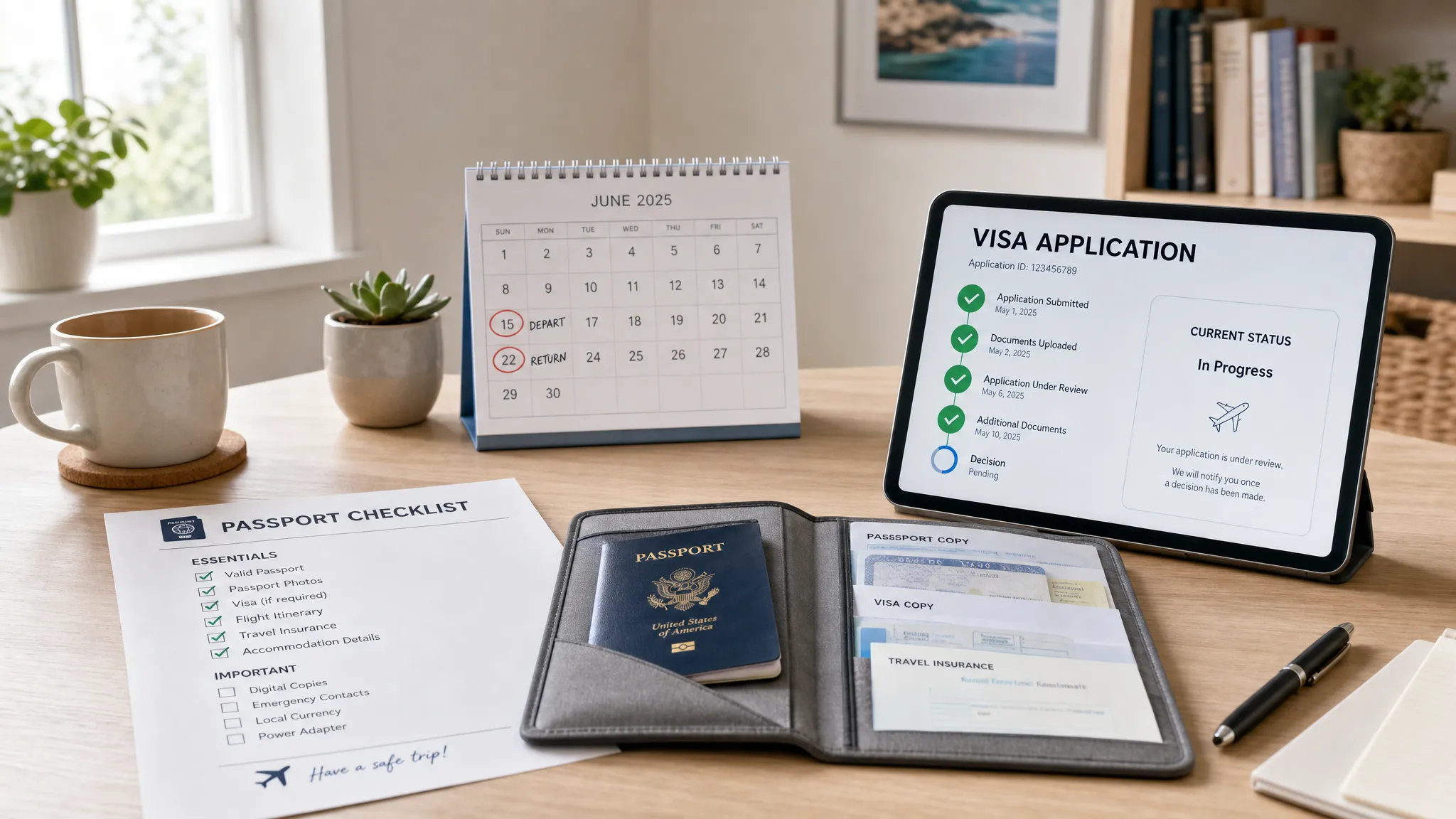
Customers rarely book a trip because they are excited to fill out a visa application. They book because they want the meeting, the vacation, the family visit, the cruise, or the event. Visa requirements become urgent only when they threaten the trip.
For travel businesses, that moment is an opportunity. If customers are left to search government websites, compare conflicting advice, and guess which documents to upload, they are more likely to abandon the booking, call support, or submit an incorrect application. If they receive clear guidance inside your booking or post-booking journey, the visa process becomes another helpful service you provide.
The goal is not to turn every airline, OTA, tour operator, or travel advisor into an immigration lawyer. The goal is to combine accurate eligibility checks, plain-language instructions, document guidance, proactive status updates, and the right automation so customers know what to do next.
Build guidance around the full visa application journey
Many travel brands start helping customers too late. A reminder email a week before departure may be useful, but it cannot fix a missed processing deadline, a passport validity issue, or a customer who chose the wrong visa type.
Effective visa guidance starts when the itinerary is created and continues until the traveler is ready to board. Each stage has a different customer question, and each answer should be specific to the traveler’s passport, destination, purpose of travel, and timing.
| Journey stage | Customer question | What your guidance should provide | Best customer touchpoint |
|---|---|---|---|
| Search and booking | Do I need a visa or authorization? | Personalized eligibility check based on passport and itinerary | Search results, checkout, booking summary |
| Post-booking | What should I prepare? | Document checklist, timing guidance, fee expectations | Confirmation page, email, app notification |
| Application start | Which visa should I apply for? | Recommended visa or eVisa path, purpose-of-travel explanation | Embedded flow, white-label app, support link |
| Form completion | Am I entering this correctly? | Field-level help, validation, examples, review screen | Application form |
| Submission | What happens after I pay? | Confirmation, status tracking, next steps | Email, SMS, in-app status card |
| Pre-departure | What do I show at check-in or the border? | Approved document storage, print guidance, entry conditions | Travel wallet, pre-trip reminders |
This structure helps customers move from uncertainty to action. It also gives your product, support, and operations teams a shared framework for managing online visa processing without relying on ad hoc email chains.
Start with personalized eligibility, not generic advice
A generic statement like “check if you need a visa” creates more work for the customer. It also increases the chance they will miss a transit rule, choose the wrong passport, or assume visa-free travel applies to them.
Personalized eligibility is the foundation of a strong visa application journey. At minimum, your flow should collect the information needed to determine the requirement and the urgency of the application.
The most useful eligibility inputs are:
- Passport nationality and, where relevant, residence country
- Destination country and all transit countries
- Travel dates, length of stay, and number of entries
- Purpose of travel, such as tourism, business, study, transit, or work
- Traveler age, especially for minors or senior fee exemptions
- Passport expiry date and passport type, such as ordinary, diplomatic, or emergency
Rules can change quickly, and requirements often depend on combinations of these fields. Industry references such as the IATA Travel Centre and official government immigration sites are useful sources, but customers should not have to interpret raw policy language on their own.
Your customer-facing output should be direct and actionable. Instead of saying, “A travel document may be required,” say, “Based on the passport and itinerary entered, you need to apply for an electronic visa before departure.” If the answer is uncertain because additional facts are needed, ask for those facts rather than forcing the customer to guess.
Translate visa rules into plain-language instructions
Visa language is often written for immigration officers, not travelers. Terms like “biographic page,” “supporting evidence,” “sufficient funds,” “multiple-entry validity,” and “inadmissibility” may be accurate, but they are not always helpful without context.
Good guidance uses official requirements as the source of truth, then rewrites the task in customer-friendly language. The best copy is specific, neutral, and reassuring. It tells customers what to do, what to avoid, and what will happen if a requirement is not met.
| Requirement area | Weak guidance | Better customer guidance |
|---|---|---|
| Passport details | Enter passport information | Copy your passport number, name, date of birth, and expiry date exactly as shown on the passport you will travel with. |
| Passport validity | Passport must be valid | Check the destination’s passport-validity rule before applying. If your passport expires close to your trip, renew it first. |
| Photo upload | Upload a compliant photo | Upload a recent color photo with a clear face, plain background, no glare, and no filters. Avoid cropped selfies and dark scans. |
| Travel purpose | Select visa type | Choose the option that matches what you will actually do on the trip. Tourism, business meetings, transit, and remote work may have different rules. |
| Review step | Confirm information | Review every field against your passport and booking before submitting. Incorrect names, dates, or passport numbers can delay or invalidate approval. |
Plain language is especially important on mobile, where many customers complete eVisa applications quickly and under time pressure. Short sentences, examples, and field-level help reduce uncertainty without overwhelming the traveler.
Help customers gather documents before they start
One of the fastest ways to lose customers during a visa application is to ask for documents after they have already started the form. A traveler who reaches an upload screen and discovers they need a passport scan, hotel booking, bank statement, invitation letter, or minor consent letter may abandon the process and return later, or not return at all.
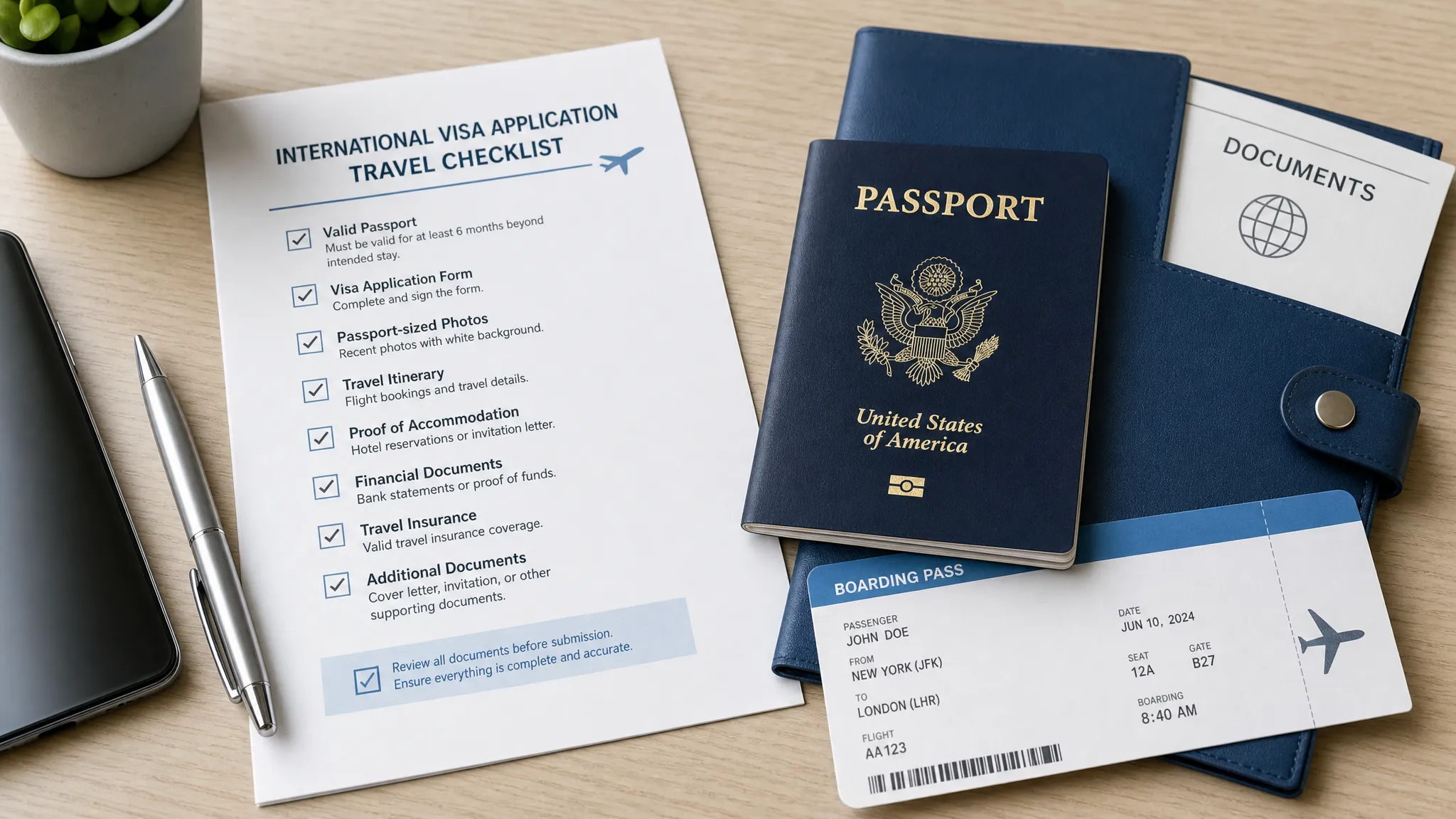
A document-ready checklist should appear before the application begins. It should also be personalized. Not every traveler needs proof of funds, a business letter, or parental consent documentation, so avoid presenting every possible document as mandatory.
| Document type | What customers need to understand | Common issue to prevent |
|---|---|---|
| Passport scan | The image must show the correct passport page clearly and completely | Cropped scans, glare, unreadable numbers, wrong passport |
| Digital photo | Photo rules vary by country and portal | Selfies, shadows, filters, incorrect background |
| Travel proof | Some visas ask for itinerary, accommodation, or return travel evidence | Missing dates, inconsistent hotel names, unverifiable bookings |
| Financial proof | Some destinations request evidence of funds | Screenshots, outdated statements, unexplained large deposits |
| Purpose documents | Business, study, medical, or event travel may require additional evidence | Generic letters that do not match the stated trip purpose |
| Minor documents | Children may need birth certificates or consent letters depending on route and guardians | Missing parent details, unsigned letters, no supporting ID |
Document guidance should also include file preparation. Customers need to know whether a document should be a PDF, JPG, or PNG, whether multiple pages must be combined, and whether the portal has size limits. If your technology can validate files before submission, surface the result immediately so travelers can fix issues before they pay or submit.
Design the application flow to prevent mistakes
The most valuable guidance is the guidance that prevents an error before it happens. A customer may not know that a small name mismatch, a wrong passport number, or an incorrect travel date can create delays. Your form should make the correct action easier than the incorrect one.
A strong visa application flow should use data intelligently. Booking details can help prefill travel dates, destinations, and contact information, but customers must still review critical fields. Passport data should be treated with extra care because it must match the document used for travel.
Practical safeguards include:
- Showing examples next to difficult fields, such as where to find the passport number or expiry date
- Using date pickers and format controls to avoid day-month confusion
- Warning customers when the passport expiry date appears too close to the travel date
- Repeating key details on a final review page before submission
- Saving progress so customers can return after collecting missing documents
- Asking travelers to confirm that the passport used in the application is the same passport they will carry
These design choices reduce avoidable support tickets and help protect customers from preventable refusals. They also create a better commercial experience, since a smoother application flow is more likely to be completed.
Set expectations on timing, fees, and outcomes
Visa uncertainty creates anxiety. Customers want to know how long approval will take, how much it will cost, whether they can travel while the application is pending, and what happens if the application is refused.
Your guidance should be clear without overpromising. Processing times are often estimates, not guarantees. Government portals may experience delays, additional review, or requests for more information. Some authorizations can be approved quickly, while others require days or weeks.
Fee transparency matters just as much. Customers should see the total cost before they commit, with a clear distinction between government fees, service fees, and optional premium handling where available.
| Topic | What customers should see | Why it matters |
|---|---|---|
| Processing time | Estimated range, recommended latest application date, and any urgency warning | Helps customers avoid last-minute panic |
| Government fee | Official or government-imposed charge where applicable | Builds trust and reduces refund disputes |
| Service fee | Your assistance or processing fee, shown separately when relevant | Prevents surprise charges |
| Refund policy | Whether fees are refundable before or after submission | Reduces chargebacks and complaints |
| Decision outcome | Approval is not guaranteed and final entry decisions may rest with border authorities | Sets realistic expectations |
This is also where customers need careful wording about the difference between permission to travel and permission to enter. The U.S. Department of State explains that a visa generally allows a traveler to seek entry at a port of entry, but admission is decided by border authorities. Similar principles apply in many countries, including for electronic travel authorizations and eVisas.
Use proactive communication after submission
Once an application is submitted, silence creates support volume. Customers may not know whether the application was received, whether documents passed review, or whether they need to take action.
A simple status sequence can remove much of that uncertainty. The key is to send useful updates only when something changes or when the customer needs to act.
| Status | Customer message should explain | Customer action |
|---|---|---|
| Application received | The application has been submitted or queued for processing | Save confirmation and wait for next update |
| Documents under review | Uploaded files are being checked or reviewed | No action unless notified |
| More information required | A specific document or correction is needed | Upload the requested item by the deadline |
| Approved | The visa, eVisa, or authorization is available | Review details and store a copy |
| Refused or not approved | The outcome and available next steps, where known | Review refusal reason, consider reapplication or expert help |
Status messages should avoid vague language. “Your application has changed status” is less helpful than “Your passport scan is unreadable. Please upload a clearer scan of the passport photo page.”
For businesses, proactive notifications also reduce repetitive contacts such as “Has my visa been approved?” or “Do I need to print it?” This makes support teams more effective and helps customers feel guided rather than abandoned.
Prepare customers for travel after approval
Approval is not the end of the journey. Customers still need to verify the document, understand its conditions, and know what to present when they travel.
Your post-approval instructions should ask customers to check that the approved visa or authorization matches their passport and trip details. That includes name, passport number, nationality, date of birth, validity period, number of entries, and permitted stay length. If a mistake appears, the traveler should know how to escalate it quickly.
Customers should also know whether to keep a digital copy, print a copy, or both. Many electronic visas are linked digitally to the passport, but carrying backup evidence can still be useful if an airline, cruise line, ground handler, or border official asks to see it. The safest guidance is destination-specific, with a practical fallback: keep the approval accessible offline and carry the same passport used in the application.
Finally, remind customers that visas and electronic authorizations come with conditions. An eVisa for tourism may not permit paid work. A transit authorization may not allow leaving the airport. A short-stay authorization may have strict limits on days in country. Customers do not need a legal lecture, but they do need a clear summary of the rules that affect their trip.
Build the right operating model for your team
Customer guidance works best when it is supported by a clear internal operating model. Without one, visa questions bounce between product, support, operations, legal, and account teams.
A practical model has three layers.
| Support layer | Best for | How to use it |
|---|---|---|
| Automated guidance | Standard eligibility checks, document prompts, status updates | Embed rules and workflows into the customer journey |
| Trained frontline support | Common questions, basic corrections, timing concerns | Use macros, scripts, and escalation criteria |
| Specialist review | Complex cases, refusals, unusual passports, prior immigration issues | Route to an expert or advise customers to seek qualified immigration guidance |
This structure protects both the customer and the business. Frontline teams can answer common questions quickly, while complex cases are handled carefully. It also helps you define what your team can and cannot do. Providing travel document guidance is valuable, but legal advice should be handled by qualified professionals where required.
Technology makes the model easier to scale. SimpleVisa helps travel businesses guide customers through border requirements with visa processing automation, API integration for travel sites, a white-label visa application app, custom data services, guided customer visa applications, premium eVisa management, and no-code implementation options. For teams evaluating where automation fits, the SimpleVisa guide to travel document automation is a useful next step.
If you want visa guidance directly inside your booking flow, an integrated eVisa API can surface requirements, start applications, and return status updates without sending customers away from your platform. If speed to market matters more than deep customization, a white-label visa service can help you launch a branded experience with less engineering effort.
Measure whether your guidance is actually helping
Guiding customers through visa applications should improve the customer experience and create measurable business value. If you do not track outcomes, you will not know whether your content, support, or application flow is reducing friction.
The most useful metrics connect customer behavior to operational and commercial results.
| Metric | What it shows | How to improve it |
|---|---|---|
| Eligibility check rate | How many travelers see personalized visa guidance | Surface checks earlier in search, checkout, and post-booking |
| Application start rate | How many eligible customers begin an application | Improve messaging, trust signals, and fee transparency |
| Completion rate | How many started applications are submitted | Reduce form friction and document surprises |
| Document rework rate | How often customers must re-upload or correct files | Add clearer file specs and pre-submission validation |
| Average time to submit | How long customers take from start to submission | Use prefill, save and resume, and better checklists |
| Visa-related support tickets | How much manual help is required | Add proactive status updates and better FAQs |
| Ancillary revenue per booking | Revenue generated from visa assistance or eVisa services | Offer the service at the right moment with transparent pricing |
These metrics help product teams prioritize UX fixes, support teams refine scripts, and commercial teams understand the revenue potential of border crossing solutions. They also create a feedback loop: every support question that appears repeatedly is a signal that the customer journey needs clearer guidance.
Frequently Asked Questions
Can travel businesses guide customers through visa applications without giving legal advice? Yes, travel businesses can provide travel document guidance, eligibility information, checklists, and application support. They should avoid making legal judgments in complex cases and should route unusual situations to qualified immigration professionals or official government sources.
When should customers receive visa guidance? The best time is before or during booking, with follow-up after purchase. Early guidance helps travelers avoid booking trips they cannot document in time, while post-booking reminders help them complete the application correctly.
What information is needed to check visa requirements? The most important inputs are passport nationality, destination, travel dates, stay length, transit points, purpose of travel, and passport expiry date. Some cases also require residence country, age, prior travel history, or passport type.
How can travel brands reduce mistakes in visa applications? Use personalized eligibility checks, plain-language field help, document checklists, file validation, date-format controls, and a final review screen. Proactive status notifications also help customers fix issues before deadlines are missed.
Should customers print an approved eVisa? It depends on the destination and carrier requirements. Even when an eVisa is electronically linked to a passport, customers should keep an offline digital copy and consider carrying a printed backup if destination-specific guidance recommends it.
Can visa application support generate ancillary revenue? Yes. When offered transparently and at the right point in the journey, visa assistance can become a useful ancillary service. The key is to sell genuine convenience, clearer guidance, and reduced friction rather than simply adding another fee.
Make visa guidance part of the travel experience
Customers do not want to become visa experts. They want to know what is required, what to upload, how long it might take, and whether they are ready to travel.
SimpleVisa helps travel businesses make that process easier with automated visa processing, travel API integration, white-label application flows, custom data services, and guided eVisa management. Whether you want to embed visa checks into checkout, launch a branded no-code experience, or add border crossing solutions across your customer journey, SimpleVisa can help you turn a stressful requirement into a smoother service.
Visit SimpleVisa to explore how your travel business can guide customers through visa applications more confidently and create a better path from booking to border crossing.