How to Use e Visa Gov KH Safely Before You Apply
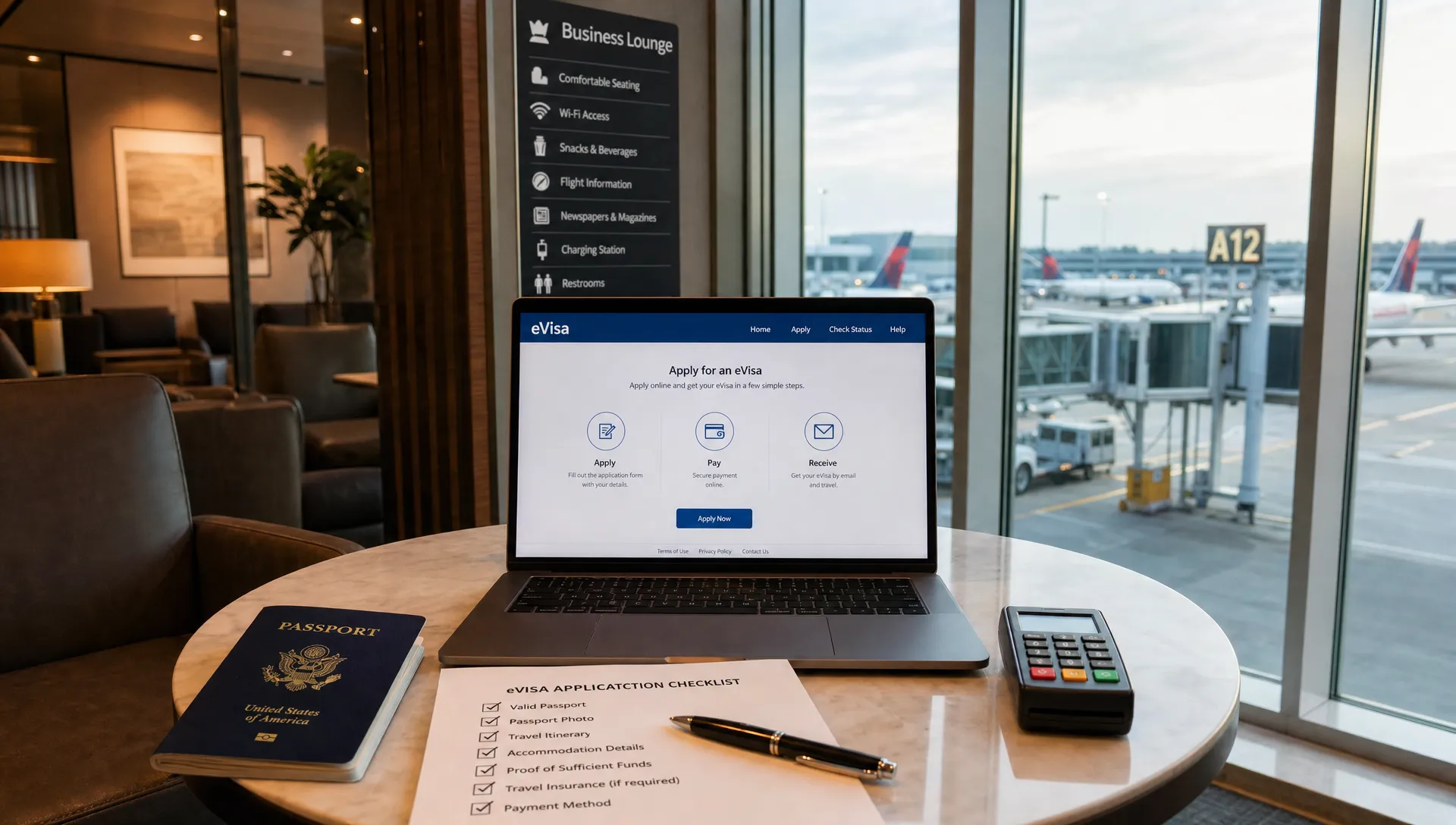
If you searched for e Visa Gov KH, you are probably trying to reach Cambodia's official online visa service before a trip. That is a smart moment to slow down. An eVisa application asks for sensitive passport details, a photo, travel information, and payment data, so the safest time to catch mistakes or scams is before you type anything into a form.
This guide explains how to use the Cambodia eVisa portal safely, how to recognize the right government domain, what to prepare before applying, and what to do if something does not look right. It is written for travelers who want a clean, low-stress application and for travel teams who need to guide customers toward official, trustworthy visa steps.
What e Visa Gov KH means
The phrase e Visa Gov KH usually refers to Cambodia's official eVisa website. The key part is the domain ending: .gov.kh. The kh is Cambodia's country code, and .gov.kh is used for government services.
You can start from the official Cambodia eVisa portal and bookmark it before entering any personal information. In your browser, the address may appear with www, but the important part is that the domain remains evisa.gov.kh, not a lookalike such as evisa-gov-kh.com, cambodia-evisa-gov.net, or another similar variation.
The official site is where you should verify current eligibility, fees, processing information, entry points, visa type, and application rules. Requirements can change, so avoid relying only on screenshots, travel forum posts, social media comments, or old blog summaries.
Why safety matters before you apply
Online visa scams work because they often appear at the exact moment travelers are rushing. A fake or misleading site may copy government colors, use official-looking seals, buy search ads, or add words like government, official, embassy, or immigration into the page title.
Not every third-party visa service is fraudulent. Some legitimate travel companies and visa support providers help travelers submit applications for an added service fee. The difference is transparency. A legitimate provider should clearly explain who they are, what they charge, how they use your data, and whether they are submitting through the official government process. A scam site often hides ownership, pressures you to pay quickly, or imitates the government portal without disclosure.
If you want a broader framework for checking any online visa portal, SimpleVisa has a practical guide on how to verify whether an eVisa website is legitimate. For Cambodia specifically, your first safety check is the domain.
Confirm the official portal before entering passport data
Before you upload a passport scan or pay a fee, take a minute to inspect the page. Do this from a laptop or mobile browser where the full address bar is visible, not only from an in-app browser opened through an ad or social media link.
| Safety check | What to look for | Red flag |
|---|---|---|
| Domain | The address uses evisa.gov.kh |
Extra words, misspellings, or a different ending such as .com or .net |
| Secure connection | The browser shows HTTPS and a valid lock icon | Browser warnings, broken certificate, or forced downloads |
| Fee clarity | Fees are shown before payment | Surprise charges only shown after entering card details |
| Data request | The form asks for visa-relevant information | Requests for unrelated documents, gift cards, crypto, or bank transfers |
| Contact and policy pages | Support, privacy, and terms information are easy to find | No contact details, copied text, or vague company identity |
Be especially careful with sponsored search results. An ad at the top of a search page is not proof that a site is official. If you use a search engine, inspect the URL carefully before clicking, then check the address again after the page loads.
Also avoid using links from unsolicited emails or messages. If someone sends you a Cambodia eVisa link after you posted about your trip online, open a new browser tab and type the official domain yourself instead.
Check whether the Cambodia eVisa fits your trip
Using the correct website is only one part of applying safely. You also need to confirm that the eVisa is appropriate for your nationality, travel purpose, arrival point, and travel dates.
Cambodia's eVisa is commonly used for tourism, but you should always check the visa type currently available on the official portal. If you plan to work, study, volunteer, report as a journalist, stay long term, or conduct activities beyond ordinary tourism, confirm the correct visa route before applying. The wrong visa category can lead to delays, cancellation, or entry problems.
Entry point matters too. Cambodia eVisas are not necessarily accepted at every border crossing. The official site lists participating airports and land checkpoints, and that list is the one you should follow. This is especially important if you plan to enter overland from Thailand, Vietnam, or Laos, or if your itinerary changes after approval.
Timing is another common mistake. Applying too late can create stress if processing takes longer than expected, while applying too early may cause validity-window issues depending on the visa rules in force when you apply. If you are unsure how far ahead to start, review this guide on when to apply for an electronic visa before you submit anything.
Prepare your information before opening the form
A safe application is usually a prepared application. Gather everything first so you are not switching between tabs, searching your inbox, resizing images in a rush, or guessing details while the payment page is open.
| Item to prepare | What to check before applying |
|---|---|
| Passport | Use the same passport you will travel with, and confirm it meets the validity rule shown on the official portal |
| Passport details | Match name, passport number, nationality, date of birth, issue date, and expiry date exactly |
| Passport photo or scan | Use a clear, readable image that follows the site's file requirements |
| Personal photo | Use a recent image that meets the stated size, background, and format rules |
| Travel details | Confirm arrival date, entry point, accommodation, and contact information if required |
| Email address | Use an inbox you can access during travel, and check spelling carefully |
| Payment card | Use a card with fraud alerts or purchase notifications enabled |
Do not rely on autofill for passport fields. Browser autofill is useful for shopping addresses, but it can put old data, nicknames, or the wrong date format into a government form. Enter the details manually from the passport bio page.
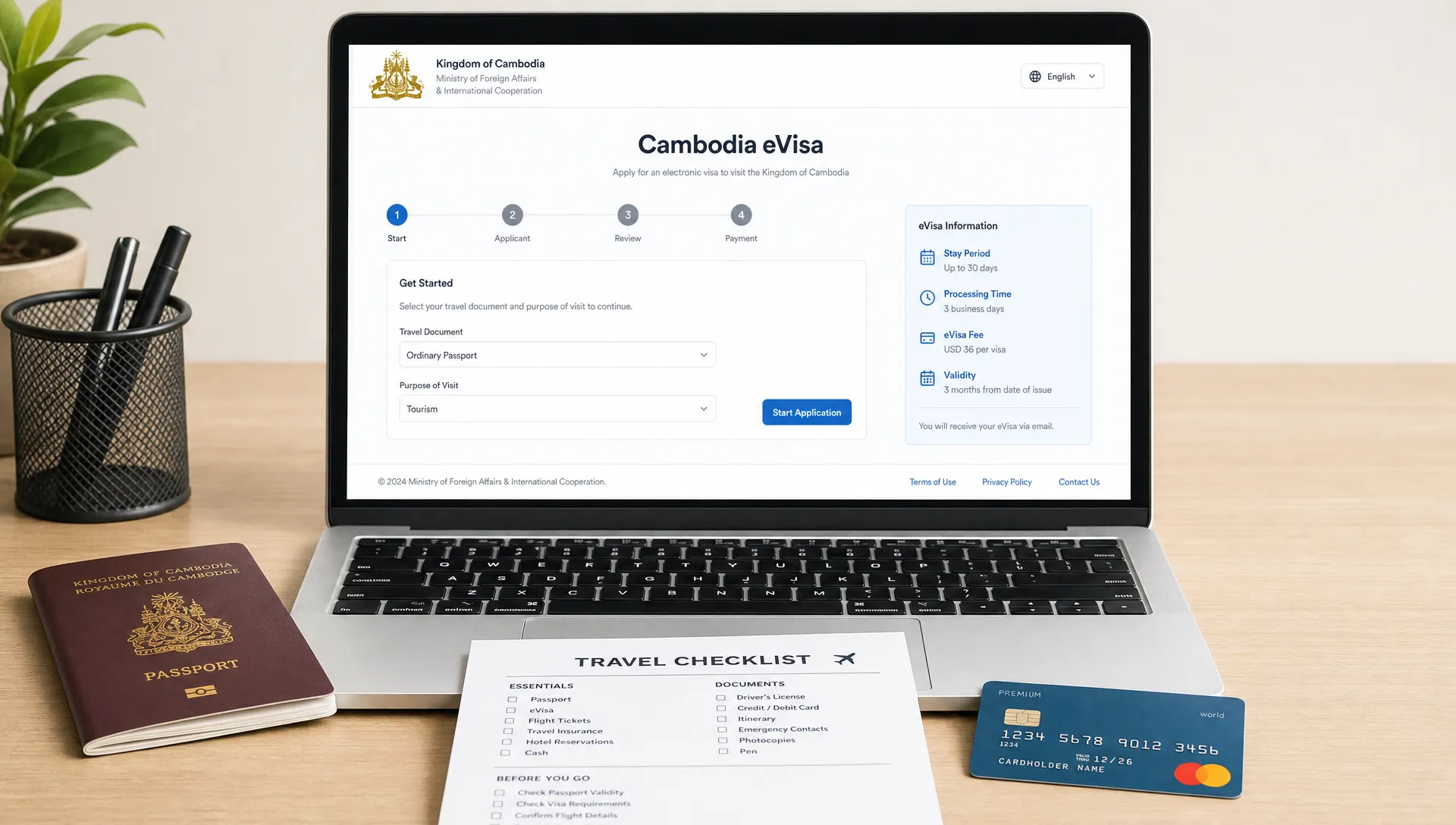
Enter your application details securely
Once you are confident you are on the right site and your documents are ready, focus on data accuracy. Many eVisa issues come from small mismatches that are easy to miss when you are tired or booking last minute.
Use a private, trusted internet connection. Avoid public WiFi in airports, cafes, hotels, or shared workspaces when entering passport and card data. If you must use a shared network, consider waiting until you have a safer connection rather than exposing sensitive information.
Common fields to double-check include:
- Full name, including middle names, exactly as shown in the passport
- Passport number, especially letters that look like numbers, such as O and 0 or I and 1
- Date format, because day-month-year and month-day-year errors are easy to make
- Nationality and passport-issuing country, which may not always be the same as your country of residence
- Arrival date and entry point, especially for multi-country Southeast Asia itineraries
- Email address, because approval notices and status updates often depend on it
If the site lets you review the full application before payment, use that page carefully. Read it like an airline check-in agent would: passport number, name, nationality, date of birth, expiry date, and travel dates should all align.
If you are applying for a child, family member, or customer, do not assume repeated details are identical. Each passport should be checked separately. Family applications often create copy-paste mistakes because travelers reuse addresses, dates, or document numbers too quickly.
Pay carefully and save proof
Payment is one of the easiest moments to spot trouble. A genuine visa payment page should keep you within a secure card payment flow and should not ask for unusual payment methods.
Be cautious if a site asks for wire transfers, cryptocurrency, gift cards, payment through chat apps, or a manual card photo. Those are not normal requirements for a standard eVisa application. Also be careful if the final price changes dramatically without explanation.
Before paying, review the total amount, currency, refund terms, and any service charges. Government visa fees are often nonrefundable once submitted, and third-party service fees may have their own rules. If you are using a support provider rather than the government portal directly, make sure you understand what you are paying for.
After payment, save the receipt, confirmation number, application reference, and any email acknowledgement. Store them somewhere you can reach offline, such as a secure travel folder on your phone plus a cloud backup. Avoid posting screenshots of your visa, barcode, reference number, or passport data on social media.
Track your application through the right channel
After submission, use the official status-checking method shown by the portal or in your confirmation email. Do not search randomly for Cambodia eVisa tracking and enter your reference number into the first site that appears.
If an email says your application needs more information, inspect the sender and links carefully. A legitimate follow-up should connect back to the official portal or a clearly identified service provider you knowingly used. If the email creates urgency, asks you to pay again through a strange method, or requests unrelated documents, stop and verify through the official site.
When your eVisa is approved, review the issued document immediately. Check your name, passport number, nationality, visa validity, permitted stay, and entry conditions. If anything is wrong, contact the official support channel before travel. Do not assume an airline or border officer will overlook an error because the mistake is small.
Carry the approval in the format requested by the official instructions. Many travelers keep both printed and digital copies because phones can lose battery, email can fail to load, and border checkpoints may have limited connectivity. Most importantly, travel with the same passport used in the application.
Separate visa safety from broader travel risk planning
A Cambodia eVisa application should only require information relevant to border entry. It should not ask for unrelated legal records, medical claim files, or personal documents that have nothing to do with the visa category.
That does not mean you should ignore broader travel risk planning. Keep insurance documents, emergency contacts, health information, and legal records in a separate secure folder. If an accident or injury before departure affects your ability to travel, seek appropriate local guidance, such as personal injury legal support in Tampa for Florida travelers, rather than sending sensitive non-visa documents through an immigration form.
The principle is simple: give the visa portal what it legitimately needs, keep unrelated private records separate, and document any issue that could affect your itinerary.
What to do if something feels wrong
If you notice a suspicious domain, unexpected fee, broken payment page, or strange document request, pause before submitting. Do not continue just because you have already filled in most of the form.
Close the tab, return to the official portal by typing the domain directly, and compare what you see. If you already entered card details on a suspicious site, contact your bank or card issuer quickly. If you uploaded a passport scan, monitor for identity misuse and consider asking your passport authority what steps are recommended in your country.
If you submitted an application with incorrect information, avoid creating multiple new applications unless the official instructions tell you to. Duplicate submissions can make the situation more confusing. Use the official contact or correction process if available.
For travelers who want to reduce preventable problems, SimpleVisa also has guidance on how to apply for an eVisa without avoidable delays or rejection risks.
Quick pre-application checklist
Before you click apply, run through this final check.
| Question | Safe answer |
|---|---|
| Am I on the official domain? | The address is evisa.gov.kh with HTTPS |
| Is this visa right for my trip? | My nationality, purpose, entry point, and dates match the official rules |
| Are my documents ready? | Passport scan, photo, travel details, email, and card are prepared |
| Did I check every passport field manually? | Names, numbers, dates, and nationality match the passport exactly |
| Do I understand the payment? | Total cost, currency, and refund terms are clear before I pay |
| Can I access the approval while traveling? | I will save digital and printed copies if required |
A few minutes of checking can prevent hours of stress later.
Frequently Asked Questions
Is e Visa Gov KH the official Cambodia eVisa website? The official Cambodia eVisa domain is evisa.gov.kh. Always check the full address in your browser before entering passport or payment information, because scam sites may use similar words in a different domain.
Can I use a third-party visa service for Cambodia? Yes, if the provider is legitimate and transparent about its service fee, data handling, and role in the application process. If you want to apply directly, use the official government portal.
What is the biggest mistake travelers make on Cambodia eVisa applications? The most common preventable mistakes are using the wrong website, entering passport details incorrectly, choosing an entry point that does not accept the eVisa, or applying with the wrong travel purpose.
Should I apply from my phone or a computer? Either can work, but a computer often makes it easier to inspect the full URL, upload files, review details, and save documents. If you use a phone, avoid in-app browsers and public WiFi.
What should I do if my approved eVisa has an error? Contact the official support channel as soon as you notice the error. Do not wait until check-in or border arrival, and do not assume a small mismatch will be accepted.
Do I need to print my Cambodia eVisa? Follow the instructions on the official approval and portal. Even when digital copies are accepted, carrying a printed copy is a smart backup in case your phone battery, email access, or internet connection fails.
Help travelers apply with more confidence
For travel businesses, visa uncertainty can create booking friction, support questions, and last-minute customer stress. SimpleVisa helps travel companies guide customers through border requirements with visa processing automation, API integration, white-label application options, and custom data services.
If your customers frequently ask whether they need an eVisa, when to apply, or which official path to use, SimpleVisa can help make that guidance part of the travel booking experience while supporting ancillary revenue opportunities.