Name Order and Middle Names: Matching Passport to Tickets
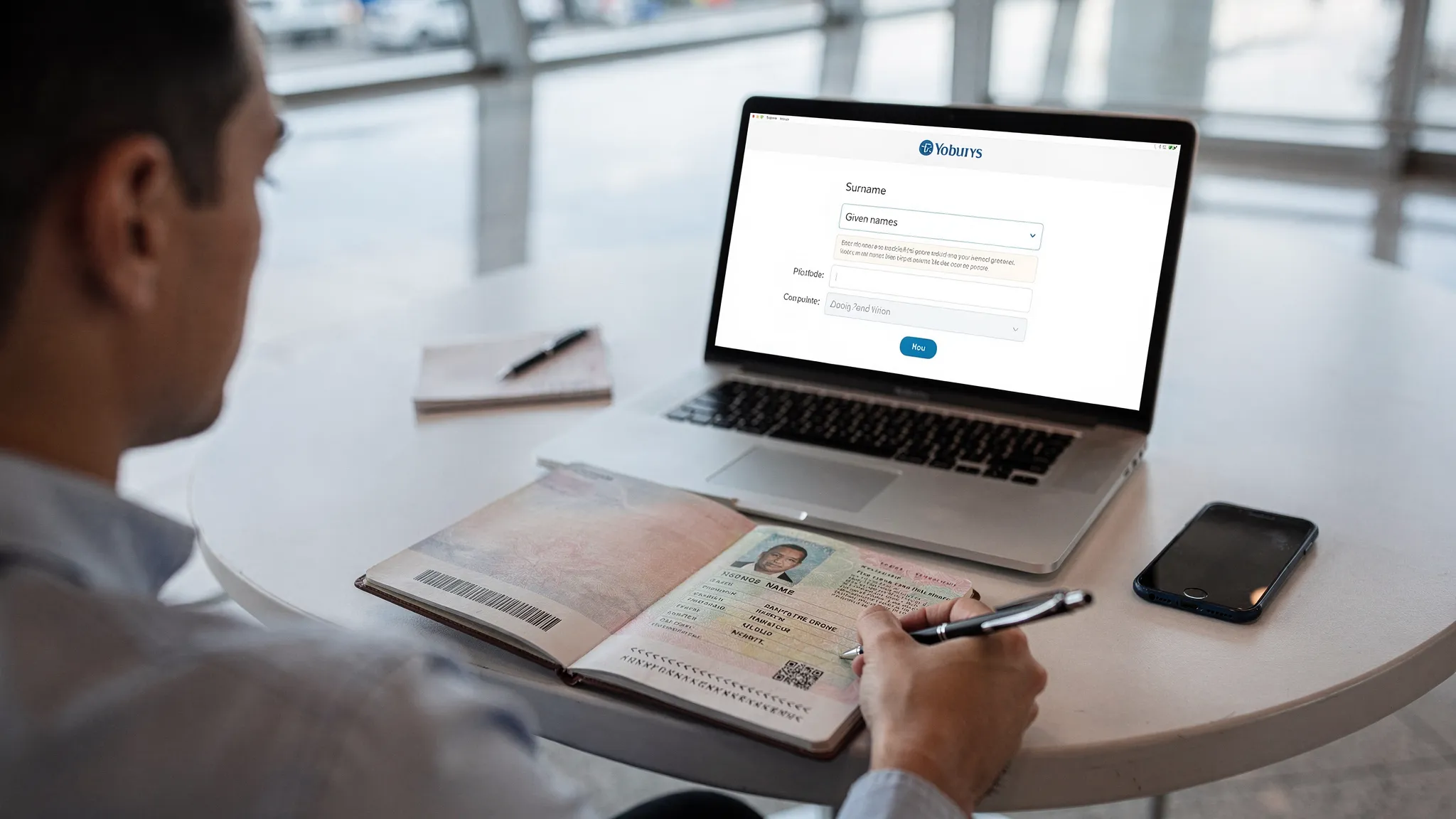
Airline and border systems are surprisingly strict about names. A small detail like swapping your given name and surname, dropping a middle name, or adding an extra space can lead to anything from a failed online check-in to an eVisa application that cannot be matched to your passport.
This guide focuses on the two most common causes of avoidable travel disruption:
- Name order (which part is “last name” vs “first name” in booking systems)
- Middle names (when to include them, when it is safe if they are missing, and where to put them)
Start with the name your passport actually encodes
Most mistakes happen because travelers type their name from memory (or from a profile) instead of copying the passport.
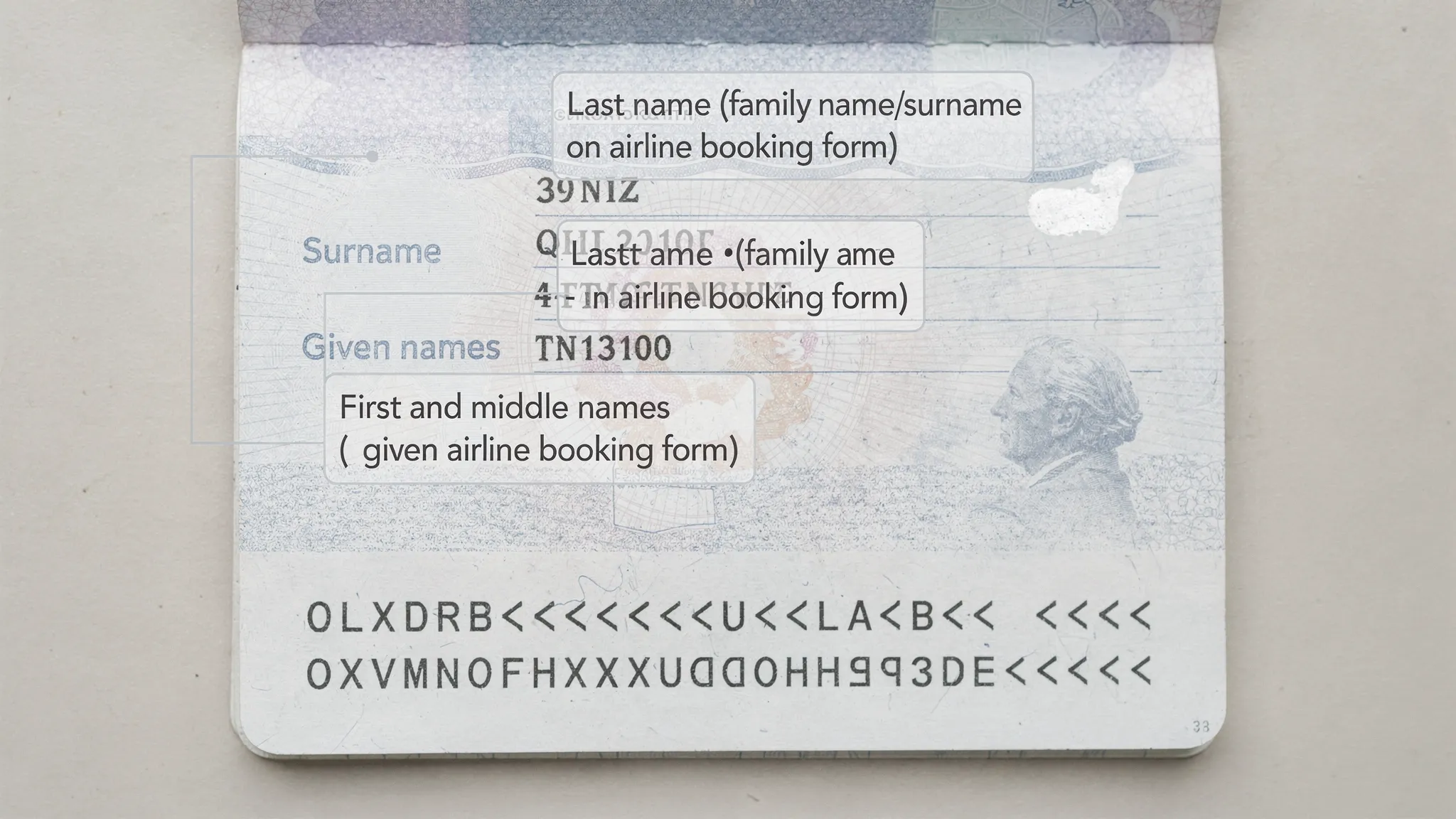
On a passport bio-data page you typically see:
- Surname / Family name
- Given names (this can include one or multiple given names, and often includes what people call a middle name)
If you are ever unsure about order, use the MRZ (machine readable zone), the two lines of chevrons at the bottom of the passport identity page. The MRZ follows the international passport standard maintained by ICAO (see ICAO Doc 9303).
In the MRZ, the format is:
- SURNAME<<GIVEN<NAMES<<
So everything before the first << is the surname, everything after is given names (often separated by <).
Quick mapping table: passport to booking fields
| Where you see it | What it means | How to enter it on airline tickets and most travel forms |
|---|---|---|
| Surname / Family name | Your last name for travel purposes | Put this in Last name / Surname |
| Given names | All first and middle names on the passport | Put this in First name / Given name(s) (include middle names if possible) |
| MRZ (bottom of passport) | The standardized “truth” used for machine matching | Copy spelling/order from MRZ when in doubt |
How airline ticket names usually work (and why middle names get messy)
Airline reservation systems store the passenger name in a simplified structure (commonly “surname” plus “given names”). Many booking UIs show separate fields like “First name” and “Middle name,” but what is transmitted to the airline can still end up as a single given name string.
That is why you may see tickets, boarding passes, or confirmations rendered like:
SMITH/JOHNMICHAELGARCIA LOPEZ/ANA MARIA
This looks odd, but it is often normal formatting rather than an error.
General rule that prevents most issues
Match the passport, not your preferences.
- If your passport has multiple given names, include them when the form allows.
- If there is no dedicated middle-name box, put middle names in the First name / Given name(s) field.
- Avoid adding titles (Mr, Mrs, Dr) and avoid adding punctuation unless a specific system requires it.
Characters that often do not carry across systems
It is common for airline systems (and some eVisa portals) to drop or normalize:
- Accent marks/diacritics (é, ñ, ü)
- Apostrophes (O’Neil)
- Extra spaces
If your passport uses Latin characters with accents, a “plain ASCII” version on the ticket is usually expected. The MRZ is a good hint, because it typically uses an uppercase, accent-free representation.
Middle names: when you should include them, and when missing is usually fine
Middle names are one of the biggest sources of anxiety, because different systems treat them differently.
When middle names are important
Middle names matter most when the name is used for identity matching beyond the airline ticket, for example:
- Online visa processing (eVisa applications commonly ask for “given names” exactly as shown in the passport)
- Some border pre-travel authorizations and watchlist screening flows
- Any scenario where your booking name is reused to prefill government forms
If you are applying for an electronic visa, treat your name as a compliance field, not a preference field. Use the passport spelling and order.
When missing middle names are often tolerated
For many airlines and routes, a booking that contains:
- Correct surname
- Correct first given name
…will still work even if a middle name is missing.
However, policies differ by airline, route, and the downstream checks attached to the booking. If you can include your middle name(s) without breaking the booking form, it is usually the safest choice.
The most common real-world scenarios (and what to do)
| Scenario | Example | Best practice |
|---|---|---|
| Passport shows multiple given names, booking has only “First name” + “Last name” | Given names: “John Michael” | Enter John Michael as First name/Given name(s), enter Smith as Last name |
| Booking form has a “Middle name” field but it is optional | First: “Ana”, Middle: “Maria” | Fill it in if it accepts your full middle name(s) without truncation or errors |
| Two surnames (common in Spanish naming) | Surname: “García López” | Put both in Last name/Surname exactly as the passport shows (spacing may be normalized) |
| Hyphenated surname | “Lee-Jones” | Use the same hyphenation if accepted. If the system rejects punctuation, follow on-screen instructions and keep a consistent version across ticket and eVisa |
| Apostrophe in surname | “O’Neil” | If apostrophes are rejected, use the normalized version the system accepts, then keep that same version everywhere you can |
| Name order confusion (East Asian order, or local customs) | Passport: Surname “WANG”, Given names “LI” | Always follow the passport fields and MRZ, not cultural ordering |
| Only one name on passport | Given name blank or surname blank | Follow the airline or government portal instructions carefully. Some require you to repeat the single name in both fields |
Where travelers accidentally create name-order errors
1) Copying from a loyalty profile that does not match the passport
Frequent flyers often have a stored profile with a shortened name, nickname, or missing middle name. If that profile autofills a booking, you can end up with a ticket that differs from the passport, even if your intent was correct.
Fix: check the passenger fields before payment, and compare against the passport (or MRZ).
2) Putting the surname into “First name” because of local naming convention
Some countries write family name first in daily life, but airline booking fields still expect:
- Last name/Surname = family name
- First name/Given name(s) = given names
Fix: ignore the order you normally write it, follow the passport labeling.
3) Dropping a second surname or second given name
This is common when a UI has tight character limits or when a traveler thinks “the middle name is optional.” The problem is that a “middle name” is not always a middle name in a cultural sense. It may be part of your legal given names.
Fix: include all given names and surnames as the passport shows, unless the system forces you to shorten.
What about eVisas, ETAs, and other digital travel authorizations?
Even when your airline ticket is accepted, a mismatch can reappear when you apply for an electronic visa.
A practical approach:
- Use the passport as your single source of truth for all government applications.
- If your ticket name is missing a middle name but your eVisa requires it, the eVisa should still match the passport.
- If a travel site is pre-filling your eVisa from the booking, double-check every name field before submitting.
If you want broader guidance beyond name order and middle names, see SimpleVisa’s deeper guide on handling name mismatches on tickets, passports, and eVisas.
If you already booked and your name looks “wrong,” how to assess risk
Not every odd-looking ticket name is an error. Many are formatting choices.
Often normal (low risk)
- Given names printed without spaces (example:
JOHNMICHAEL) - Accents removed (example:
JOSEinstead ofJOSÉ)
Potentially risky (fix it)
- Surname and given name swapped
- Missing part of a multi-part surname (example: dropping
LOPEZ) - Different spelling than the passport (not just accents)
If you believe you have a genuine mismatch, act quickly:
- Contact the airline or the travel agency that issued the ticket and ask about their name correction policy.
- Do not submit visa applications using a name that you plan to change later on the ticket. Keep your documents consistent.
For travel companies: prevent name mistakes before they become support tickets
Name errors are a high-volume, high-stress support driver because they hit at the worst time (right before travel). They also affect visa conversion, because a traveler who doubts their identity data is less likely to complete an online visa processing flow.
Practical prevention tactics in booking and post-booking flows:
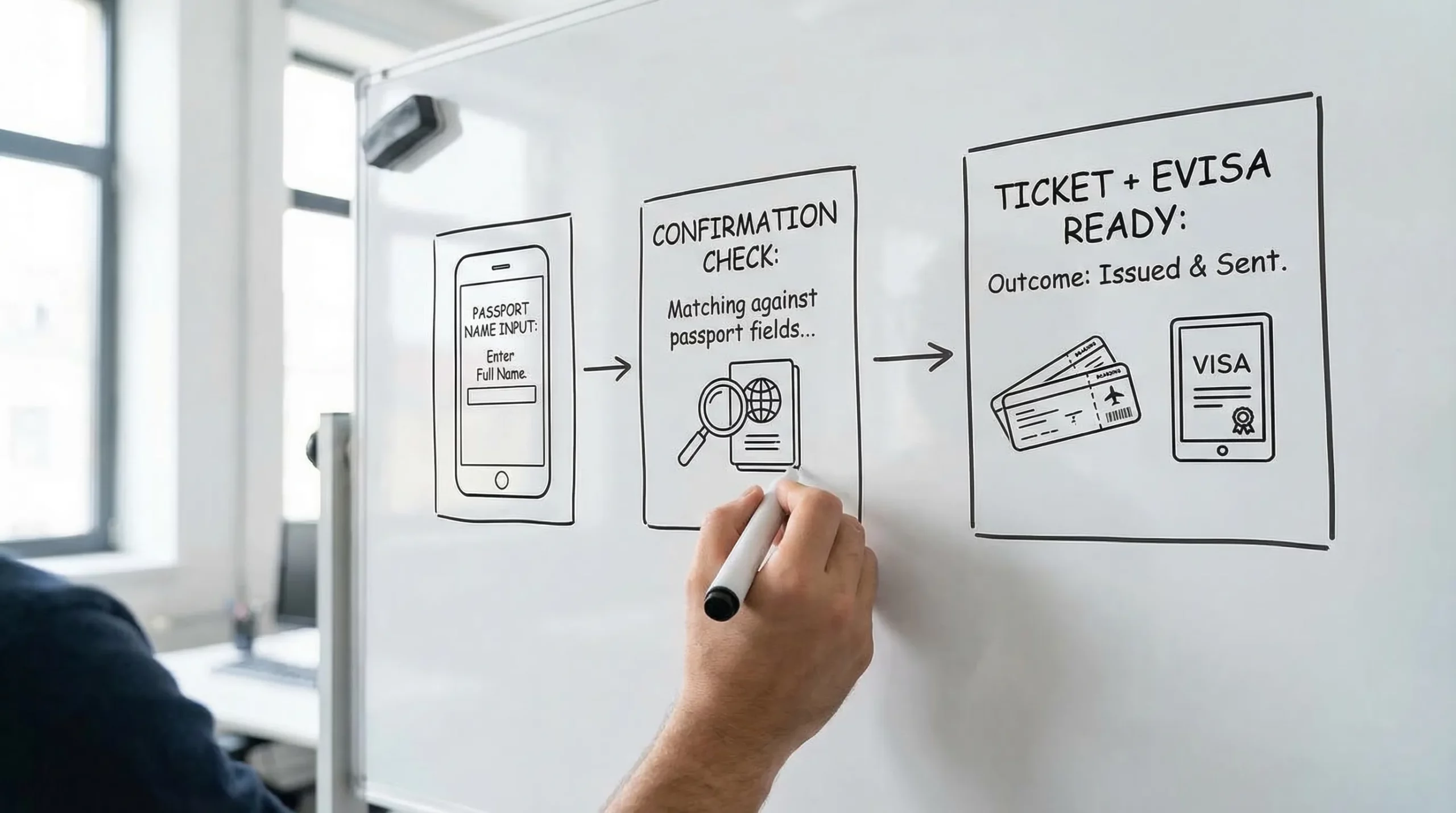
- Add a short line of microcopy: “Enter your name exactly as shown on your passport, including middle names.”
- Provide an MRZ hint: “If unsure, use the two lines at the bottom of your passport photo page.”
- Validate for obvious swaps (for example, all given names entered into the surname field).
- In post-booking, prompt travelers to confirm identity fields before deadlines.
SimpleVisa is built to help travel brands guide customers through border requirements and reduce avoidable errors through guided visa applications, travel document automation, and integrations that fit your product strategy (API, white-label app, or data services). Learn more about Travel Document Automation if you are designing a broader compliance layer.
Frequently Asked Questions
Do I need to include my middle name on my flight ticket? If your passport shows a middle name (as part of your given names), including it is the safest option when the booking form allows. If the form does not allow it, many airlines still accept the booking, but it depends on the airline and route.
My boarding pass shows my first and middle name squished together. Is that a problem? Usually not. Many airline systems remove spaces in the given-name field when printing.
Should I follow the visual name on the passport page or the MRZ? Use the passport page fields first (Surname, Given names). If you are unsure about order or spelling, the MRZ is a reliable standardized reference.
What if my ticket system will not accept accents or apostrophes? Use the normalized spelling the system accepts (often the MRZ-style version) and keep that same version consistent across your booking and any connected travel documents.
I have two last names. Which one goes in the “Last name” field? If your passport lists both under Surname/Family name, enter both in the Last name field. Do not move one into the middle-name field.
Will a name mismatch cause my eVisa to be denied? It can. Many issuing authorities require the application name to match the passport exactly. If your ticket differs, that does not automatically invalidate an eVisa, but inconsistent identity data increases the risk of delays and manual checks.
Make border crossing admin simpler (for you or your travelers)
If you are a travel business, name consistency is one of the easiest conversion wins: fewer check-in issues, fewer urgent support contacts, and smoother eVisa completion.
SimpleVisa helps travel brands streamline visa journeys with guided applications and integration options that fit your stack (API, white-label app, or data services). Explore SimpleVisa at simplevisa.com and book a demo to see how automated checks can reduce name-related errors before they become disruptions.