Travel Document Checks in Booking Flows: Best Practices
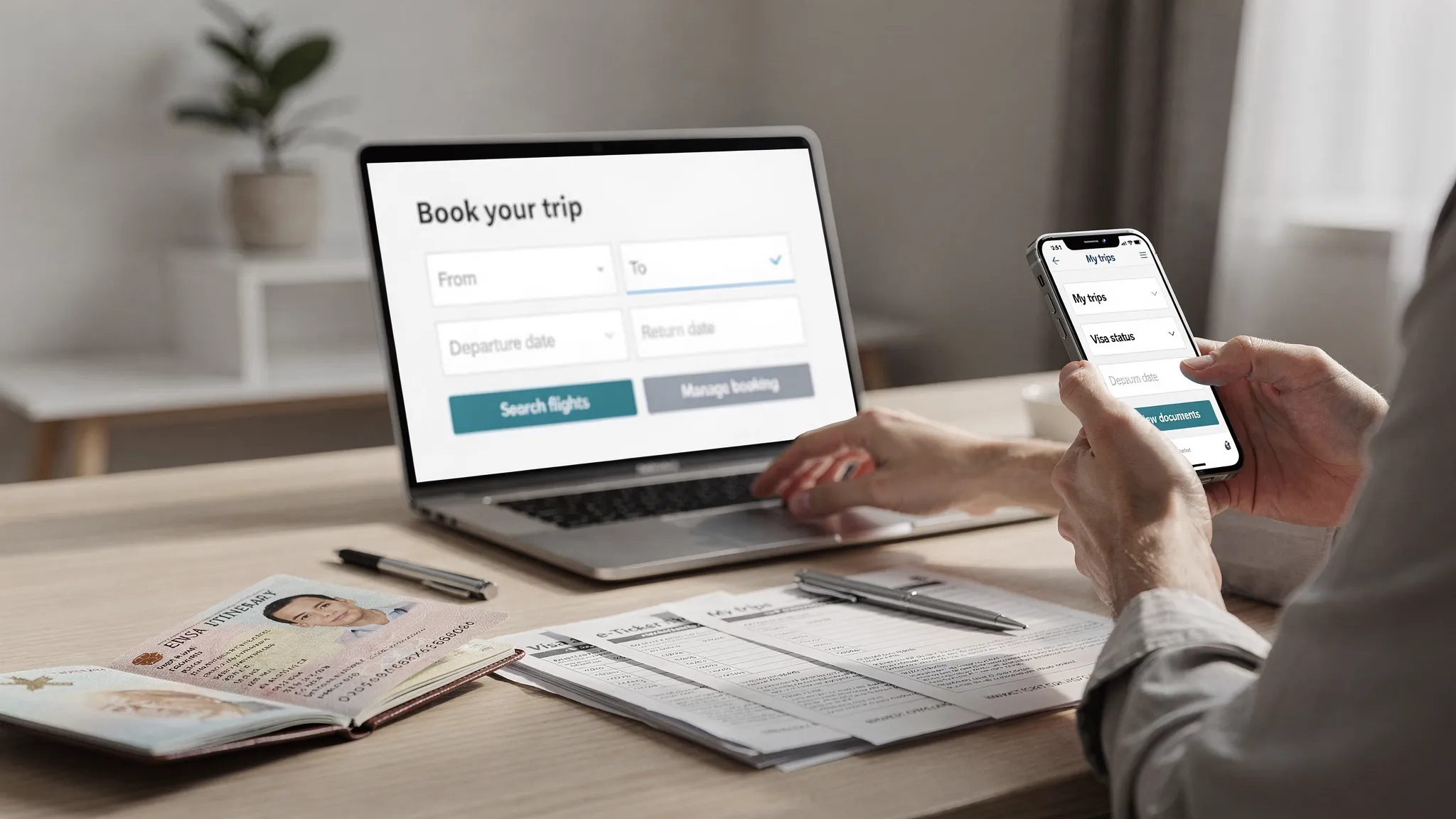
International travel requirements are no longer a small-print detail customers can check later. eVisas, eTAs, passport validity rules, transit permits, health declarations, and country-specific document formats can all affect whether a traveler can board or enter a destination.
For airlines, OTAs, tour operators, cruise lines, and travel management companies, this creates a product challenge: how do you run travel document checks inside the booking flow without slowing down conversion?
The answer is not to add a long compliance form at checkout. The best booking flows use smart timing, minimal data capture, clear recommendations, and automated visa application paths when the traveler actually needs one.
Why travel document checks belong in the booking flow
Travel document checks are often treated as an operational issue, handled by support teams, pre-departure emails, or airport agents. That approach is risky because the customer may discover a requirement after they have already paid, when cancellation penalties, urgency, and frustration are higher.
A better model is to surface requirements at the point where the traveler is making a decision. If a U.S. passport holder books a trip to a destination requiring an electronic visa, or if a passenger has a long transit through a country with special rules, the booking flow should make that clear before the trip becomes difficult to fix.
This matters for three reasons.
First, it improves traveler confidence. When customers know which documents they need before they pay, they are less likely to abandon later or contact support for basic questions.
Second, it reduces operational risk. Airlines and travel sellers rely on document verification tools such as IATA Timatic because passport, visa, and health requirements vary by nationality, itinerary, and date. Manual checks are difficult to maintain at scale.
Third, it creates a legitimate ancillary revenue opportunity. If a traveler needs an eVisa or electronic travel authorization, offering a guided application immediately after eligibility is detected is a helpful service, not a random upsell.
What travel document checks should verify
A strong travel document check does not simply ask, “Do you have a visa?” It evaluates requirements based on the traveler, route, and timing.
At minimum, the system should account for:
- Passport nationality and issuing country
- Destination, transit points, and return routing
- Travel dates and length of stay
- Purpose of travel, such as tourism, business, study, or transit
- Passport expiry date and document type
- Traveler age, residency, and special cases when relevant
The output should be equally structured. Travelers need to understand whether they are visa-free, need an eVisa or eTA, must apply through a consulate, or have additional documentation requirements.
| Requirement category | What it means in the booking flow | Example action |
|---|---|---|
| Visa-free entry | Traveler may not need a visa for the stated trip | Show passport validity and stay-limit reminders |
| eVisa or eTA required | Traveler must apply online before travel | Offer guided online visa processing or redirect to next step |
| Consular visa required | Traveler likely needs embassy or consulate processing | Warn early and suggest longer lead times |
| Transit document required | A layover may trigger additional entry rules | Surface before checkout or during itinerary selection |
| Passport issue | Passport expiry, validity, or document type may be unsuitable | Prompt traveler to update details or renew passport |
| Supporting documents | Proof of accommodation, funds, insurance, invitation, or onward travel may be needed | Provide a checklist and post-booking reminders |
This structured approach is the foundation of effective travel document automation, because it turns regulatory complexity into clear actions inside the customer journey.
Best practice 1: Place checks at the right moments
Travel document checks should be introduced progressively. Asking for full passport details too early can hurt conversion, but waiting until check-in can create preventable failures.
The best approach is to layer the experience.
| Booking-flow stage | Best use of document checks | What to avoid |
|---|---|---|
| Search results | Light alerts for routes with likely visa or ETA requirements | Blocking search behind passport questions |
| Traveler details | Personalized requirement check using nationality and itinerary | Asking for every document before the customer commits |
| Checkout | Clear disclosure of required authorization, costs, and timing | Surprise fees or vague “check visa rules yourself” warnings |
| Post-booking | Guided application, reminders, status tracking, and document storage | Generic emails that ignore nationality and destination |
| Pre-departure or check-in | Final confirmation and exception handling | Making this the first time requirements are shown |
For example, a flight search page can show a soft message such as “Entry authorization may be required for this destination.” Once the traveler provides nationality and passport details, the flow can become specific: “Based on your passport and itinerary, an eVisa is required before travel.”
This preserves speed at the top of the funnel while giving enough information before payment to reduce regret, support tickets, and booking disruption.
Best practice 2: Use real-time rules, not static content
Visa and entry requirements change frequently. A static PDF, destination blog post, or manually updated spreadsheet is not enough for a commercial booking flow.
Modern systems should use a rules engine or travel API that can evaluate requirements dynamically based on the exact traveler and itinerary. This is especially important for routes involving multiple countries, changing government policies, or new electronic authorization systems such as the UK Electronic Travel Authorisation and ETIAS for Europe.
A reliable rules engine should support:
- Country-specific logic for nationality, residence, and purpose of travel
- Time-sensitive rules, including launch dates and validity windows
- Transit rules, not only final-destination rules
- Passport validity checks based on arrival and departure dates
- Clear versioning or auditability for compliance teams
- API or no-code delivery so product teams can integrate quickly
If your product team is evaluating architecture, this guide to how eVisa APIs work explains the typical data flow from eligibility check to application submission and confirmation.
Best practice 3: Keep the experience traveler-friendly
Compliance language can be intimidating. Travelers do not want to decode immigration terminology while booking a trip. They want to know what they need, when they need it, and how to complete it safely.
Good UX translates official complexity into plain-language guidance without oversimplifying the requirement.
Instead of: “Passenger is responsible for all applicable entry documents.”
Use: “You need an approved electronic visa before departure. Most travelers should apply before finalizing travel plans, because approval is not guaranteed.”
Instead of: “Passport validity rules may apply.”
Use: “Your passport should be valid for at least six months after arrival for this trip. Check your expiry date before booking.”
The best flows also make trust visible. Visa applications involve sensitive personal data, passport scans, payments, and travel history. Customers need reassurance at the moments where they are asked to upload documents or pay government and service fees.
Helpful trust signals include:
- Clear fee breakdowns before payment
- Secure upload messaging near passport and photo fields
- Explanation of why each data point is required
- Save-and-resume options for longer applications
- Real-time validation for obvious errors, such as mismatched names or expired passports
- Confirmation emails and status updates after submission
These details reduce abandonment and support load. If you want to go deeper on friction points, SimpleVisa has a dedicated guide on why travelers abandon visa forms and UX fixes that convert.
Best practice 4: Offer visa applications only when they are relevant
Travel document checks are most valuable when they trigger a relevant next step. If a traveler is eligible for visa-free entry, the best next step may be a simple reminder about passport validity. If an eVisa is required, the best next step is a guided application.
This is where travel brands can turn compliance into a better service experience. A customer who has just learned they need an eVisa is highly likely to appreciate a trusted, embedded application path.
However, the offer must be precise. Avoid generic “Add visa service” banners for every destination. Instead, use eligibility logic to decide what to show.
A good eVisa offer answers four questions immediately:
- Do I need this for my exact trip?
- How long could it take?
- What documents will I need?
- What happens after I submit?
This is also where online visa processing can support ancillary revenue without damaging trust. The customer is not being pushed a random add-on. They are being offered a solution to a requirement that could affect their trip.
For businesses, the same low-friction principle applies to payment. If a travel agency operates at a retail counter, event booth, cruise desk, or pop-up sales environment, lightweight payment acceptance can make add-on services easier to sell. Tools such as nashi's contactless card payment app show how removing hardware friction from payments can support faster point-of-sale experiences, including when a customer decides to add visa assistance in person.
Best practice 5: Design for edge cases from the start
Most booking flows handle simple round trips reasonably well. Problems appear when the itinerary or traveler profile becomes more complex.
Travel document checks should be designed to handle these edge cases gracefully, not push them into support by default.
| Edge case | Why it matters | Booking-flow recommendation |
|---|---|---|
| Multi-country itinerary | Different countries may require separate eVisas, eTAs, or entry forms | Evaluate each destination and transit point separately |
| Long layover or self-transfer | Transit rules may change if the traveler exits airside security or collects baggage | Ask whether the traveler will pass immigration when needed |
| Dual citizenship | Requirements depend on which passport is used for booking and travel | Let travelers choose the passport they will present |
| Passport renewal before travel | An eVisa may be linked to the old passport | Warn travelers not to apply with a passport they plan to replace |
| Name mismatch | Differences between ticket, passport, and visa can create boarding issues | Validate names against passport fields and explain corrections early |
| Minors and families | Children often need individual authorizations, even when traveling with parents | Group applications by traveler while reusing shared itinerary data |
| Cruise shore visits | Each port may have different visa or shore-pass rules | Check port-level requirements, not only embarkation country |
| Business travel | Meetings, paid work, conferences, and assignments can trigger different rules | Ask for purpose of travel in plain language |
The key is not to overwhelm every traveler with every scenario. Use conditional logic. Ask the extra question only when the route or profile makes it relevant.
Best practice 6: Make mobile document capture easy
Many travelers complete bookings and post-booking tasks on mobile devices. If your document check or eVisa journey requires desktop-only uploads, manual cropping, or unclear file specifications, completion rates will suffer.
Mobile-first document capture should support passport scans, photo uploads, and file validation with clear feedback. If a passport image is blurry, cropped, or too dark, the system should catch it before submission.
Good mobile document UX includes:
- Camera capture for passport bio pages and photos
- Immediate quality checks where possible
- File-size and format guidance in plain language
- Progress indicators for multi-step applications
- Secure storage or retrieval options for later completion
- Status notifications by email, SMS, or partner messaging when available
The goal is to prevent the most common application errors before they happen. A traveler should not discover a passport scan was unreadable only after a government portal rejects the application.
Best practice 7: Separate eligibility checks from application submission
A strong booking flow distinguishes between two related but different moments.
Eligibility check: “What does this traveler need for this itinerary?”
Application submission: “How does this traveler obtain the required document?”
This separation helps product teams design better experiences. The eligibility check should be fast, lightweight, and embedded early. The application flow can be more detailed and may happen at checkout, post-booking, or through a white-label portal.
For some brands, a full API integration is ideal because it keeps the visa journey inside the existing booking experience. For others, a white-label visa application app or no-code implementation is faster to launch. The right model depends on engineering capacity, desired UX control, and go-to-market timeline.
If you are choosing between approaches, compare integration models in this guide to API vs. white-label visa services.
Best practice 8: Build compliance and privacy into the workflow
Travel document automation involves sensitive data. Booking flows should apply privacy and security principles from the start, not as an afterthought.
At a practical level, this means collecting only what is necessary for the check or application, explaining why information is needed, and limiting access internally. It also means using secure transmission, controlled permissions, and clear retention policies.
For B2B travel brands, compliance teams should be involved early in the implementation. They can help define consent language, data-processing responsibilities, audit requirements, and escalation paths for sensitive cases.
Strong governance also improves the customer experience. When travelers understand how their passport data is being used and protected, they are more likely to complete the process without hesitation.
Best practice 9: Connect checks to post-booking communication
Even the best booking-flow message can be missed. Post-booking communication reinforces the requirement and helps customers complete applications before deadlines.
A high-performing post-booking visa journey usually includes confirmation messaging, document checklists, application reminders, status updates, and final pre-departure prompts.
Timing matters. A traveler booking six months ahead does not need the same urgency as a traveler departing in five days. Your communication should adapt to booking window, processing time, and requirement complexity.
For example:
| Departure window | Recommended communication |
|---|---|
| 60 or more days | Explain requirement and encourage early preparation |
| 30 to 59 days | Send checklist and application link |
| 7 to 29 days | Increase urgency and highlight processing risk |
| Less than 7 days | Show priority guidance if available and flag risk clearly |
| After approval | Remind traveler to verify details and store the document |
This keeps the booking flow clean while still giving the traveler enough support to act.
Best practice 10: Measure the right KPIs
Travel document checks should be managed like any other revenue and conversion feature. If you do not measure performance, you cannot improve it.
The most useful KPIs combine traveler experience, operational efficiency, and commercial impact.
| KPI | What it tells you | Improvement lever |
|---|---|---|
| Eligibility check completion rate | Whether travelers provide enough data to get a result | Reduce required fields and improve placement |
| Visa or eVisa attach rate | How often eligible travelers start a paid application | Improve offer relevance, timing, and copy |
| Application completion rate | Whether customers finish after starting | Simplify forms, add validation, and support save-and-resume |
| Document error rate | How often applications need correction | Improve scan quality checks and field validation |
| Support tickets per booking | Whether requirements are clear enough | Improve microcopy, FAQs, and proactive reminders |
| Time from booking to submission | Whether travelers act early enough | Adjust reminder timing and urgency messaging |
| Approval or successful completion rate | Whether guided applications are effective | Improve requirement matching and document review processes |
SimpleVisa has a deeper breakdown of KPIs to track after deploying a visa management platform if your team is building a dashboard.
Common mistakes to avoid
Even well-intentioned travel document checks can create friction if they are implemented poorly.
The most common mistakes include asking for passport data before the traveler understands why, showing generic visa warnings that are not personalized, hiding eVisa fees until late in the journey, failing to account for transit rules, and using static content that is not updated as regulations change.
Another frequent issue is treating document checks as legal disclaimers rather than product experiences. A disclaimer may protect the business in theory, but it does not help the traveler complete the requirement. The best flows do both: they explain responsibility clearly and provide an actionable path.
Finally, do not assume every traveler understands the difference between an eVisa, eTA, visa waiver, residence permit, and consular visa. Use simple language, then provide detail for customers who need it.
A practical implementation roadmap
For most travel brands, the best way to launch travel document checks is to start narrow, measure, and expand.
In the first phase, focus on high-volume routes where document requirements are common and commercially meaningful. Add an eligibility check based on nationality, destination, dates, and purpose of travel. Measure completion, support tickets, and conversion impact.
In the second phase, add guided eVisa or eTA applications for routes where online visa processing is available. Connect booking data to the application experience so travelers do not need to re-enter itinerary details unnecessarily.
In the third phase, expand to complex itineraries, transit logic, post-booking reminders, and deeper status tracking. At this stage, many businesses move from a no-code widget or white-label flow toward API integration if they want more control.
The right long-term setup depends on your business model. An airline may prioritize check-in risk reduction and operational visibility. An OTA may prioritize conversion and ancillary revenue. A TMC may prioritize policy compliance and traveler duty of care. A cruise line may need port-level visa data and group workflows.
Frequently Asked Questions
What are travel document checks in booking flows? Travel document checks are automated or guided steps inside a booking journey that determine whether a traveler needs a passport, visa, eVisa, eTA, transit document, or supporting document for a specific itinerary.
When should a booking flow ask for passport nationality? Ask only when it creates clear value. A light alert can appear during search, but personalized requirements usually need nationality, destination, dates, and purpose of travel during traveler details or checkout.
Do travel document checks guarantee entry? No. An approved visa or eVisa does not guarantee entry, because border authorities make final admission decisions. Booking flows should state this clearly while still helping travelers meet known requirements.
Should travel brands build document checks internally or use a partner? Internal builds can work for limited coverage, but global travel requirements are complex and change frequently. Many brands use a specialized visa management platform, API, or white-label solution to reduce maintenance and speed up launch.
Can travel document checks increase ancillary revenue? Yes, when they are relevant and helpful. If the system detects that a traveler needs an eVisa or electronic travel authorization, offering a guided application can improve the customer experience while creating a new revenue stream.
Turn document checks into a better booking experience
Travel document checks are no longer just a compliance layer. Done well, they reduce uncertainty, prevent last-minute disruption, improve customer trust, and create a natural path to visa-related ancillary revenue.
SimpleVisa helps travel businesses automate visa eligibility checks, guide customers through online visa applications, and integrate document workflows through API, white-label, data service, or no-code options. The platform is available across 400+ sites and is designed to make border crossing administration easier for travel sellers and their customers.
If your booking flow still sends travelers away to “check visa requirements,” now is the time to replace that friction with a guided, revenue-generating experience. Explore SimpleVisa to see how travel document automation can fit into your booking journey.