Travel Visa Documents Backup Plan Every Traveler Needs
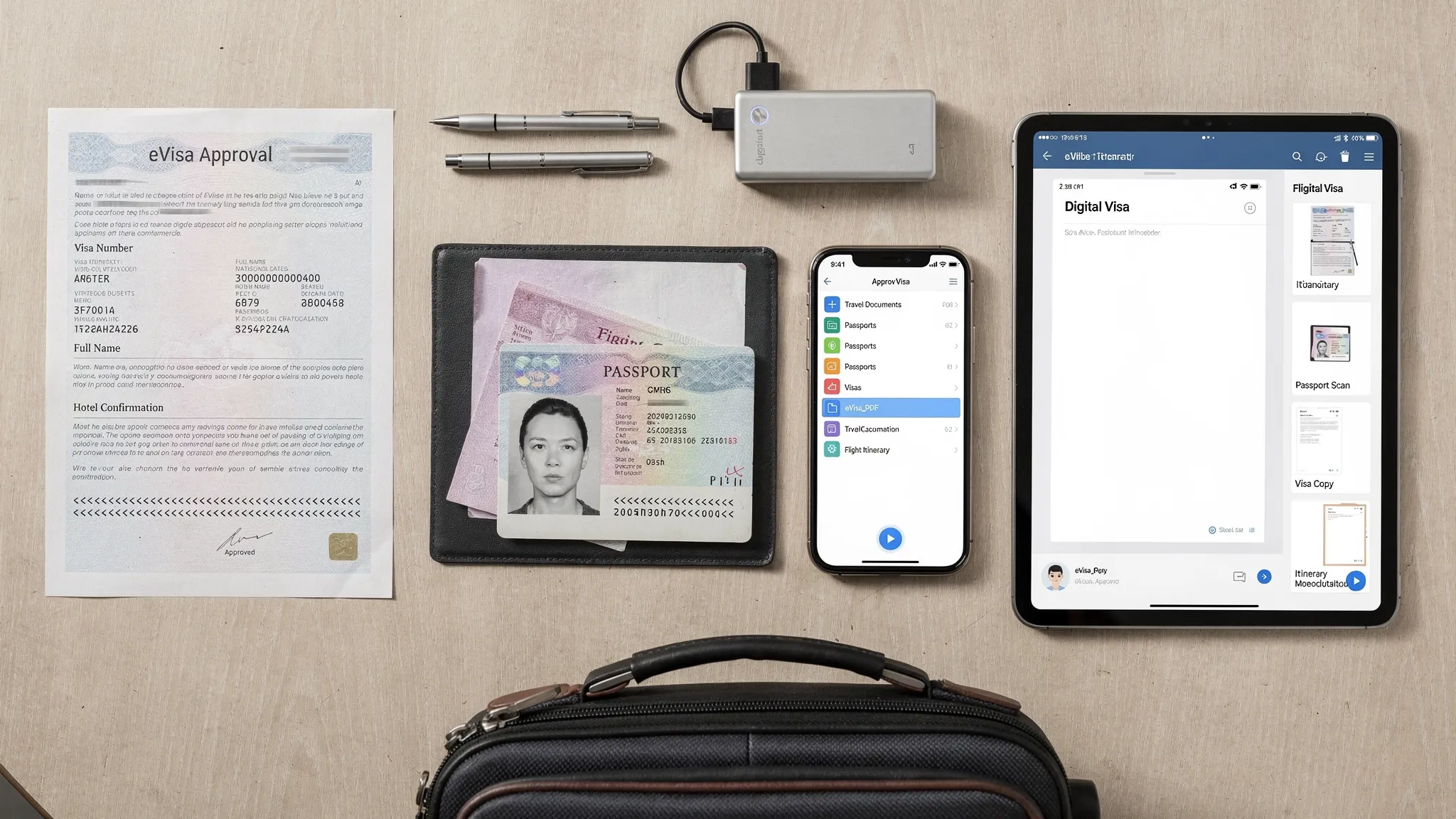
Most travelers treat a visa approval as the finish line. In reality, it is only useful if you can access it at the exact moment an airline agent, border officer, ferry operator, hotel, or local authority asks for it.
That is why every international traveler needs a simple, secure travel visa documents backup plan. It does not have to be complicated. The goal is to make sure your passport, eVisa, travel authorization, and supporting documents are available in three situations: your phone works, your phone does not work, and your belongings are lost or stolen.
In 2026, more border requirements are digital, from electronic visa approvals to ETAs and online pre-arrival forms. Digital travel is more convenient, but it also creates a new type of risk: a dead battery, locked email account, weak airport Wi-Fi, or missing PDF can delay check-in or complicate entry. A smart backup system prevents those small failures from becoming major travel problems.
Why a visa document backup plan matters
An electronic visa or travel authorization may be linked to your passport, but that does not always mean you will never need to show proof. Airlines often check documentation before boarding because they can face fines or costs if a passenger arrives without valid entry permission. Border officials may also ask to see your approval notice, return ticket, accommodation details, invitation letter, or travel insurance depending on the destination and purpose of travel.
Backups also help when something changes mid-trip. You may need to prove your legal entry status when checking into accommodation, renting a car, extending your stay, boarding a regional flight, joining a cruise excursion, or replacing a lost passport. A well-organized backup plan saves time because you are not searching through emails, screenshots, or messaging apps under pressure.
There is also a security angle. Travelers often create backups in a hurry, then scatter passport scans across inboxes, shared chats, and unprotected photo galleries. A good plan gives you access and reduces exposure. The best system is easy to use, but not easy for someone else to misuse.
What to include in your travel visa documents backup kit
Your backup kit should include every document that proves who you are, why you are traveling, where you are going, and whether you meet the destination’s entry conditions. The exact list depends on the country, visa type, and trip purpose, but most travelers should prepare the following.
| Document | Why it matters | Best backup format |
|---|---|---|
| Passport bio page | Confirms your identity and passport number | Color PDF plus clear photo |
| Approved eVisa, electronic visa, or ETA | Shows travel authorization if asked | PDF, screenshot, and printed copy |
| Visa application receipt or reference number | Helps with status checks or support requests | PDF and note in password manager |
| Flight itinerary and return or onward ticket | Proves travel dates and exit plans | PDF and airline app offline access |
| Accommodation booking or host details | Supports entry questions and local contact needs | PDF or saved booking confirmation |
| Travel insurance certificate | May be required by some destinations or tour operators | PDF and printed summary page |
| Invitation letter, business letter, or event registration | Supports business, family, study, or event travel | PDF plus printed copy |
| Proof of funds, if required | Shows you can support your stay | Secure PDF, not casual screenshots |
| Vaccination or health documents, if required | Some routes or programs still require health proof | PDF, wallet app, and printed copy |
| Emergency contacts and embassy details | Speeds help if documents are lost | Offline note and printed card |
Before backing up your documents, make sure the originals are accurate. A backup of an incorrect eVisa, misspelled name, expired passport, or mismatched travel date will not solve the underlying issue. If you are still preparing your application, use a structured resource like SimpleVisa’s online visa application checklist to confirm what you need before submission.
The three-layer backup plan every traveler should use
A reliable backup plan has three layers: physical, offline digital, and remote recovery. If one layer fails, another should still work.
Layer 1: Physical copies for immediate checks
Keep your original passport and any required original documents in your personal item, not in checked luggage. Add a slim folder with printed copies of your most important documents. This folder should be easy to reach at the airport, but separate from the passport itself so you do not lose everything at once.
Your physical folder should include:
- A printed copy of your eVisa or travel authorization approval.
- A copy of your passport bio page.
- Your flight itinerary and accommodation confirmation.
- Any invitation letter, insurance certificate, or onward ticket required for entry.
- A one-page emergency contact sheet.
Do not rely on a printout as your only backup. Paper gets wet, damaged, or misplaced. But it remains useful when phone batteries die, apps log you out, QR codes fail to load, or a check-in desk wants a quick visual confirmation.
Layer 2: Offline digital copies on your device
Your phone should contain an offline folder that works without mobile data or Wi-Fi. Saving documents only in email is risky because airport networks can be slow, authentication codes may not arrive abroad, and some cloud apps do not automatically download files for offline use.
Create a folder in your phone’s files app and save PDFs or images of your key documents there. Then test it. Turn on airplane mode, restart your phone, and confirm you can still open the eVisa, passport scan, itinerary, and accommodation details. If the document has a QR code, zoom in and check that it remains sharp.
For longer trips, add the same folder to a tablet or laptop if you carry one. A second device can be valuable if your phone is lost, damaged, or stolen.
Layer 3: Remote recovery copies
The final layer is a secure remote copy. This can be encrypted cloud storage, a protected digital vault, or a secure folder shared with a trusted contact. The purpose is recovery. If your bag and phone disappear, you need a way to retrieve the documents from another device.
If you share copies with someone at home, choose carefully. Use a trusted person who understands the importance of the documents and can send them only when needed. Avoid putting full passport scans and visa documents into casual group chats. If your cloud service allows expiring links, password protection, or restricted sharing, use those settings.
A simple rule works well: keep three copies, in two formats, with one copy separated from your travel bag. That means one physical folder, one offline device folder, and one remote recovery option.
How to make your backups border-ready
Not all document copies are equally useful. A blurry passport photo or cropped visa approval may slow you down instead of helping. Your backup should be clear, complete, and easy for someone else to verify.
Use color scans whenever possible. Make sure all four corners of the document are visible, text is readable, and there is no glare over the passport number, photo, expiration date, or visa validity dates. For eVisas, include the entire approval page, not just the QR code or confirmation banner. If the authorization email includes a reference number, applicant name, validity period, and passport number, save the full email as a PDF.
| Backup task | Good practice | Why it helps |
|---|---|---|
| Scan passport | Use color, high resolution, all corners visible | Prevents identity details from being questioned |
| Save eVisa | Keep full approval PDF and screenshot of key page | Helps if one format will not open |
| Name files clearly | Use passport-name-destination-document-date | Finds files fast under pressure |
| Test offline access | Open documents in airplane mode before departure | Confirms you are not dependent on Wi-Fi |
| Print key pages | Carry one clean printed set in your personal item | Useful for check-in desks and device failures |
File names matter more than people think. At a stressful border counter, a folder full of files named IMG_4832 or Download-final-final can waste valuable time. Use names such as Smith-USA-ESTA-Approval-2026, Smith-Passport-Bio-Page, and Smith-Hotel-Tokyo-May2026. If traveling as a family, include each traveler’s first name in the file name.
Keep visa backups secure without locking yourself out
Visa documents contain sensitive personal information. A backup plan should never trade convenience for unnecessary exposure. At the same time, extreme security that locks you out while abroad defeats the purpose. Aim for practical protection.
Protect every device with a strong passcode or biometric lock. Use multi-factor authentication on your email and cloud storage, but make sure you can receive codes while traveling. A password manager can help store visa reference numbers, application logins, and emergency contact notes in one protected place.
Be careful with public computers and hotel printers. If you must print documents abroad, use a reputable location, avoid saving files to a shared desktop, and delete downloads when finished. When possible, print from your own device or carry physical copies before leaving home.
Avoid oversharing. A tour group, wedding party, or business team may need coordinated documentation, but not everyone needs full passport scans. Share only what is necessary, use secure channels, and remove access after the trip.
A simple pre-departure backup timeline
The easiest way to build this habit is to attach it to your travel timeline. Do not wait until the night before your flight to organize documents. If an approval has the wrong passport number or your printout is unreadable, you need time to fix it.
| Timing | Backup action |
|---|---|
| When the visa is approved | Save the approval PDF, check every detail, and store the reference number |
| Two weeks before departure | Scan passport, itinerary, accommodation, insurance, and supporting letters |
| One week before departure | Create offline phone folder, print key documents, and share recovery copy if needed |
| 24 hours before departure | Test offline access, charge devices, and confirm your passport matches your eVisa |
| Travel day | Keep originals and printed copies in your personal item, never checked luggage |
If you apply close to departure, compress the timeline but do not skip the verification step. Many travel disruptions come from small data mismatches, such as a missing middle name, transposed passport digit, or visa linked to an old passport. For more guidance on safe online submissions, see SimpleVisa’s guide on how to apply for a travel visa online safely.
Special situations that need extra backup planning
Electronic visas and eTAs
For eVisas and electronic travel authorizations, your approval is often linked electronically to your passport. Still, carry proof. Airlines, cruise operators, and border agents may ask for a confirmation number or printed approval, especially if systems are slow or your passport was recently renewed.
If your eVisa is tied to a specific passport, carry that passport. If you renewed your passport after approval, check whether the authorization must be transferred, updated, or reissued before travel. Do not assume a border officer can fix the mismatch on arrival.
Multi-country itineraries and transit stops
Transit rules can surprise travelers. A country you do not plan to visit may still require a transit visa, electronic authorization, or proof of onward travel if you change airports, recheck luggage, or stay overnight. Back up documents for every country in the route, not just the final destination.
Create a separate folder for each country if your trip has multiple stops. This makes it easier to show the correct approval quickly rather than scrolling through unrelated documents.
Families and group travel
Families should prepare a separate document set for each traveler, including children. Some destinations require consent letters for minors traveling with one parent or with another adult. If applicable, back up birth certificates, custody documents, notarized consent letters, and each child’s visa approval.
For groups, one person should not be the only keeper of all documents. Each adult traveler should have their own backup folder. A group leader can keep duplicate emergency copies, but individual access is essential.
Business trips, events, and destination weddings
Event-based travel has fixed dates, so documentation delays are especially costly. Business travelers should back up invitation letters, conference registrations, employer letters, meeting agendas, and proof of who is covering expenses. Travelers attending weddings should also save venue details, accommodation blocks, appointment confirmations, and local contact information.
For example, if your itinerary includes wedding-related travel in the Netherlands or Belgium, from venue visits to appointments with a bridal boutique in Brabant, keep those confirmations with your visa and accommodation documents. They may help explain the purpose and timing of your trip if questions arise.
Destinations with limited connectivity
If you are going somewhere with unreliable internet, offline preparation becomes even more important. Download maps, translation tools, transportation tickets, accommodation addresses, and visa documents before departure. Carry a power bank and consider a second charging cable in a separate bag.
In remote areas, a printed copy may be more practical than a cloud file. The more uncertain the connectivity, the more valuable your physical folder becomes.
What to do if a visa document is lost, stolen, or inaccessible
Even a good plan cannot prevent every problem. It can, however, make recovery faster. If a document is missing or your device is unavailable, follow a calm sequence instead of trying random fixes.
- Confirm what is missing and what still works. Check your physical folder, offline files, second device, and cloud storage before contacting authorities.
- Use your backup copy to continue immediate travel steps. If an airline agent needs proof, show the printed approval or offline PDF.
- Contact the visa issuing authority, official portal, or service provider if the visa approval itself needs to be reissued or corrected.
- If your passport is lost or stolen, contact your embassy or consulate as soon as possible and follow local reporting requirements.
- Notify your airline, accommodation, travel insurer, or tour operator if the issue may affect check-in, boarding, or scheduled activities.
- After the incident, change passwords if your phone, email, or cloud storage may have been compromised.
If your electronic visa is lost, deleted, or stolen, the right steps depend on the destination and visa type. SimpleVisa has a dedicated guide on what to do if your electronic visa is lost or stolen for more detailed recovery actions.
Final travel visa documents backup checklist
Use this quick checklist before every international trip. It takes only a few minutes once your system is in place.
- Passport is valid for the destination’s required validity period.
- Visa, eVisa, ETA, or other authorization matches the passport exactly.
- Approval PDF and reference number are saved offline.
- Printed visa approval and passport copy are packed in your personal item.
- Travel itinerary, accommodation, and onward travel proof are backed up.
- Required invitation, insurance, health, or financial documents are included.
- Cloud or trusted-contact recovery copy is available if your phone is lost.
- Documents are protected with device security and secure storage.
- Offline access has been tested in airplane mode.
- Originals and backups are stored separately during travel.
This checklist is especially useful for frequent travelers because it creates consistency. Once you build the habit, you spend less time worrying about documents and more time focusing on the trip itself.
What this means for travel businesses
For airlines, OTAs, tour operators, cruise lines, and travel management companies, visa document readiness is part of the customer experience. Travelers do not always distinguish between booking friction, visa confusion, and border problems. If the journey breaks because a customer cannot access the right document, the travel brand often receives the support request.
That is why travel document automation matters. A visa management platform can help surface border requirements earlier in the journey, guide customers through the visa application process, and reduce the chance that important documents are missed after booking. It can also create ancillary revenue opportunities when visa support is offered at the right moment in the booking or post-booking flow.
SimpleVisa supports travel businesses with visa processing automation, API integration for travel sites, white-label visa application options, custom data services, guided customer applications, and no-code implementation paths. If your team wants to understand how this fits into a modern travel stack, start with SimpleVisa’s overview of travel document automation.
Frequently Asked Questions
Do I need to print an eVisa if it is linked to my passport? It is still wise to print a copy. Many eVisas are electronically linked to your passport, but a printed approval can help if airline systems, border systems, or your phone fail at the wrong moment.
Is a screenshot enough for a travel visa backup? A screenshot is helpful, but it should not be your only backup. Keep the full PDF, an offline copy, a printed copy, and a remote recovery copy when possible.
Where should I store digital copies of my passport and visa? Store them in an offline folder on your device and in a secure cloud or digital vault. Protect your phone and accounts with strong authentication, and avoid leaving copies in unsecured chats or public computers.
Should I give passport and visa copies to a friend or family member? You can share recovery copies with a trusted contact, especially for long or complex trips. Use a secure method, explain when to send the documents, and remove access after travel.
What if my visa details do not match my passport? Fix the mismatch before travel. A backup copy does not solve incorrect data. Contact the issuing authority, official application portal, or trusted visa support provider to understand whether you need a correction, transfer, or new application.
Make visa document readiness easier with SimpleVisa
A strong travel visa documents backup plan protects travelers from avoidable stress, but the best results start earlier, with accurate requirements and guided applications.
SimpleVisa helps travel businesses simplify border crossing administration through automated visa processing, travel API integration, white-label application flows, and guided eVisa management. If you want to help customers prepare the right documents while creating a smoother booking experience and new ancillary revenue opportunities, visit SimpleVisa to learn more.