Travel Visa Documents for Business Trips Made Simple
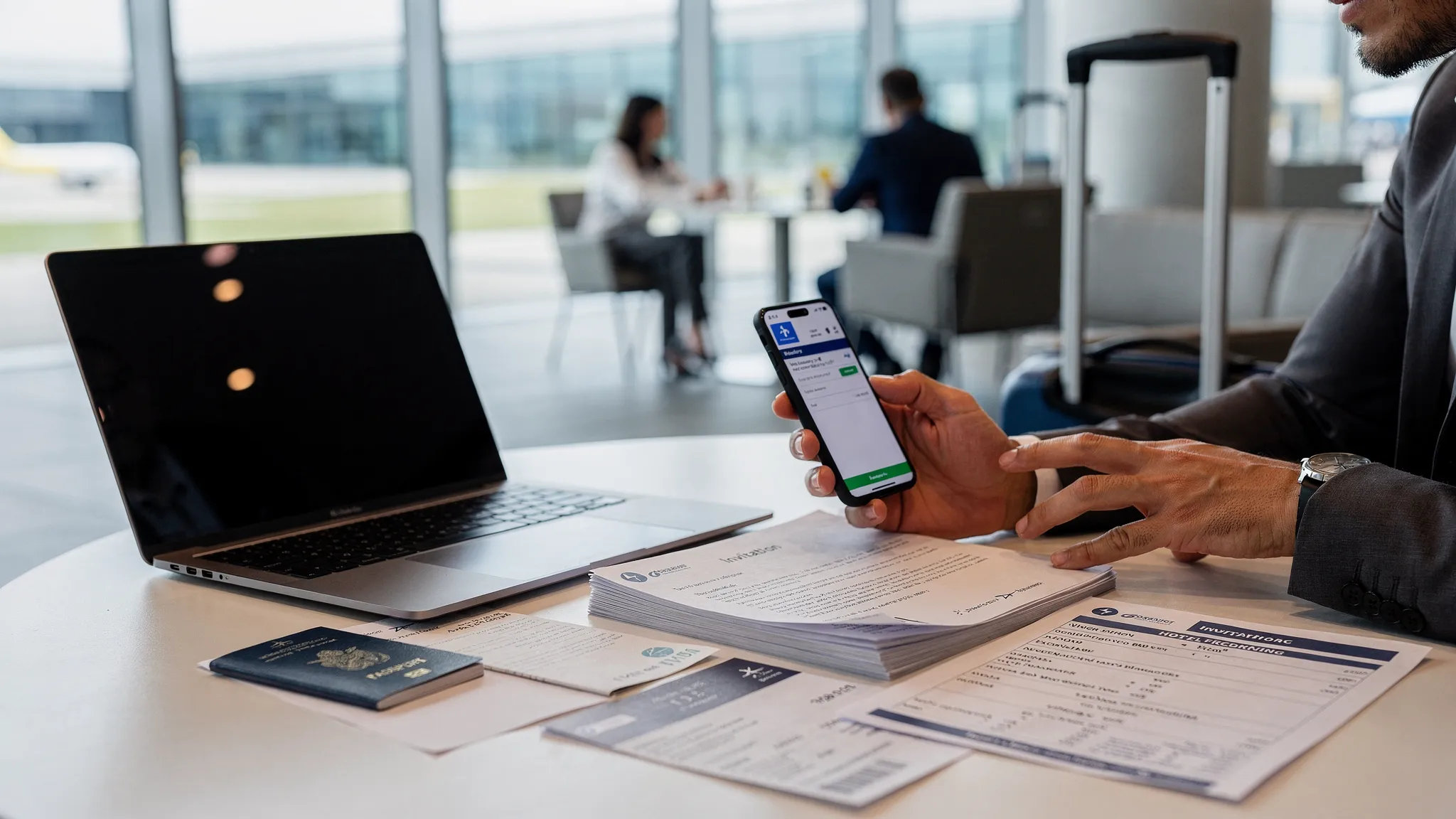
Business trips move quickly. A customer signs a contract, a conference slot opens, or an executive needs to be in another country next week. Flights and hotels are usually the easy part. The part that causes delays is often simpler and more avoidable: missing, inconsistent, or poorly prepared travel visa documents.
For business travel, visa documentation is not just about proving identity. Immigration authorities often want to understand why the traveler is entering, who is hosting them, who is paying, how long they will stay, and whether the activities match the visa category. A well-prepared document set can reduce back-and-forth, protect the trip timeline, and help travel teams offer a smoother customer experience.
This guide breaks down the documents most business travelers need, how to organize them, and how travel companies can simplify the process with online visa processing and travel document automation.
Why business trip visa documents are different
A leisure traveler typically needs to prove identity, itinerary, accommodation, and sometimes funds. A business traveler may need all of that plus evidence of the business purpose.
The key issue is activity. In many countries, a short-term business visitor can attend meetings, negotiate contracts, join conferences, or visit a partner office. But the same traveler may need a work permit or a different visa if they will perform hands-on work, receive local compensation, install equipment, train customers, or provide billable services on site.
That distinction matters because choosing the wrong visa category can lead to refusal, denied boarding, or questions at the border. Official rules vary by destination, so travelers should always check government guidance, such as the U.S. Department of State visa information, destination immigration portals, or a trusted visa management provider.
| Business activity | Often suitable for a business visitor visa or eVisa? | What to verify |
|---|---|---|
| Meetings with clients or partners | Often yes | Whether meetings are unpaid and short term |
| Attending a conference or trade event | Often yes | Whether speaking, exhibiting, or selling changes requirements |
| Contract negotiations | Often yes | Whether the traveler is negotiating only or delivering work |
| Internal company meetings | Often yes | Whether the traveler is visiting, transferring, or working locally |
| Technical installation or client implementation | Sometimes | Many destinations treat this as work |
| Paid local employment | Usually no | A work visa or permit is typically required |
The safest approach is to match documents to the real purpose of the trip, not the most convenient visa type.
The core travel visa documents for business trips
Requirements vary by destination, passport, residence country, visa type, and length of stay. Still, most business visa applications are built from a predictable set of documents.
| Document | What it proves | Common mistake to avoid |
|---|---|---|
| Valid passport | Identity, nationality, and travel eligibility | Using a passport that expires too soon or has mismatched details |
| Passport scan | Digital proof for online visa processing | Uploading a blurry image, cropped corners, or unreadable MRZ lines |
| Digital passport photo | Applicant identity | Using a casual selfie instead of a compliant visa photo |
| Completed visa application | Personal, travel, and security information | Inconsistent names, dates, addresses, or passport numbers |
| Business invitation letter | Purpose of visit and host relationship | Submitting a vague letter without dates, host details, or signature |
| Employer or sponsor letter | Job role, company support, and funding | Failing to explain who pays for flights, hotels, and expenses |
| Travel itinerary | Entry and exit plans | Booking dates that fall outside visa validity or permitted stay |
| Accommodation proof | Where the traveler will stay | Missing hotel confirmation or host address |
| Proof of funds or sponsorship | Ability to cover trip costs | Providing personal funds when the company is paying, without a sponsor letter |
| Conference or event registration | Reason for attending an event | Not matching the event dates to the itinerary |
| Travel insurance or health documents | Coverage and health compliance, if required | Assuming insurance is optional for every destination |
| Previous visas or residence permits | Travel history or legal residence | Applying from a country of residence without proof of status |
A good rule: every document should answer a question an immigration officer might reasonably ask. Who is traveling? Why are they traveling? Who invited them? Who pays? When do they leave?
The two letters that matter most
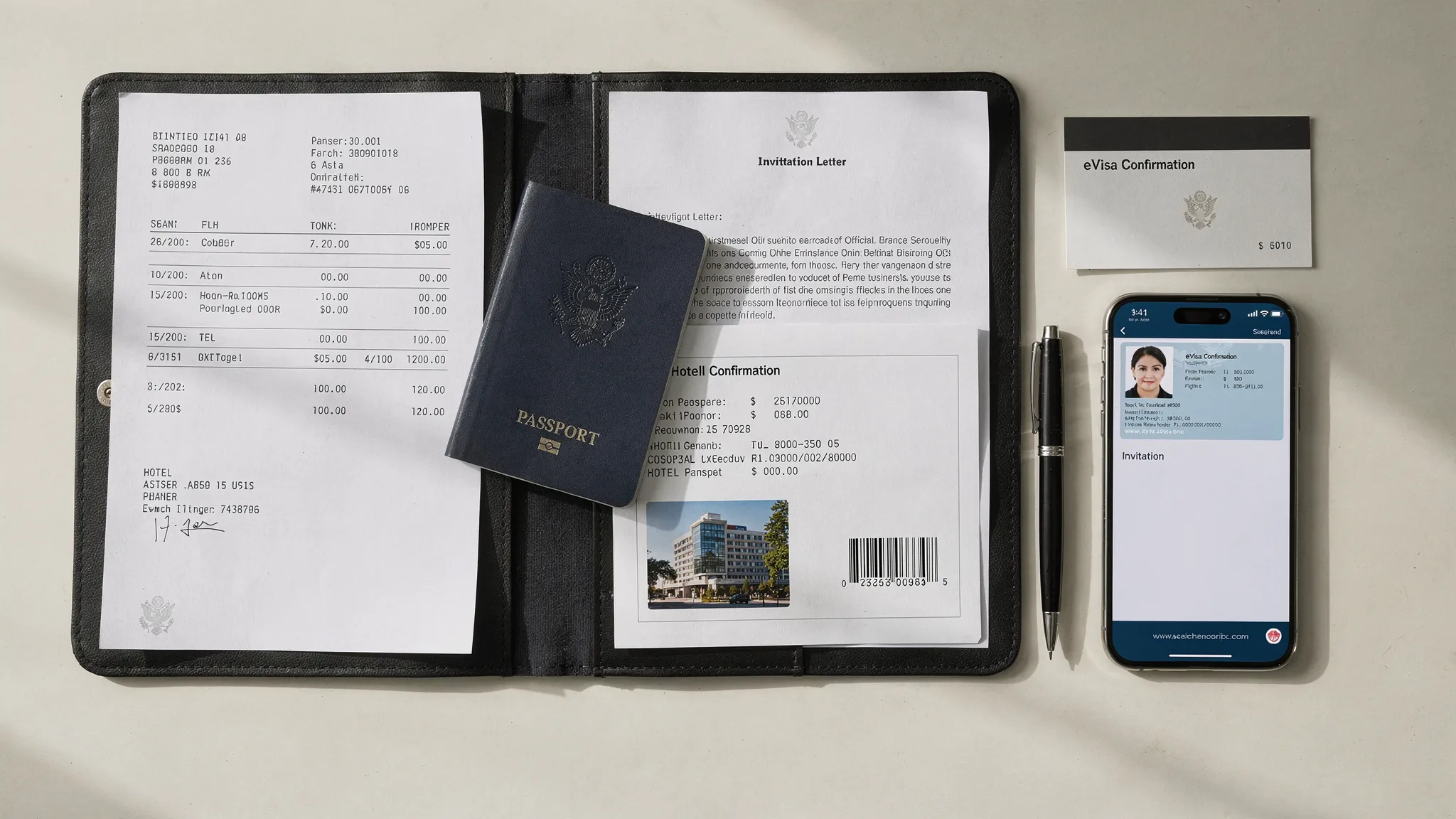
For many business trips, the invitation letter and employer letter are the strongest evidence in the application. They should be clear, consistent, and specific.
Business invitation letter
A business invitation letter usually comes from the host company, conference organizer, client, supplier, or local partner. It should explain why the traveler is visiting and confirm that the host is expecting them.
Strong invitation letters typically include:
- Traveler full name, nationality, passport number, and job title
- Host company legal name, address, and contact person
- Trip dates and locations
- Purpose of the visit, such as meetings, negotiations, training, or conference attendance
- Relationship between the traveler’s company and the host organization
- Statement on who is responsible for expenses, if applicable
- Signature from an authorized person on company letterhead
Avoid generic language like “business visit” without context. A stronger version would say: “The traveler will attend product roadmap meetings with our procurement team from June 10 to June 13 and will not receive local compensation.”
Employer or sponsor letter
The employer letter confirms the traveler’s role and explains why the company is sending them. This is especially important when the company is paying for the trip.
It should usually include the traveler’s role, employment status, salary or confirmation of employment where relevant, purpose of travel, exact travel dates, funding responsibility, and confirmation that the traveler is expected to return to work after the trip.
For founders, contractors, or self-employed travelers, the equivalent may be a business registration certificate, client contract, tax document, or corporate bank statement. The point is to show legitimate business activity and a credible reason for returning after the trip.
eVisa, eTA, business visa, or work permit?
Digital travel documents have made business trips easier, but the terminology can be confusing. An electronic visa, eTA, and work permit are not interchangeable.
| Document type | What it usually means | Best for | Key limitation |
|---|---|---|---|
| eVisa | A visa issued through an online application process | Eligible business visits, tourism, transit, or other approved purposes | Not available for every nationality or activity |
| eTA or travel authorization | Pre-travel permission for visa-exempt travelers | Short visits where the traveler does not need a full visa | Often more limited than a visa |
| Consular business visa | A visa processed through an embassy, consulate, or visa center | More complex trips or countries without online options | Longer timelines and more paperwork |
| Work visa or work permit | Authorization to work in the destination country | Paid work, assignments, transfers, or local employment | Usually requires deeper documentation and employer sponsorship |
An eVisa can be ideal for a short business trip when the destination allows it. It can remove embassy appointments, enable digital uploads, and provide status updates online. For a deeper guide to this category, see SimpleVisa’s resource on electronic visas for business travel.
However, an eVisa does not automatically make every business activity legal. If the traveler’s work will be delivered in the destination country, check the rules before applying.
A simple timeline for preparing business visa documents
Business travel often happens under time pressure, but a timeline still helps. The right timing depends on the destination and visa type, but this framework works for many trips.
| Timing before travel | What to do |
|---|---|
| 8 to 10 weeks | Confirm destination rules, visa category, passport validity, and whether an eVisa is available |
| 6 to 8 weeks | Request invitation letters, employer letters, event confirmations, and translations if needed |
| 4 to 6 weeks | Submit consular or complex visa applications, especially if biometrics or interviews are required |
| 2 to 4 weeks | Submit many standard eVisa or eTA applications, if the application window allows it |
| 1 week | Review approval details, save backups, print copies if useful, and confirm the visa matches the passport |
| 72 hours | Recheck flight, accommodation, passport, visa validity, and any last-minute entry updates |
Do not rely on “typical processing time” alone. Public holidays, peak travel seasons, manual reviews, incomplete documents, and payment issues can all delay an application.
For a broader preparation framework, SimpleVisa’s online visa application checklist can help travelers and travel teams gather the right items before submitting.
How to prepare digital documents correctly
Online visa processing is only efficient if the documents are accepted the first time. Poor scan quality is one of the easiest problems to avoid.
Use color scans whenever possible. Make sure all four corners of the passport page are visible, the machine-readable zone is sharp, and there is no glare across the photo or passport number. For photos, follow the destination’s size, background, expression, and file-format rules exactly.
Consistency is just as important as quality. The traveler’s name, date of birth, passport number, company name, and trip dates should match across the application, flight itinerary, invitation letter, employer letter, hotel booking, and payment receipt. Even small differences can trigger manual review.
A practical file-naming system also helps teams move faster. For example, use names like Lastname_Passport.pdf, Lastname_InvitationLetter.pdf, and Lastname_Itinerary.pdf. This is especially useful for executive assistants, HR mobility teams, and travel management companies handling multiple travelers at once.
Common business visa document mistakes and how to prevent them
Most visa delays are not caused by complex immigration law. They come from avoidable document gaps.
| Mistake | Why it causes problems | Prevention |
|---|---|---|
| Applying under the wrong travel purpose | The documents do not match the visa category | Confirm whether the trip is business, tourism, work, transit, or mixed purpose |
| Using inconsistent names | Airline, passport, and visa data may not match | Copy names directly from the passport, including middle names if required |
| Submitting vague letters | Officers cannot verify the business purpose | Include dates, host details, agenda, funding, and relationship between companies |
| Waiting for final flight bookings | Visa timing becomes too tight | Use a realistic itinerary when accepted, or book flexible travel |
| Uploading poor-quality scans | The portal or reviewer cannot read key details | Scan in color and review every file before submission |
| Ignoring passport validity | The visa may be refused or issued for a shorter period | Check validity and blank-page rules before booking |
| Assuming an eVisa guarantees entry | Border officers still make final entry decisions | Carry supporting documents and follow permitted activities |
The best prevention is a repeatable process: check eligibility, gather documents, validate details, submit securely, track status, and keep backups.
How travel businesses can simplify business visa documents for customers
For airlines, OTAs, TMCs, tour operators, and corporate booking platforms, visa document friction is more than an administrative issue. It affects conversion, support volume, traveler confidence, and ancillary revenue.
A traveler who discovers visa requirements after booking may abandon the trip, contact support repeatedly, or blame the travel brand if documents are missing. A better approach is to make visa requirements visible and actionable inside the booking or post-booking journey.
Travel businesses can simplify the process by using a visa management platform that can identify requirements based on passport, destination, residence, travel dates, and purpose of travel. From there, the platform can guide the traveler through document upload, application steps, payment, and status updates.
This is part of a wider shift across document-heavy industries. The same move from manual review to guided automation is visible in travel document automation, online visa processing, and even AI-powered insurance automation for underwriting and claims workflows.
With SimpleVisa, travel companies can integrate visa processing automation into their customer journey through an API, a white-label visa application app, custom data services, or no-code implementation options. The goal is to help customers complete guided visa applications while giving travel businesses a stronger ancillary revenue opportunity.
For more on the broader category, see SimpleVisa’s explanation of travel document automation.
What to carry after the visa is approved
Approval is not the end of the process. Business travelers should verify every detail on the approved visa or travel authorization before departure.
Check the passport number, spelling, date of birth, visa category, number of entries, validity dates, and permitted duration of stay. If anything is wrong, contact the issuing authority or support provider immediately rather than waiting until airport check-in.
For the trip itself, travelers should carry digital and offline copies of the visa approval, passport, invitation letter, employer letter, itinerary, hotel booking, travel insurance, and return or onward ticket. A printed copy can still be useful, especially if the airline, border officer, or destination infrastructure requires backup documentation.
Business travelers should also be ready to explain their trip in simple terms at the border. The answer should match the documents. For example: “I am attending three days of meetings with our local distributor, and I return on Friday.”
A quick pre-submission checklist
Before submitting a business visa application, confirm the following:
- The visa category matches the real business activity
- The passport is valid for the destination’s required period
- The traveler’s name and passport number match every document
- The invitation letter and employer letter include the same dates and purpose
- The itinerary fits within the requested visa validity
- Scans are clear, complete, and in the required file format
- The payment method is accepted for international online transactions
- The traveler has enough time for normal processing and possible follow-up requests
- Copies are stored securely and accessible offline during travel
This checklist may feel basic, but it prevents many of the issues that delay business trips.
Frequently Asked Questions
Do I need a visa for a short business trip? It depends on your passport, destination, residence country, trip length, and planned activities. Some travelers may qualify for visa-free entry or an eTA, while others need an eVisa, business visa, or work permit.
Can I use a tourist visa for business meetings? You should not assume so. Some destinations allow limited business activities under certain visitor categories, while others require a dedicated business visa. Always choose the category that matches your true purpose of travel.
Is an invitation letter always required for a business visa? Not always, but it is common and often helpful. Even when optional, a clear invitation letter can support the purpose of travel and reduce questions during review.
How early should I prepare travel visa documents for a business trip? Start as soon as the trip is being considered, especially if the traveler may need a consular visa, biometrics, or a passport renewal. For eVisas and eTAs, leave a buffer for manual review or document correction.
What happens if my visa details do not match my passport? A mismatch can cause denied boarding, delayed entry, or refusal at the border. Contact the issuing authority or visa support provider immediately to understand whether correction or reapplication is required.
Can travel companies generate ancillary revenue from visa services? Yes. By offering guided visa applications inside the booking or post-booking flow, travel businesses can improve customer experience while adding a relevant ancillary service.
Make business travel visa documents easier
Business travelers need speed, accuracy, and confidence. Travel businesses need a reliable way to guide customers through changing border requirements without adding operational complexity.
SimpleVisa helps travel companies streamline visa application workflows with automation, API integration, white-label options, custom data services, and guided customer applications. If your customers book business trips across borders, simplifying travel visa documents can reduce friction and create a better journey from booking to arrival.