Visa Application Processing: Status Stages and What to Do Next
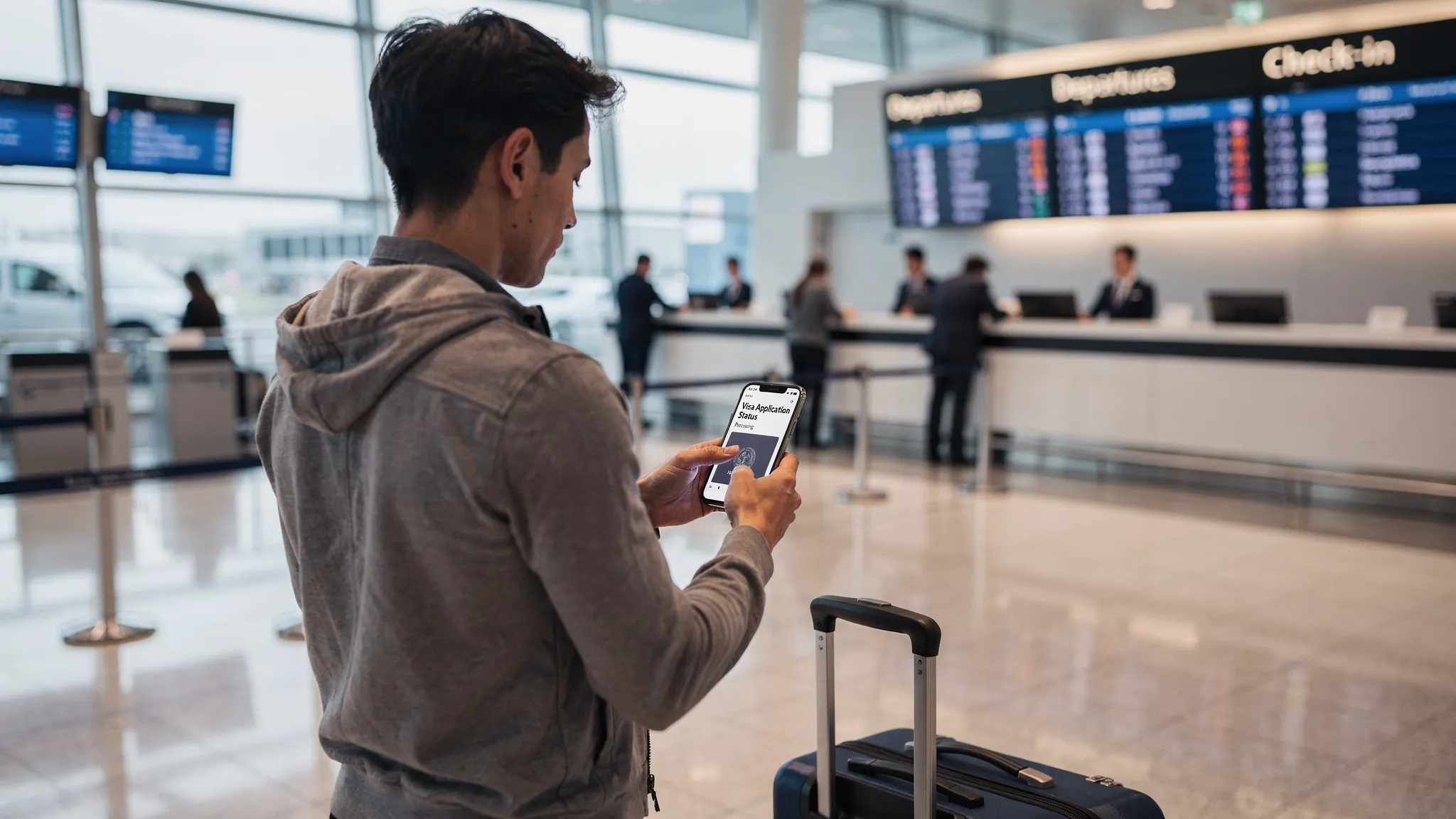
Visa applications often feel like they disappear into a black box. One day you have a confirmation email, the next you are staring at a status like “under processing” or “referred,” wondering if you should reapply, wait, or change your flights.
This guide breaks down the most common visa application processing status stages (for eVisas, eTAs, and consular visas), what each stage usually means, and the safest “what to do next” actions for travelers and travel teams.
Why visa status stages can be confusing
Two applicants can see totally different wording for the same underlying step, simply because:
- Governments use different case-management systems and vocabulary.
- eVisas and eTAs are often more automated, while consular visas may include manual review, biometrics, and interviews.
- Some portals show detailed sub-stages, others show only broad states like “in progress.”
- Third-party partners (airlines, OTAs, agencies) may display simplified statuses to reduce confusion.
When in doubt, treat any status text as informational, not as permission to travel. Your right to board and enter depends on having the correct authorization and meeting entry rules at the time of travel.
The most common visa application processing stages (and what they mean)
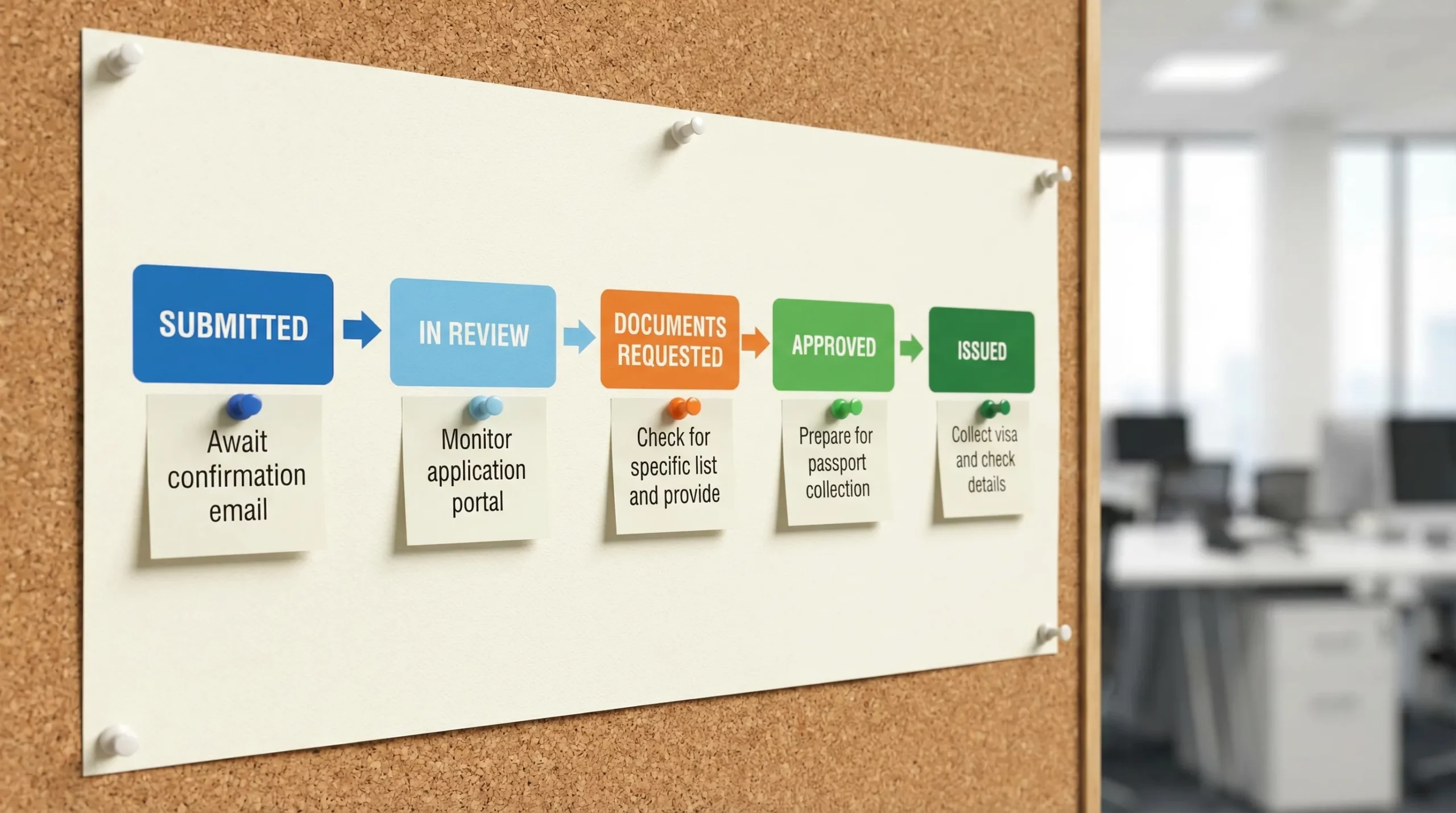
Most applications, whether electronic or consular, move through a predictable lifecycle: submission, identity checks, eligibility assessment, decision, and issuance.
Here is a practical status map you can use to interpret what you are seeing on portals and emails.
| Status stage you might see | What it usually means | What to do next | What commonly causes delays |
|---|---|---|---|
| Draft / Not submitted / Saved | You started an application but it is not in the government queue | Submit, pay (if required), and save the confirmation | Missing mandatory fields, unsupported file formats |
| Submitted / Received / Filed | The application reached the system and is timestamped | Save the receipt or application ID, then wait for acknowledgment | Payment mismatch, portal outage, missing signature/consent |
| Payment pending / Payment failed | The case may not proceed until payment is confirmed | Re-try payment on the official portal, confirm bank authorization, keep proof | Card verification failures, name mismatch, duplicate charges |
| In review / Processing / Under assessment | Screening and eligibility review has started | Avoid duplicate applications unless instructed, monitor messages | Inconsistent data, peak-season volume, manual review triggers |
| Additional documents requested / RFI / Further info needed | The officer/system needs more evidence | Respond fast and precisely, upload exactly what is asked | Low-quality scans, wrong document type, expired supporting docs |
| Biometrics required / Appointment needed | Fingerprints/photo must be captured at a center | Book the earliest appointment, bring required originals | Limited appointment capacity, incorrect appointment location |
| Interview scheduled / Pending interview | Consular interview required before a decision | Prepare answers and evidence, bring originals, arrive early | Incomplete DS/forms, missing ties/financial proof, rescheduling |
| Background checks / Administrative processing | Extra security or identity checks are happening | Wait, keep travel flexible, do not pressure via multiple tickets | Common names, travel history, data verification needs |
| Approved / Granted / Issued | The application is approved and being issued | Download/print if advised, verify every detail | Portal delays, email delivery issues, passport return logistics |
| Dispatched / Passport ready / Collected | Documents are being returned or made available | Track delivery or pick up promptly | Courier issues, address errors, public holidays |
| Refused / Denied / Rejected | The application was not approved | Read the reason carefully, assess reapply vs appeal, correct root issue | Incorrect category, missing proof, eligibility issues |
| Expired / Canceled / Withdrawn | The authorization is no longer valid | Reapply if you still need to travel | Passport changes, missed deadlines, non-response to requests |
What to do next at each stage (a decision-oriented walkthrough)
1) Draft or not submitted: finish before you lose momentum
“Draft” is not a real application. It is simply data stored in a session or account.
Do this before you submit:
- Confirm your passport validity and passport number, most errors start here.
- Match names exactly to the passport (including middle names if your passport uses them).
- Upload files that meet size and format requirements, many portals reject photos silently.
If you are a travel company, this is where completion rates are won or lost. A guided flow that validates uploads and passport data upfront typically prevents the most common avoidable rework.
2) Submitted/received: lock down proof and create a tracking routine
Once you see “submitted” or “received,” your first job is documentation discipline.
Save:
- Application ID
- Submission timestamp
- Payment receipt
- Any reference numbers (some programs issue multiple IDs)
Also check your spam folder and confirm you can receive messages from the issuing authority.
If you booked a high-value itinerary with strict cancellation terms, build a buffer before paying the largest non-refundable deposits. This matters for premium trips where timing is tight, for example a luxury yacht charter brokerage that coordinates crewed departures across multiple jurisdictions.
3) Payment pending: treat it as “not in the queue yet”
Many systems do not begin review until payment settles.
Practical steps:
- If the portal shows “payment pending” for more than a few hours, verify your bank did not decline the transaction.
- Avoid submitting multiple payments unless the official portal explicitly allows retries.
- Keep screenshots and receipts, especially if you must contact support.
4) In review/processing: avoid the two biggest mistakes
When you see “processing,” most applicants either panic-reapply or go silent.
Instead:
- Do not submit a second application unless official guidance tells you to. Duplicates can slow down matching and review.
- Do not change passport details midstream (for example renew a passport) unless necessary. If you must, check whether you need to update the application or reapply.
You can use this waiting period to prep border-ready documents (onward ticket, accommodation, proof of funds) so you are not scrambling later.
5) Additional documents requested: respond like an auditor
A document request is not automatically “bad news.” It is often the fastest path to approval, if you respond correctly.
Treat the request as a checklist:
- Answer the exact question asked.
- Upload only the requested items (unless the portal allows extra evidence).
- Use clear filenames (for example,
BankStatement_Jan2026.pdf). - Keep your story consistent across documents (dates, addresses, employer names).
Missed deadlines are a common reason cases get stalled or closed.
6) Biometrics and interviews: plan for logistics, not just eligibility
For consular visas, the timeline is often constrained by appointment availability more than review time.
Before you go:
- Confirm what originals must be brought versus copies.
- Bring your appointment letter and your application confirmation.
- Arrive early, some locations have security screening and strict entry windows.
If you are coordinating travel for a group, stagger appointments and keep a shared tracker of who completed which step. One missing biometrics appointment can hold up an entire itinerary.
7) Administrative processing or background checks: manage expectations and flexibility
“Administrative processing” or “security checks” can be routine, and it can also be unpredictable.
What helps most:
- Keep flights flexible where possible.
- Monitor for any follow-up requests.
- If you have an urgent, legitimate reason (medical, family emergency, business-critical), check whether the program offers an expedite mechanism.
Avoid repeated inquiries that do not add new information. They rarely accelerate government timelines and can create confusion across channels.
8) Approved/issued: verify details immediately
Approval is not the finish line until you confirm the document is correct.
Cross-check:
- Full name spelling
- Passport number
- Validity dates
- Number of entries (single vs multiple)
- Purpose/category (tourism, business, transit)
If anything is wrong, address it right away. Small data issues can become boarding denials later.
9) Refused/denied: decide between reapply, appeal, or reroute
A refusal is frustrating, but the next step depends on the reason.
Common patterns:
- Administrative rejection (missing document, photo format, unpaid fee): often fixable with a clean reapplication.
- Eligibility denial (wrong category, insufficient ties, inadmissibility flags): may require a different visa type or professional guidance.
Do not “guess and reapply” without correcting the root cause. Many systems retain prior attempts and inconsistencies can compound.
How long do stages take? A realistic planning framework
Governments rarely guarantee timelines, and the same program can move faster or slower depending on season, nationality, and risk screening.
Use a buffer strategy rather than a fixed promise:
| Application type | Typical status behavior | A safer planning buffer (general guidance) |
|---|---|---|
| eTA/ESTA-style authorization | Often automated, may still go to manual review | Apply at least 7 days before travel when possible |
| eVisa (tourism/business) | Usually online, may request documents | Apply 2 to 4 weeks ahead when possible |
| Consular tourist visa | Appointments plus officer review | Start 6 to 12 weeks ahead (or more in peak season) |
| Long-stay/work/study | More documents, higher scrutiny, sometimes multiple steps | Start 3 to 6+ months ahead |
If you want official starting points for specific programs, consult government pages such as the U.S. CBP ESTA information at esta.cbp.dhs.gov or the EU’s ETIAS overview at the official ETIAS site.
The most common “stuck” statuses and how to fix them
Most delays are not caused by complex immigration issues. They are caused by preventable data, document, or communication breakdowns.
“No status found” or “invalid application ID”
This typically comes from copy/paste errors, wrong portal, or a mismatch between the ID type and the search field.
Try:
- Confirm you are on the official portal for that specific program.
- Re-enter the ID manually (avoid trailing spaces).
- Check whether you must search with passport number plus date of birth instead.
“Pending” for an unusually long time
Long pending periods can be normal in peak travel windows, but you should validate the basics:
- Payment is confirmed.
- No emails were missed (including spam).
- You did not receive a document request inside the portal only.
If there is a formal inquiry channel, use it once, with complete identifiers and receipts.
“Document upload failed”
Most portals are strict about:
- File size
- File type (PDF/JPG)
- Photo background and dimensions
- Clarity and glare on passport scans
Rescan at higher resolution, then compress if needed. Do not take a blurry photo of a printed scan.
“Approved” but nothing arrives
Sometimes issuance and delivery are separate steps.
- Look for an additional status like “issued,” “generated,” or “available to download.”
- Check that the email on file is correct.
- If the document is in-portal, log in rather than waiting for email.
What travel companies should do differently (so customers do not panic)
If you sell travel, you do not want customers asking “is my visa okay?” at T-24 hours. The best operational approach is to treat visa progress as a managed journey, not a one-off link.
Set expectations with stage-based messaging
Instead of generic updates (“your visa is processing”), communicate with next-action clarity:
- What stage they are in
- What they should watch for (document request, appointment email)
- What they should not do (duplicate applications)
This reduces support load and prevents customers from taking actions that create new delays.
Build an escalation policy that is factual
Support teams need a simple decision tree:
- When to tell customers to wait
- When to collect more info (receipts, screenshots)
- When to route them to official channels
- When to recommend changing travel dates
The goal is to keep guidance accurate and consistent, without guessing outcomes.
Use automation where it reduces the two biggest failure modes
Across travel brands, the most expensive failures are:
- Travelers abandoning the application due to friction.
- Travelers traveling with incomplete or incorrect authorization, leading to denied boarding.
SimpleVisa is built to simplify border-crossing administration for travel businesses by streamlining visa applications through solutions that can be embedded via API, offered through a white-label app, or delivered as a data service. When implemented well, guided applications and automated processing reduce avoidable errors, and help travel teams spend less time interpreting ambiguous statuses.
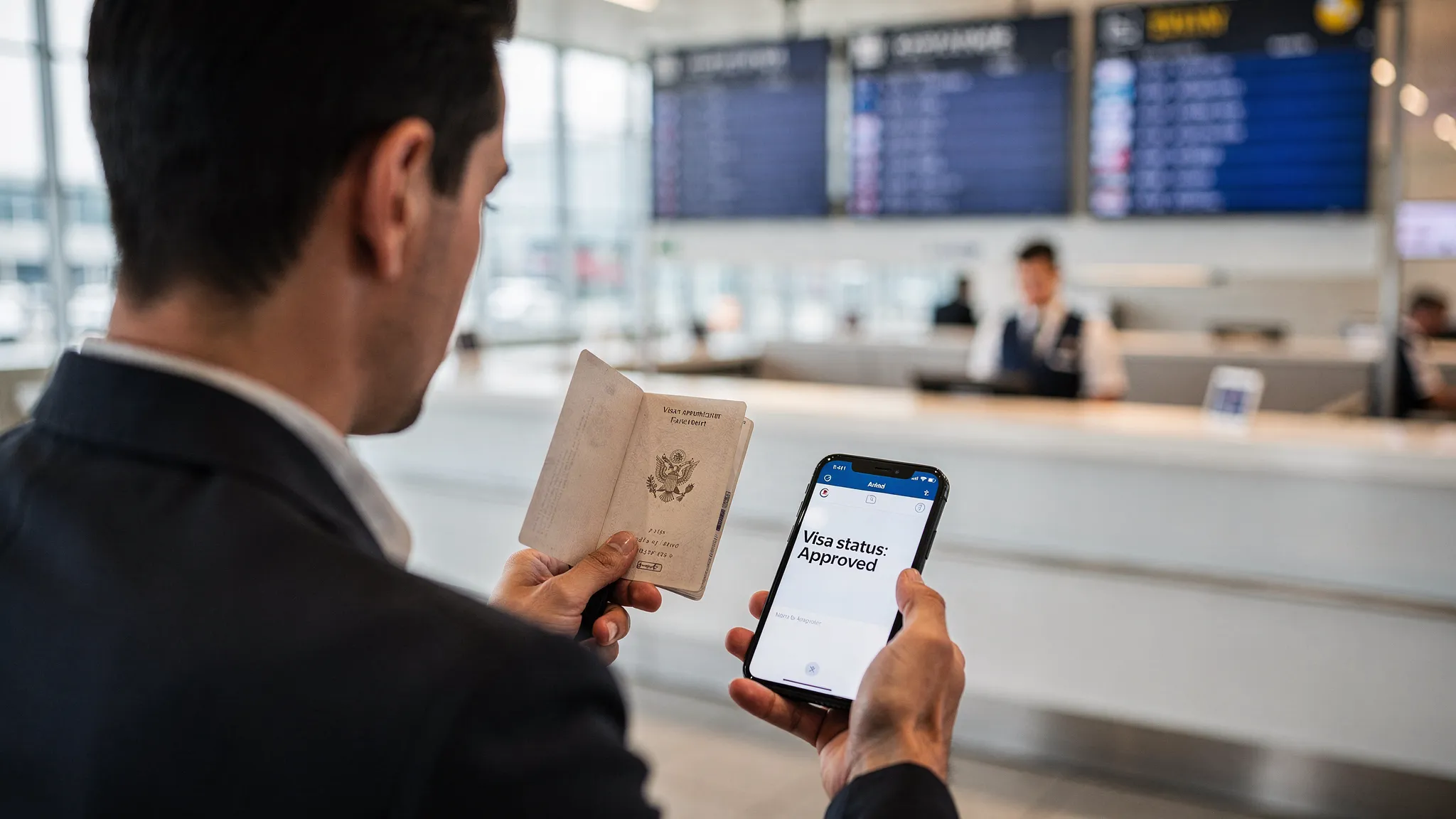
Final checkpoint: a “ready for travel” status is more than approval
Even after approval, travelers should confirm three things before departure:
- The authorization matches the passport they will travel with.
- The travel dates and entry conditions align with the planned itinerary.
- They can access the document at the airport (downloaded copy, email copy, and if recommended, a printout).
Visa application processing is easier when you treat each status as a prompt for a specific next action. If you are a travel brand, the same approach can be productized into your booking and post-booking flow, so customers stay confident and compliant from purchase to border.