Visa.com Travel Tools: What Travelers Should Verify
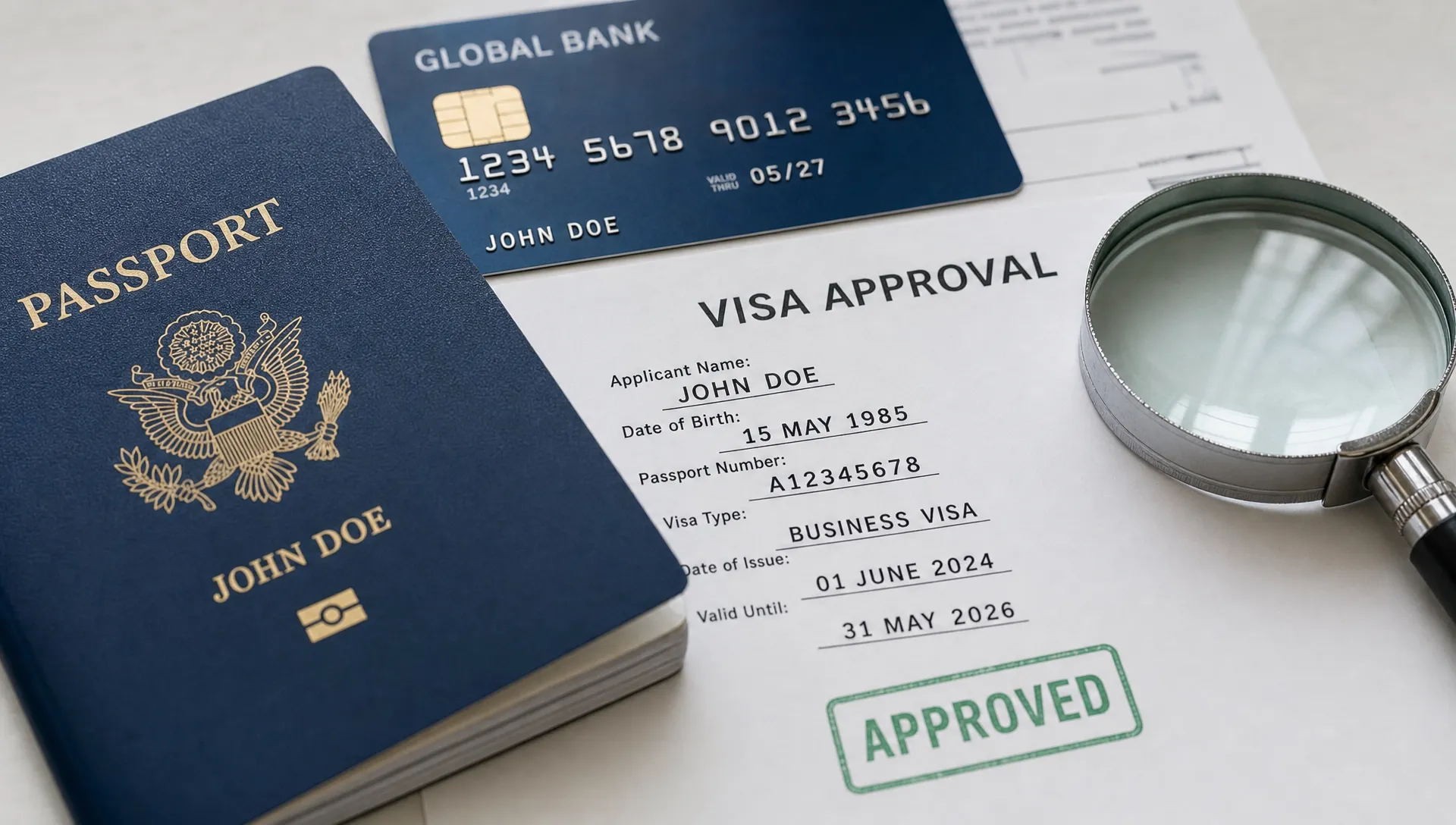
Visa.com travel tools can be useful when you are preparing to pay abroad, understand card support options, or check travel related card features. But there is one important distinction every traveler should make before relying on them: payment travel tools are not the same as immigration travel tools.
That sounds obvious until you are in the middle of booking a flight, comparing hotel cancellation policies, and checking whether you need an eVisa, transit visa, passport validity buffer, vaccination proof, or arrival form. The word “Visa” can refer to a payment network, a travel document, or both in the same planning session.
This guide explains what travelers should verify when using Visa.com travel tools, what those tools can and cannot confirm, and how to separate card readiness from border readiness before you book.
First, confirm what type of “visa” you are dealing with
Visa.com is associated with the Visa payment network. Travel tools connected to a card network may help with payment related topics, such as card acceptance, cardholder assistance, overseas spending, fraud protection guidance, or travel benefits that may apply through your issuing bank.
A travel visa, on the other hand, is an immigration authorization issued or recognized by a destination government. It may be an embassy visa, eVisa, visa on arrival, electronic travel authorization, residence permit, transit visa, or another form of entry permission.
The two can overlap in your trip planning, but they do not replace each other. A credit or debit card may help you pay for a visa application, but it does not prove you are eligible to enter a country. Likewise, an approved eVisa does not guarantee your card will work overseas.
If you are still clarifying the basics, SimpleVisa has a plain English guide to travel visas, e-Visas, and eTAs that explains the difference before you commit to flights or hotels.
What Visa.com travel tools may help you verify
When used for the right purpose, Visa.com travel tools can support the practical payment side of international travel. The exact features available can vary by country, card type, issuing bank, and local Visa site, so treat them as a starting point rather than a final answer.
Common payment related items to verify include whether your card is likely to be accepted at your destination, how to contact support if a card is lost or stolen, whether your card has travel benefits, and whether your issuing bank requires a travel notice. You may also want to check currency conversion guidance, ATM access, digital wallet compatibility, or security advice for using a card abroad.
The key is to confirm anything that affects your trip directly with the right party. Visa may operate the payment network, but your issuing bank usually controls your card account, limits, fees, fraud rules, benefits, and replacement options. If the card matters to your trip, verify with your bank before departure.
| Travel planning question | Best place to verify | Why it matters |
|---|---|---|
| Will my card work abroad? | Issuing bank and card terms | Your bank may block unusual transactions or set international limits. |
| Do I need a travel visa? | Destination government, airline, or trusted visa service | Card travel tools do not determine immigration eligibility. |
| Are card travel benefits included? | Issuing bank benefits guide | Benefits vary widely by card product and region. |
| Can I transit without a visa? | Transit country authority and airline | Transit rules can apply even if you never leave the airport. |
| Is an eVisa site legitimate? | Official government source or verified provider | Fake visa sites can collect fees and personal data. |
This separation matters because travel disruptions often happen at the intersection of payment, documents, and timing. A traveler may have the right card but the wrong visa. Another may have an approved eVisa but an expired card, blocked payment method, or unverified hotel booking.
What Visa.com travel tools cannot verify for border crossing
Visa.com travel tools should not be treated as an immigration authority. They generally cannot confirm whether your passport is valid for the full required period, whether your nationality qualifies for visa free entry, whether your trip purpose matches your visa category, or whether your eVisa approval is genuine.
Before booking, verify the immigration rules that apply to your full route. That includes your destination, connection airports, return country, and any land or sea borders in your itinerary. Airline staff often check documents before boarding, and border officers make the final entry decision on arrival.
Pay close attention to these border related checks:
- Passport validity rules, including blank page requirements and validity beyond your stay.
- Visa type, such as tourism, business meetings, study, work, medical travel, or transit.
- Entry count, including single entry, double entry, or multiple entry permissions.
- Validity dates, permitted length of stay, and earliest allowed entry date.
- Supporting documents, such as return tickets, accommodation proof, funds, invitation letters, or insurance.
A common mistake is checking only the final destination. If your flight connects through another country, especially with a terminal change, overnight layover, self transfer, separate tickets, or checked baggage recheck, you may need additional documentation. For complex itineraries, review SimpleVisa’s guide on aligning visas and travel documents with your itinerary before you lock in the route.
Verify the website before entering card or passport details
Whether you are using a payment tool, airline checkout, or eVisa application site, website authenticity matters. Travel planning involves sensitive information: passport details, dates of birth, addresses, card numbers, travel dates, and sometimes family data.
For Visa.com travel tools, start by making sure you are on the official site for your country or region. Type the address manually or navigate from a trusted search result, and avoid sponsored results that look suspicious or use confusing domain names. Check that the site uses HTTPS and that the domain is spelled correctly.
For eVisa applications, be even more cautious. Many travelers find government style websites that are actually private intermediaries, imitation portals, or outright scams. Some legitimate service providers can be helpful, but you should always know whether you are applying through a government portal, an authorized partner, or a private visa assistance company.
SimpleVisa’s checklist on how to verify the authenticity of an electronic visa website is a useful reference before you enter passport data or pay application fees online.
Match payment readiness with document readiness
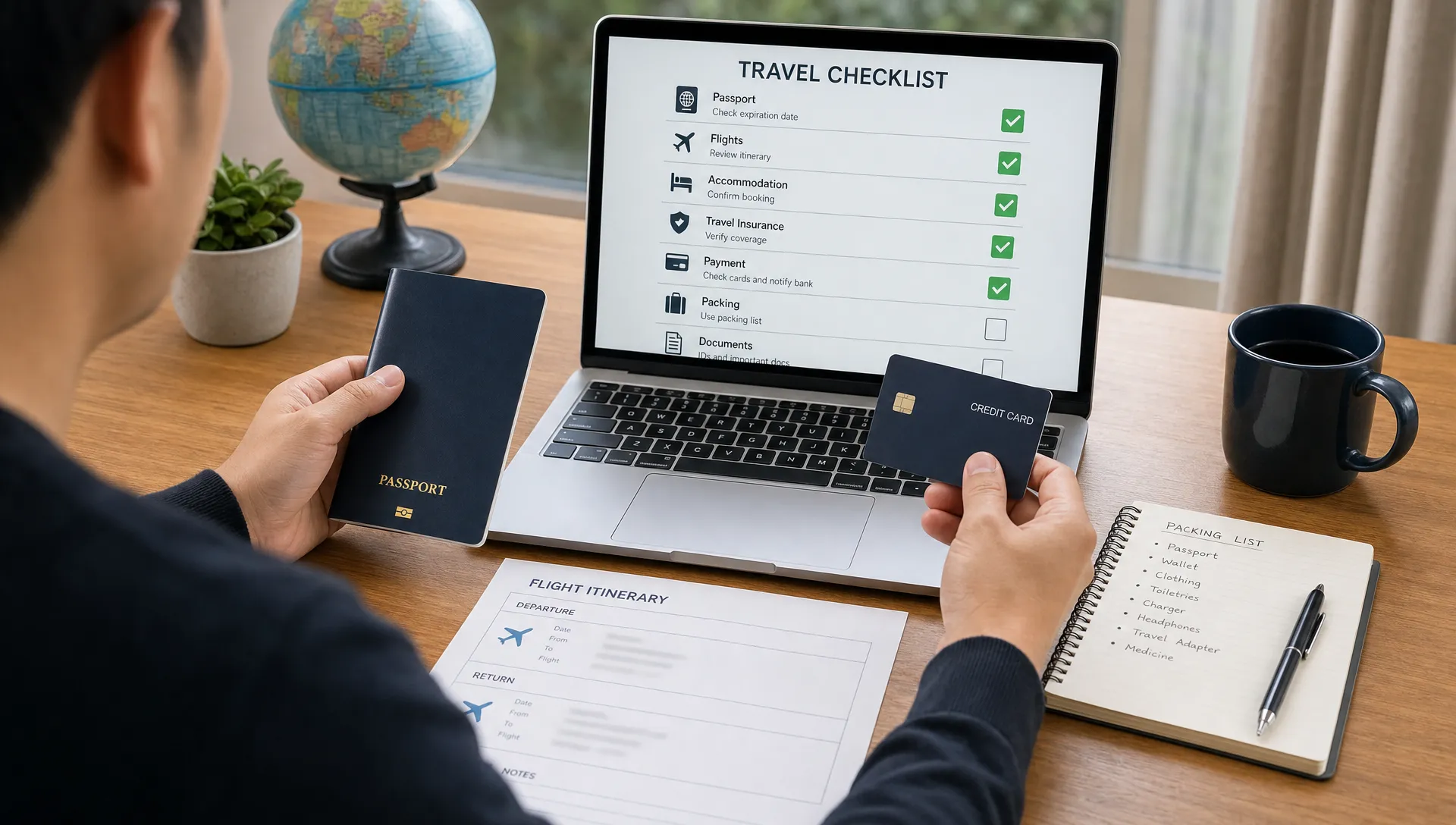
A smooth trip requires both. Payment readiness means you can pay for expenses abroad without avoidable card problems. Document readiness means you can board, transit, enter, and stay legally under the rules that apply to your trip.
For payment readiness, contact your issuing bank before departure if your trip is expensive, long, unusual for your spending profile, or headed to a country where fraud controls are stricter. Ask about foreign transaction fees, ATM withdrawal limits, dynamic currency conversion, emergency card replacement, and whether travel notifications are needed. Carry more than one payment method when possible, ideally from different networks or accounts.
For document readiness, compare every name, passport number, date, and itinerary detail across your passport, booking confirmation, visa application, approved eVisa, hotel reservation, and insurance documents. Small mismatches can cause disproportionate problems, especially when airlines check documents automatically or when immigration systems compare data fields.
Adventure trips deserve extra scrutiny because they often involve remote locations, small airports, regional airlines, liveaboard boats, or cross border excursions. If you are using destination inspiration from diving and ocean travel guides, pair that inspiration with official checks for entry rules, marine park permits, onward travel requirements, and local insurance expectations.
Red flags travelers should not ignore
Most travel document problems are preventable if you slow down before paying. The danger signs often appear early, but travelers miss them because they are focused on price, availability, or limited time deals.
Be careful if a site promises guaranteed visa approval, hides government fees until checkout, uses unclear refund terms, asks for unnecessary personal data, or cannot explain which visa category matches your trip. Also be cautious if a travel tool gives a broad answer without asking about your nationality, passport issuing country, residence, route, trip purpose, length of stay, or transit points.
For payment tools, red flags include requests to enter full card details on an unfamiliar page, pressure to pay through unusual channels, mismatched branding, poor spelling on a page claiming to be official, or a support number that differs from the one on the back of your card. If something feels inconsistent, stop and verify from a second trusted source.
The safest approach is to create a short pre-booking verification habit. Before you pay for nonrefundable travel, confirm the immigration route, application timeline, passport validity, payment method, and cancellation rules. Then save copies of important documents offline and in cloud storage that you can access securely while traveling.
For travel businesses, clarity reduces customer friction
Travelers do not always distinguish between payment support, visa requirements, airline document checks, and border rules. If your booking flow uses general travel tools but does not clearly guide customers through entry requirements, confusion can lead to abandoned carts, support tickets, denied boarding, and refund disputes.
That is where travel businesses can create a better experience. Instead of leaving customers to search separately for card information, visa rules, eVisa forms, and transit requirements, a booking flow can guide them toward the right checks at the right time. SimpleVisa helps travel businesses streamline visa application support through automation, integrations, white-label options, data services, and guided customer visa applications.
The goal is not to overwhelm travelers with legal detail. It is to make the next required action clear: verify eligibility, apply through the correct route, check document matching, and complete the trip with fewer surprises.
Frequently Asked Questions
Are Visa.com travel tools the same as travel visa tools? No. Visa.com travel tools generally relate to the Visa payment network and cardholder travel support. A travel visa is an immigration document or authorization issued or recognized by a government.
Can Visa.com tell me if I need an eVisa? You should not rely on card related travel tools to determine immigration requirements. Check the destination government, your airline, or a trusted visa service that uses your nationality, passport, route, and trip purpose.
Should I verify card travel benefits before booking? Yes. Benefits such as insurance, purchase protection, rental car coverage, or emergency support can vary by issuing bank, card tier, country, and terms. Confirm directly with your card issuer.
What should I check before paying for a visa online? Confirm the website is legitimate, the visa category matches your trip purpose, the fees are transparent, the processing time fits your travel date, and your passport details match exactly.
Do transit stops matter for visa requirements? Yes. Transit countries may require a visa or authorization depending on your nationality, airport, ticket type, baggage handling, terminal change, and layover length.
Make travel checks easier before checkout
Visa.com travel tools can be helpful for payment preparation, but they are only one part of responsible trip planning. Before you book, verify both sides of the journey: how you will pay and whether you can legally board, transit, and enter.
For travel businesses, making that distinction clear is a practical way to reduce traveler confusion and improve the booking experience. SimpleVisa helps companies guide customers through border requirements and visa applications so travel feels simpler from search to departure.