Visa Errors by Market: The Top Fixes for APAC, EMEA, AMER
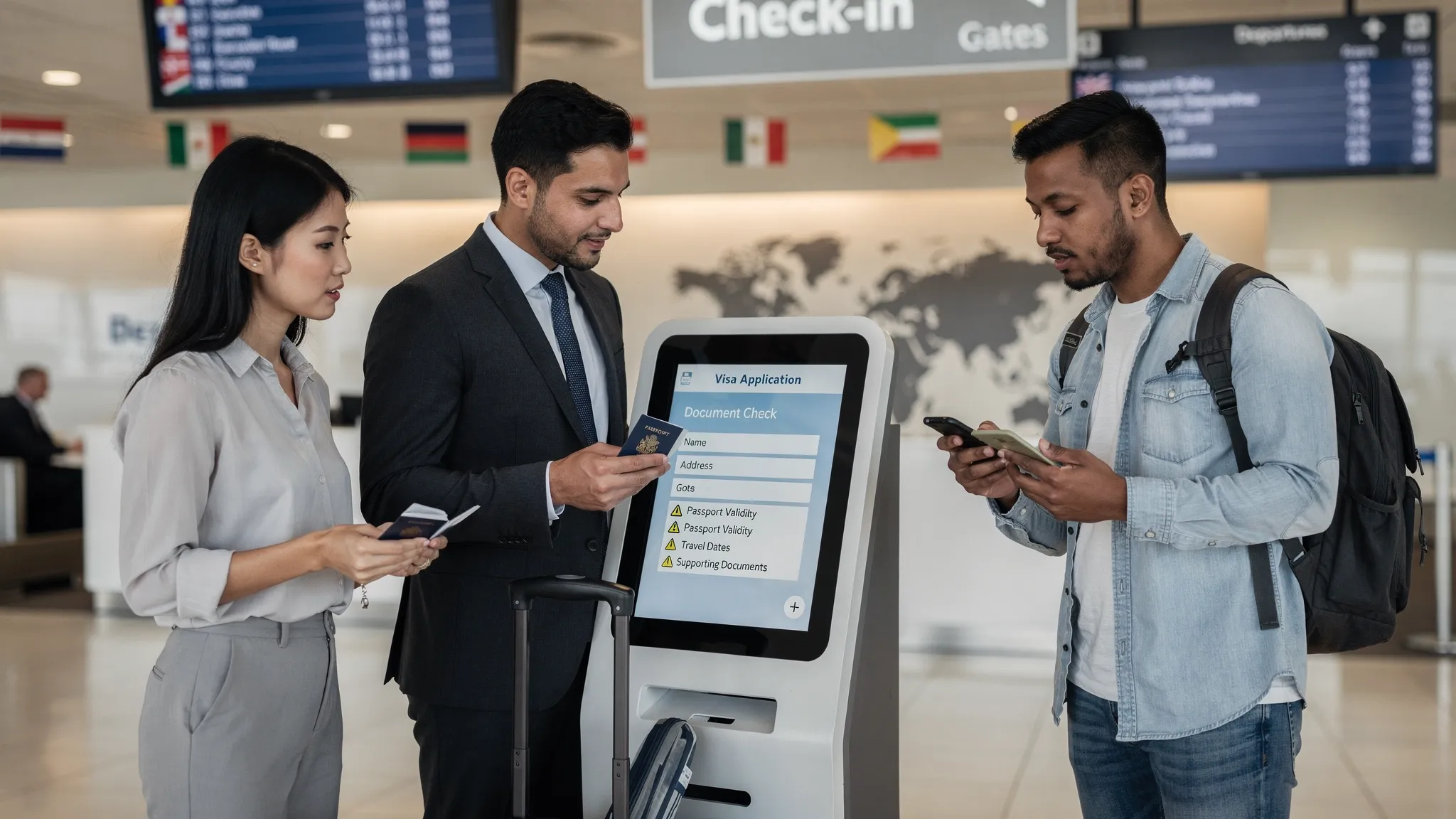
Visa-related errors don’t show up evenly across your customer base. They cluster by market, because names, addresses, documents, and travel authorization rules behave differently in APAC, EMEA, and the Americas. For travel brands, that means a single “generic” fix list usually underperforms, you reduce one error type while another quietly drives denied boarding, rework, refunds, and lost ancillary revenue.
This guide breaks down the most common visa and eVisa application error patterns by region, then maps each pattern to concrete fixes you can ship in your booking flow, post-booking journey, or white-label visa experience.
Why visa errors cluster by region (and why your global UX can’t be “one size fits all”)
Even when the destination is the same, the inputs travelers provide depend heavily on local norms:
- Naming conventions: surname first, multiple surnames, mononyms (single names), patronymics, hyphenation, and inconsistent use of middle names.
- Character sets: diacritics (é, ü), special letters (ñ), and non-Latin scripts (Chinese, Japanese, Thai), plus transliteration expectations.
- Address standards: postal codes, state/province structure, and “mandatory” fields that do not exist in some countries.
- Device behavior: mobile-first scanning and photo capture is dominant in many markets, which changes failure modes for document uploads.
- Regulatory landscape: EMEA travelers face a high volume of “authorization-like” regimes (ETIAS, UK ETA) alongside classic visas, while AMER travelers often run into ESTA-style eligibility and history questions.
If you want fewer errors, you need market-aware validation, not just better copy.
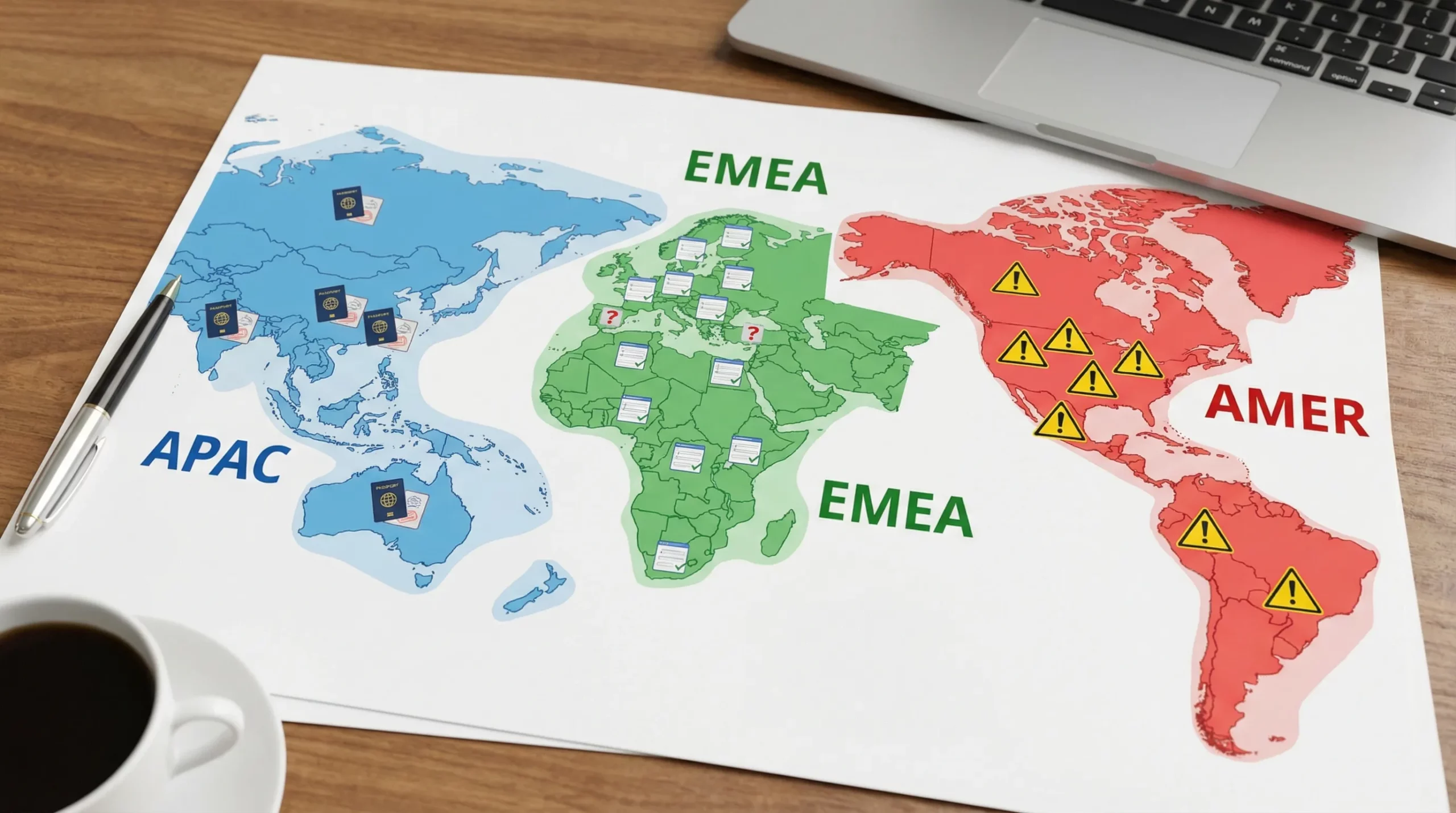
The top visa errors by market (and the highest-impact fixes)
The table below is the fastest way to align product, CX, and ops teams on what to fix first.
| Region | Error patterns that most often break applications | Why it happens | Fixes that typically move the needle fastest |
|---|---|---|---|
| APAC | Name order and transliteration mismatches, mononyms, non-Latin characters rejected, low-quality passport/photo uploads | Local scripts and naming norms vary widely, mobile capture increases upload failures | MRZ-based capture, “as shown in passport MRZ” guidance, mononym support, script normalization rules, mobile-first document QA |
| EMEA | Confusion between visa vs travel authorization, diacritics/hyphenation inconsistencies, residency-based exemptions missed | Multiple overlapping regimes (Schengen/ETIAS, UK ETA) plus diverse identity formats | Clear eligibility branching, diacritics-aware normalization, residency/exemption logic, pre-submission review screen |
| AMER | Two-surname parsing, inconsistent ticket vs passport names, travel history/eligibility mistakes for authorization flows, address field mismatches | Dual-surname structures, strong airline name matching requirements, long eligibility questionnaires | Name parsing + MRZ confirmation, structured validation, “preview exactly what will be submitted,” proactive mismatch detection |
APAC: common visa application errors and the top fixes
APAC is where global form assumptions fail fastest, particularly around names and character sets.
APAC error 1: name order problems and MRZ mismatches
A frequent failure mode is a traveler typing their name the way it’s used locally (family name first, or preferred name order), while the visa system expects the passport MRZ (machine-readable zone) format.
Top fix: Make “passport-first” the default.
In practice, this means:
- Prompting users to scan the passport (or upload a photo) and extracting name fields from the MRZ.
- Adding microcopy like “Enter your name exactly as shown in your passport MRZ” rather than “as on passport,” because the MRZ is the most consistent reference across systems.
If you need a deeper playbook on downstream effects (tickets, passports, and eVisas), see Handling Name Mismatches on Tickets, Passports, and eVisas.
APAC error 2: mononyms (single names) and “missing surname” validation
Some travelers have a single legal name. Many visa portals still require both “given name” and “surname,” creating forced workarounds that later fail.
Top fix: Support mononyms explicitly.
That can be as simple as offering a “I have one legal name” toggle that:
- Maps the single name into the correct government-accepted field format for that destination.
- Prevents users from inventing placeholders that later trigger rejection or manual review.
APAC error 3: non-Latin characters and inconsistent transliteration
Travelers may paste names or addresses in local script, then get blocked by portals that only accept Latin characters. Or they transliterate differently than the passport.
Top fix: enforce allowed character sets early, but with helpful recovery.
Good patterns include:
- Real-time validation with examples (“Use Latin letters A to Z as shown on your passport”).
- Auto-normalization where safe (for example, stripping unsupported punctuation), while still showing users the final “submission version” before they pay.
APAC error 4: photo and document upload failures (mobile-first)
APAC traffic is often heavily mobile, and mobile capture can create predictable upload errors: glare, shadows, cut-off MRZ, oversized files, or unsupported formats.
Top fix: add document QA before submission.
A strong pre-check flow catches:
- Blurry images and unreadable MRZ lines.
- Wrong file format and excessive file size.
- Cropping issues (passport corners missing, face not centered).
This is one of the simplest ways to reduce “support ping-pong” where customers re-upload multiple times.
EMEA: common visa application errors and the top fixes
EMEA’s biggest pain is not always the form field, it’s the rule model. Travelers get tripped up by overlapping regimes and edge-case eligibility.
EMEA error 1: “Is this a visa or a travel authorization?” confusion
In EMEA, many travelers face authorization systems that are not traditional visas (for example, Schengen-area ETIAS once fully implemented, and the UK ETA for eligible nationalities). Confusion here causes:
- Customers applying for the wrong document.
- Customers abandoning when they cannot find a “visa” that matches what they think they need.
Top fix: eligibility-first UX, not product-first UX.
Instead of asking users to choose a document type up front, start with:
- Passport nationality
- Destination
- Travel dates
- Purpose
Then route them to the correct path.
For official references, use government sources such as the European Union ETIAS page and the UK ETA guidance in your help content and escalation macros.
EMEA error 2: diacritics, hyphens, and “same name, different characters”
A name can be “the same” to a human, but different to a border system: Müller vs Muller, or hyphenated surnames that get split differently.
Top fix: diacritics-aware normalization plus a submission preview.
Best practice is to:
- Store the original form for display and customer confidence.
- Normalize to the accepted submission character set for a given destination.
- Show the traveler exactly what will be submitted, before payment.
EMEA error 3: residency and exemption logic not captured
EMEA travelers often hold residency permits, refugee travel documents, or dual citizenship. Eligibility may depend on residency, not just passport.
Top fix: dynamic branching questions only when needed.
If your rules engine asks everyone 30 questions “just in case,” completion drops. Instead, ask only when the destination requires it, and only after you have the minimum inputs.
If your team is building broader compliance flows, What Is Travel Document Automation? Definitions, Benefits, and Myths is a useful internal alignment piece.
AMER: common visa application errors and the top fixes
In the Americas, you see a high mix of authorization-style applications, strong airline name matching, and Latin naming structures.
AMER error 1: two-surname parsing and inconsistent surname selection
Many travelers use two surnames (often paternal + maternal). If your form captures “last name” as a single token without guidance, you get inconsistent outputs across:
- The booking name
- The passport
- The application
Top fix: clarify surname rules with passport-backed capture.
The most reliable approach is to extract names from the passport MRZ, then let users confirm. If you cannot do MRZ extraction, add examples by market (for example, show how two surnames should be entered for the destination’s rules) and validate against the ticket name where possible.
AMER error 2: ticket, passport, and eVisa data drift
Even small differences (missing middle name, swapped order, extra space) can trigger downstream issues at check-in.
Top fix: run mismatch detection before payment.
A strong flow:
- Flags differences between booking passenger name and passport MRZ.
- Explains what must match (and what can differ) in plain language.
- Routes the customer to the right fix path (ticket correction vs application correction).
AMER error 3: eligibility and travel history mistakes in authorization flows
For U.S.-bound travel, the most visible example is ESTA, where eligibility and historical answers matter and mistakes can lead to denial or delays.
Top fix: tighten validation on the questions that drive refusals.
That often looks like:
- Inline explanations for ambiguous questions.
- Consistency checks across answers (for example, dates and document numbers).
- A review screen that highlights “high-risk fields” before submission.
For official guidance, reference U.S. Customs and Border Protection ESTA.
How to operationalize these fixes across product, CX, and engineering
Market-specific fixes fail when they live only in copy decks. They stick when they become shared operating rules.
| Team | What to implement | What to measure |
|---|---|---|
| Product | Market-aware field validation, passport MRZ capture, dynamic branching eligibility, pre-submission preview | Application completion rate, abandonment by step, error rate by field |
| CX/Support | Region-specific macros (name formats, authorization vs visa clarification), escalation paths, “what to ask for” checklists | First-contact resolution, handle time, repeat contact rate |
| Engineering/Data | Error taxonomy (reason codes), event logging for validation failures, monitoring for spikes by market | Error volume trends, top failing validations by origin market |
If abandonment is a major issue in your current journey, align these fixes with the UX patterns in Why Travelers Abandon Visa Forms, and 6 UX Fixes That Convert.
Where SimpleVisa fits (without rebuilding your stack)
SimpleVisa is designed for travel businesses that want to reduce visa and eVisa application errors while keeping the journey fast and conversion-friendly. Depending on your product and resourcing model, you can:
- Integrate via API into an existing booking or post-booking flow.
- Launch a white-label visa application app for a fully branded experience.
- Use no-code implementation options where speed matters most.
- Use custom data services to power eligibility and border crossing solutions.
If you are deciding between integration models, API vs. White-Label App: Which Visa Integration Model Suits You? lays out the trade-offs.

Frequently Asked Questions
What are the most common eVisa errors in APAC? Name order and transliteration mismatches, mononyms not supported, non-Latin characters rejected, and mobile document upload quality issues are common APAC failure modes.
Why do EMEA customers struggle more with “visa vs authorization” questions? EMEA travelers often face overlapping regimes (Schengen processes, ETIAS when applicable, and UK ETA for eligible nationalities). The terminology differs by destination, which increases misapplication risk.
What causes the most preventable errors in AMER markets? Two-surname parsing, ticket vs passport name drift, and mistakes in authorization eligibility or travel history sections are frequent and preventable with passport-backed capture and pre-submission review.
What is the single highest-impact fix across all regions? Capturing identity fields from the passport MRZ (then letting the traveler confirm) reduces name-format ambiguity and prevents a large share of downstream mismatches.
How can travel brands reduce visa-related support tickets quickly? Add field-level validation, a clear review screen before payment, and region-specific support macros that address the top local error patterns (names, documents, and authorization vs visa confusion).
Make visa error reduction a revenue lever, not just a cost center
Every preventable correction loop is a conversion leak and a support cost. Market-specific validation, MRZ-backed identity capture, and clear eligibility branching are the practical fixes that reduce rework while protecting customer trust.
If you want to see how SimpleVisa can help you deploy these fixes through an API, white-label app, or no-code implementation, explore SimpleVisa and request a partner walkthrough of the best-fit integration path for your regions and routes.