Visa Help Online: Fast Answers Before You Apply

Visa rules change fast, and “just Google it” often leads to outdated pages, unofficial agents, or advice that doesn’t match your passport and trip details. Good visa help online is less about reading one long guide and more about getting a few critical questions answered quickly, before you pay fees, upload documents, or commit to nonrefundable travel.
This guide gives you fast, reliable answers to the questions that matter most before you apply.
What “visa help online” should do (and what it shouldn’t)
The best online visa help is decision support. It helps you confirm what you need, what documents to prepare, how long it may take, and where to apply safely.
What it should do:
- Confirm whether you need a visa, an eVisa, or a travel authorization (like an ETA/ESTA).
- Tell you what inputs change the result (passport nationality, destination, transit points, length of stay, purpose of travel).
- Point you to official sources (or verified partners) and the correct application path.
- Warn you about common rejection causes and scam patterns.
What it should not do:
- Promise guaranteed approval.
- Give “one-size-fits-all” instructions without asking for your nationality and travel details.
- Push you to pay immediately without showing official requirements and total fees.
The 60-second pre-application check: 5 questions to answer first
If you only do one thing before starting an application, do this quick check. These five answers drive almost every visa requirement.
1) What passport will you travel on?
Dual citizens and frequent travelers often have options. Requirements can differ dramatically by nationality, even for the same destination.
2) Where are you going, and are you transiting anywhere?
A “transit only” stop can still trigger entry requirements in some countries, especially if you leave the international transit area or change airports.
3) How long will you stay?
Many rules depend on the intended length of stay (for example, short tourism vs longer stays).
4) What is the purpose of travel?
Tourism, business meetings, work, study, journalism, volunteering, and paid engagements can fall under different visa categories. Using the wrong category is a common refusal reason.
5) When do you travel?
Timing matters because processing times fluctuate and some documents (photos, bank statements, invitations) must be “recent.”
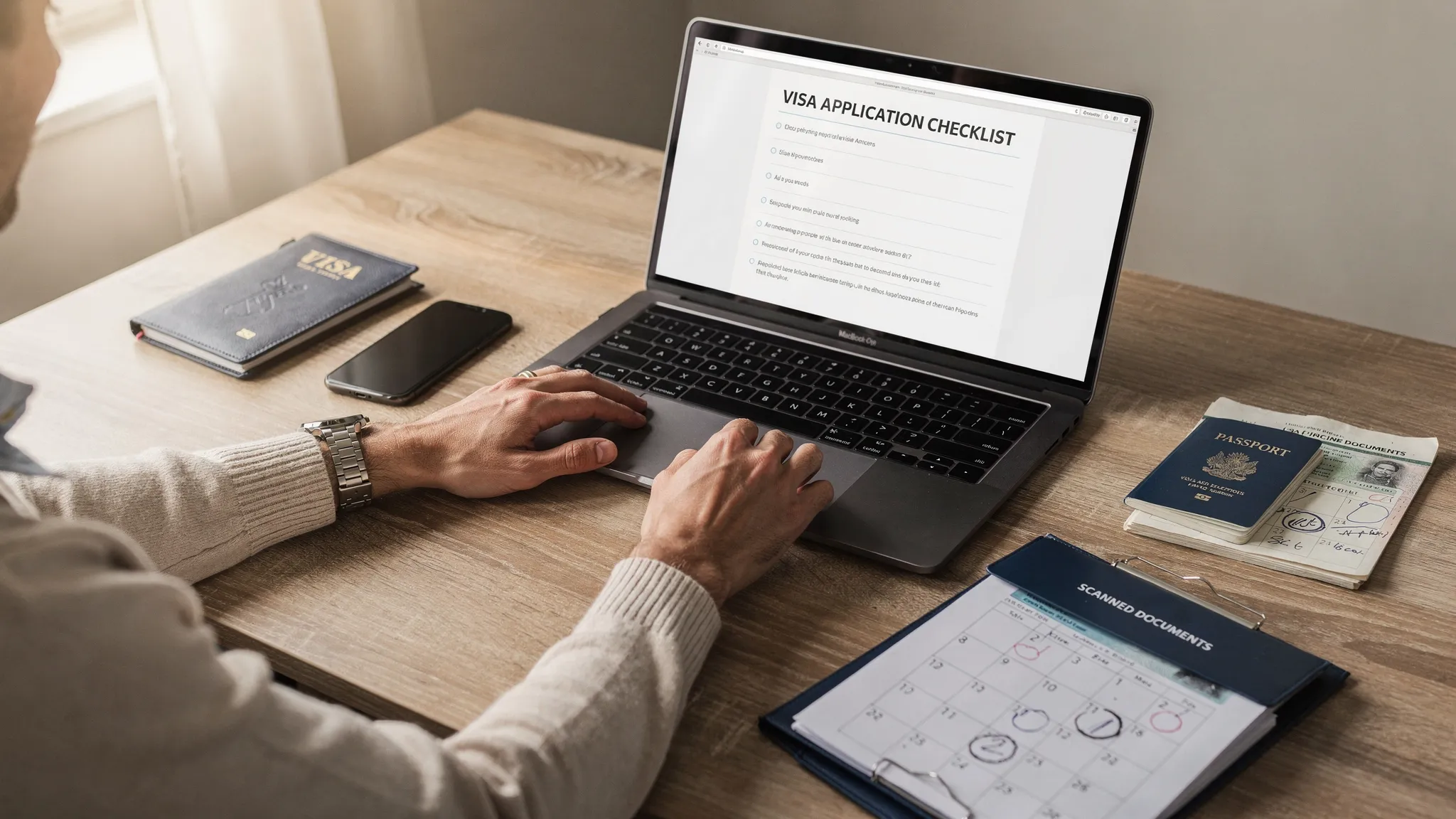
Fast answers to the most common “before you apply” questions
“Do I need a visa, an eVisa, or just a travel authorization?”
Start by separating visa vs travel authorization:
- A visa (including an eVisa) is permission to seek entry under a defined purpose and conditions.
- A travel authorization (like the U.S. ESTA or UK ETA) is typically for visa-exempt travelers, and is often faster and lighter, but still mandatory.
When you want the most reliable answer, use official government sources for your destination. Examples:
- U.S. travel docs and entry guidance: U.S. Department of State
- UK travel authorization and visa guidance: UK Government (GOV.UK)
- EU ETIAS program information: European Union ETIAS site
If an online page can’t clearly cite the official program owner, treat it as unverified.
“How early should I apply?”
A safe rule is: apply as early as the destination allows, and earlier if you travel during peak season.
Practical planning guidance:
- If your trip is within days, prioritize programs designed for quick decisions (common with eVisas and travel authorizations), and ensure you can provide compliant digital documents.
- If your trip is weeks away, you have time to correct errors, respond to requests, and reapply if needed.
- If your trip is months away, verify whether the destination limits how far in advance you can submit.
For deeper timing planning, SimpleVisa also maintains practical checklists, such as its guide on when to apply for an e-visa.
“What documents will I likely need?”
Exact requirements vary by country and visa type, but most online applications revolve around a few recurring categories:
- Identity: passport bio page (and sometimes previous passports)
- A compliant photo
- Trip details: dates, accommodation, sometimes onward travel
- Proof you can support yourself financially (requirements vary)
- Purpose-specific documents (invitation letters, employer letters, school documents)
If you want a structured checklist, see SimpleVisa’s online visa application checklist.
“Is this visa site legit or a scam?”
Many travelers only ask this after they’ve paid. Ask it first.
Strong legitimacy signals:
- Clear connection to a government domain (often .gov) for official portals.
- Transparent fee breakdown (government fees vs service fees).
- Secure checkout and clear privacy policies.
- Support that explains what they can and cannot do (for example, no guaranteed approvals).
High-risk red flags:
- Urgent pressure tactics (“apply in 10 minutes or you’ll be denied”).
- No verifiable company details, no support channel, or only messaging-app support.
- Confusing branding that looks like a government site.
If you want a deeper, security-first walkthrough, SimpleVisa’s Travel Visa Online: How to Apply Safely is a good companion read.
A quick decision table: where to look online for the right answer
Use this table when you need the fastest next step without guessing.
| Your question | Best place to confirm | What you’ll need ready | Common mistake to avoid |
|---|---|---|---|
| Do I need a visa or authorization? | Destination government guidance (or a trusted travel provider flow) | Passport nationality, destination, transit points, dates | Checking rules for the wrong passport or wrong purpose |
| Which type do I need (tourist/business/transit)? | Destination immigration/consular guidance | Purpose details (meetings, paid work, study) | Selecting “tourist” when your activities fit a different category |
| How long will it take? | Official processing-time pages when available, otherwise plan buffers | Travel date, document readiness | Assuming “instant” approvals for all nationalities |
| What documents are required? | Official checklist + application form preview | Passport scan, photo, itinerary basics | Uploading noncompliant photo/scans |
| Where do I apply safely? | Official portal or verified partner flow | Payment method, email/phone access | Paying an unofficial site that provides no valid filing |
Why online applications get delayed (and how to prevent it)
Most delays come from a small set of issues that are easy to prevent if you know them early.
Data mismatches across documents
If your ticket, passport, and application spellings don’t match exactly, you can trigger manual review or airline check-in issues.
Tip: copy your name from the passport machine-readable zone (MRZ) when possible.
Low-quality scans and photos
Online systems often reject documents for blur, glare, cropping, shadows, or incorrect file formats.
Tip: take photos in even lighting, avoid heavy filters, and verify the file size and format before uploading.
Purpose-of-travel confusion
Business travel is a frequent trouble spot. “I’m attending meetings” can be business in one country and still require a specific authorization in another.
Tip: write down your planned activities in plain language and compare them to the destination’s definitions.
Last-minute applications with no buffer
Even fast systems can route some applications to additional checks.
Tip: if you are close to departure, treat online visa help as triage. Your goal is to confirm the correct path and avoid mistakes the first time.
When online visa help is enough, and when you should escalate
Online visa help works best for straightforward trips: tourism or short business visits, clear eligibility, and standard documentation.
Escalate to an embassy, consulate, or qualified immigration professional when:
- Your case involves work, long stays, or a change of status.
- You have previous refusals, overstays, deportations, or complex travel history.
- You need an exception, waiver, or urgent humanitarian processing.
Online tools can still help you prepare, but they should not replace official or legal advice in complex situations.
How SimpleVisa fits into “visa help online” (for travel brands)
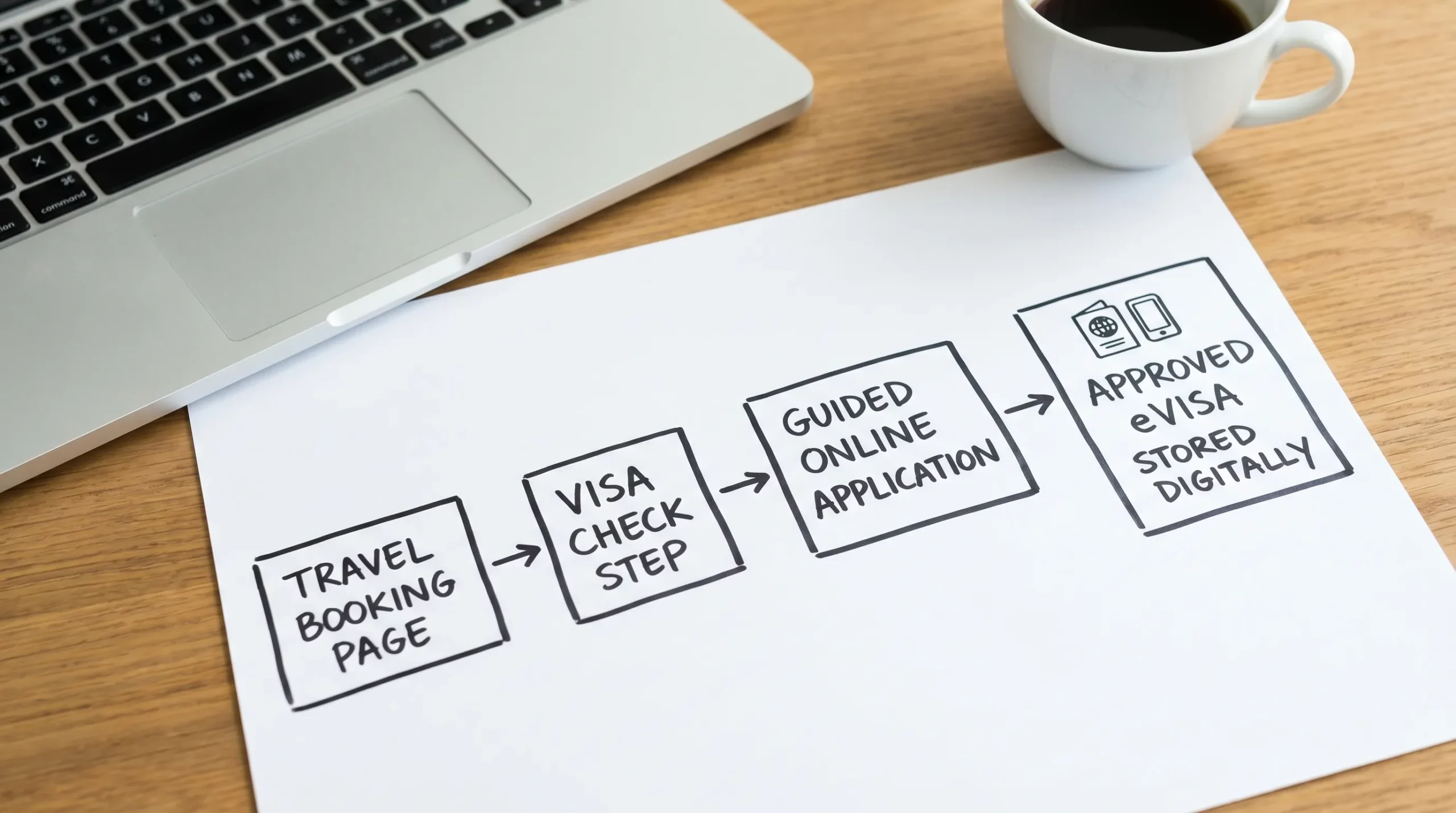
SimpleVisa is built for travel businesses that want to provide visa guidance and application flows where travelers already book, instead of sending customers to search on their own.
Depending on your needs, SimpleVisa offers multiple ways to deliver visa help online:
- API integration for embedding visa and eVisa steps directly into booking or post-booking flows
- A white-label visa application app for a branded experience without building from scratch
- Custom data services for border requirement intelligence
- No-code implementation options to launch faster
If you’re an airline, OTA, tour operator, or travel platform, this approach can reduce support load and create a cleaner path to compliant travel documentation.
For background on integration models, see: API vs. White-Label App: Which Visa Integration Model Suits You?
Frequently Asked Questions
Is “visa help online” the same as applying for a visa online? No. Visa help online means guidance and validation (what you need and how to apply safely). The application itself must be filed through an official portal or a verified partner flow.
Can an online service guarantee visa approval? No legitimate service can guarantee approval. Decisions are made by government authorities, and outcomes depend on eligibility and accurate, complete submissions.
What’s the fastest way to find the correct visa requirement for my trip? Use your destination’s official government guidance, and be ready with your passport nationality, transit points, travel dates, trip length, and purpose.
Should I apply before booking flights? If your destination has strict requirements or long processing times, checking requirements before booking is smart. If you already booked, prioritize confirming requirements immediately so you have time to correct issues.
What should I do if I’m unsure whether I need an eVisa or an ETA/ESTA? Verify on official sources first. If you still can’t confirm, use a trusted travel provider’s guided flow that asks for your passport and trip details, rather than a generic blog post.
Bring visa help online into your booking flow
If you run a travel website or booking experience, the fastest way to reduce customer confusion is to give travelers accurate answers at the moment they need them.
Explore SimpleVisa’s solutions for guided customer visa applications, API integration, and white-label deployment at SimpleVisa.