Umrah e Visa Checklist for a Smooth Application
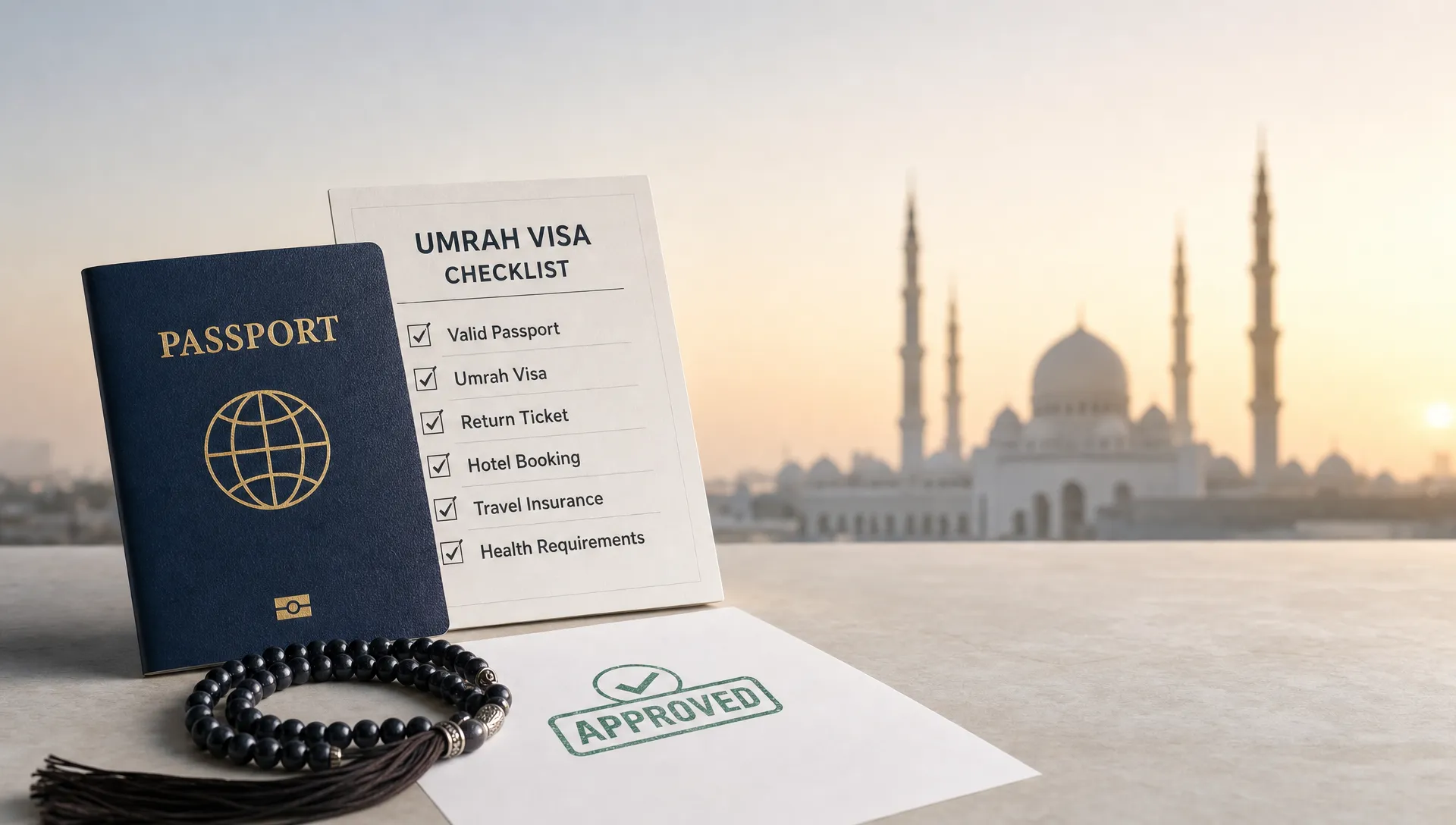
Applying for an Umrah e Visa is usually straightforward when the traveler is eligible and the information is correct. The problems start when small details do not match, the wrong visa route is chosen, or documents are uploaded in a format the system cannot read.
This checklist is designed to help travelers, group organizers, and travel businesses prepare before submitting an application. It focuses on practical checks, not guesswork, so you can reduce avoidable delays and give pilgrims a smoother journey to Saudi Arabia.
First, confirm you are choosing the right visa route
Many travelers use the phrase “Umrah e Visa” to describe an online Saudi visa that allows them to perform Umrah. In practice, the correct route depends on nationality, residence status, travel dates, and the purpose of the trip.
For eligible travelers, a Saudi tourist eVisa may allow Umrah outside the Hajj season. Other travelers may need a different visa route through an approved provider, embassy, consulate, or travel organizer. Hajj is separate and requires specific Hajj authorization, so do not assume an Umrah e Visa can be used for Hajj.
| Check | What to verify | Why it matters |
|---|---|---|
| Eligibility | Confirm whether the traveler’s nationality or residency qualifies for the online visa route | Ineligible applications may be refused or redirected |
| Purpose of travel | Make sure the visa permits Umrah for the planned trip | Tourism, Umrah, business, transit, and Hajj rules differ |
| Travel season | Check whether the trip falls during Hajj-related restrictions | Umrah access can be limited during Hajj periods |
| Passport details | Confirm the passport will remain valid for the required period | Short passport validity is a common cause of issues |
| Group composition | Review adults, minors, seniors, and assisted travelers separately | Each traveler may need different supporting information |
If you want a full walkthrough of the online process, SimpleVisa also has a guide on how to complete an Umrah e Visa online application the right way.
Core Umrah e Visa document checklist
Before opening the application form, gather the essentials in one folder. Use clear file names and keep scans separate for each traveler, especially if you are applying for a family or group.
Prepare the following before you start:
- Valid passport with the required remaining validity for Saudi entry
- Clear scan or photo of the passport bio page
- Recent passport-style digital photo that follows the application rules
- Traveler’s full legal name exactly as shown in the passport
- Date of birth, place of birth, nationality, and gender details
- Current residential address and contact information
- Active email address that the traveler can access
- Payment card accepted by the application system
- Travel dates, flight details, or planned itinerary if requested
- Accommodation details in Saudi Arabia if requested
- Emergency contact information
- Health, vaccination, or insurance information if required for the traveler’s route or season
Requirements can change, especially around health rules, seasonal pilgrimage periods, and entry procedures. Treat this checklist as preparation, then verify the latest requirements before submission.
Passport, photo, and scan quality checks
The passport and photo are the foundation of the application. If they are unclear, cropped, outdated, or inconsistent, the application may be delayed even when the traveler is otherwise eligible.
| Item | Good practice | Common problem to avoid |
|---|---|---|
| Passport scan | Use a clear color image of the full bio page | Glare, cut-off corners, shadows, or blurred text |
| Passport validity | Confirm validity before booking non-refundable travel | Applying with a passport close to expiry |
| Digital photo | Use a recent, front-facing passport-style image | Selfies, filters, hats, dark backgrounds, or heavy shadows |
| File format | Follow the portal’s accepted file type and size | Uploading unsupported files or oversized images |
| Name order | Match the passport exactly | Reversing given names and surnames |
For group travel, do not reuse photos from old visas or previous passports without checking that they still meet the current rules. A photo that worked for one destination may not be accepted for another.
Data accuracy checks that prevent delays
Most avoidable visa problems come from mismatched information, not missing documents. The application should mirror the passport and travel details exactly.
Pay special attention to names with multiple parts, hyphens, apostrophes, or different spellings across documents. If the passport uses a middle name, include it where the form asks for the full name. If the system separates given name and surname differently from the traveler’s home country naming convention, review carefully before submission.
Common errors include typing the letter “O” instead of zero in a passport number, entering the wrong date format, using a nickname, or selecting the wrong nationality when a traveler has dual citizenship. For a deeper look at timing and avoidable issues, see SimpleVisa’s guide to e Visa Umrah rules and common mistakes.
| Field | What to check before submission |
|---|---|
| Full name | Same spelling and order as passport |
| Passport number | No missing characters, no confusion between letters and numbers |
| Date of birth | Correct day, month, and year format |
| Nationality | Matches the passport used for travel |
| Passport issue and expiry dates | Entered exactly as printed |
| Email address | Correct and accessible, since approvals and updates may be sent there |
| Travel dates | Realistic and aligned with bookings, if requested |
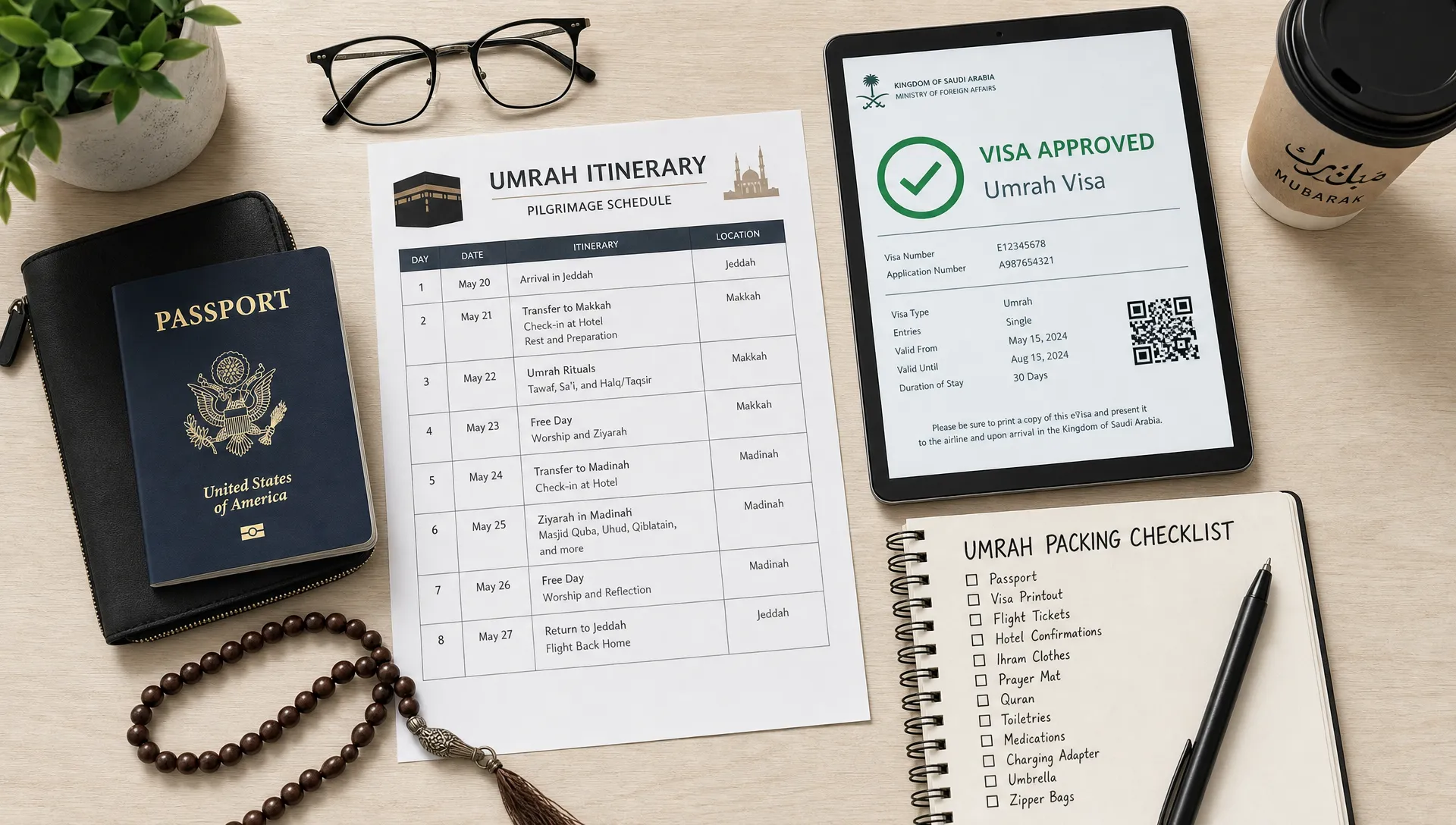
Extra checks for families, minors, and assisted travelers
Family and group applications need more structure than solo applications. Create a traveler list with each person’s passport number, date of birth, relationship to the lead traveler, and application status. This helps prevent duplicate applications or missing approvals.
For minors, confirm whether the application route requires parental or guardian details. Even when the online form is simple, it is wise to carry documents that clarify family relationships and consent, particularly if a child is traveling with one parent, relatives, or a group leader.
For elderly pilgrims or travelers who need support, add practical documents to the travel folder. These may include medication lists, emergency contacts, mobility support notes, and caregiver information. These documents are not always visa requirements, but they can make the journey easier and reduce confusion at airports, hotels, or during group coordination.
If a traveler receives structured support at home due to disability, autism, or other care needs, use clear documentation and contact details. A support organization such as Ons Plekske is a useful example of how care activities, schedules, and contact information can be presented clearly, and that same clarity is helpful when organizing caregiver confirmations for travel.
Timing checklist: when to apply for an Umrah e Visa
Do not leave the application until the final days before departure. Online visas can be fast, but speed is never guaranteed. Payment reviews, document checks, portal downtime, spelling corrections, or eligibility questions can all add time.
A practical approach is to apply only after the passport details and travel window are stable, but well before departure. If the traveler needs to renew a passport, do that first. If the trip falls near Ramadan, school holidays, or a high-demand Umrah period, allow extra time for administrative issues.
Before relying on an approval, check the visa document carefully. Confirm the traveler’s name, passport number, visa validity, permitted stay, number of entries, and any conditions listed. Do not assume that every Saudi visa has the same validity period or stay allowance.
Final 10-minute review before submission
Before you click submit, step away from the form briefly and then review it with fresh eyes. For agencies and group leaders, a second-person check is even better.
Use this final review sequence:
- Compare the application name against the passport, character by character
- Recheck passport number, issue date, and expiry date
- Confirm the correct nationality and passport country are selected
- Open uploaded files to make sure they are readable
- Confirm the photo is recent and compliant with the portal instructions
- Verify the email address and phone number
- Review travel dates and accommodation information if entered
- Confirm payment details are ready and authorized for international transactions
- Save or print the confirmation page after submission
This short review can prevent the most frustrating errors, especially for travelers applying late or managing several family members at once.
After approval: what to carry when traveling
Receiving the Umrah e Visa approval is not the final step. The traveler should save a digital copy and carry a printed copy if possible. Border and airline staff may ask to see supporting documents, and phone batteries or internet access are not guaranteed during travel.
Carry these items together:
- Passport used for the visa application
- Printed or offline copy of the approved eVisa
- Flight bookings or onward travel details
- Hotel or accommodation confirmation
- Emergency contact information
- Health or vaccination documents if required
- Travel insurance information if provided separately
- Copies of documents for minors or assisted travelers, where relevant
For a broader pre-departure view, SimpleVisa’s travel visa documents checklist for smooth border entry can help travelers prepare beyond the application itself.
Checklist considerations for travel businesses
For travel agencies, tour operators, online travel platforms, and Umrah package providers, the checklist is not only about one traveler. It is about creating a repeatable process that reduces support tickets, prevents booking friction, and protects the customer experience.
A strong visa workflow should help customers understand whether they are eligible, collect the right documents, validate common data fields, and receive guided support before submission. This is especially important for Umrah travel, where families and groups may include children, seniors, and travelers with different passport nationalities.
SimpleVisa helps travel businesses streamline visa application flows with automation, API integration, white-label options, custom data services, and guided customer applications. For businesses, that means the visa step can become a clearer part of the booking journey rather than a last-minute obstacle.
Frequently Asked Questions
Is an Umrah e Visa the same as a Hajj visa? No. An Umrah e Visa and Hajj authorization are not the same. Hajj requires specific permission and has separate rules, timing, and procedures.
Can I perform Umrah with a Saudi tourist eVisa? Eligible Muslim travelers may be able to perform Umrah with a Saudi tourist eVisa outside restricted Hajj periods, but eligibility and conditions can change. Always verify the current rules before applying.
How early should I apply for an Umrah e Visa? Apply after your passport and travel plans are stable, but well before departure. Avoid applying at the last minute, especially during busy Umrah periods.
What is the most common reason for Umrah e Visa delays? Common causes include passport detail errors, unclear uploads, incorrect photo format, wrong visa route, and inconsistencies between the application and passport.
Do children need their own Umrah e Visa? In most cases, each traveler needs their own travel authorization or visa, including children. Check the application route for guardian, consent, and family requirements.
Make the Umrah visa step easier for your travelers
A smooth Umrah e Visa application starts with the right route, clean documents, accurate data, and enough time to fix issues before departure.
If your travel business supports Umrah customers, SimpleVisa can help you guide travelers through border requirements with automated visa processing, easy integration options, and white-label application flows. Visit SimpleVisa to see how visa support can fit more naturally into your customer journey.