How to Use evisa.nadra.gov.pk Without Costly Errors
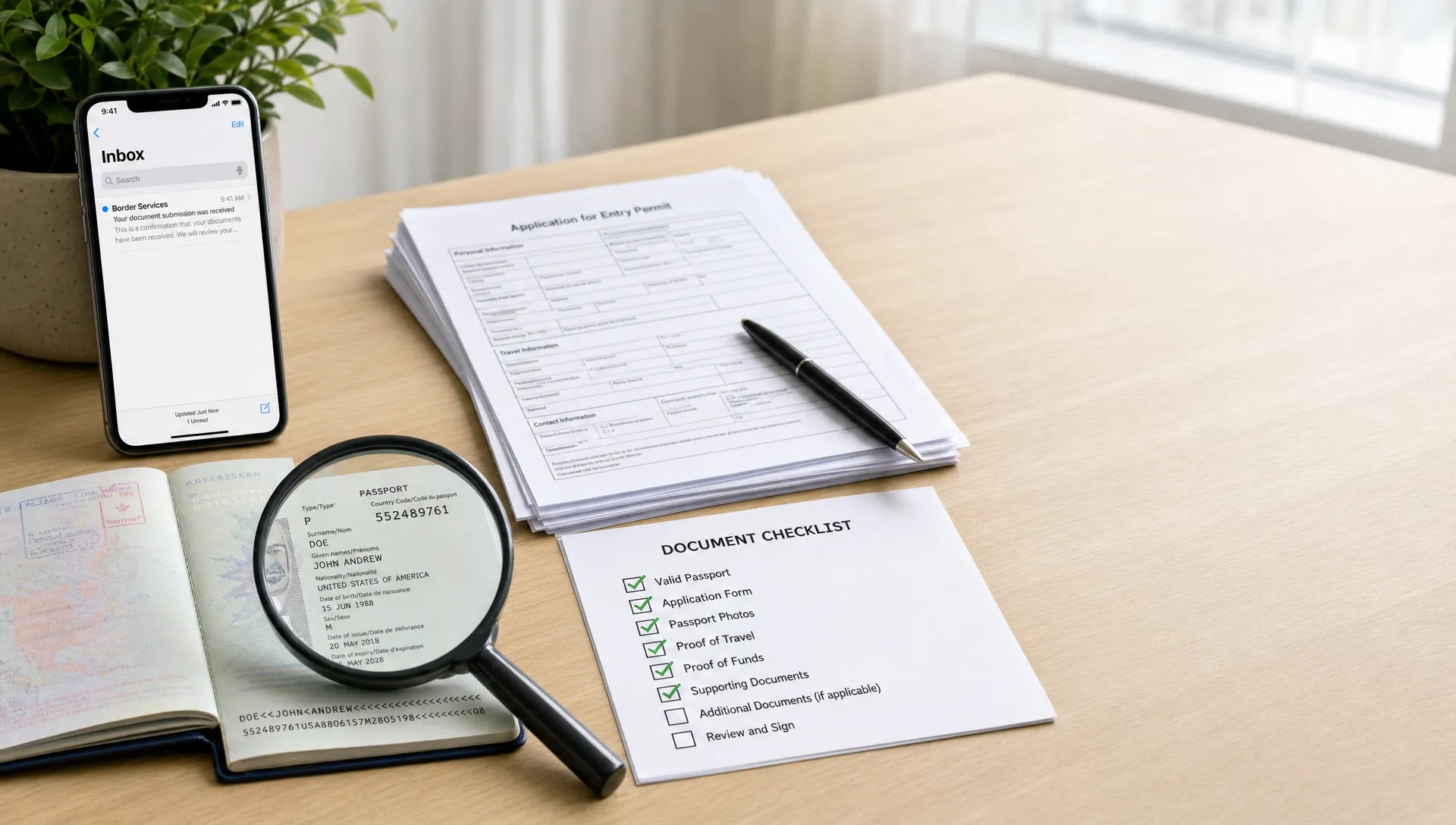
Using evisa.nadra.gov.pk can be straightforward, but it is not a form you want to rush. A small mismatch in your passport number, an unclear document upload, or the wrong visa category can lead to delays, extra costs, or a missed departure date.
The good news is that most expensive mistakes are preventable. This guide focuses on the practical checks to make before, during, and after your Pakistan eVisa application, especially if you are applying close to a travel date or helping customers through a booking flow.
Start by confirming you are in the right place
Before entering personal information, confirm that you are using the official Pakistan eVisa portal address, evisa.nadra.gov.pk. Scammers often create lookalike pages that imitate government portals, collect personal data, or add unnecessary fees.
Check the address bar carefully before you log in or pay. The domain should end in gov.pk, the browser should show a secure HTTPS connection, and the page should not redirect you to unrelated payment or “fast approval” websites. If you want a broader safety checklist, SimpleVisa has a practical guide on how to spot a legitimate e-visa website before you submit sensitive travel details.
For travel agencies, tour operators, OTAs, and corporate travel teams, this first step matters because customers may assume any visa link in a trip email is official. If you provide visa guidance, make the destination, visa type, and official route unmistakably clear.
Know which Pakistan visa route fits your trip
Costly errors often begin before the form is opened. A traveler chooses the category that sounds closest, uploads documents for a different purpose, then discovers the application does not match the trip.
Pakistan visa options can vary by nationality, purpose of travel, and travel history. Depending on the traveler and itinerary, the portal may involve an eVisa route, an Electronic Travel Authorization route, or another visa category. Do not assume that a previous approval for tourism means the same route applies for business, family visits, religious travel, or work-related activity.
Before applying, confirm these details:
- Your nationality and passport type
- Your purpose of travel
- Intended arrival date and length of stay
- Whether you need single or multiple entry
- Whether you are applying from outside Pakistan or for an extension while already there
- Whether supporting documents are required from a host, sponsor, company, hotel, or family member
For a broader explanation of how the portal works, review SimpleVisa’s guide to the NADRA e Visa Portal and Pakistan eVisas. Use it as background, then rely on the live portal for the latest requirements at the moment you apply.
Prepare documents before creating or editing the application
Many applicants start the form first and only look for documents when the upload screen appears. That approach increases the risk of using low-quality scans, outdated letters, or inconsistent information.
Create a folder before you begin. Name files clearly, use the same spelling across all documents, and check that each scan is readable from edge to edge. If the portal specifies file type, size, dimensions, or background requirements, follow those instructions exactly.
| Document area | What to check | Why it matters |
|---|---|---|
| Passport bio page | Full name, passport number, date of birth, expiry date, nationality | These fields must match the form exactly |
| Passport validity | Remaining validity beyond your planned trip | Insufficient validity can disrupt approval or boarding |
| Photo | Clear face, correct background, no shadows or heavy edits | Poor photo quality is a common reason for rework |
| Travel details | Arrival date, length of stay, address in Pakistan | Inconsistent itinerary details can trigger review |
| Host or hotel proof | Correct names, addresses, booking dates, contact details | The portal may compare this with your stated purpose |
| Business or invitation documents | Company names, invitation letter, event dates, signatory details | Business-purpose applications need credible supporting evidence |
| Previous travel or visas | Past Pakistan visa details, if requested | Omissions can create avoidable questions |
If you are helping a family or group, prepare separate folders for each traveler. Do not reuse documents across applicants unless they truly apply to that person, such as a shared hotel booking or family invitation letter.
Enter personal details exactly as shown in the passport
The most expensive mistakes on evisa.nadra.gov.pk are often basic data entry errors. They can affect visa approval, airline check-in, or entry inspection.
Use the passport as the source of truth. Do not shorten names, translate names informally, omit middle names if the form asks for full name, or use a married name that does not appear in the passport. If your passport uses multiple given names or surnames, enter them in the correct fields according to the portal instructions.
Also be careful with date formats. A traveler used to month-day-year formatting can easily enter the wrong birth date, passport issue date, or travel date if the portal uses a different format. Review every date slowly before moving to the next page.
| Form field | Common error | Safer approach |
|---|---|---|
| Full name | Using a nickname or omitting a middle name | Copy the passport spelling and order as closely as the form allows |
| Passport number | Confusing O with 0 or I with 1 | Zoom in on the passport and verify character by character |
| Date of birth | Entering month and day in the wrong order | Confirm the portal’s date format before selecting the date |
| Nationality | Choosing country of residence instead of passport nationality | Use the nationality tied to the passport you will travel with |
| Purpose of visit | Selecting tourism for business, family, or religious travel | Match the purpose to the real reason for travel |
| Pakistan address | Giving a vague city only | Use a complete hotel, host, or residence address when required |
| Email address | Typing an email you cannot access | Use an inbox you monitor and can access during travel |
Autofill can create hidden problems. Browser autofill may insert an old address, wrong phone number, or another family member’s information. If autofill appears, do not assume it is correct. Recheck the field manually.
Match the visa category to the supporting evidence
A visa application should tell one consistent story. If you select tourism, your documents should support a tourism trip. If you select business, your invitation, employment details, event dates, and itinerary should support that purpose.
Problems appear when applicants choose a category because they think it will be faster, cheaper, or easier. That can backfire. A mismatched application may be delayed, questioned, refused, or require a new submission. If you are unsure which category fits, pause before paying and review the official portal instructions.
Travel businesses should build this into customer guidance. A simple question such as “What is the main purpose of your trip?” is not enough if the traveler is attending meetings, visiting family, and sightseeing on the same itinerary. The primary purpose should drive the visa route.
Upload clean files, not quick phone snapshots
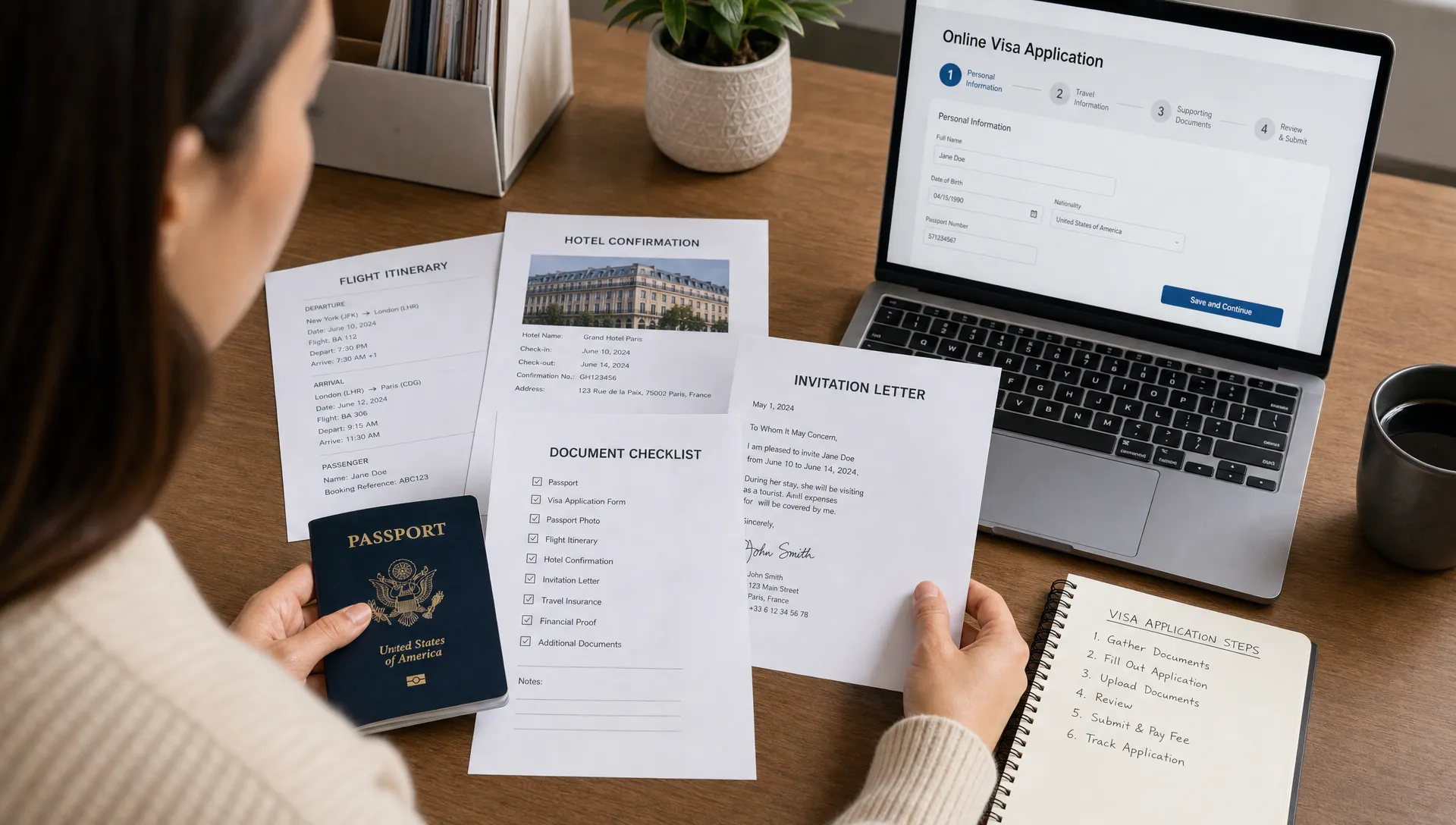
Document upload quality can make or break an application. A blurry passport scan, cropped invitation letter, or compressed image may look acceptable on your phone but become unreadable after upload.
For best results, use a scanner or a high-quality scanning app in good lighting. Capture the full page, including edges and machine-readable zones where relevant. Avoid shadows, glare, fingers in the frame, or angled photos. If you upload a PDF, open it after saving to confirm every page is visible and in the right order.
Do not upload password-protected files unless the portal explicitly allows them. Do not submit screenshots of emails if an official letter or booking confirmation is required. If a host or company provides a document, ask for a clean PDF on letterhead when possible.
This is also where broader travel administration matters. If your trip is tied to property, relocation, family obligations, or extended time away, keep supporting paperwork organized and current. For example, travelers who own rental property in Florida may use professional property management in Jacksonville and St. Augustine to keep leasing, rent collection, maintenance records, and reporting in order while they are abroad. The same principle applies to visa documents: use reliable records, not improvised paperwork.
Treat payment as part of the application, not an afterthought
Payment mistakes can be frustrating because they often happen at the end, after the applicant has already invested time in the form.
Before paying, confirm that the application details are final. If the portal charges a government fee or service fee, assume changes after payment may be limited. Visa fees are often non-refundable once an application is submitted or processed, depending on the rules of the issuing authority.
Use a card that can complete international or online transactions. Keep your phone nearby if your bank uses two-factor authentication. Do not refresh the payment page repeatedly, and do not submit multiple payments unless the portal clearly shows the first payment failed.
Save proof of payment, the application reference number, confirmation emails, and any downloadable receipt. If a payment appears to go through but the application does not update, wait before trying again and check your email, bank app, and portal account.
Review the application like an officer or airline agent would
Before submitting, stop thinking like the applicant and review the application like someone who has never met you. Does the application make sense from start to finish? Do the dates align? Does the purpose match the documents? Can the reviewer quickly understand where you will stay and why you are traveling?
A strong final review includes:
- Comparing every passport field against the passport bio page
- Checking that travel dates match flights, bookings, or invitation dates
- Confirming the visa category matches the main purpose of travel
- Opening each uploaded file to confirm it is readable
- Verifying email and phone details are current
- Saving a copy or screenshot of the final application summary, if available
If another person is helping you, have them review the passport number, birth date, and name fields independently. Fresh eyes catch errors the original applicant often misses.
After submission, monitor the portal and your email
Submitting the application is not the final step. You may receive status updates, requests for additional information, or a final approval notice. Check the email account used in the application, including spam and promotions folders. Also log back into the portal periodically if your travel date is approaching.
If the portal asks for additional information, respond carefully. Do not rush a second upload just because you are anxious. Read the request, prepare the exact document requested, and make sure the new file corrects the issue.
When you receive approval, review it immediately. Check the name, passport number, visa validity, allowed entries, duration of stay, and any conditions. Print a copy and save a digital version offline. Some travelers keep copies in email, cloud storage, and phone files, but the key is making sure you can access the document even if airport Wi-Fi is unreliable.
What travel businesses can do to reduce customer errors
For travel companies, visa mistakes create support tickets, refunds, rebooking pressure, and unhappy customers. Even when the traveler is responsible for the application, unclear guidance in the booking journey can increase the risk of mistakes.
A better process gives travelers the right information at the right time. That means surfacing visa requirements before checkout when possible, making the official application route clear, and warning customers about common errors such as passport mismatches, wrong purpose of travel, and poor document uploads.
SimpleVisa helps travel businesses streamline border-crossing administration through visa processing automation, API integration, white-label app options, custom data services, and no-code implementation paths. For teams that want to reduce customer confusion, it can be a practical way to guide travelers through requirements while creating a more reliable ancillary service.
If you want a general error-prevention framework beyond Pakistan, SimpleVisa’s article on common electronic visa mistakes is a useful companion to this Pakistan-focused checklist.
Frequently Asked Questions
Is evisa.nadra.gov.pk the official Pakistan eVisa website? evisa.nadra.gov.pk is the official-looking government domain travelers commonly use for Pakistan online visa applications. Always verify the full domain, HTTPS connection, and portal instructions before entering personal information or paying.
Can I correct a mistake after submitting my Pakistan eVisa application? It depends on the stage of the application and the type of mistake. Some updates may require a response to an official request, while serious errors may require a new application. Check the portal status and avoid submitting duplicate applications unless instructed.
What is the most common costly error on the NADRA eVisa portal? Passport detail mismatches are among the most serious. A wrong passport number, misspelled name, or incorrect date of birth can affect approval, boarding, or entry checks.
Should I book flights before applying on evisa.nadra.gov.pk? Some travelers need itinerary details for the application, but you should understand the visa requirements before making non-refundable bookings. If possible, use flexible travel arrangements until approval is received.
Can a travel agency complete the application for a customer? A travel agency may assist if it has the traveler’s consent and accurate documents, but the information must still be truthful and match the traveler’s passport and trip purpose. Agencies should avoid guessing answers or choosing categories for convenience.
Make visa guidance easier for your travelers
Using evisa.nadra.gov.pk without costly errors comes down to careful preparation, accurate data, clean documents, and a final review before payment and submission. For individual travelers, that means slowing down at the right moments. For travel businesses, it means building guidance into the journey before customers get stuck.
If your team wants to simplify visa administration for customers and reduce avoidable application errors, explore how SimpleVisa supports travel businesses with visa automation, integrations, white-label options, and guided application flows.